Texture packsBedrock
Orange pack OLD TOOLS Textures
Bedrock texture pack listed for Minecraft 1.2–1.19. File opened and checked on 29 Sep 2026; installs from the MC Bedrock Mods app on Android.
We understand that all our visitors want different packs with mobs, structures, and other new features, but unfortunately addon developers are not rushing…
⬇ Download
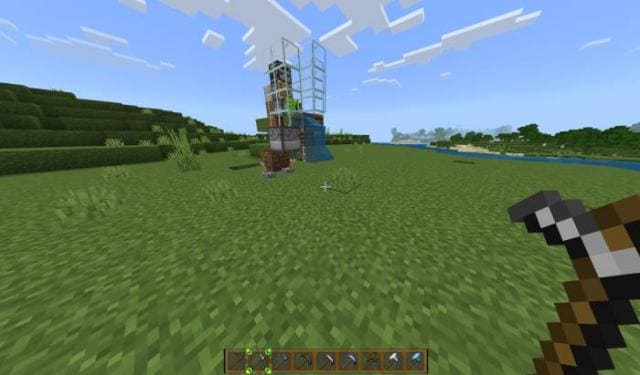
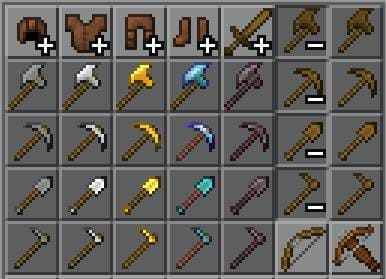

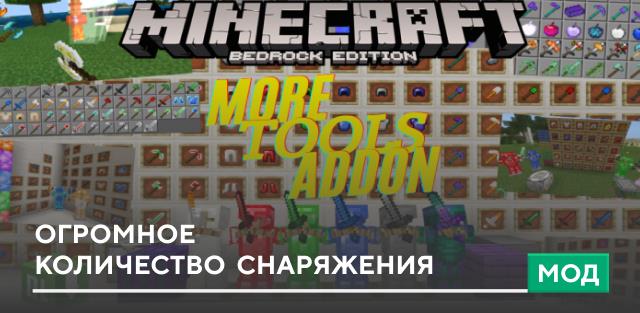
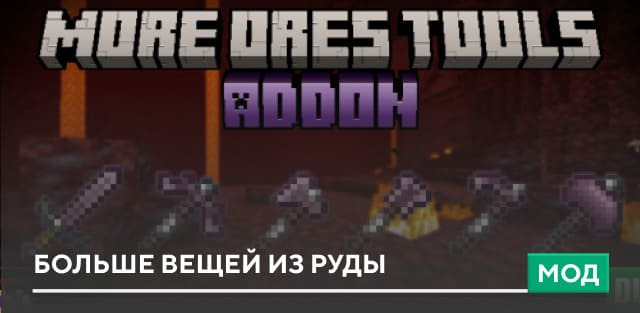
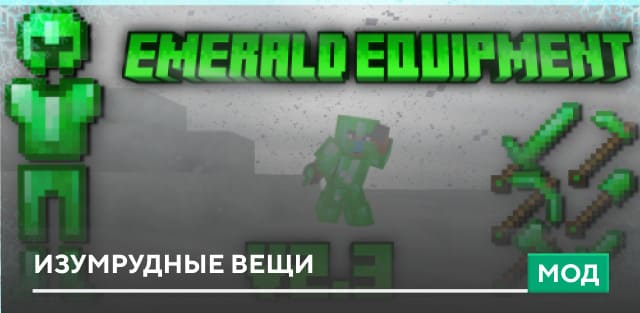
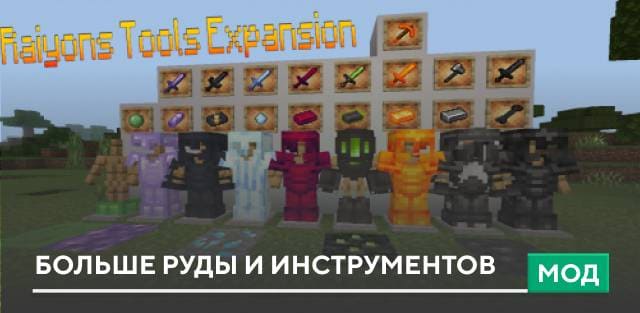
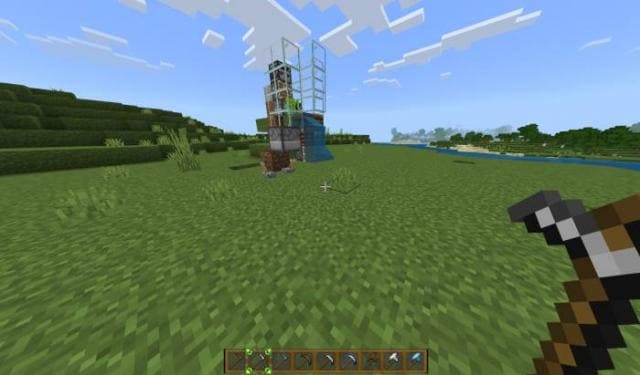
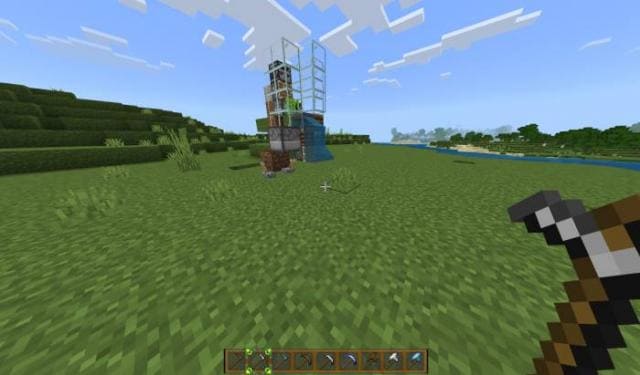
Мы понимаем, как все наши посетители хотят получить различных сборок с мобами, структурами и прочими новыми функциями, но, к сожалению, разработчики дополнений не торопятся в выпуском контента для Minecraft. Поэтому пока будем улучшать графику в игре, например, с помощью текстур Orange pack OLD TOOLS, которые меняют цвет инвентаря быстрого доступа на оранжевый, а инструменты получат старый дизайн.
Оранжевый стиль инвентаря быстрого доступа
 Измененный вид снаряжения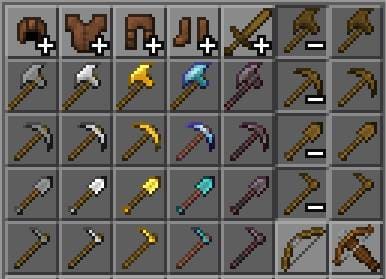
Оранжевый стиль инвентаря быстрого доступа
Quick facts
- Edition: Minecraft Bedrock
- File type: .mcpack
- Minecraft version listed: 1.19.70
- How to install: Download the .mcpack. → Open it — Minecraft imports it under Resource Packs. → Activate it in Global Resources, or for one world under Resource Packs → Available.
- Where to get it: In MCModsHub, or directly above on this page.
Install steps are the general flow for this file type — How to install Minecraft Bedrock texture packs walks through it step by step.
File checked by MCModsHub
- Save it as 186513.mcaddon before opening — it downloads as .mcpack, but it is a .mcaddon pack
- Manifest requires Minecraft 1.2.6 or newer
- Complete pack — everything it depends on is inside the file
- Download size: 311 KB
- Download link checked 6 Jul 2026 — working
- Mirrored on our own servers — the download does not depend on the original host
These come from our own check of the pack file, not from the source page.