Texture packsBedrock
Transparent HUD Textures
Bedrock texture pack listed for Minecraft 1.19–1.21. File opened and checked on 5 Oct 2026; installs from the MC Bedrock Mods app on Android.
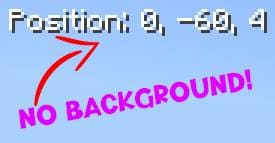
Transparent HUD textures remove the annoying black background from item names, coordinates, and chat in Minecraft. All these elements will have a…
⬇ Download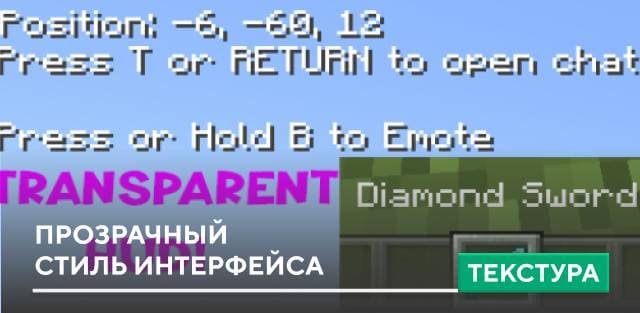
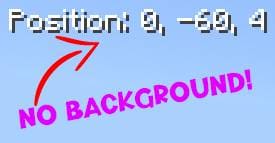
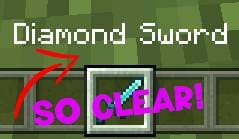

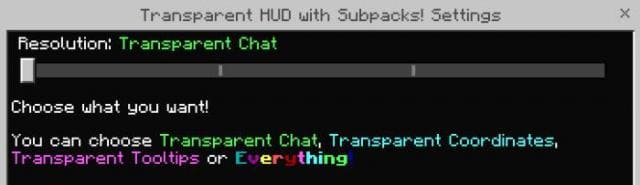
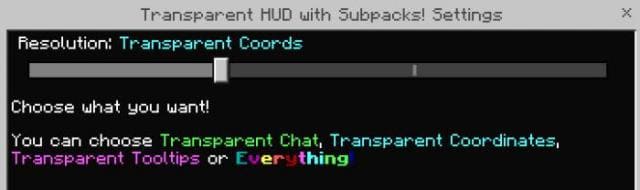
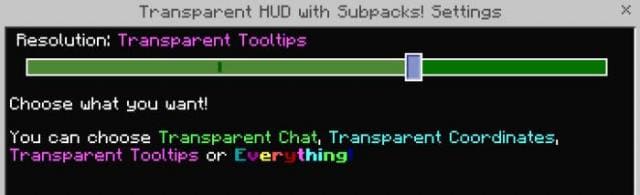
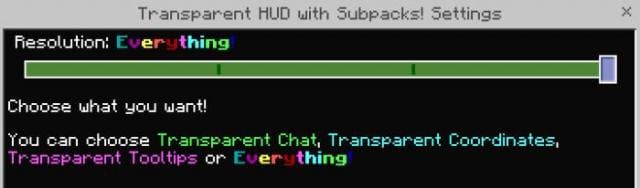
Текстуры Transparent HUD удаляют надоедающий черный фон с названий предметов, координат и чата в Minecraft. Все эти элементы будут иметь прозрачный фон, который смотрится в разы лучше того, что было раньше. Довольно простое дополнение с приятными и заметными изменениями игрового процесса.
КоординатыНазвание предметаПрозрачный чатНастройка «Прозрачный чат»Настройка «Прозрачные координаты»Настройка «Прозрачные подсказки»Настройка «Все прозрачное»
Координаты
Quick facts
- Edition: Minecraft Bedrock
- File type: .mcpack
- Minecraft versions listed: 1.19.70, 1.19, 1.21.50
- How to install: Download the .mcpack. → Open it — Minecraft imports it under Resource Packs. → Activate it in Global Resources, or for one world under Resource Packs → Available.
- Where to get it: In MCModsHub, or directly above on this page.
Install steps are the general flow for this file type — How to install Minecraft Bedrock texture packs walks through it step by step.
File checked by MCModsHub
- Save it as 186518.mcaddon before opening — it downloads as .mcpack, but it is a .mcaddon pack
- Manifest requires Minecraft 1.19.0 or newer
- Complete pack — everything it depends on is inside the file
- Download size: 48 KB
- Download link checked 6 Jul 2026 — working
- Mirrored on our own servers — the download does not depend on the original host
These come from our own check of the pack file, not from the source page.