Texture packsBedrock
Hide Control
Bedrock texture pack listed for Minecraft 1.17–1.19. File opened and checked on 29 Sep 2026; installs from the MC Bedrock Mods app on Android.
Many players have long been accustomed to not noticing control buttons in Minecraft. Those who are tired of this have been looking for ways to remove…
⬇ Download
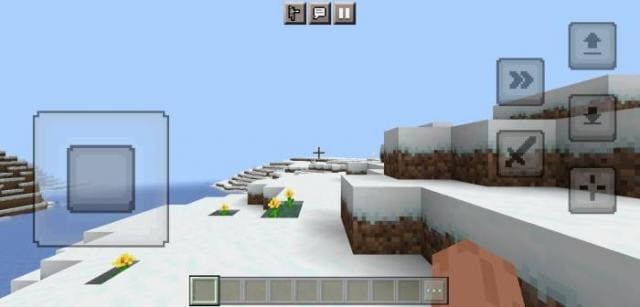
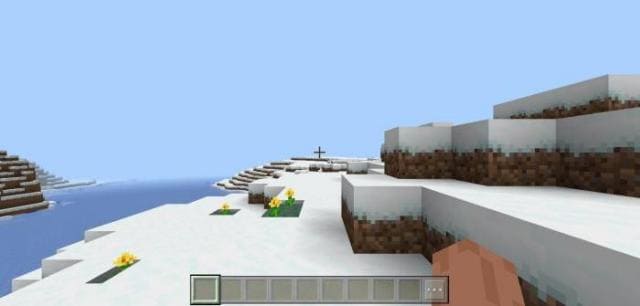

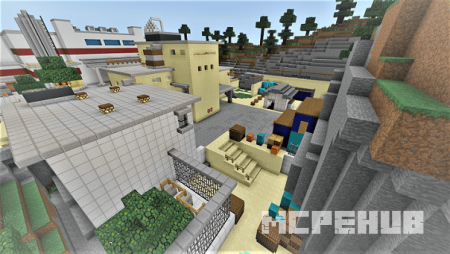


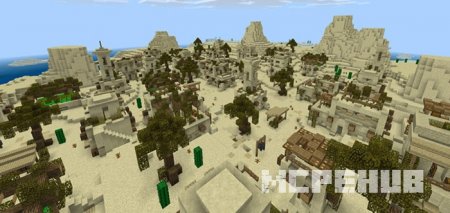
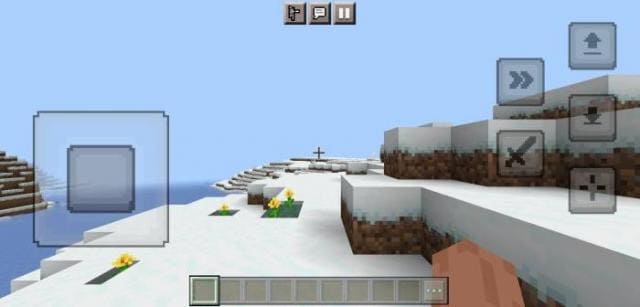
Многие игроки уже привыкли вовсе не замечать кнопок управления в Майнкрафт. А те, кому это надоело, уже давно ищут способы удаления ненужных кнопок. В этом помогут текстуры Hide Control: они уберут отображение всех кнопок управления на экране игры. Это простое дополнение, которое решает много проблем и сделает игровой процесс лучше.
До установки сборки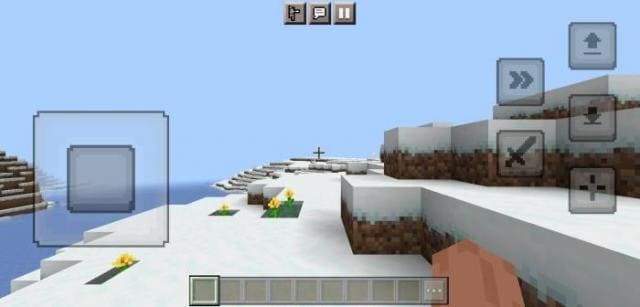 После установки сборки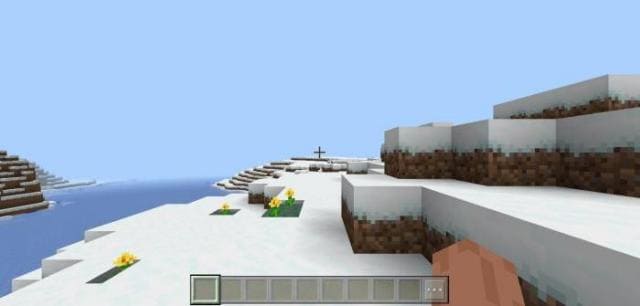
До установки сборки
Quick facts
- Edition: Minecraft Bedrock
- File type: .mcpack
- Minecraft versions listed: 1.19.70, 1.19.60, 1.19.50
- How to install: Download the .mcpack. → Open it — Minecraft imports it under Resource Packs. → Activate it in Global Resources, or for one world under Resource Packs → Available.
- Where to get it: In MCModsHub, or directly above on this page.
Install steps are the general flow for this file type — How to install Minecraft Bedrock texture packs walks through it step by step.
File checked by MCModsHub
- Save it as 186523.mcaddon before opening — it downloads as .mcpack, but it is a .mcaddon pack
- Manifest requires Minecraft 1.17.0 or newer
- Complete pack — everything it depends on is inside the file
- Download size: 206 KB
- Download link checked 6 Jul 2026 — working
- Mirrored on our own servers — the download does not depend on the original host
These come from our own check of the pack file, not from the source page.