Texture packsBedrock
Outline Blocks Overlay
Bedrock texture pack listed for Minecraft 1.19. File opened and checked on 29 Sep 2026; installs from the MC Bedrock Mods app on Android.
Have you ever thought that some blocks interfere with gameplay with their bright colors? Outline Blocks Overlay textures are designed to solve this…
⬇ Download
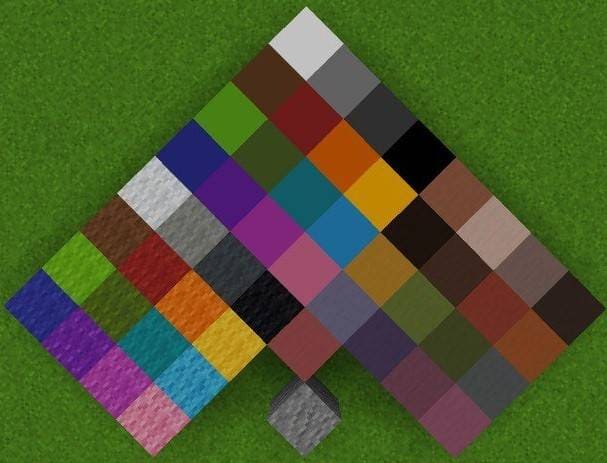
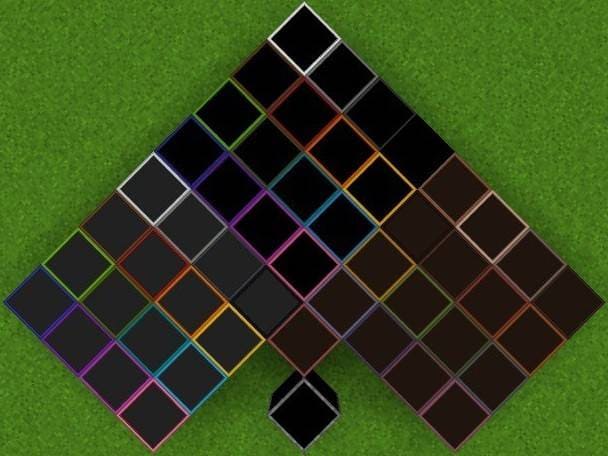

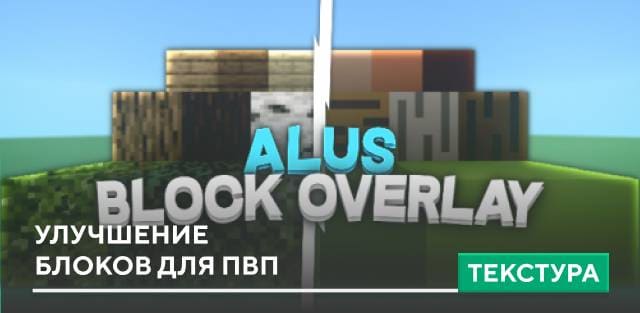
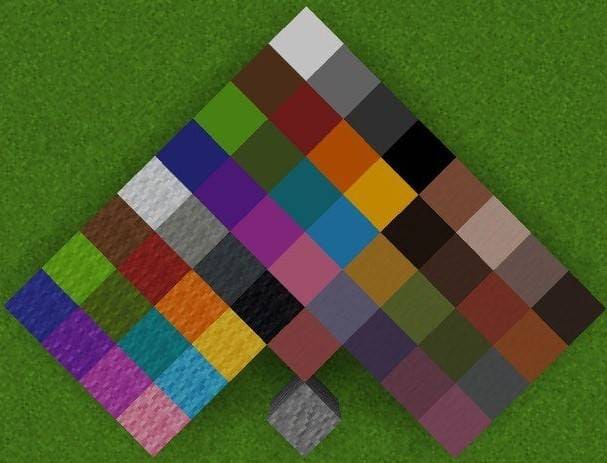
Ты когда-нибудь думал о том, что некоторые блоки мешают игровому процессу своим ярким окрасом. Текстуры Outline Blocks Overlay призваны решить это недоразумение: теперь блоки будут иметь цвет только по самым краям. Это особенно помогает тем, кто увлекается ПвП режимом, чтобы увеличить количество кадров в секунду и устранить ненужную яркость цветов.
Ниже представлен вид блоков до и после установки дополнения.
До установки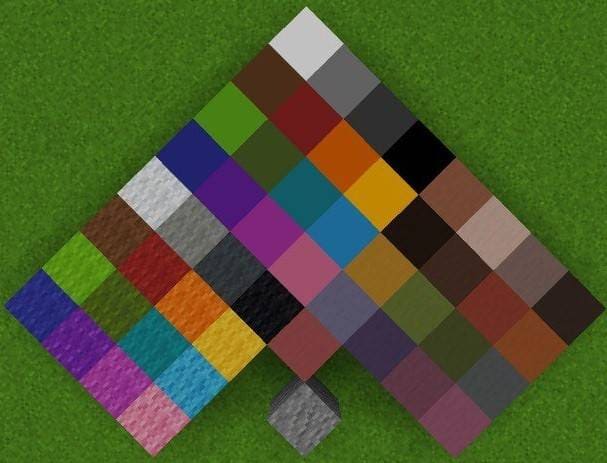 После установки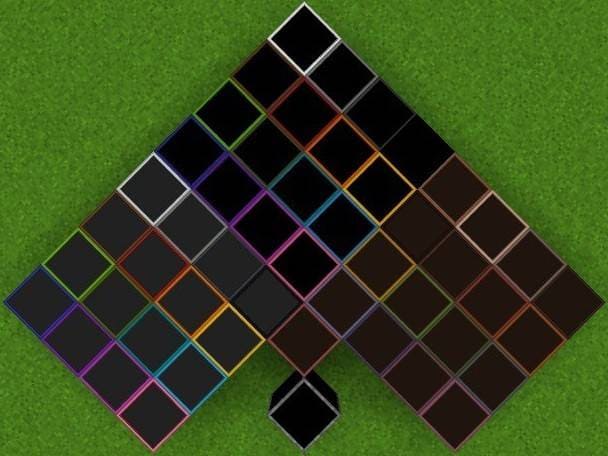
Ниже представлен вид блоков до и после установки дополнения.
До установки
Quick facts
- Edition: Minecraft Bedrock
- File type: .mcpack
- Minecraft versions listed: 1.19.60, 1.19.50, 1.19.40
- How to install: Download the .mcpack. → Open it — Minecraft imports it under Resource Packs. → Activate it in Global Resources, or for one world under Resource Packs → Available.
- Where to get it: In MCModsHub, or directly above on this page.
Install steps are the general flow for this file type — How to install Minecraft Bedrock texture packs walks through it step by step.
File checked by MCModsHub
- Pack type: .mcpack — a single pack
- Manifest requires Minecraft 1.19.0 or newer
- Complete pack — everything it depends on is inside the file
- Download size: 21 KB
- Download link checked 6 Jul 2026 — working
- Mirrored on our own servers — the download does not depend on the original host
These come from our own check of the pack file, not from the source page.