Texture packsBedrock
Meta Chrome PvP
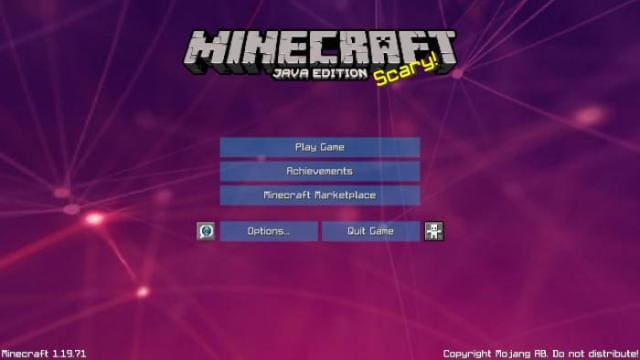
With Meta Chrome PvP textures, you can not only improve graphics and design in Minecraft, but also help yourself in PvP. The addon introduces useful…
⬇ Download
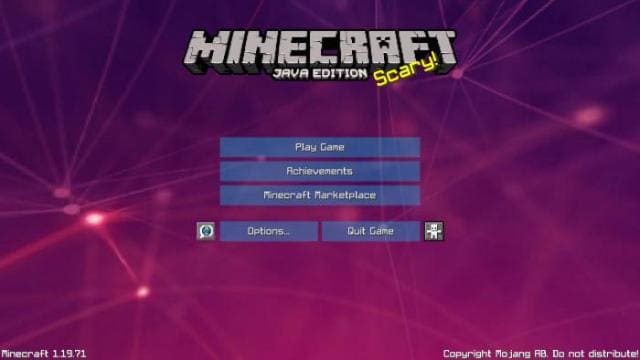
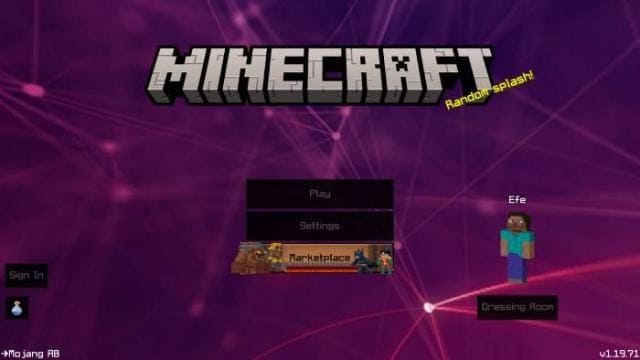
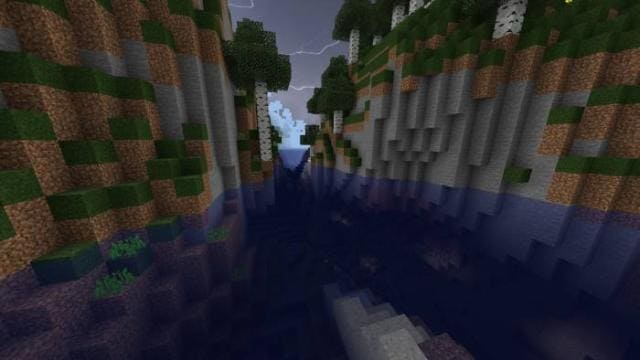
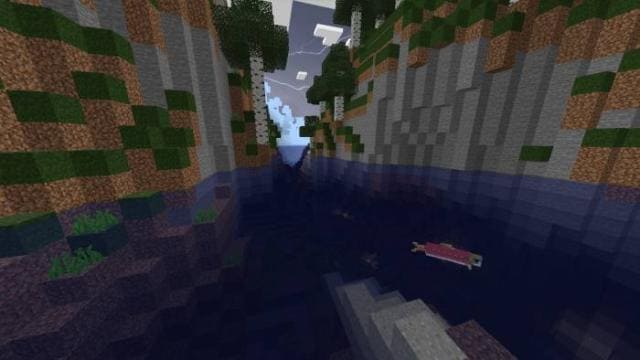
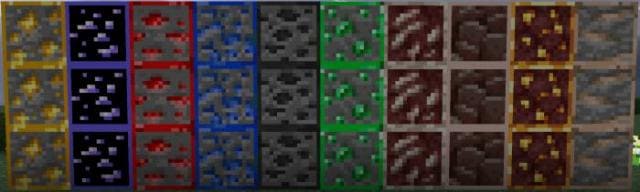

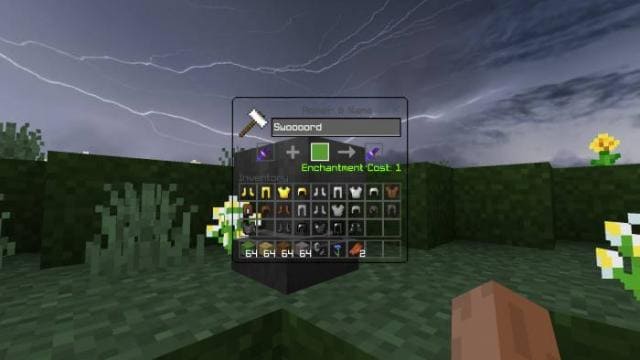
С помощью текстур Meta Chrome PvP можно не просто улучшить графику и дизайн в Майнкрафт, но и помочь себе в ПвП. Дополнение вводит полезные функции, которые позволяет упростить себе битвы с другими игроками: например, низкий огонь, прозрачный интерфейс и многое другое. Кроме этого, улучшат и другие возможности: например, поиск руды в пещерах станет проще из-за рамок руды.
Главное менюГрафика с включенными и выключенными настройкамиБлоки рудыНебоИнтерфейсы
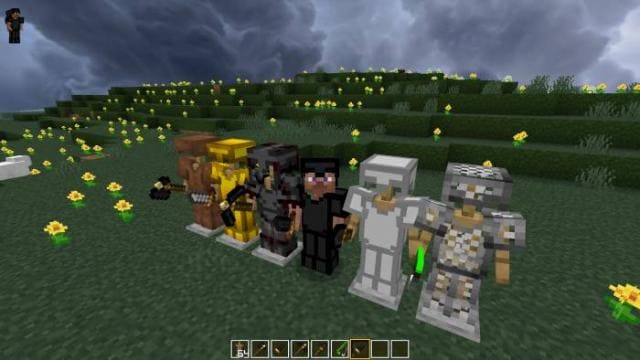
Индикатор заряда лука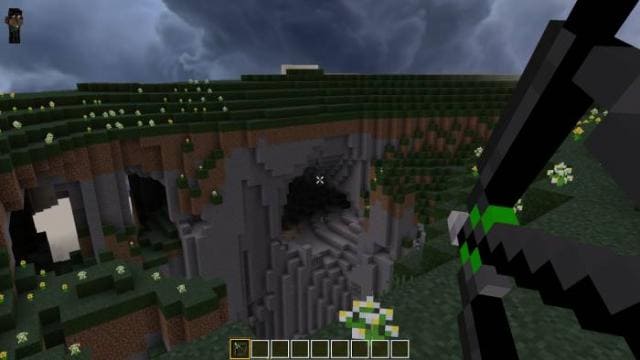 Стойки для брони
 Сферы опыта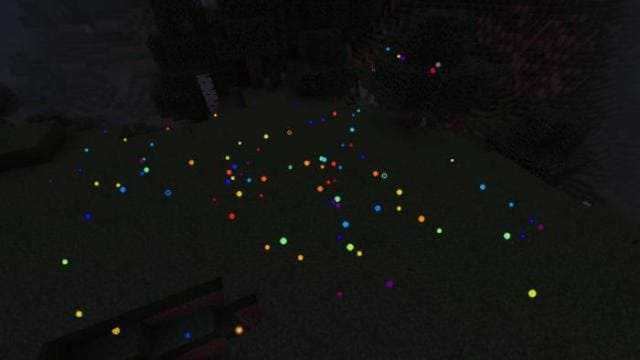
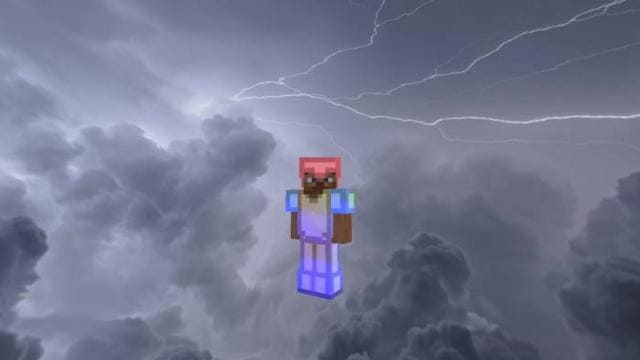
Главное меню
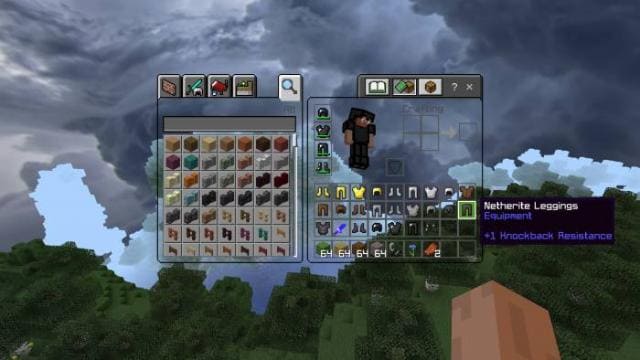
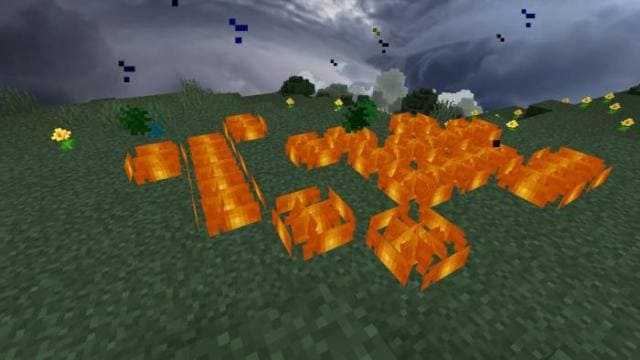
Индикатор заряда лука
Quick facts
- Edition: Minecraft Bedrock
- File type: .mcpack
- Minecraft version listed: 1.19.70
- How to install: Download the .mcpack. → Open it — Minecraft imports it under Resource Packs. → Activate it in Global Resources, or for one world under Resource Packs → Available.
- Where to get it: In MCModsHub, or directly above on this page.
Install steps are the general flow for this file type — How to install Minecraft Bedrock texture packs walks through it step by step.
Verified by MCModsHub
- Pack type: .mcpack — a single pack
- Manifest requires Minecraft 1.16.0 or newer
- Complete pack — everything it depends on is inside the file
- Download size: 12.8 MB
- Download link checked 6 Jul 2026 — working
- Mirrored on our own servers — the download does not depend on the original host
These come from our own check of the pack file, not from the source page.