Texture packsBedrock
Analog Clock Textures
Bedrock texture pack listed for Minecraft 1.16–1.19. File opened and checked on 29 Sep 2026; installs from the MC Bedrock Mods app on Android.
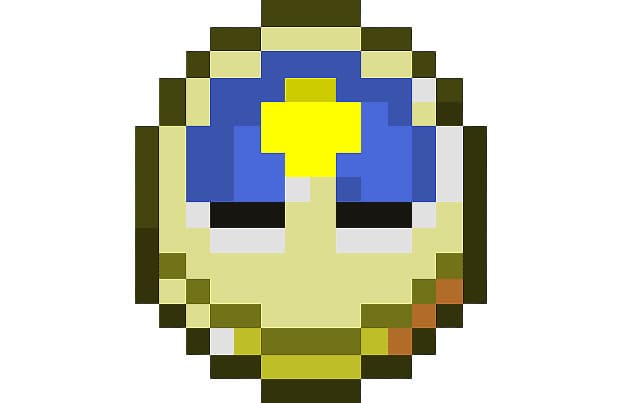
Clocks in Minecraft show the time of day, not what we are used to seeing on our watches. Therefore, you can use Analog Clock textures to give the clocks…
⬇ Download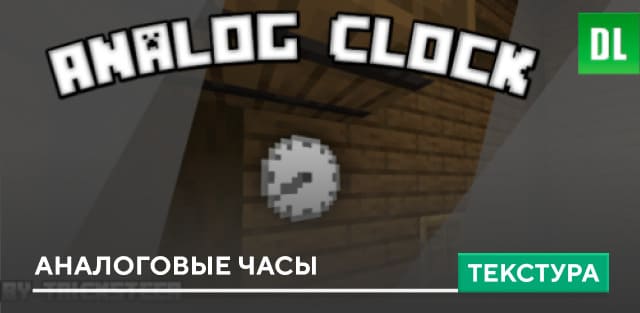
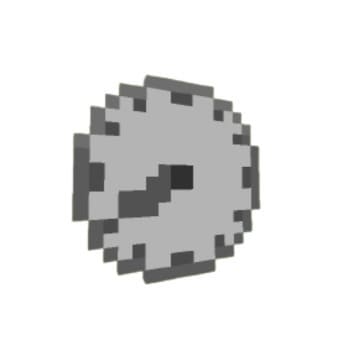
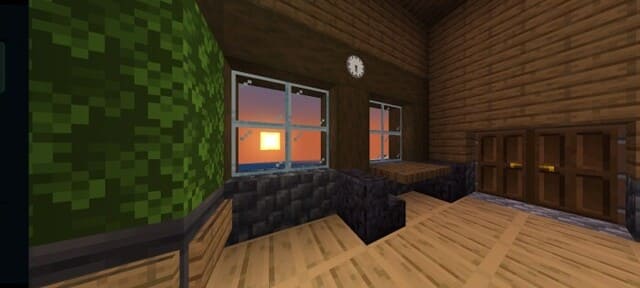
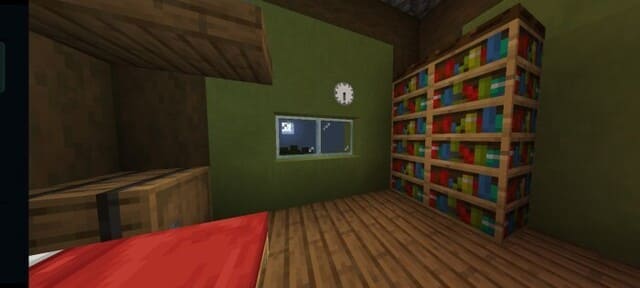
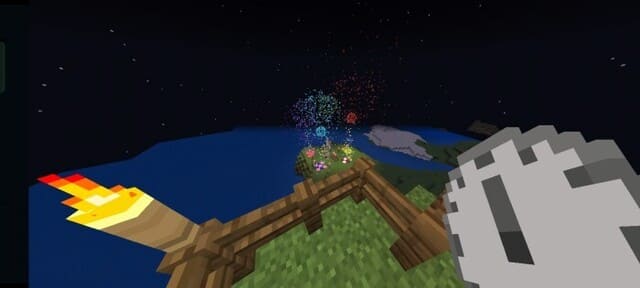

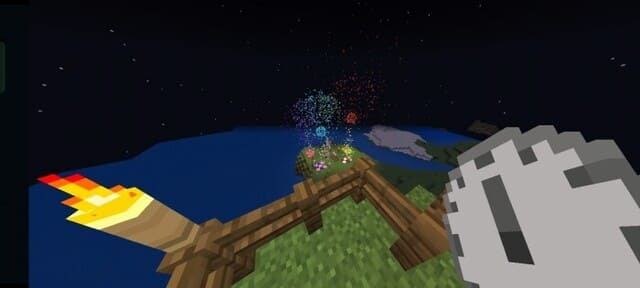
Часы в Minecraft показывают время суток, а не то, что мы привыкли видеть на своих часах. Поэтому можно использовать текстуры Analog Clock, чтобы придать часам аналоговый вид с соответствующим циферблатом. Такой дизайн будет хорошо смотреть в любой интерьере.
Согласись, что старый вид часов уже порядком поднадоел.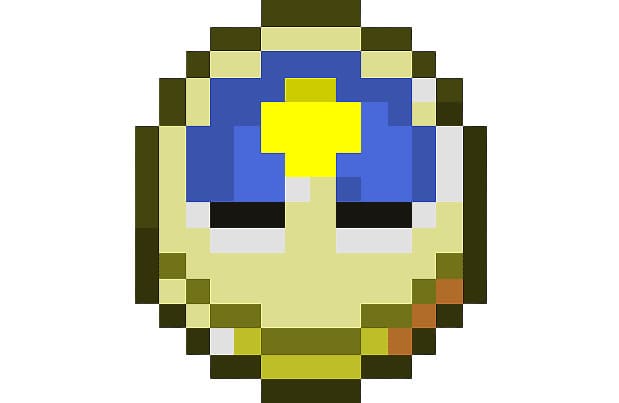 Вместо этого используй новый стиль.
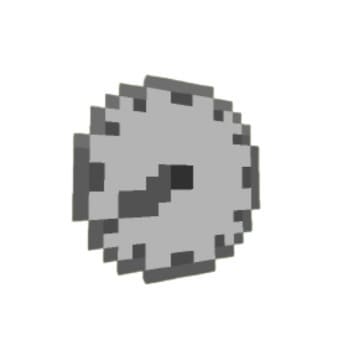 Просто посмотри на то, как красиво смотрятся часы в игре.
Согласись, что старый вид часов уже порядком поднадоел.
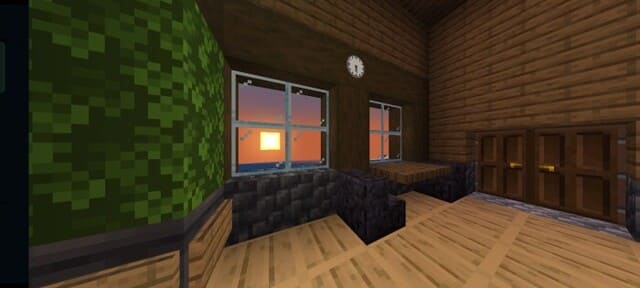
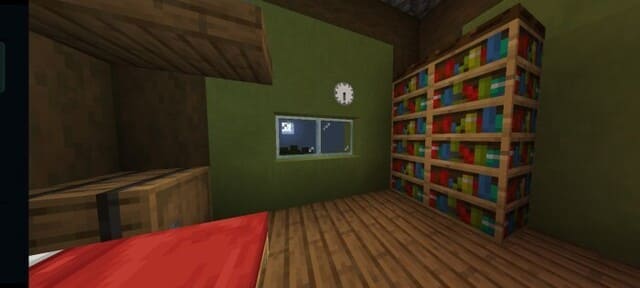
Quick facts
- Edition: Minecraft Bedrock
- File type: .mcpack
- Minecraft versions listed: 1.19.60, 1.19, 1.18.30
- How to install: Download the .mcpack. → Open it — Minecraft imports it under Resource Packs. → Activate it in Global Resources, or for one world under Resource Packs → Available.
- Where to get it: In MCModsHub, or directly above on this page.
Install steps are the general flow for this file type — How to install Minecraft Bedrock texture packs walks through it step by step.
File checked by MCModsHub
- Pack type: .mcpack — a single pack
- Complete pack — everything it depends on is inside the file
- Download size: 3 KB
- Download link checked 6 Jul 2026 — working
- Mirrored on our own servers — the download does not depend on the original host
These come from our own check of the pack file, not from the source page.