Texture packsBedrock
Structure Block Import and Export Button Textures
Bedrock texture pack listed for Minecraft 1.19. File opened and checked on 22 Sep 2026; installs from the MC Bedrock Mods app on Android.
Most visitors to our site play Minecraft on smartphones and other portable devices. Therefore, few know that in the computer version of the game, Import…
⬇ Download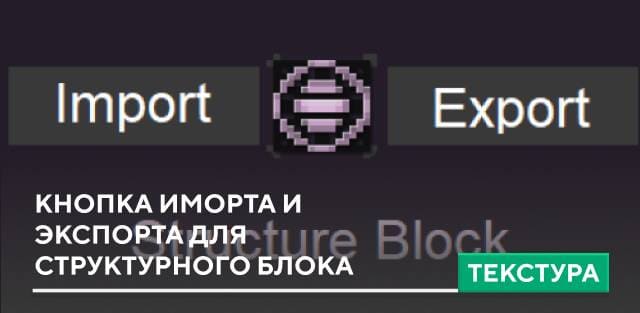
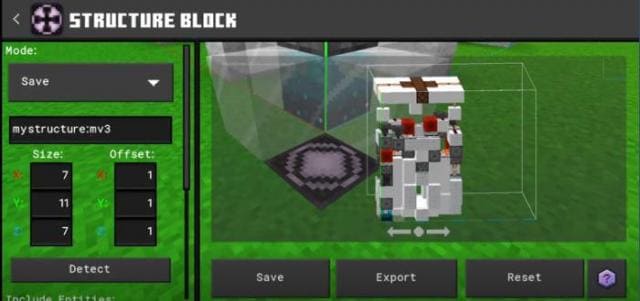
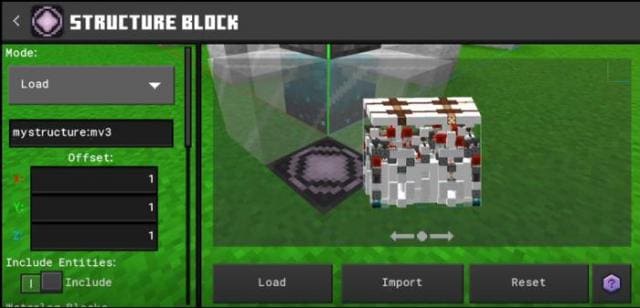



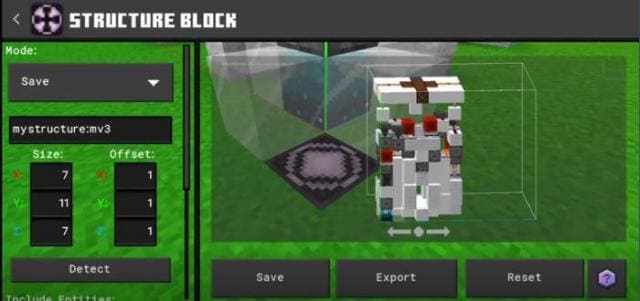
Большинство посетителей нашего сайта играют в Майнкрафт на смартфонах и прочих карманных устройствах. Поэтому немногие знают, что в компьютерной версии игры для Структурного блока доступны кнопки Импорта и Экспорта. Теперь аналогичные функции появятся и в карманной версии с текстурами Structure Block Import and Export Button.
Ниже представлено то, как будут выглядеть кнопки после установки сборки.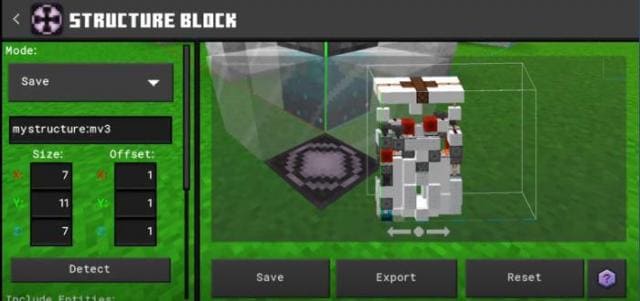 Теперь ты сможешь сохранить нужные конструкции в своих файлах игры и добавлять их в другие миры.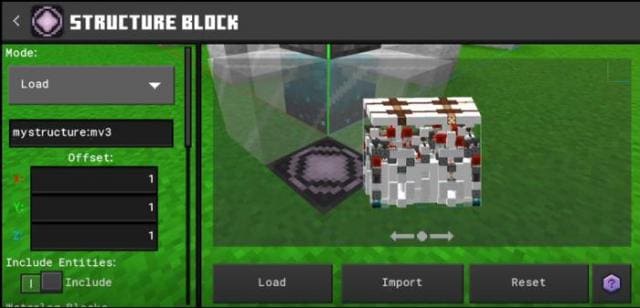
Ниже представлено то, как будут выглядеть кнопки после установки сборки.
Quick facts
- Edition: Minecraft Bedrock
- File type: .mcpack
- Minecraft versions listed: 1.19.60, 1.19.50, 1.19.40
- How to install: Download the .mcpack. → Open it — Minecraft imports it under Resource Packs. → Activate it in Global Resources, or for one world under Resource Packs → Available.
- Where to get it: In MCModsHub, or directly above on this page.
Install steps are the general flow for this file type — How to install Minecraft Bedrock texture packs walks through it step by step.
File checked by MCModsHub
- Pack type: .mcpack — a single pack
- Manifest requires Minecraft 1.19.60 or newer
- Complete pack — everything it depends on is inside the file
- Download size: 3 KB
- Download link checked 6 Jul 2026 — working
- Mirrored on our own servers — the download does not depend on the original host
These come from our own check of the pack file, not from the source page.