Texture packsBedrock
Vanilla RTX 2022 Winter Edition Textures
Bedrock texture pack listed for Minecraft 1.16–1.19. File opened and checked on 29 Sep 2026; installs from the MC Bedrock Mods app on Android.
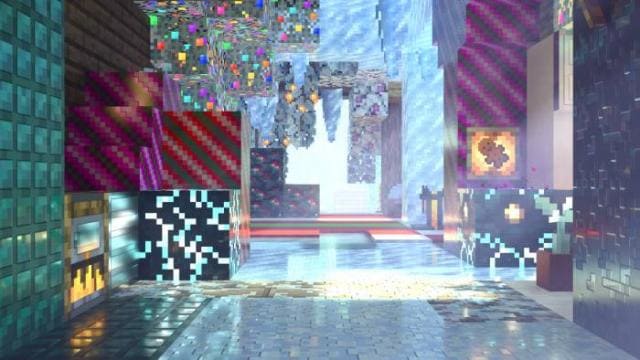
Enjoy a world covered in snow and ice in RTX ray tracing mode. Remember that Vanilla RTX 2022 Winter Edition Textures, unfortunately, do not work on…
⬇ Download
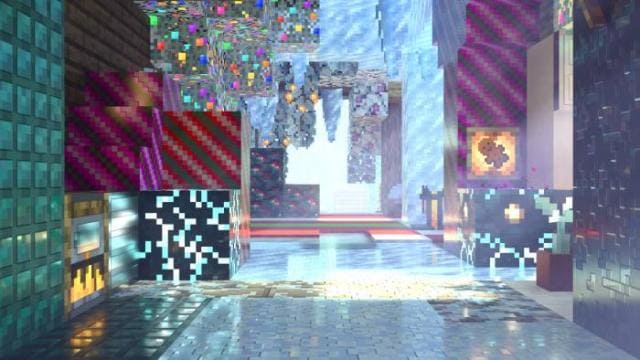
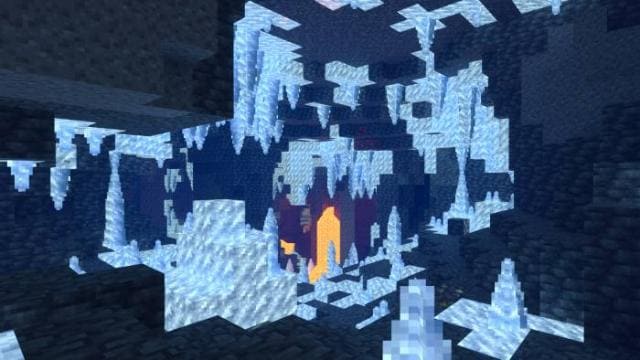
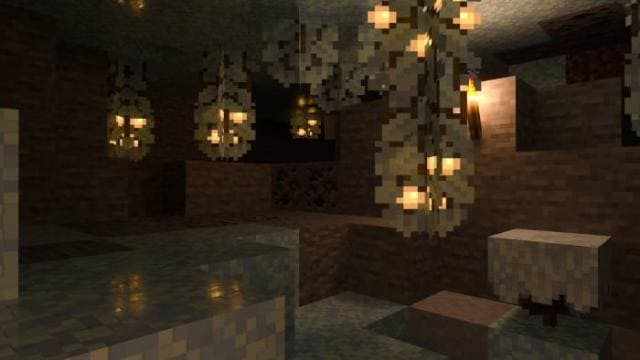
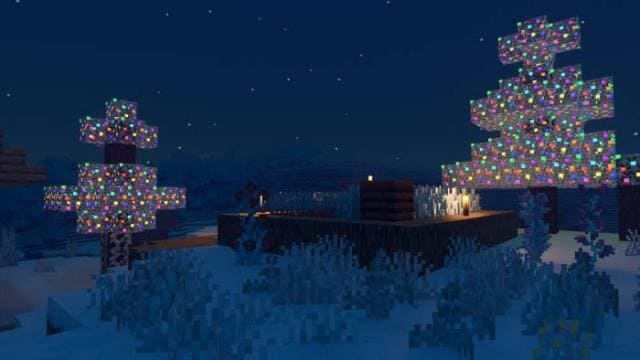
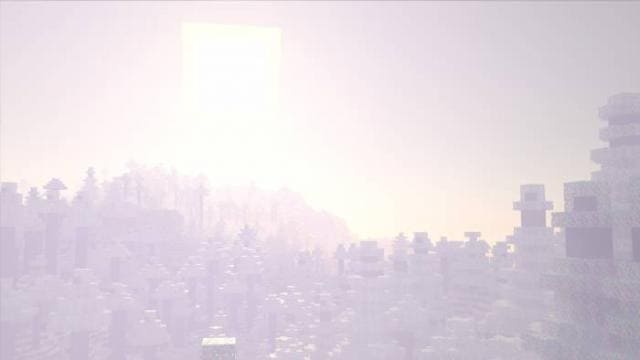
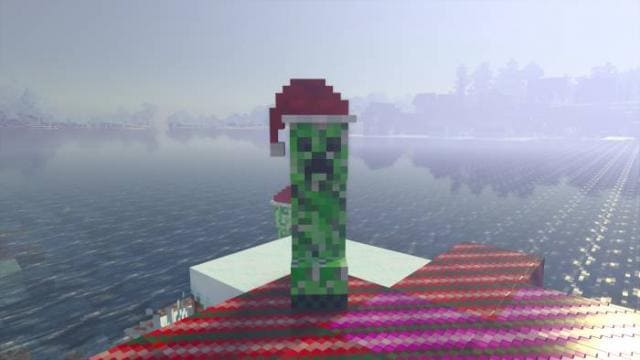
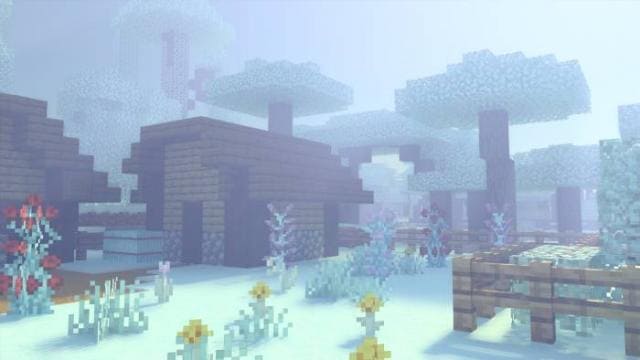
Наслаждайся миром, покрытым снегом и льдом в режиме трассировки лучей RTX. Помни, что текстуры Vanilla RTX 2022 Winter Edition, к сожалению, не работают на смартфонах, а только на компьютерах с подключенным RTX. Дополнение предполагает холодный, зимний стиль, который покроет всю вселенную Minecraft.
Функции
Функции
- Улучшение листьев, травы и растений
- Зимняя атмосфера по всему миру
- Декорированные деревья
- Изменение блоков
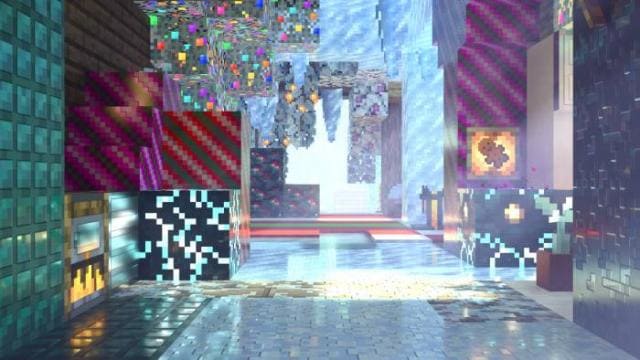
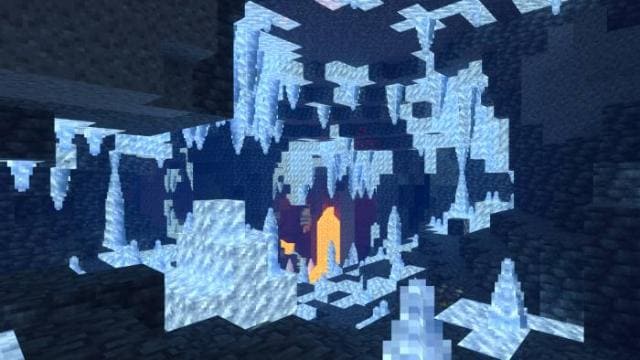
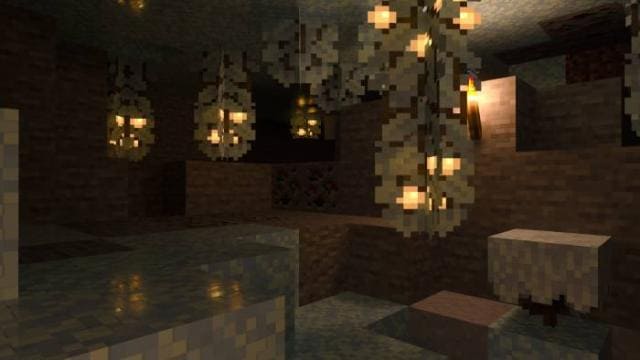
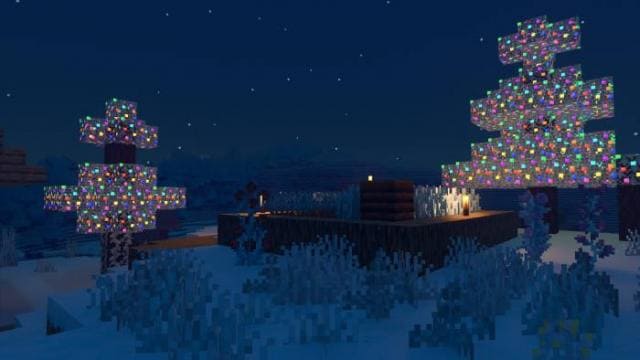
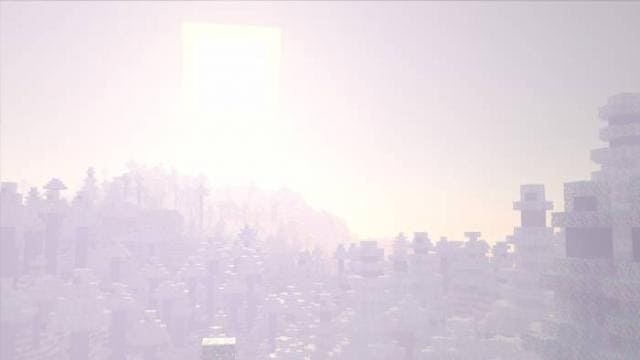
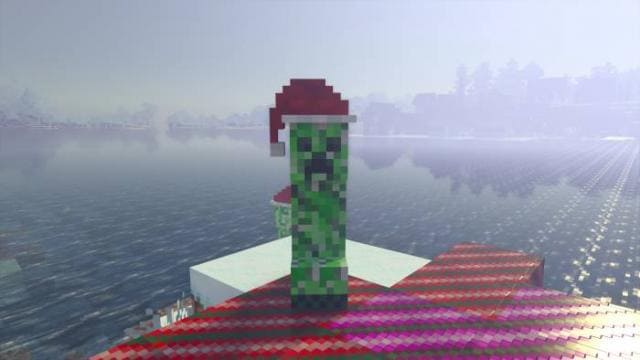
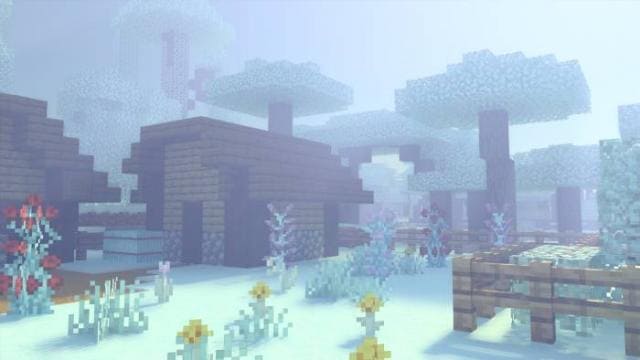
Дополнение не работает на смартфонах
Quick facts
- Edition: Minecraft Bedrock
- File type: .mcpack
- Minecraft versions listed: 1.19.40, 1.19.30, 1.19.20
- How to install: Download the .mcpack. → Open it — Minecraft imports it under Resource Packs. → Activate it in Global Resources, or for one world under Resource Packs → Available.
- Where to get it: In MCModsHub, or directly above on this page.
Install steps are the general flow for this file type — How to install Minecraft Bedrock texture packs walks through it step by step.
File checked by MCModsHub
- Pack type: .mcpack — a single pack
- Manifest requires Minecraft 1.16.0 or newer
- Complete pack — everything it depends on is inside the file
- Download size: 2.9 MB
- Download link checked 6 Jul 2026 — working
- Mirrored on our own servers — the download does not depend on the original host
These come from our own check of the pack file, not from the source page.