Texture packsBedrock
XXVI's Sculk Netherite Textures
Bedrock texture pack listed for Minecraft 1.16–1.19. File opened and checked on 29 Sep 2026; installs from the MC Bedrock Mods app on Android.
Netherite items look quite beautiful since black always looks cool and stylish. But Minecraft players find even this insufficient and want to combine…
⬇ Download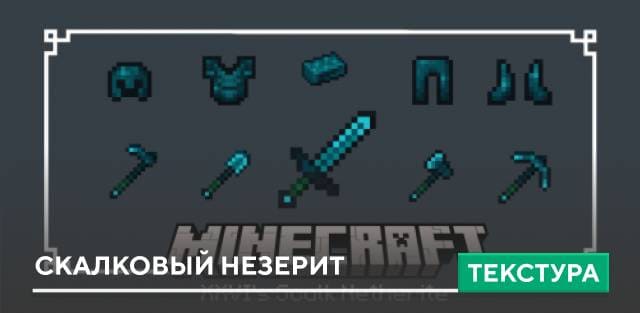
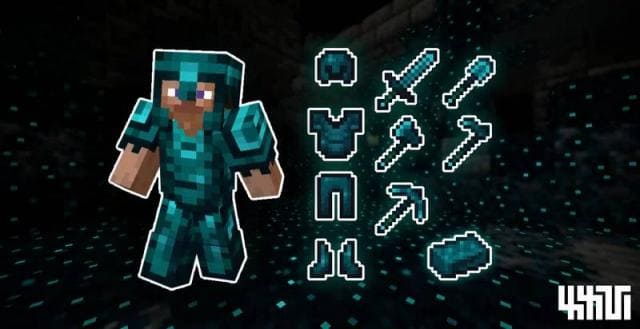

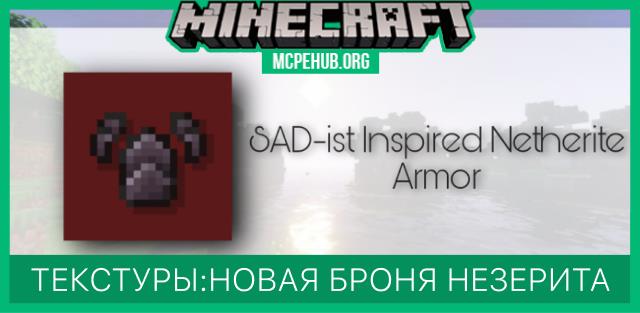
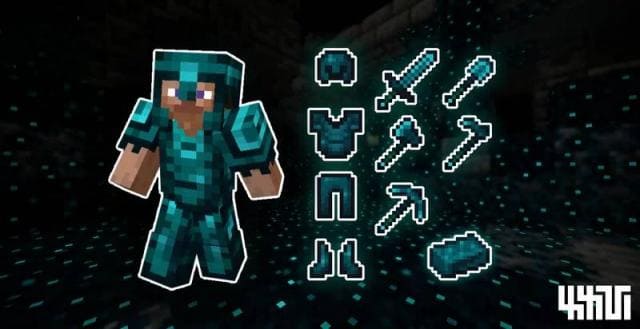
Вещи из незерита выглядят довольно красиво, поскольку черный цвет всегда смотрится круто и стильно. Но игрокам в Майнкрафт даже этого недостаточно и они хотят совмещать одни вещи с другими для наилучших показателей. Таким образом, текстуры XXVI's Sculk Netherite совместили Незерит и Скалк. В результате мы получили те же незеритовые вещи, но в уникальном, голубом оттенке.
Броня, инструменты и оружие из незерита будут выглядеть в разы лучше: убедись сам на скриншоте ниже.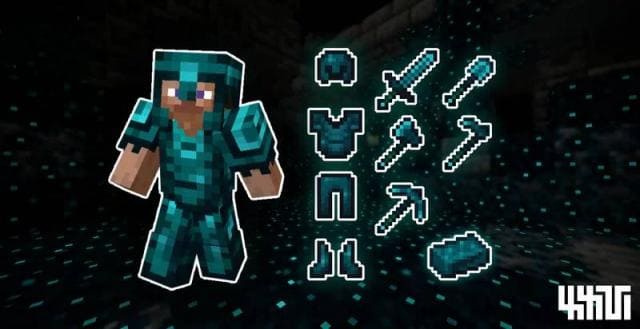
Броня, инструменты и оружие из незерита будут выглядеть в разы лучше: убедись сам на скриншоте ниже.
Quick facts
- Edition: Minecraft Bedrock
- File type: .mcpack
- Minecraft versions listed: 1.19.40, 1.19.30, 1.19.20
- How to install: Download the .mcpack. → Open it — Minecraft imports it under Resource Packs. → Activate it in Global Resources, or for one world under Resource Packs → Available.
- Where to get it: In MCModsHub, or directly above on this page.
Install steps are the general flow for this file type — How to install Minecraft Bedrock texture packs walks through it step by step.
File checked by MCModsHub
- Pack type: .mcpack — a single pack
- Manifest requires Minecraft 1.16.0 or newer
- Complete pack — everything it depends on is inside the file
- Download size: 24 KB
- Download link checked 6 Jul 2026 — working
- Mirrored on our own servers — the download does not depend on the original host
These come from our own check of the pack file, not from the source page.