Texture packsBedrock
Underwater Textures
Bedrock texture pack listed for Minecraft 1.18–1.19. File opened and checked on 6 Oct 2026; installs from the MC Bedrock Mods app on Android.
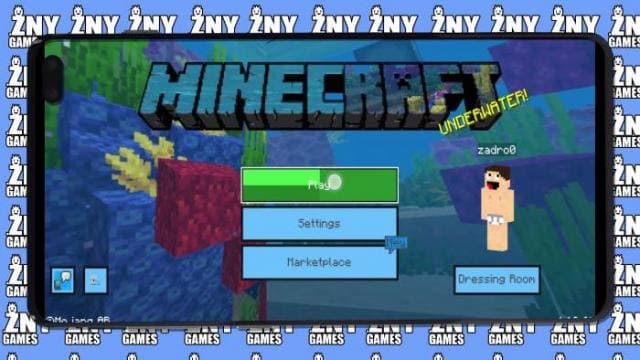
A new menu and interface design is presented by Underwater textures. The author called his own development "Underwater" because blue and cyan shades are…
⬇ Download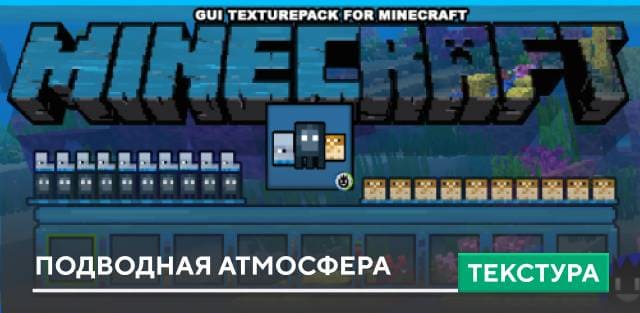
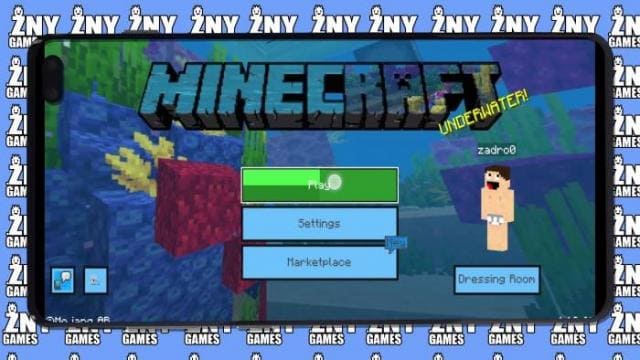
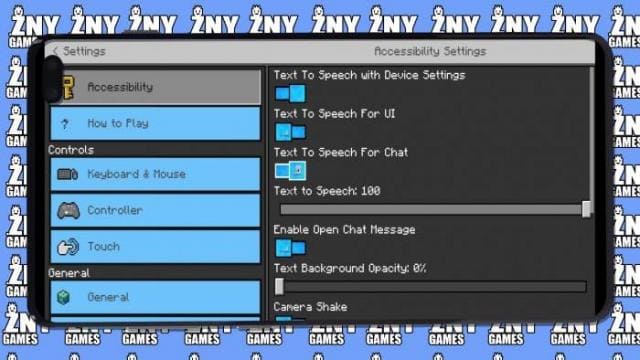
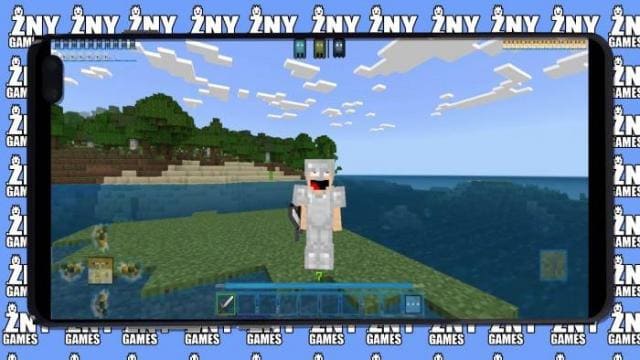
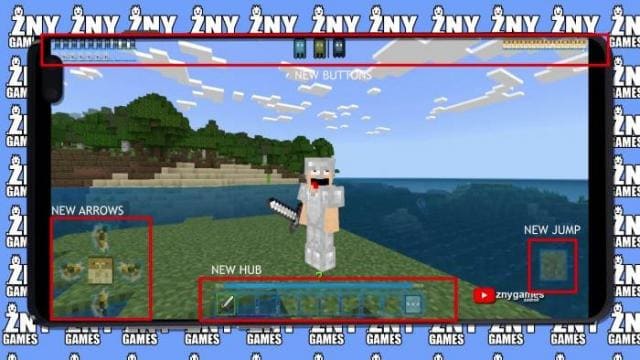
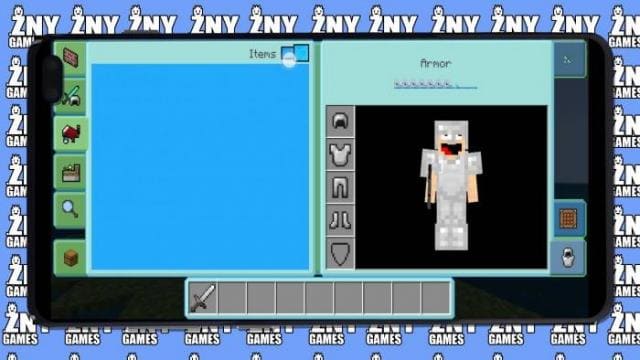

Новый дизайн меню и интерфейса представляют текстуры Underwater. Автор назвал собственную разработку «Подводной», поскольку для создания атмосферы используются голубые и синие оттенки. Изменениям подвергнутся все виды меню, инвентарей и прочие элементы игрового процесса в Minecraft.
ПревьюГлавное меню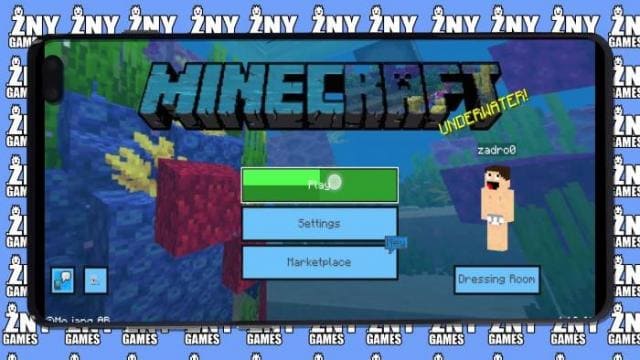 Настройки
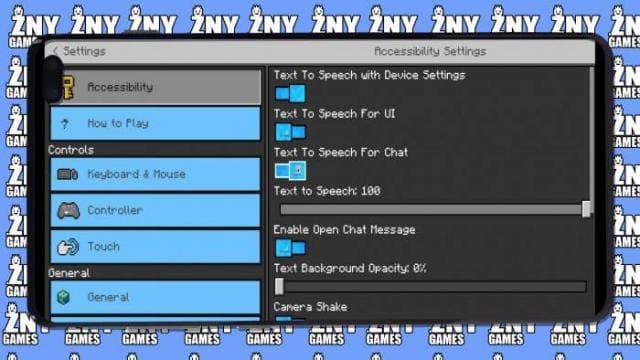 Интерфейс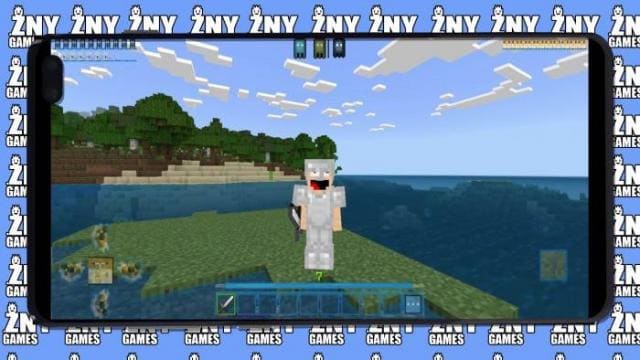
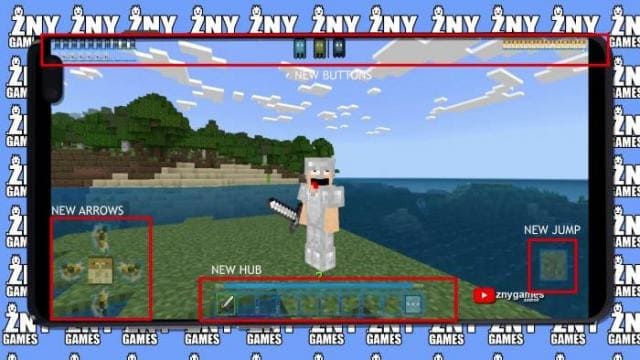 Инвентарь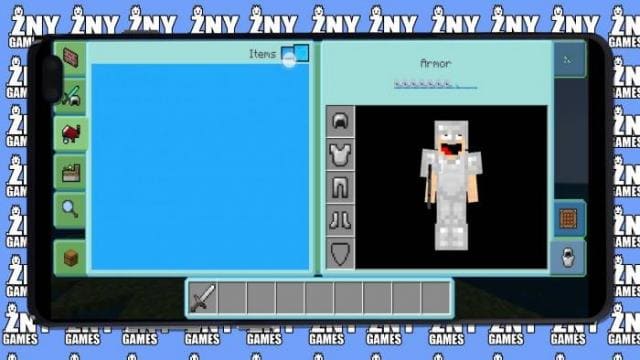
ПревьюГлавное меню
Quick facts
- Edition: Minecraft Bedrock
- File type: .mcpack
- Minecraft versions listed: 1.19.40, 1.19.30, 1.19.20
- How to install: Download the .mcpack. → Open it — Minecraft imports it under Resource Packs. → Activate it in Global Resources, or for one world under Resource Packs → Available.
- Where to get it: In MCModsHub, or directly above on this page.
Install steps are the general flow for this file type — How to install Minecraft Bedrock texture packs walks through it step by step.
File checked by MCModsHub
- Pack type: .mcpack — a single pack
- Manifest requires Minecraft 1.18.0 or newer
- Complete pack — everything it depends on is inside the file
- Download size: 991 KB
- Download link checked 6 Jul 2026 — working
- Mirrored on our own servers — the download does not depend on the original host
These come from our own check of the pack file, not from the source page.