Texture packsBedrock
FaithClient Textures
Bedrock texture pack listed for Minecraft 1.16–1.19. File opened and checked on 26 Sep 2026; installs from the MC Bedrock Mods app on Android.
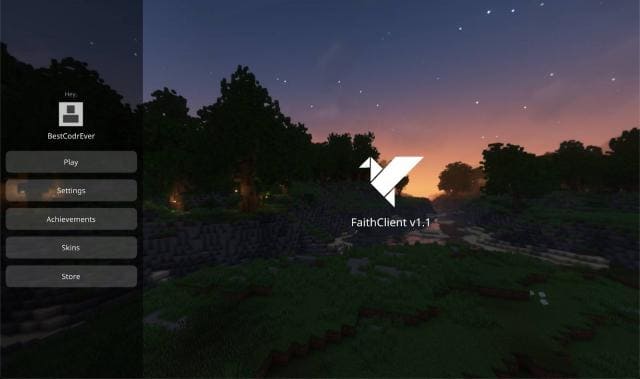
Why not bring a more modern design to Minecraft PE? Menus, interface, and other screens could be significantly updated so they look like they were…
⬇ Download
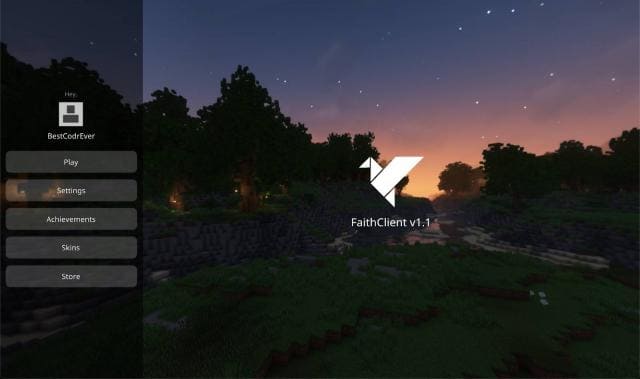
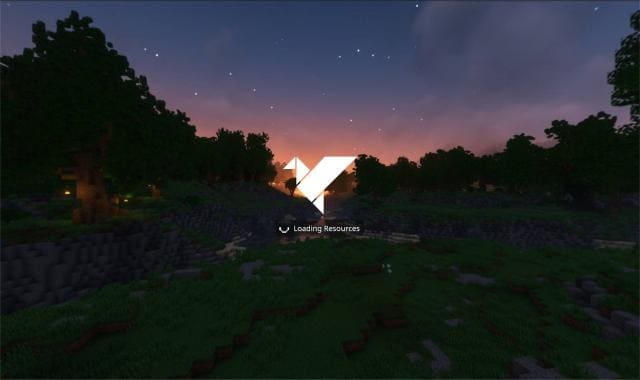
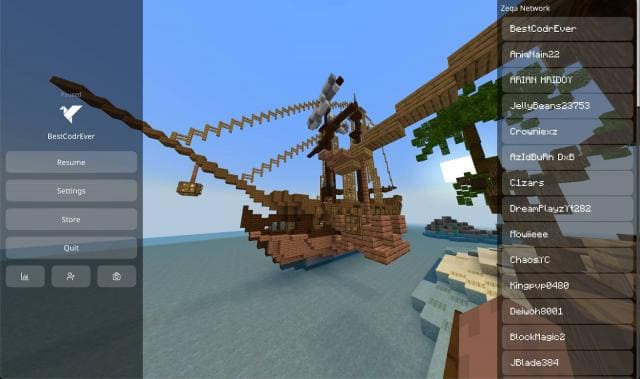

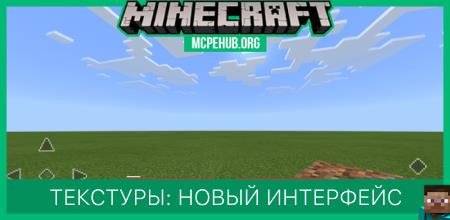
Почему бы в Майнкрафт ПЕ не привнести более современный дизайн? Меню, интерфейс и прочие экраны можно было бы значительно обновить, чтобы они выглядели так, будто разрабатывались хотя бы в 21 веке. Именно так подумал автор текстуры FaithClient и создал крутую сборку, которая придаст минималистичный, строгий и современный внешний вид игре.
ПревьюПросто посмотри на новый взгляд на меню и прочие элементы.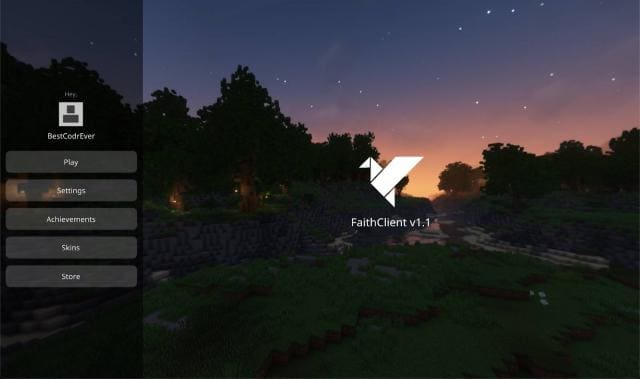 Функции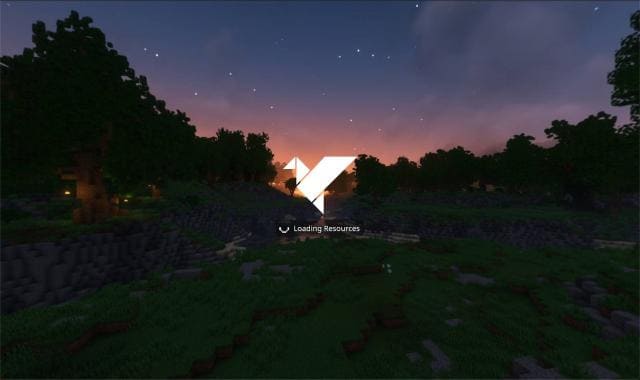
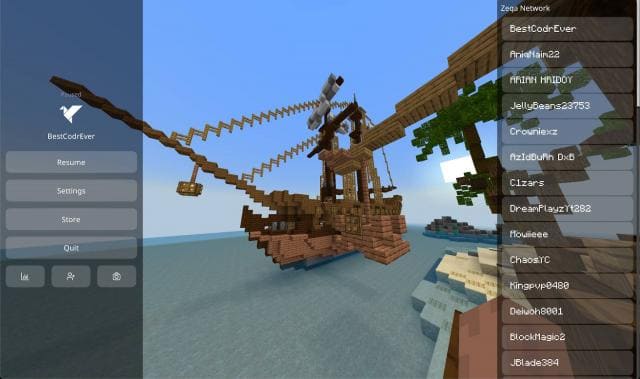
ПревьюПросто посмотри на новый взгляд на меню и прочие элементы.
- Низкий огонь
- Рамки руды
- Полупрозрачная вода
- Удалили облака, частицы, погоду
- Быстрый чат
- Нет затемнения тыквы
- Изменили анимацию разрушения
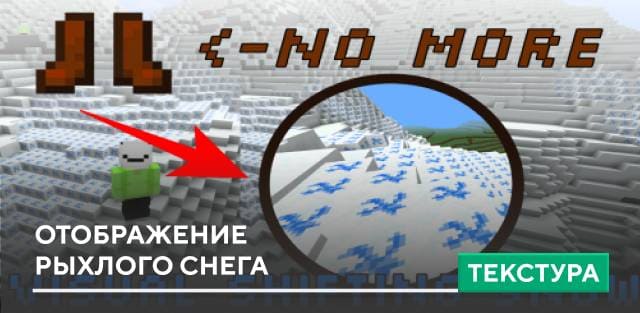
- Видимость рыхлого снега
Quick facts
- Edition: Minecraft Bedrock
- File type: .mcpack
- Minecraft versions listed: 1.19.40, 1.19.30, 1.19.20
- How to install: Download the .mcpack. → Open it — Minecraft imports it under Resource Packs. → Activate it in Global Resources, or for one world under Resource Packs → Available.
- Where to get it: In MCModsHub, or directly above on this page.
Install steps are the general flow for this file type — How to install Minecraft Bedrock texture packs walks through it step by step.
File checked by MCModsHub
- Pack type: .mcpack — a single pack
- Manifest requires Minecraft 1.16.0 or newer
- Complete pack — everything it depends on is inside the file
- Download size: 15.3 MB
- Download link checked 6 Jul 2026 — working
- Mirrored on our own servers — the download does not depend on the original host
These come from our own check of the pack file, not from the source page.