Texture packsBedrock
Modern Halloween Textures
Bedrock texture pack listed for Minecraft 1.18–1.19. File opened and checked on 30 Sep 2026; installs from the MC Bedrock Mods app on Android.
Another way to get closer to celebrating Halloween in Minecraft is with Modern Halloween textures. The author has tried to give a festive atmosphere to…
⬇ Download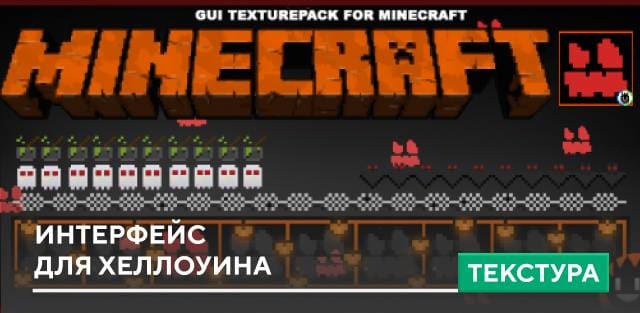
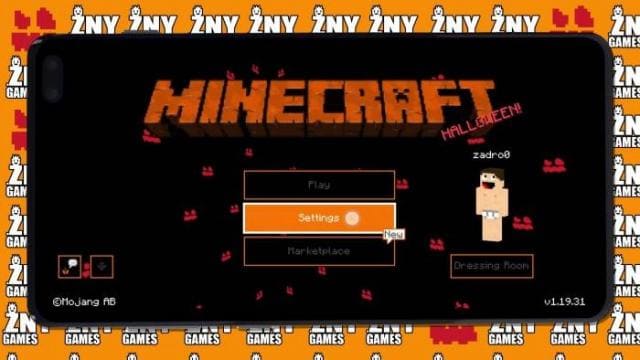
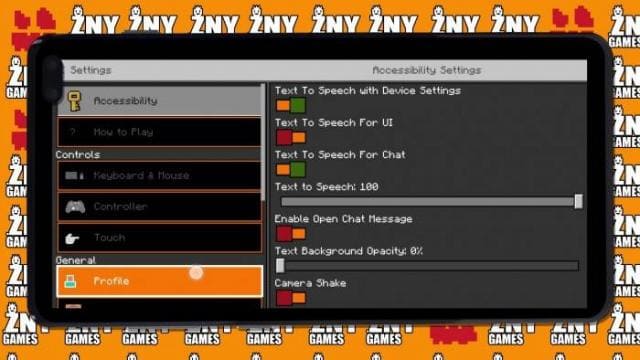
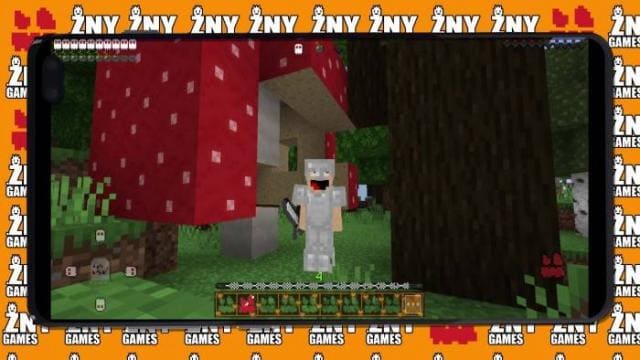
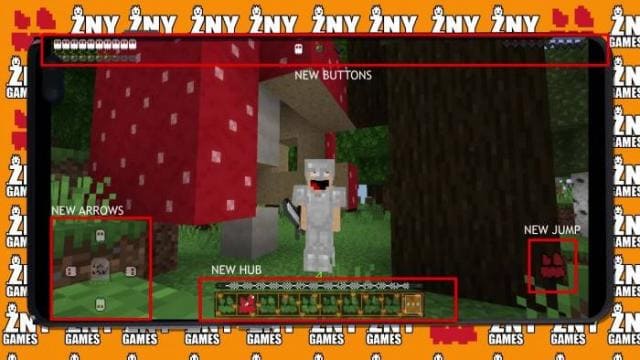
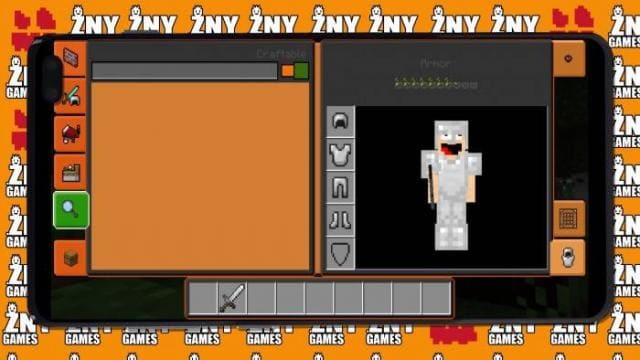
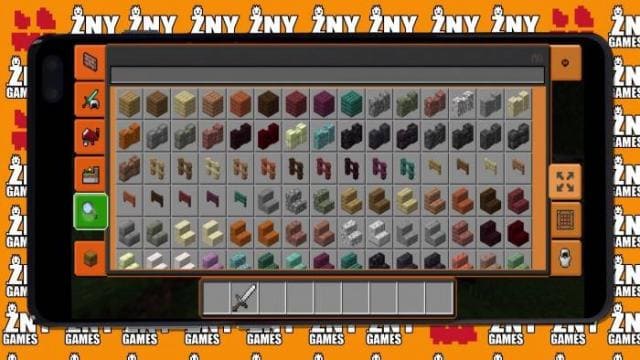

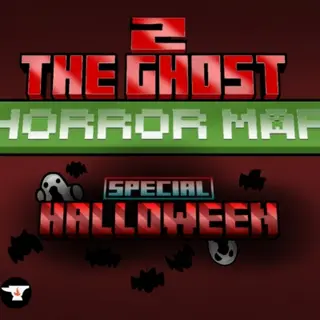
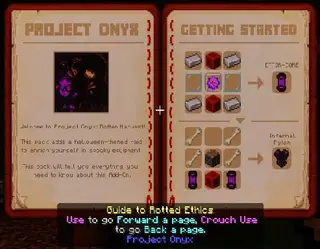
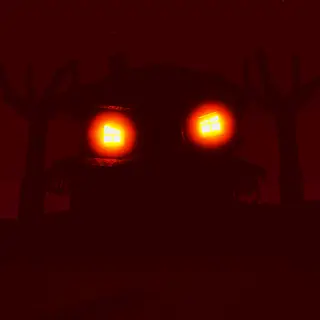
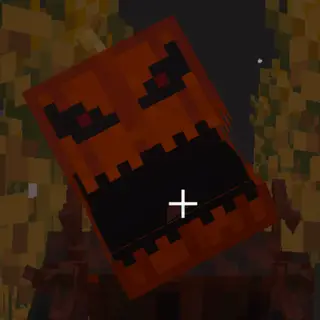
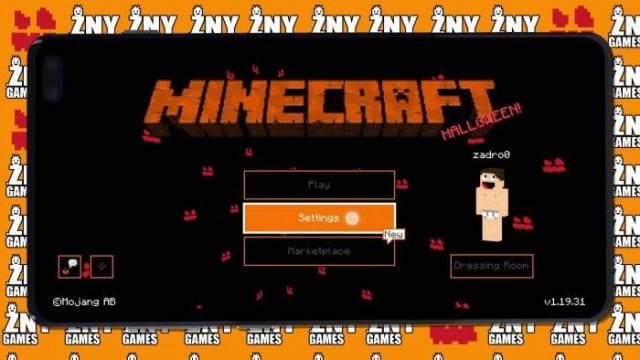
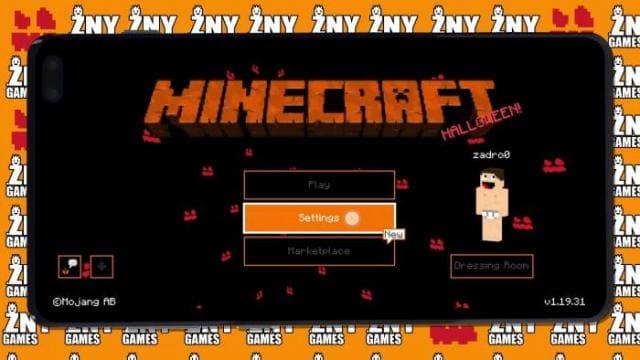
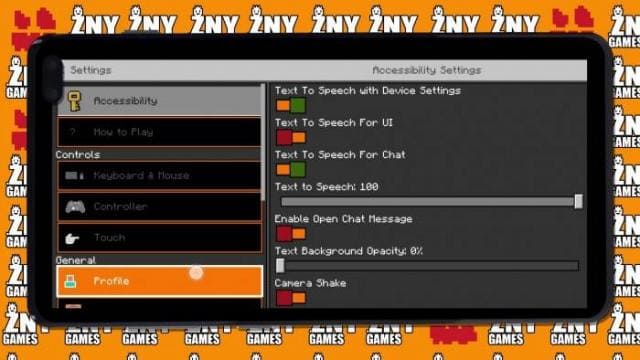
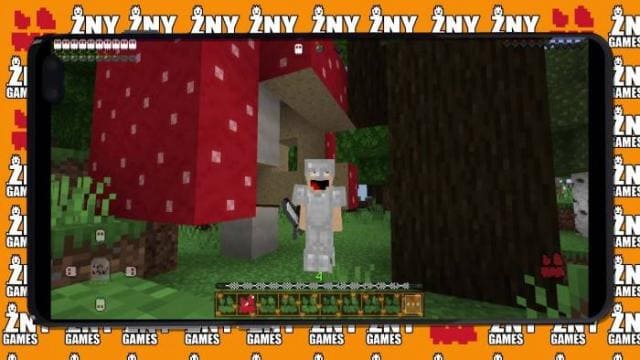
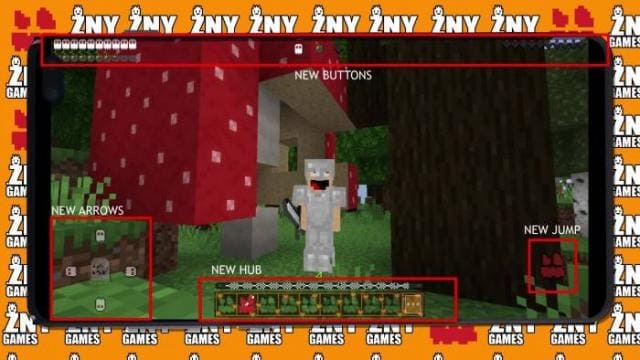
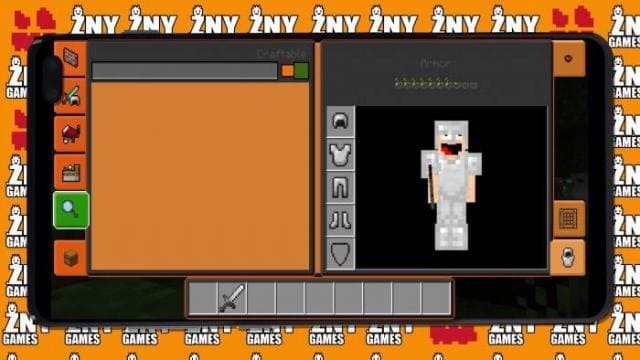
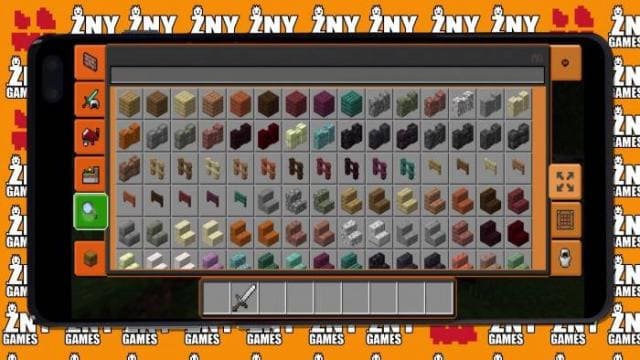
Еще одна возможность стать чуточку ближе к празднованию Хеллоуина в Майнкрафт — это текстуры Modern Halloween. Автор постарался придать некую атмосферу торжества всем элементам интерфейса в игре: все экраны, кнопки и прочие вещи в игре окрасятся в оранжевые оттенки. Кроме этого, фоновая картинка на главном экране получит черный цвет с выглядывающими лицами во тьме. Выглядит немножко жутко.
ПревьюНиже можно посмотреть то, как будет выглядеть игра после установки сборки.
ПревьюНиже можно посмотреть то, как будет выглядеть игра после установки сборки.
Quick facts
- Edition: Minecraft Bedrock
- File type: .mcpack
- Minecraft versions listed: 1.19.30, 1.19.20, 1.19.10
- How to install: Download the .mcpack. → Open it — Minecraft imports it under Resource Packs. → Activate it in Global Resources, or for one world under Resource Packs → Available.
- Where to get it: In MCModsHub, or directly above on this page.
Install steps are the general flow for this file type — How to install Minecraft Bedrock texture packs walks through it step by step.
File checked by MCModsHub
- Pack type: .mcpack — a single pack
- Manifest requires Minecraft 1.18.0 or newer
- Complete pack — everything it depends on is inside the file
- Download size: 178 KB
- Download link checked 6 Jul 2026 — working
- Mirrored on our own servers — the download does not depend on the original host
These come from our own check of the pack file, not from the source page.