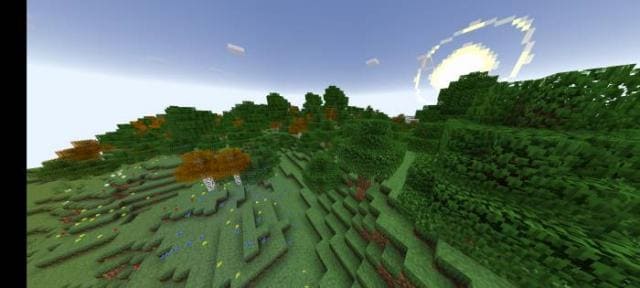
Texture packsBedrock
Bedrock Plus Textures
Bedrock texture pack listed for Minecraft 1.16–1.19. File opened and checked on 7 Oct 2026; installs from the MC Bedrock Mods app on Android.
Bedrock Plus textures will give your favorite game a modern look. The design of menus, items and blocks will become brighter and richer. The colors of all…
⬇ Download
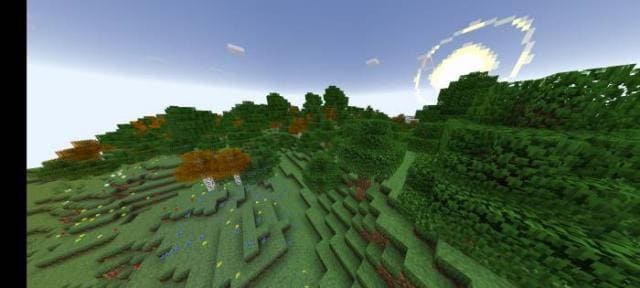
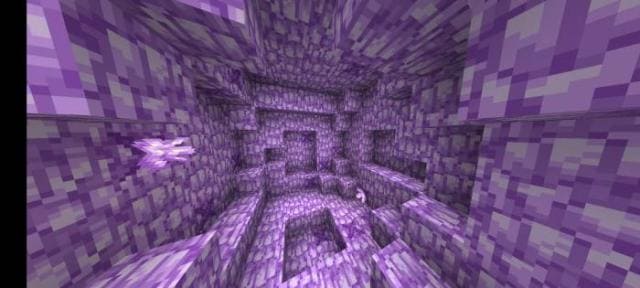
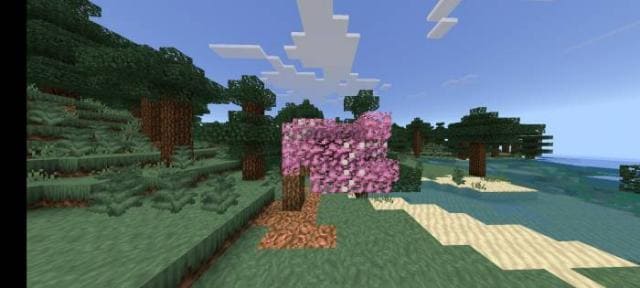
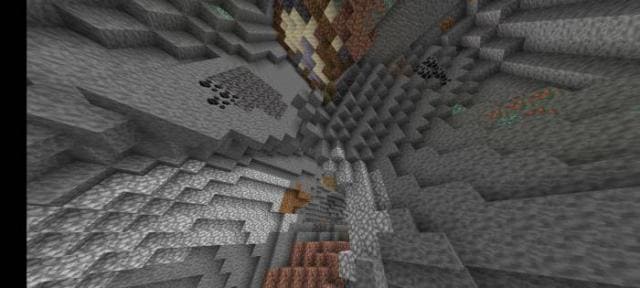
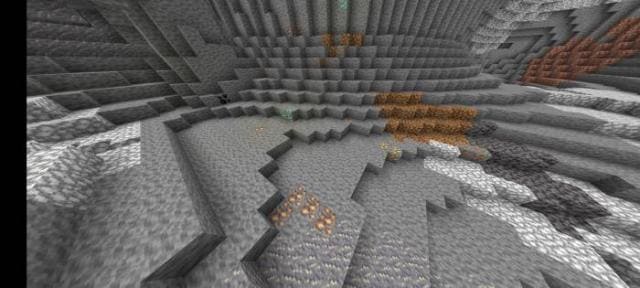
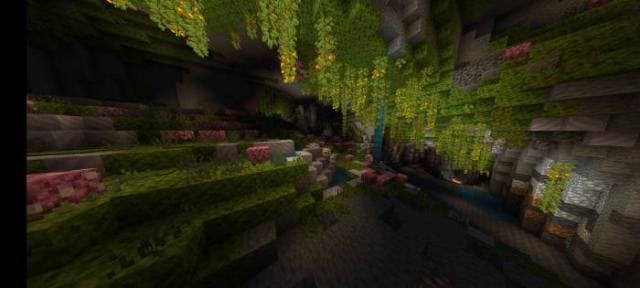
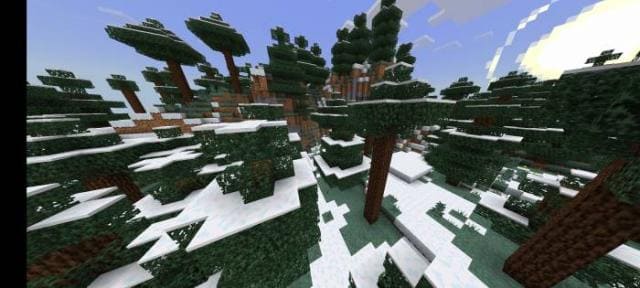
Текстуры Bedrock Plus придадут современный вид любимой игре. Дизайн меню, предметов и блоков станет ярче и насыщеннее. Цвета всех элементов будут глубже. Если ищешь способ сделать кубическую вселенную лучше и красивее, то нельзя пропустить это дополнение. Изменениям подвергнется множество вещей, начиная с главного меню и заканчивая разнообразными блоками.
Изменения в новой версии
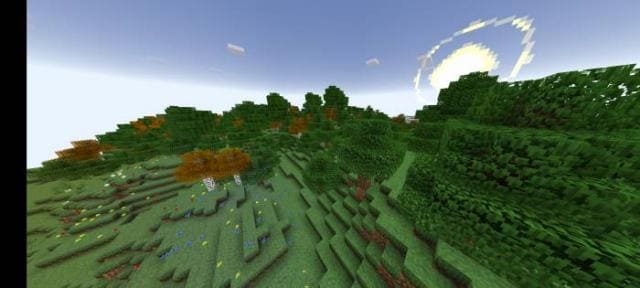
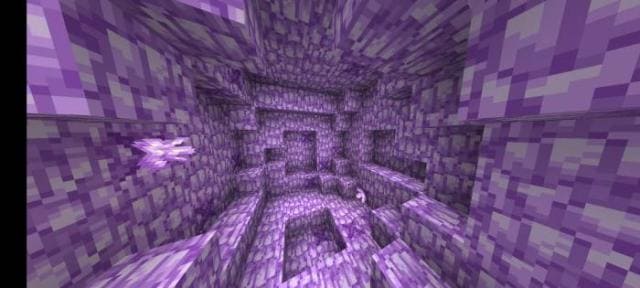
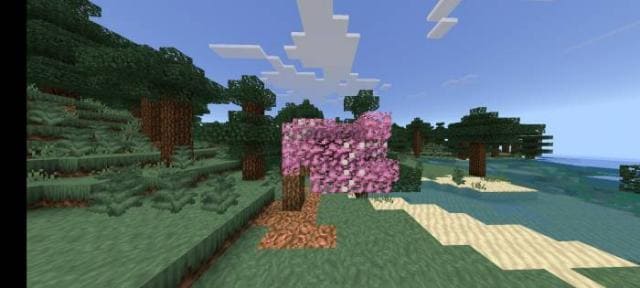
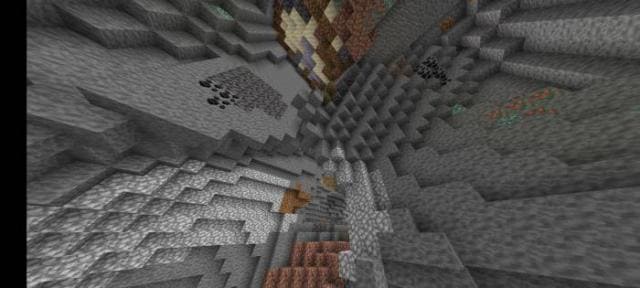
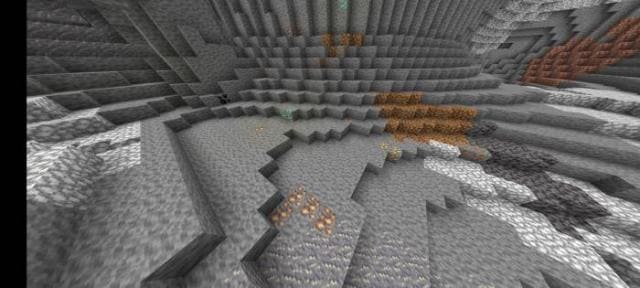
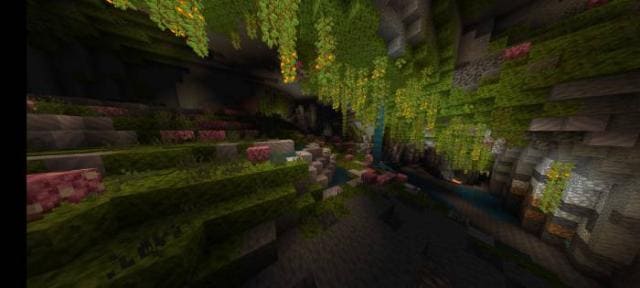
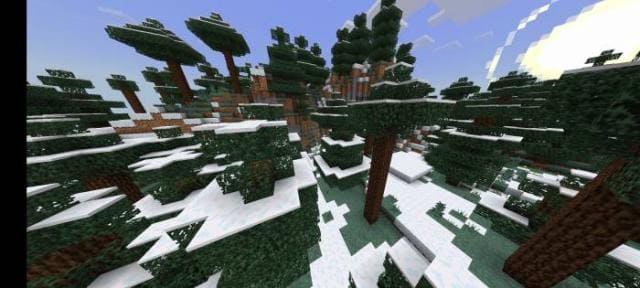
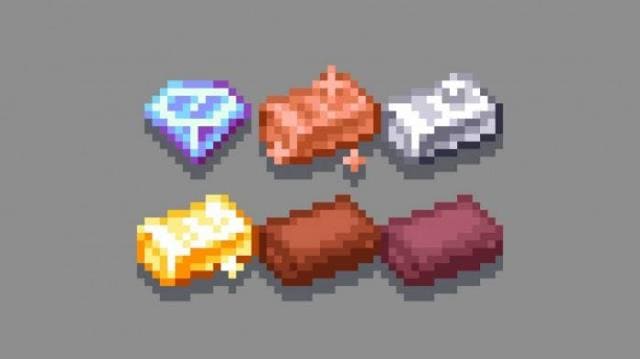
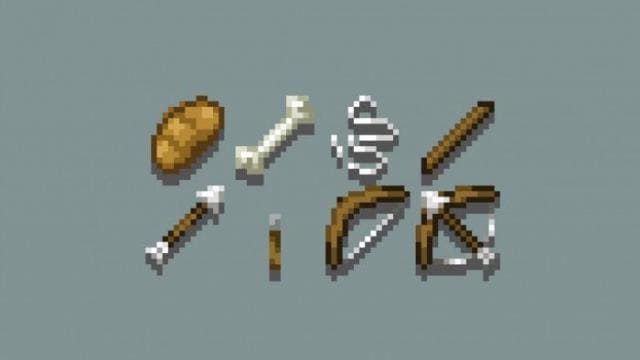
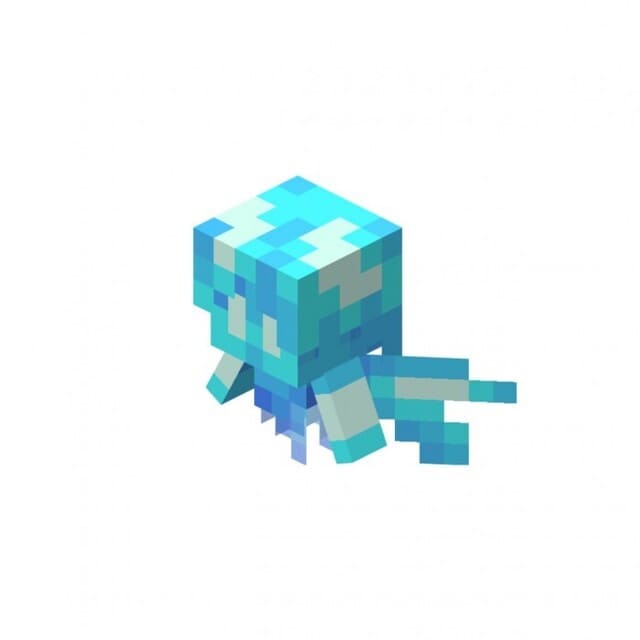
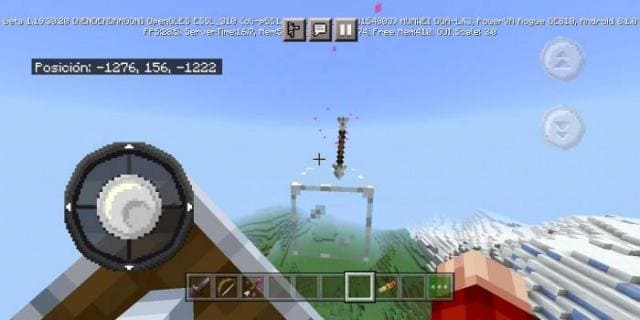
Изменения в новой версии
- Добавили текстуры свиньи, коровы и овцы
- Добавили блоки и предметы
- Улучшили оттенки
- Множество прочих изменений
Quick facts
- Edition: Minecraft Bedrock
- File type: .mcpack
- Minecraft version listed: 1.19
- How to install: Download the .mcpack. → Open it — Minecraft imports it under Resource Packs. → Activate it in Global Resources, or for one world under Resource Packs → Available.
- Where to get it: In MCModsHub, or directly above on this page.
Install steps are the general flow for this file type — How to install Minecraft Bedrock texture packs walks through it step by step.
File checked by MCModsHub
- Pack type: .mcpack — a single pack
- Manifest requires Minecraft 1.16.0 or newer
- Complete pack — everything it depends on is inside the file
- Download size: 5.4 MB
- Download link checked 6 Jul 2026 — working
- Mirrored on our own servers — the download does not depend on the original host
These come from our own check of the pack file, not from the source page.