Texture packsBedrock
Legacy Console Panoramas Textures
Bedrock texture pack listed for Minecraft 1.16–1.21. File opened and checked on 22 Sep 2026; installs from the MC Bedrock Mods app on Android.
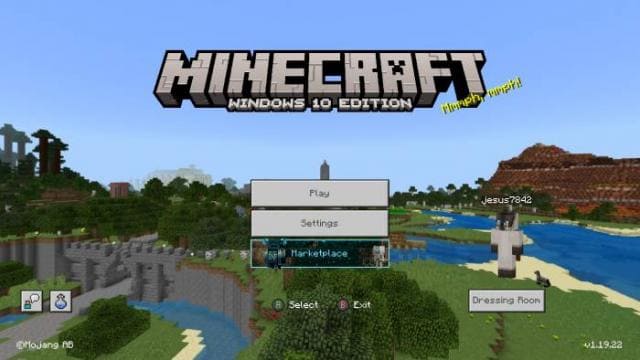
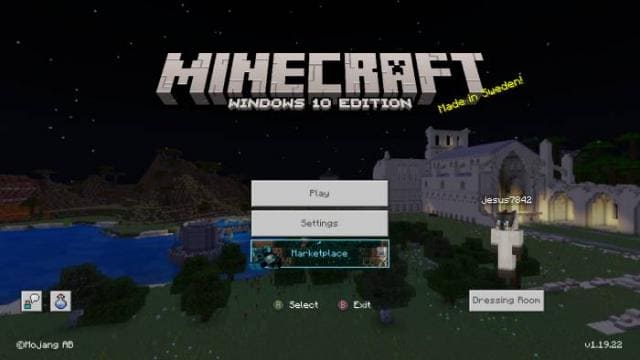
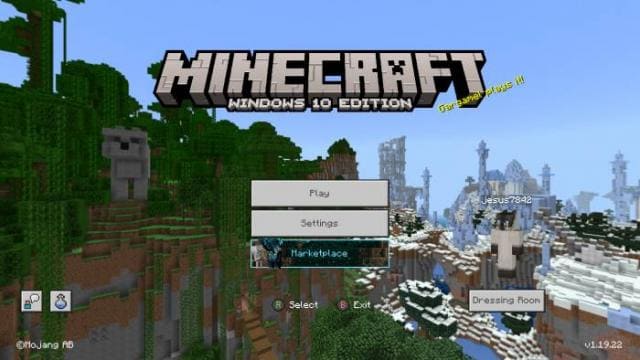
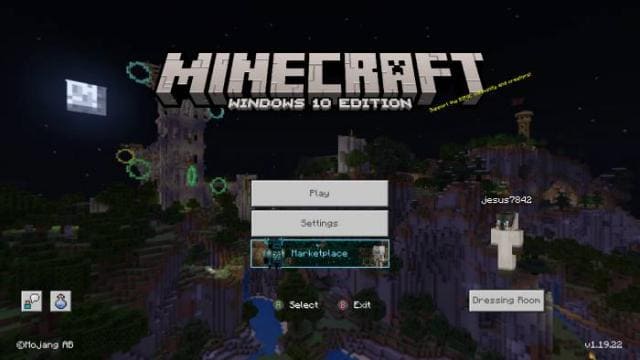
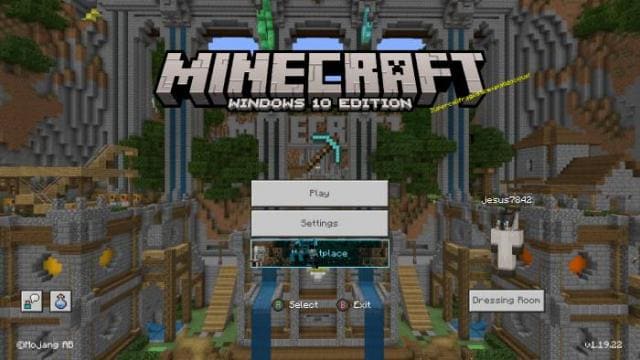
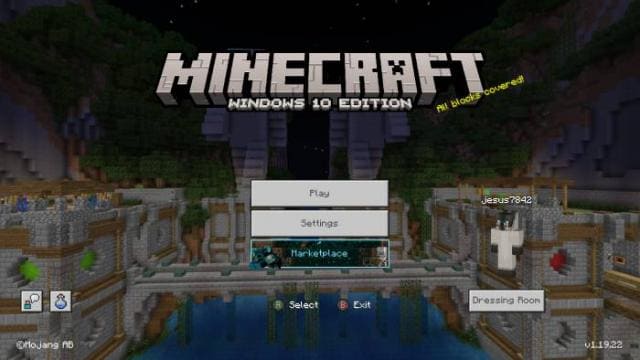
Legacy Console Panoramas textures offer installing the desired panorama in the main menu of Minecraft Pocket Edition. There are 8 backgrounds to choose…
⬇ Download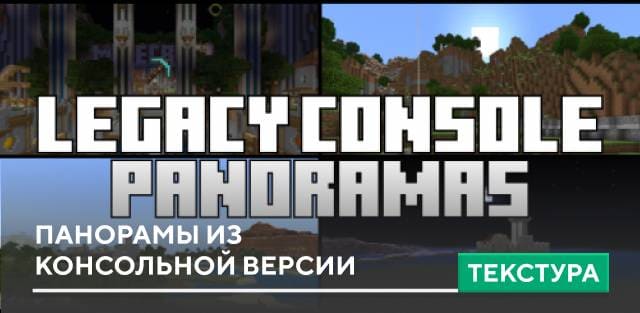
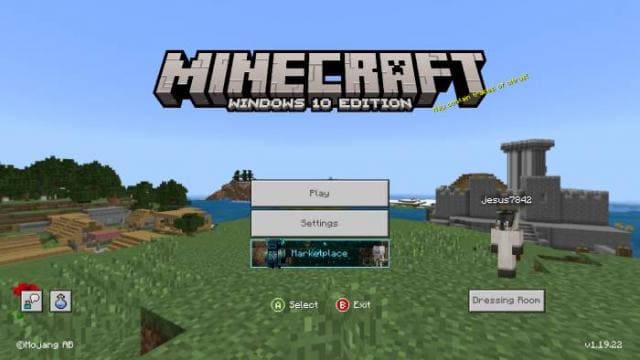
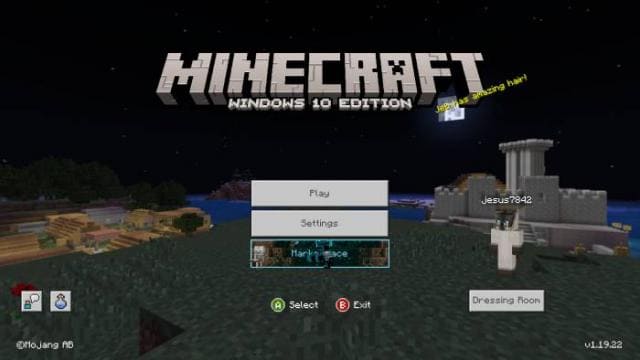
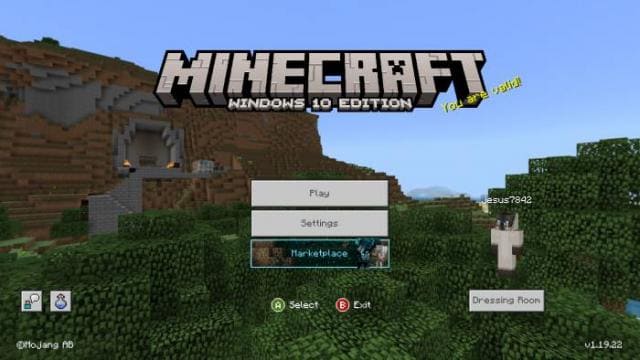
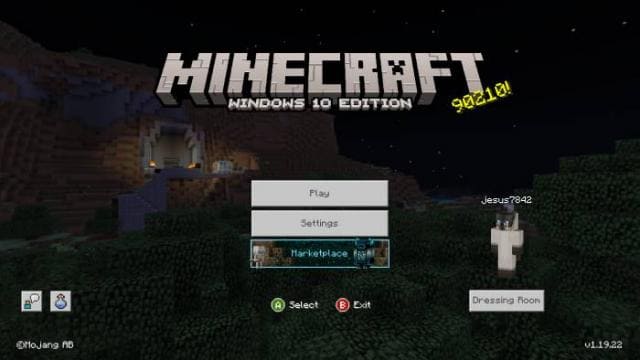
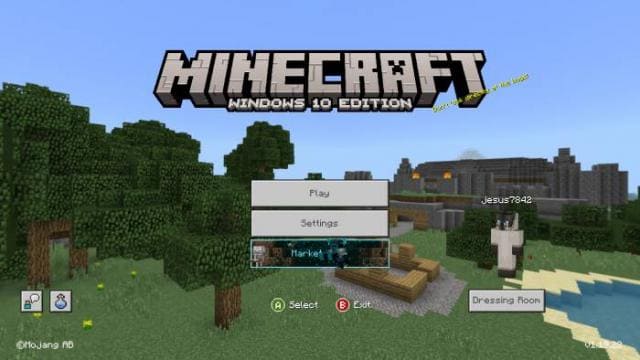
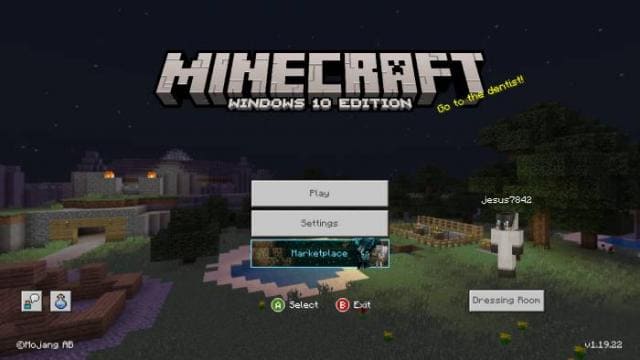
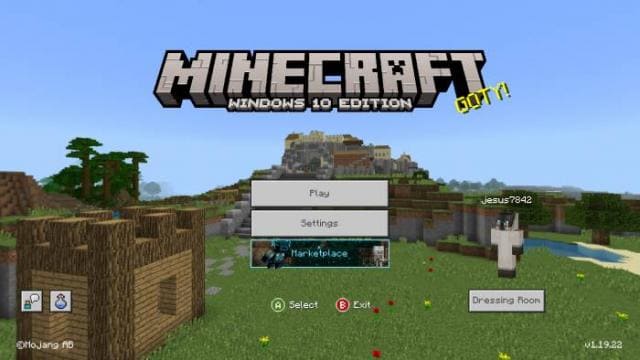
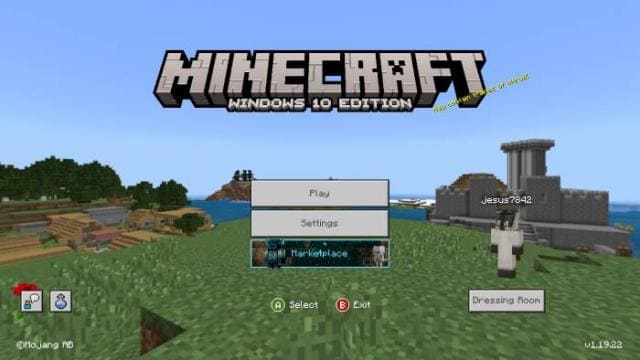
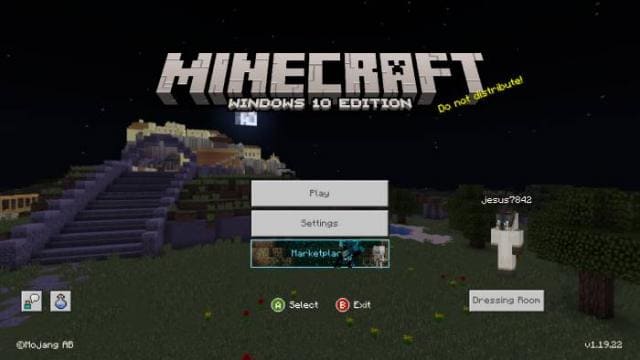
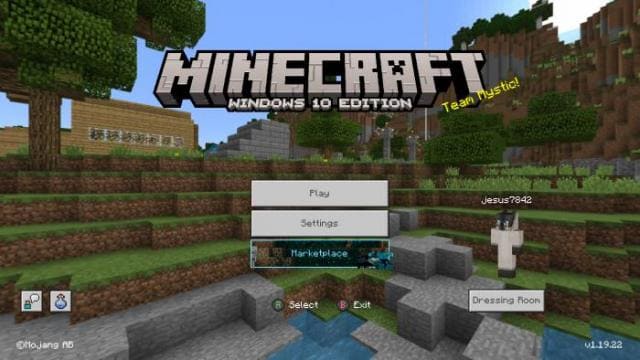
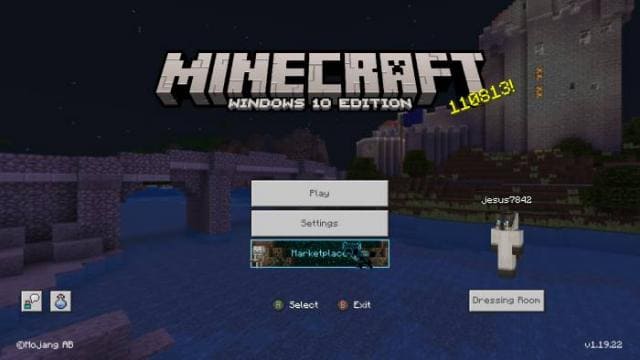
Текстуры Legacy Console Panoramas предлагают установить желаемую панораму в главное меню Майнкрафт Покет Эдишн. На выбор доступно 8 фонов, которые также применяются в консольной версии игры. Ты сможешь выбрать желаемую панораму и установить в своей игре. При этом можно поставить как дневную, так и ночную версию одной и той же фоновой картинки.
Посмотри на скриншоты ниже и выбери свою панораму.
Посмотри на скриншоты ниже и выбери свою панораму.
Quick facts
- Edition: Minecraft Bedrock
- File type: .mcpack
- Minecraft versions listed: 1.19, 1.18, 1.17
- How to install: Download the .mcpack. → Open it — Minecraft imports it under Resource Packs. → Activate it in Global Resources, or for one world under Resource Packs → Available.
- Where to get it: In MCModsHub, or directly above on this page.
Install steps are the general flow for this file type — How to install Minecraft Bedrock texture packs walks through it step by step.
File checked by MCModsHub
- Save it as 186707.mcaddon before opening — it downloads as .mcpack, but it is a .mcaddon pack
- Manifest requires Minecraft 1.16.0 or newer
- Complete pack — everything it depends on is inside the file
- Download size: 37.3 MB
- Download link checked 6 Jul 2026 — working
- Mirrored on our own servers — the download does not depend on the original host
These come from our own check of the pack file, not from the source page.