Texture packsBedrock
Skyboard UI Textures
Bedrock texture pack listed for Minecraft 1.18–1.19. File opened and checked on 2 Oct 2026; installs from the MC Bedrock Mods app on Android.
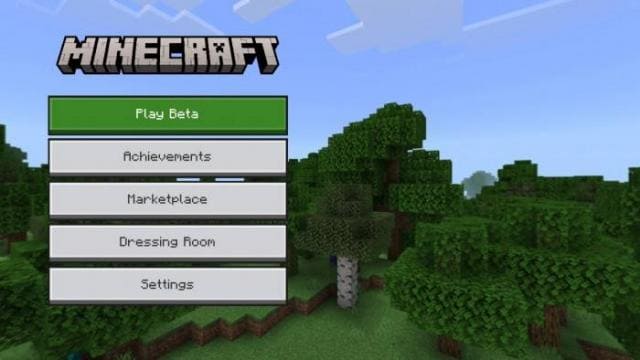
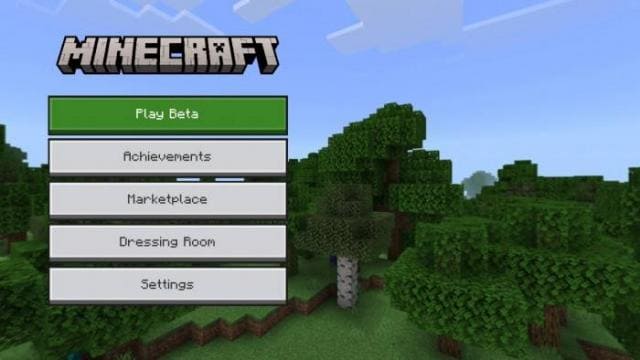
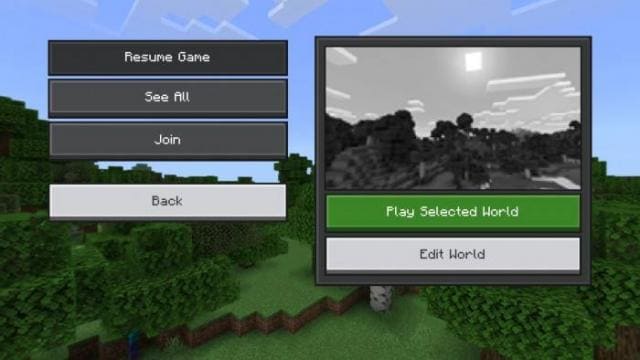
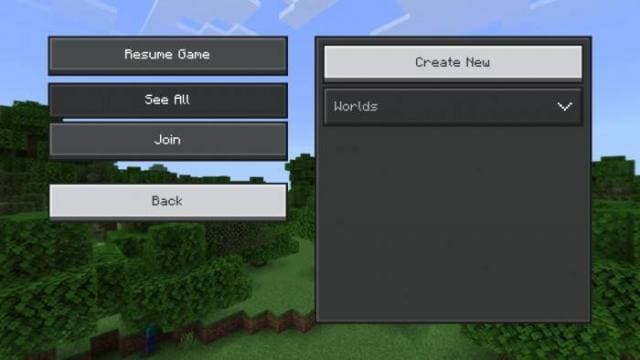
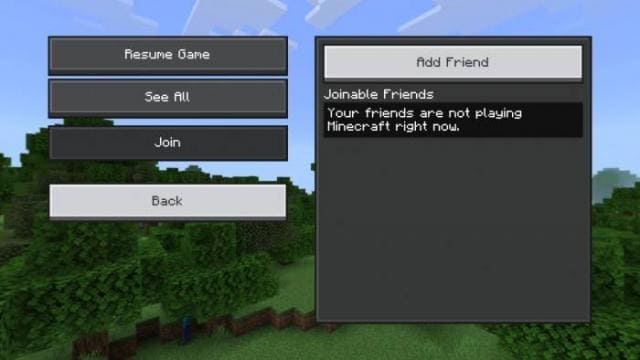
It's quite difficult to describe the changes that Skyboard UI textures bring. You'll need to install the pack in your Minecraft and try the new design…
⬇ Download
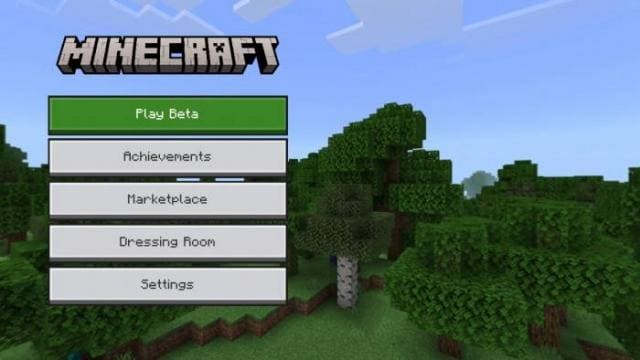
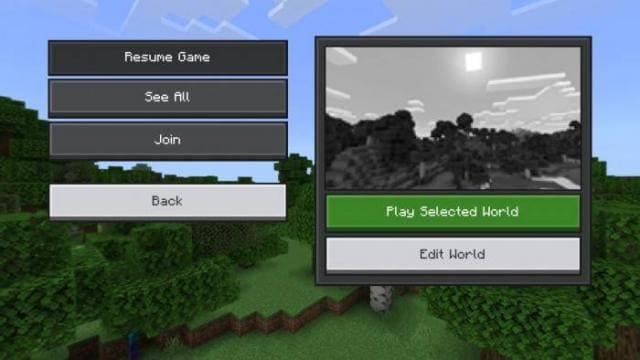
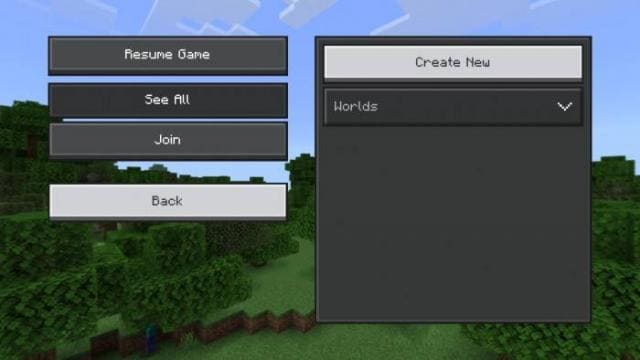
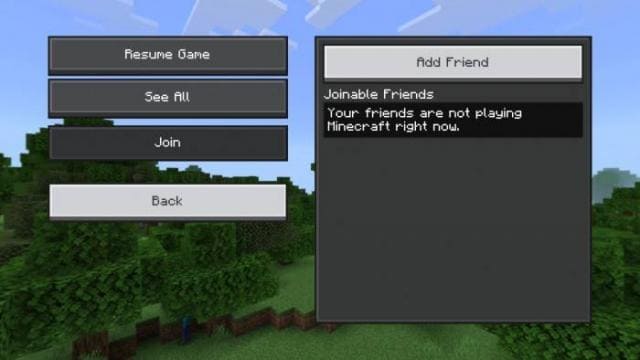

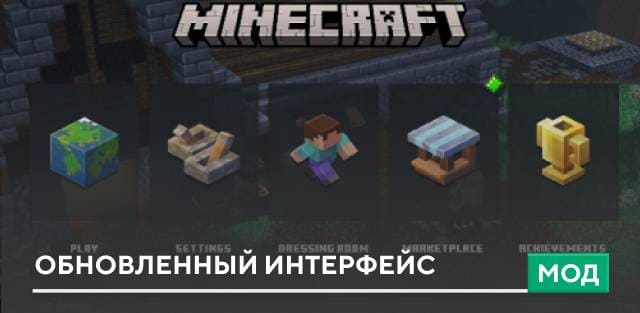
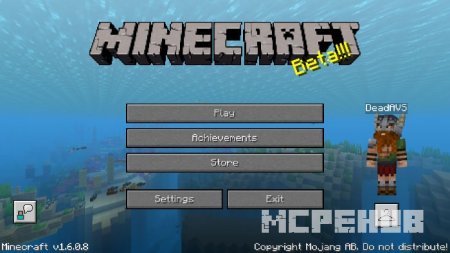
Довольно сложно описать изменения, которые привносят текстуры Skyboard UI. Для этого придется установить сборку к себе в Майнкрафт и испробовать новый дизайн самостоятельно. Даже скриншоты ниже вряд ли передадут все обновления, которые будут доступны в игре. Дополнение меняет интерфейс разных видов меню, чтобы упростить его использование и добавить больше комфорта и удобства в игровой процесс.
Посмотри на скриншоты ниже, чтобы оценить дополнение.
Посмотри на скриншоты ниже, чтобы оценить дополнение.
Quick facts
- Edition: Minecraft Bedrock
- File type: .mcpack
- Minecraft version listed: 1.19
- How to install: Download the .mcpack. → Open it — Minecraft imports it under Resource Packs. → Activate it in Global Resources, or for one world under Resource Packs → Available.
- Where to get it: In MCModsHub, or directly above on this page.
Install steps are the general flow for this file type — How to install Minecraft Bedrock texture packs walks through it step by step.
File checked by MCModsHub
- Save it as 186715.mcaddon before opening — it downloads as .mcpack, but it is a .mcaddon pack
- Manifest requires Minecraft 1.18.0 or newer
- Complete pack — everything it depends on is inside the file
- Download size: 16.6 MB
- Download link checked 6 Jul 2026 — working
- Mirrored on our own servers — the download does not depend on the original host
These come from our own check of the pack file, not from the source page.