Texture packsBedrock
Block Sun Earth Textures
Minecraft Bedrock texture pack. File opened and checked on 6 Oct 2026; installs from the MC Bedrock Mods app on Android.
Do you want to play Block Sun Earth but can't? If you don't know what we're talking about, let us clarify: Block Sun Earth is a plagiarism of the blocky…
⬇ Download
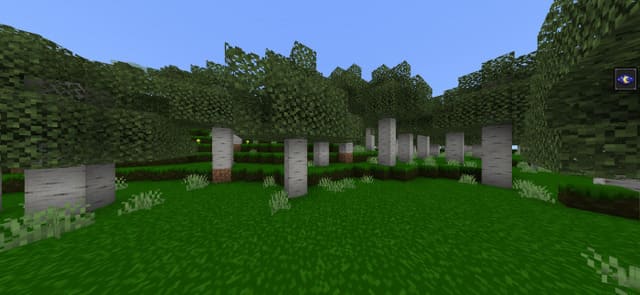
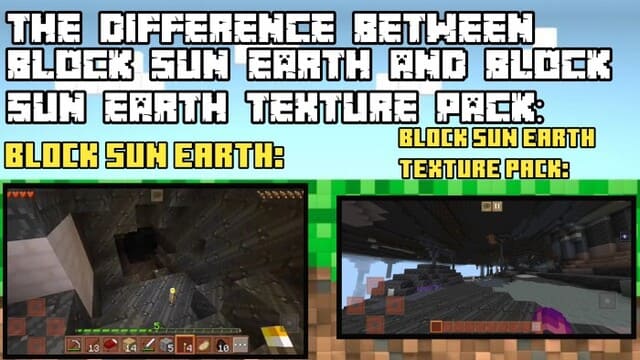

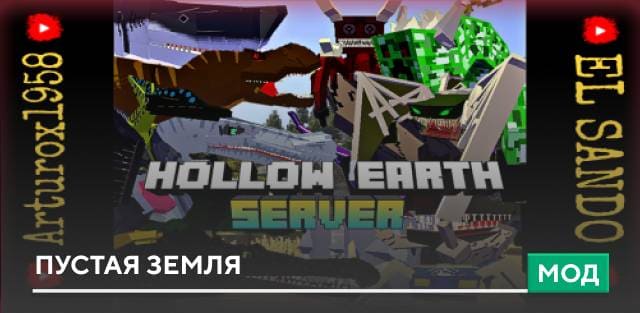
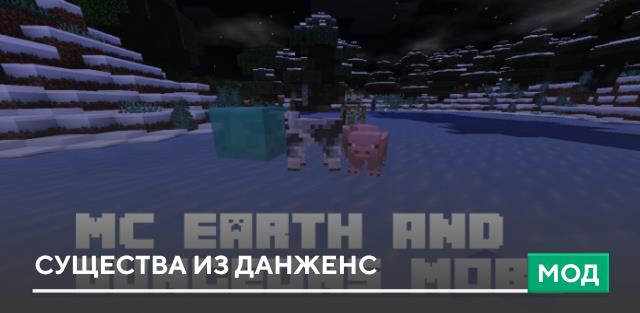
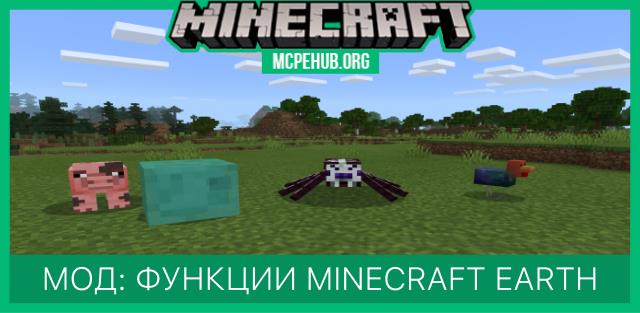
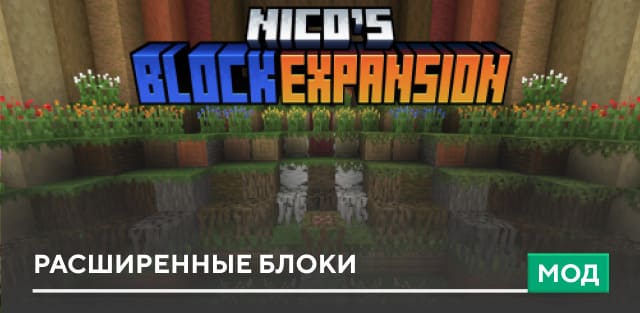
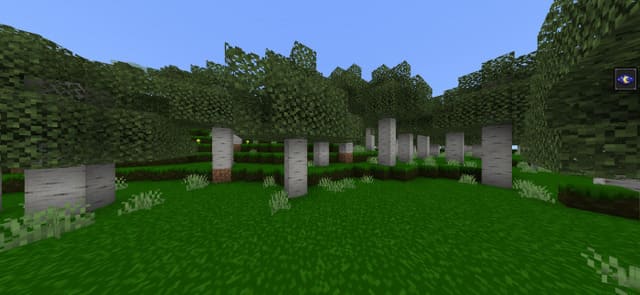
Хочешь поиграть в игру Block Sun Earth, но не можешь? Если ты еще не знаешь, о чем же мы говорим, то проясняем: Block Sun Earth — это плагиат блочного мира Minecraft PE. Ты сможешь совместить одну игру с другой при помощи этих текстур — мир Майнкрафт будет выглядеть также, как и Block Sun Earth.
Все элементы получат новый внешний вид.На скриншоте ниже можно посмотреть разницу между оригинальной игрой и установленными текстурами.
Все элементы получат новый внешний вид.
Quick facts
- Edition: Minecraft Bedrock
- File type: .mcpack
- How to install: Download the .mcpack. → Open it — Minecraft imports it under Resource Packs. → Activate it in Global Resources, or for one world under Resource Packs → Available.
- Where to get it: In MCModsHub, or directly above on this page.
Install steps are the general flow for this file type — How to install Minecraft Bedrock texture packs walks through it step by step.
File checked by MCModsHub
- Pack type: .mcpack — a single pack
- Complete pack — everything it depends on is inside the file
- Download size: 656 KB
- Download link checked 6 Jul 2026 — working
- Mirrored on our own servers — the download does not depend on the original host
These come from our own check of the pack file, not from the source page.