Texture packsBedrock
Armor Backpack | Chestplate Textures
Bedrock texture pack listed for Minecraft 1.16–1.19. File opened and checked on 26 Sep 2026; installs from the MC Bedrock Mods app on Android.
Have you ever wondered where Steve or Alex store all their items in Minecraft? We're unlikely to find the answer in the regular game, but if you use Armor…
⬇ Download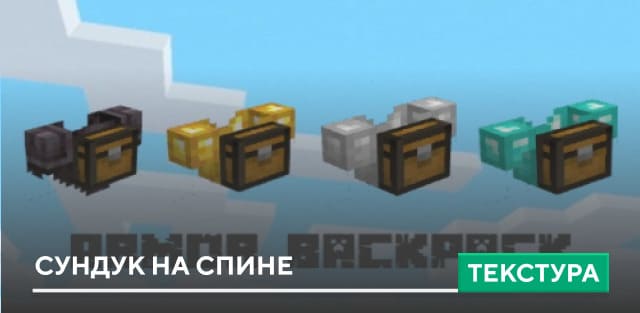
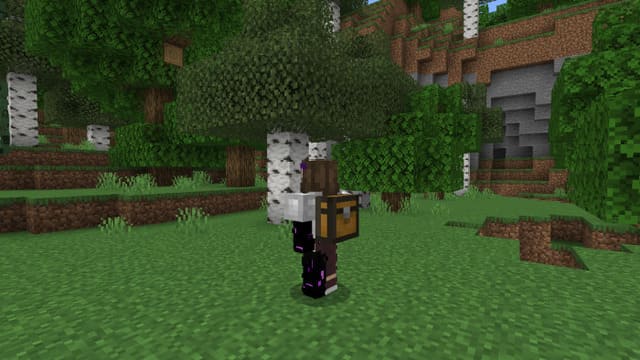
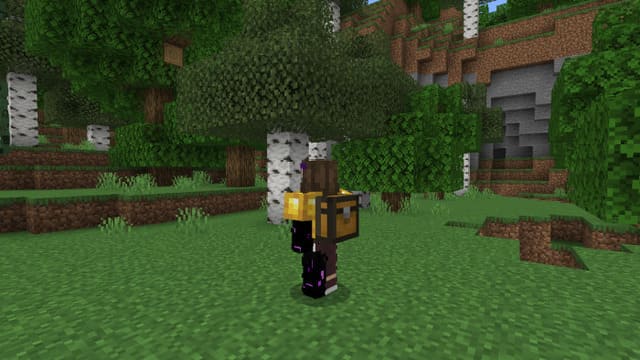
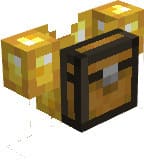
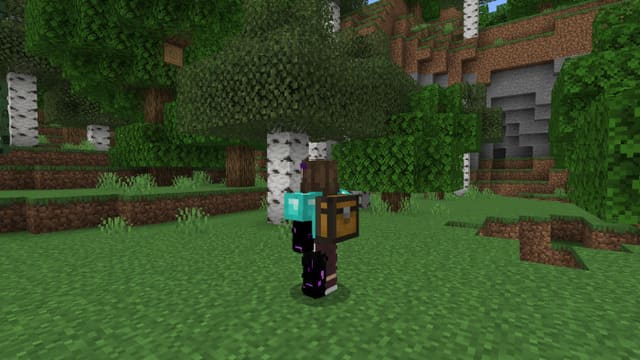
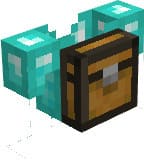
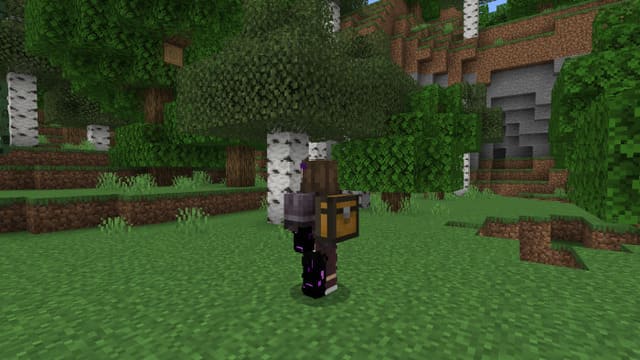
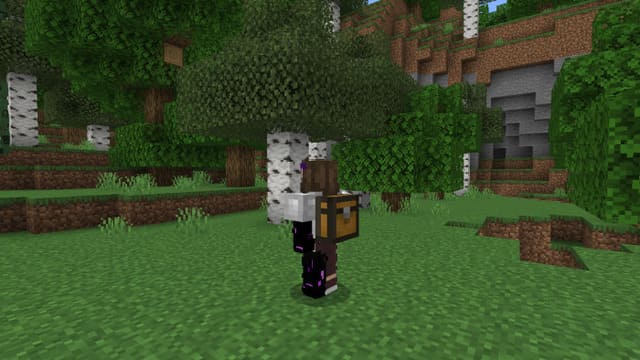
Ты когда-нибудь задумывался о том, где же Стив или Алекс хранят все свои вещи в Майнкрафт? Мы вряд ли найдем ответ на вопрос в обычной игре, но если использовать текстуры Armor Backpack | Chestplate, то все встает на свои места. Теперь при ношении любого нагрудника на спине будет появляться сундук.
Ничего необычного — просто сундук на спине персонажа, в котором хранится весь инвентарь.
Железный нагрудник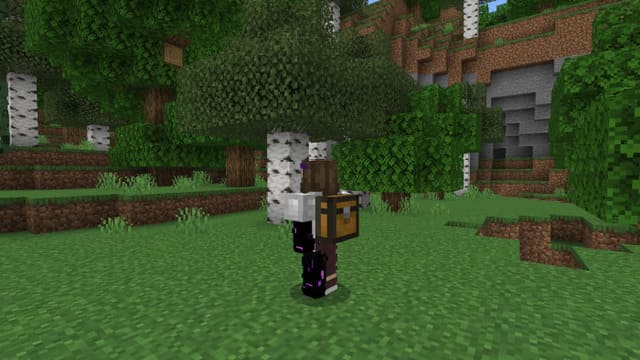
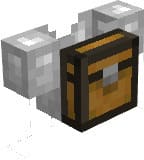 Золотой нагрудник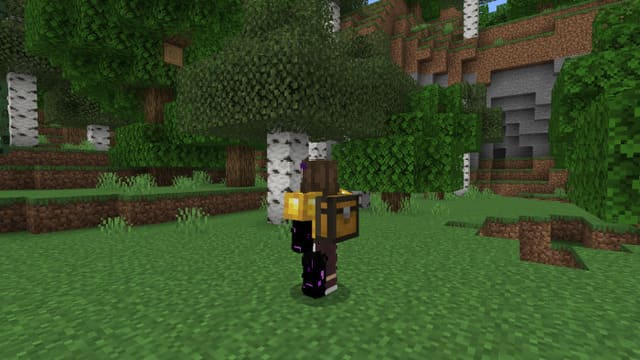
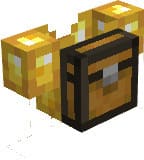 Алмазный нагрудник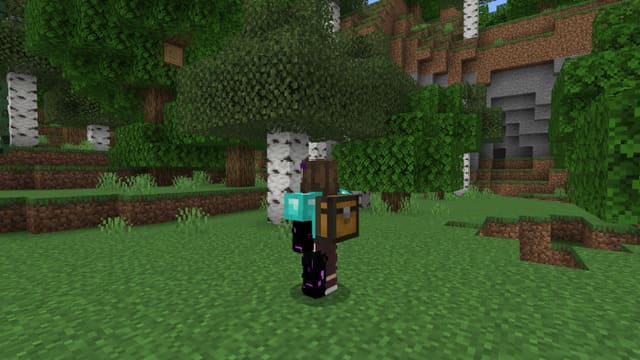
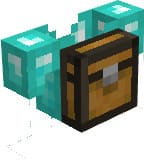 Незеритовый нагрудник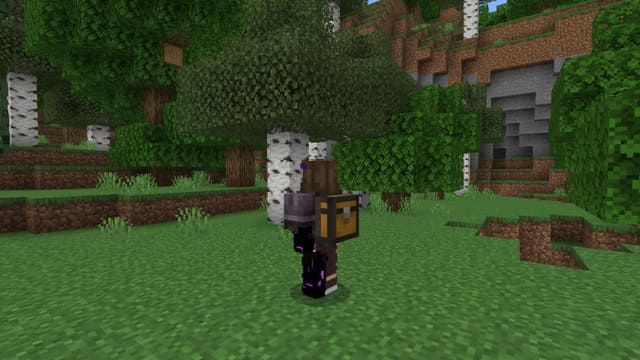
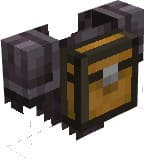
Ничего необычного — просто сундук на спине персонажа, в котором хранится весь инвентарь.
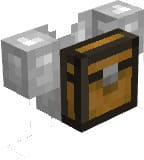
Железный нагрудник
Quick facts
- Edition: Minecraft Bedrock
- File type: .mcpack
- Minecraft version listed: 1.19
- How to install: Download the .mcpack. → Open it — Minecraft imports it under Resource Packs. → Activate it in Global Resources, or for one world under Resource Packs → Available.
- Where to get it: In MCModsHub, or directly above on this page.
Install steps are the general flow for this file type — How to install Minecraft Bedrock texture packs walks through it step by step.
File checked by MCModsHub
- Save it as 186740.mcaddon before opening — it downloads as .mcpack, but it is a .mcaddon pack
- Manifest requires Minecraft 1.16.20 or newer
- Complete pack — everything it depends on is inside the file
- Download size: 89 KB
- Download link checked 6 Jul 2026 — working
- Mirrored on our own servers — the download does not depend on the original host
These come from our own check of the pack file, not from the source page.