Texture packsBedrock
Bedrock Matica Textures
Bedrock texture pack listed for Minecraft 1.19. Installs from the MC Bedrock Mods app on Android.
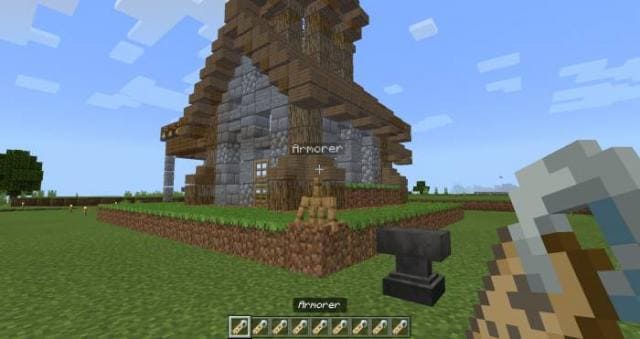
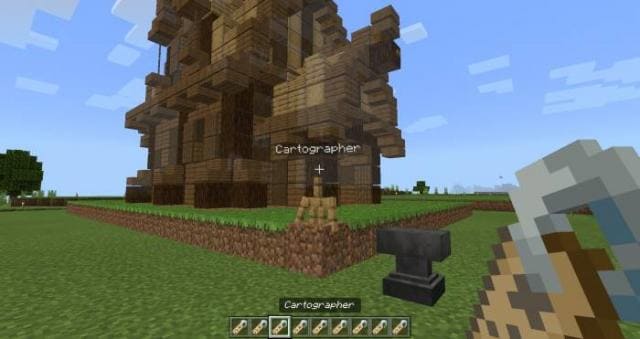
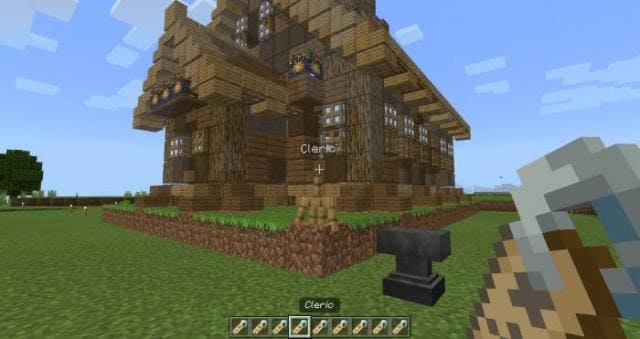
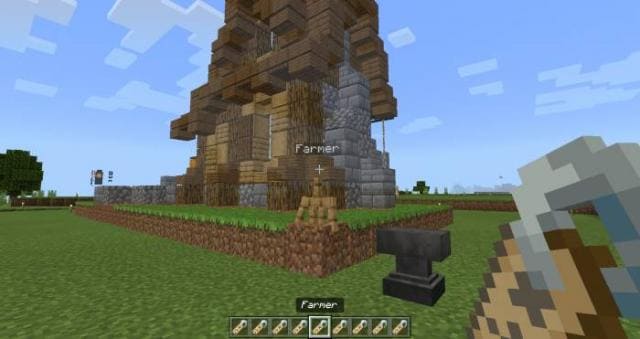
Bedrock Matica textures allow you to add names above Armor Stands in Minecraft. You can rename the Armor Stand to make a name appear above it. Currently…
⬇ Download
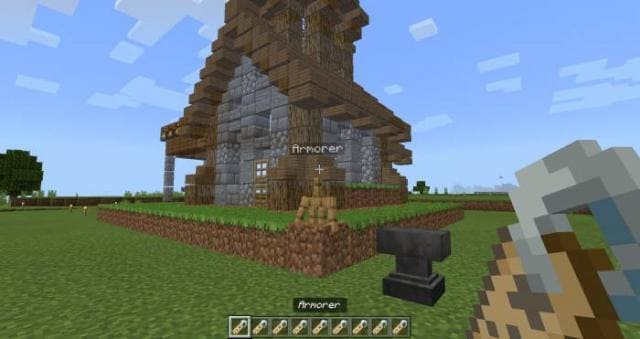
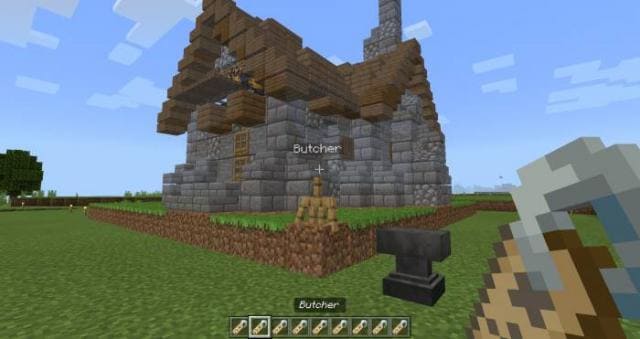
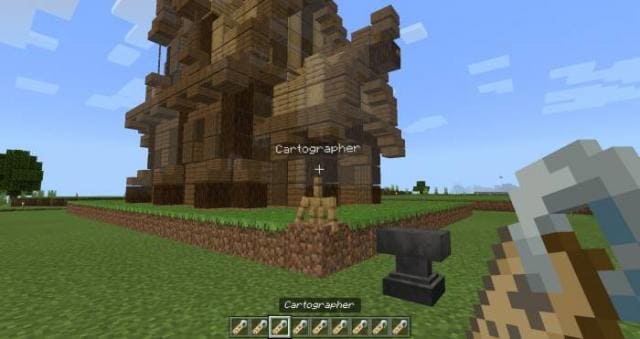
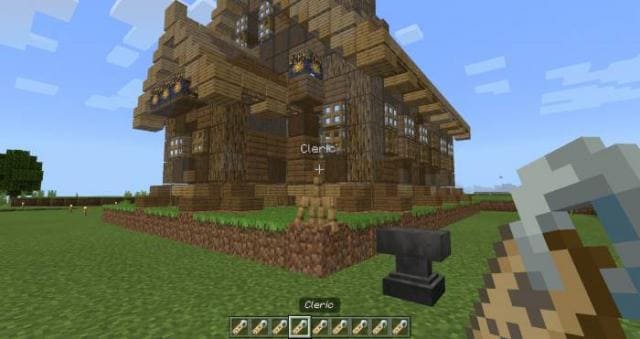
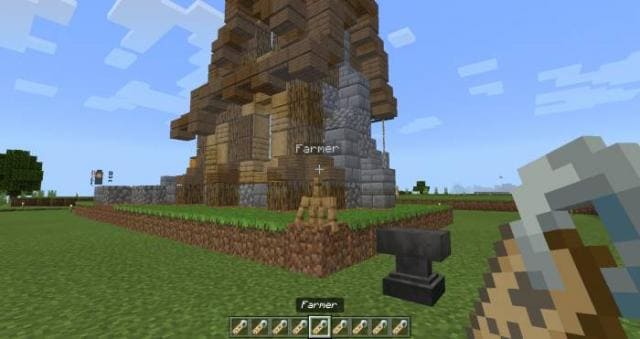
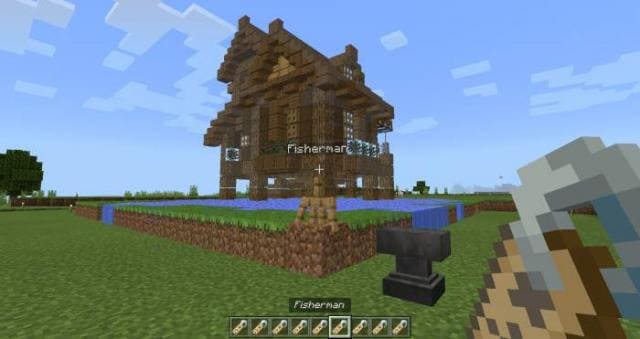
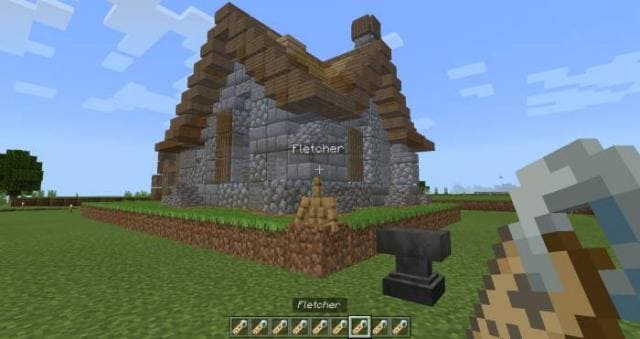
Текстуры Bedrock Matica позволяет добавлять имена над Стойками для брони в Minecraft. Ты сможешь переименовывать Стойку для брони, чтобы над ней появилось название. Пока доступно 13 названий по одну каждую из профессий деревенских жителей. Для этого нужно всего лишь взять Наковальню, Бирку и Стойку для брони.
Бронник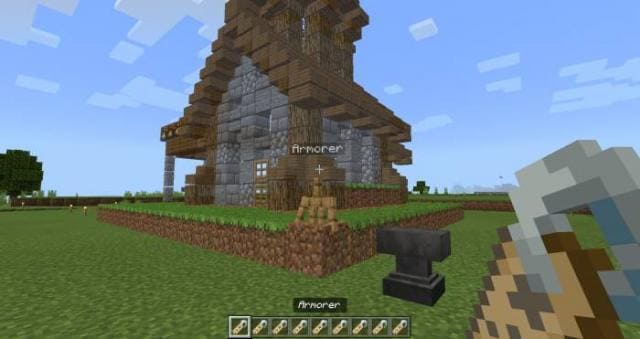
 Клерик
 Фермер
 Рыбак
Рыбак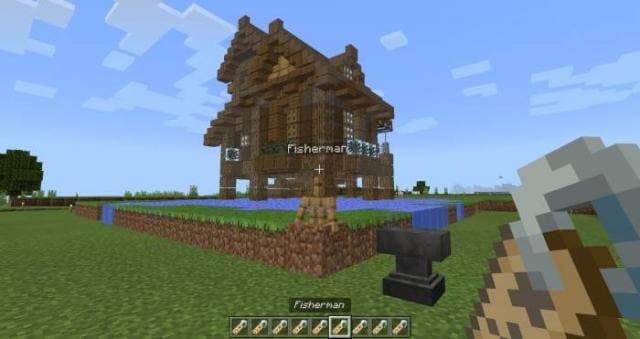 Флетчер
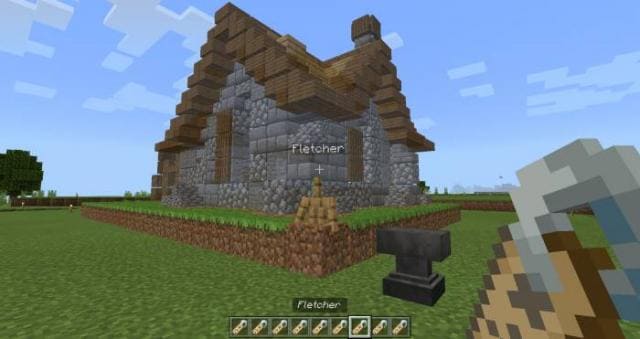 Кожевник
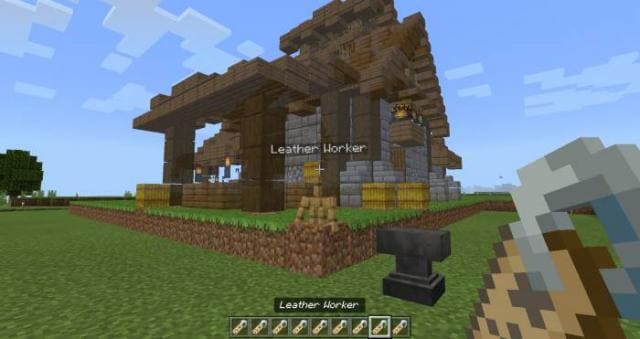 Библиотекарь
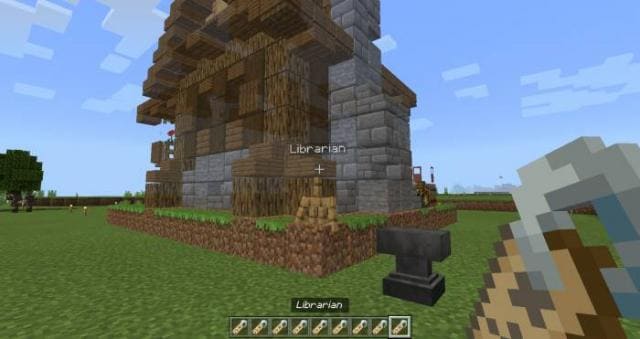 Пастух
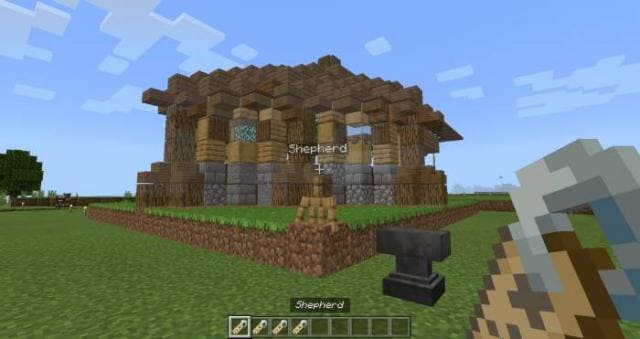 Каменщик
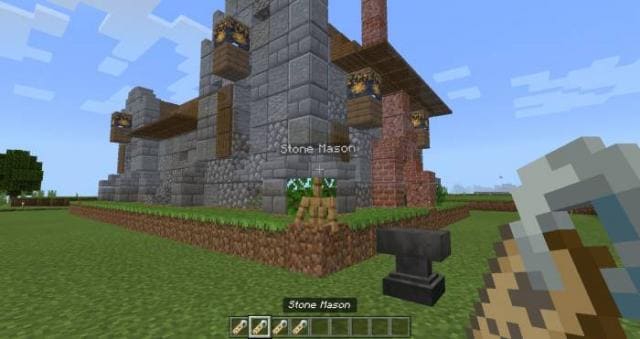 Инструментарий
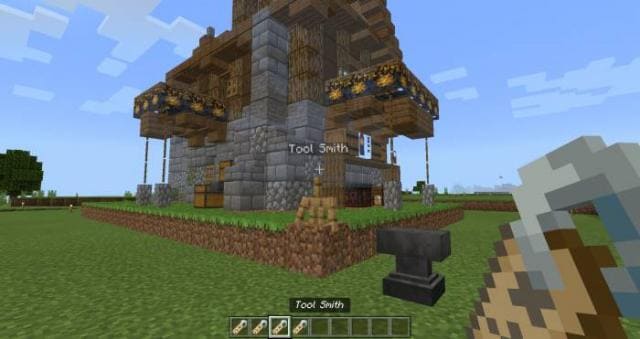 Кузнец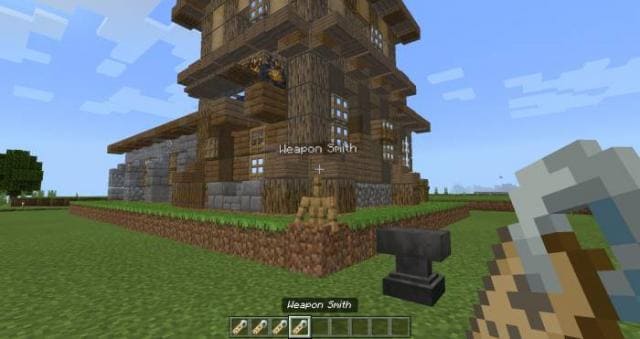
Бронник
- Бирка с именем «Armorer»
Мясник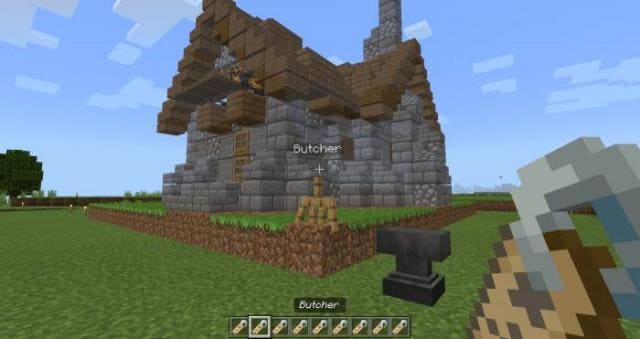
Картограф- Бирка с именем «Butcher»
- Бирка с именем «Cartographer»
- Бирка с именем «Cleric»
- Бирка с именем «Farmer»
- Бирка с именем «Fisherman»
- Бирка с именем «Fletcher»
- Бирка с именем «Leather Worker»
- Бирка с именем «Librarian»
- Бирка с именем «Shepherd»
- Бирка с именем «Stone Mason»
- Бирка с именем «Tool Smith»
- Бирка с именем «Weapon Smith»
Quick facts
- Edition: Minecraft Bedrock
- File type: .mcpack
- Minecraft version listed: 1.19
- How to install: Download the .mcpack. → Open it — Minecraft imports it under Resource Packs. → Activate it in Global Resources, or for one world under Resource Packs → Available.
- Where to get it: In MCModsHub, or directly above on this page.
Install steps are the general flow for this file type — How to install Minecraft Bedrock texture packs walks through it step by step.
File checked by MCModsHub
- Download size: 861 KB
- Download link checked 6 Jul 2026 — working
- Mirrored on our own servers — the download does not depend on the original host
These come from our own check of the pack file, not from the source page.