Texture packsBedrock
D-Graphics Mod
Bedrock texture pack listed for Minecraft 1.18–1.19. File opened and checked on 26 Sep 2026; installs from the MC Bedrock Mods app on Android.
Choosing textures to improve graphics in Minecraft Bedrock is like picking a wand in Harry Potter movies. You need to evaluate the mod: look at…
⬇ Download
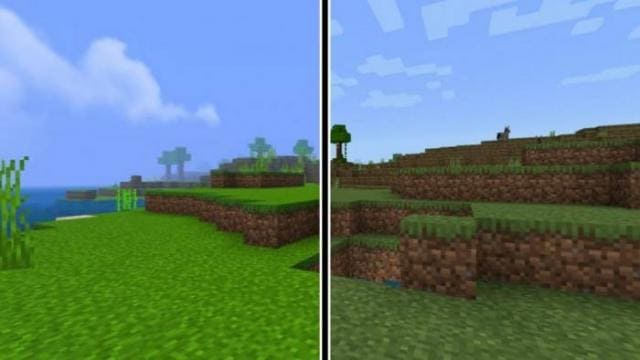
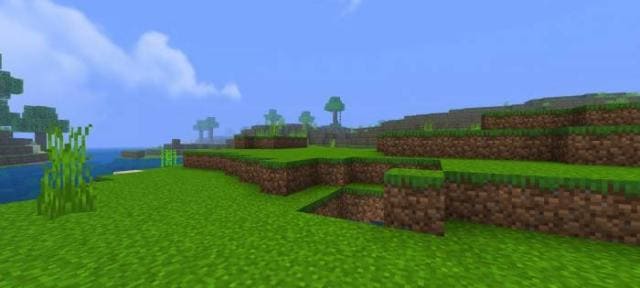
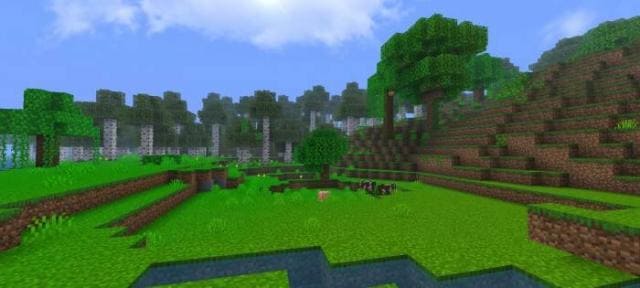
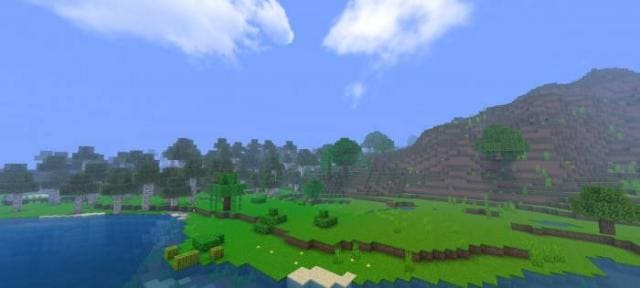
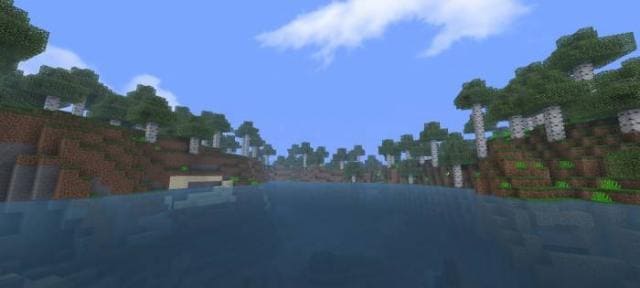
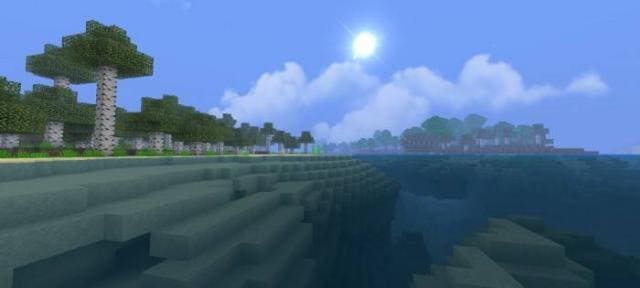
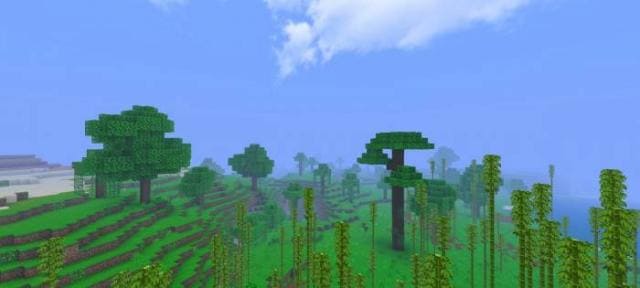
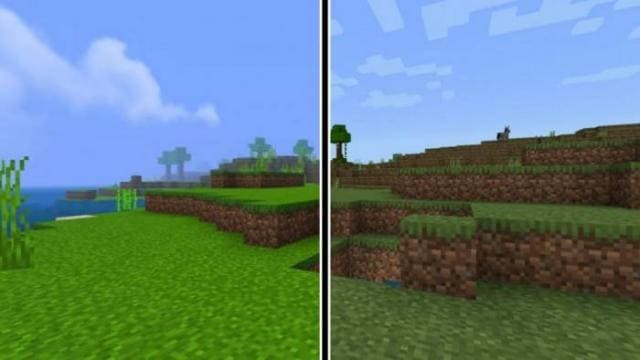
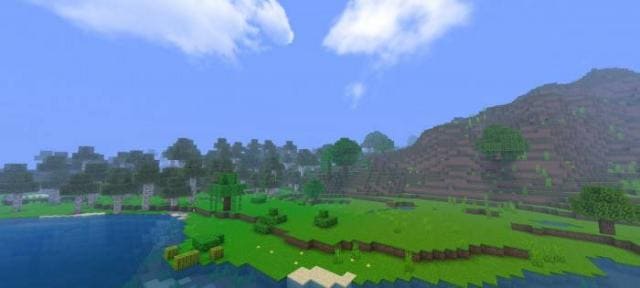
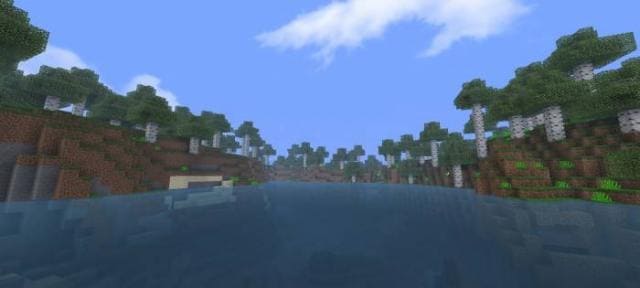
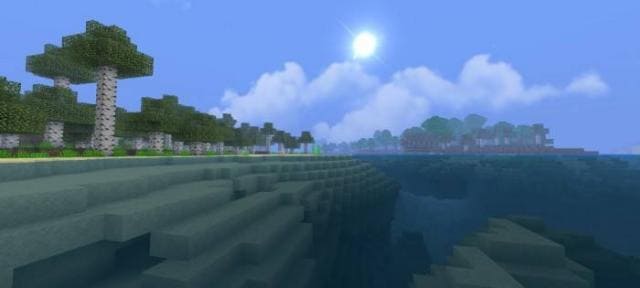
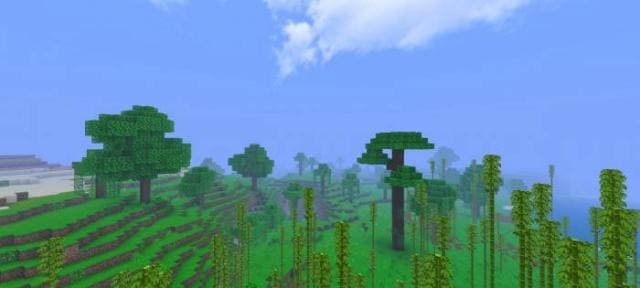
Выбор текстур для улучшения графики в Майнкрафт Бедрок напоминает подбор палочки в фильмах про Гарри Поттера. Тебе нужно оценить дополнение: посмотреть скриншоты, прочитать описание, а затем и установить дополнение. Тогда текстуры сами решат, подходят они тебе или нет. Поэтому на выбор предлагаем сборку D-Graphics для улучшения природы блочного мира.
Дополнение не изменяет аспекты ПвП, поэтому будет работать вместе с другими.
Функции
Дополнение не изменяет аспекты ПвП, поэтому будет работать вместе с другими.
Функции
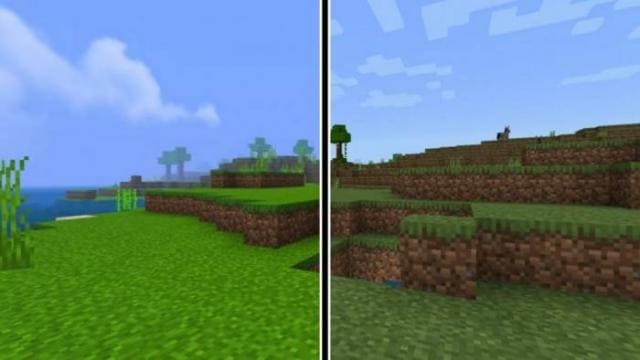
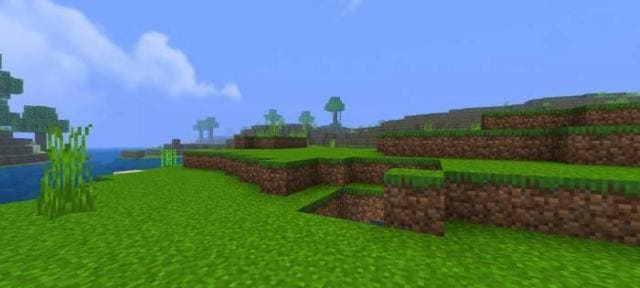
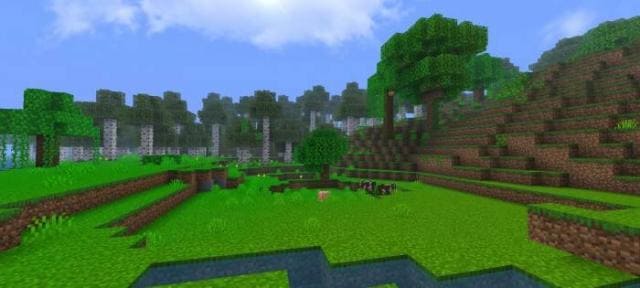
- Более насыщенный мир
- Улучшили воду
- Добавили текстуры солнца
- Изменили туман
Quick facts
- Edition: Minecraft Bedrock
- File type: .mcpack
- Minecraft version listed: 1.19
- How to install: Download the .mcpack. → Open it — Minecraft imports it under Resource Packs. → Activate it in Global Resources, or for one world under Resource Packs → Available.
- Where to get it: In MCModsHub, or directly above on this page.
Install steps are the general flow for this file type — How to install Minecraft Bedrock texture packs walks through it step by step.
File checked by MCModsHub
- Save it as 186759.mcaddon before opening — it downloads as .mcpack, but it is a .mcaddon pack
- Manifest requires Minecraft 1.18.0 or newer
- Complete pack — everything it depends on is inside the file
- Download size: 829 KB
- Download link checked 6 Jul 2026 — working
- Mirrored on our own servers — the download does not depend on the original host
These come from our own check of the pack file, not from the source page.