Texture packsBedrock
Button Opacity Textures
Bedrock texture pack listed for Minecraft 1.16–1.19. File opened and checked on 4 Oct 2026; installs from the MC Bedrock Mods app on Android.
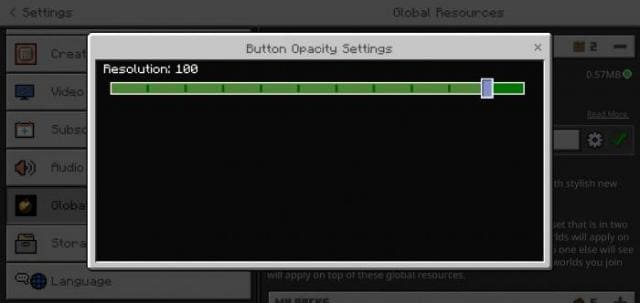
Small Button Opacity textures allow you to change the transparency of buttons on the main user screen. If you often play on smartphones, you definitely…
⬇ Download
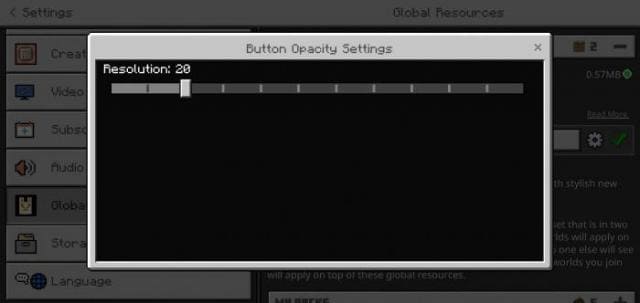
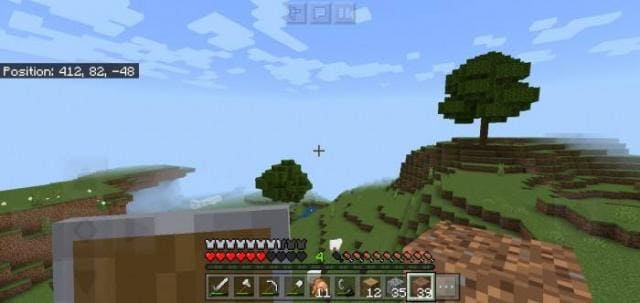

Небольшие текстуры Button Opacity позволяют изменять прозрачность кнопок на основном экране пользователя. Если ты часто играешь на смартфонах, то точно знаешь, какие проблемы порой доставляют кнопки. Всегда хочется сделать их прозрачными, чтобы они не мешали обзору в Майнкрафт. Поэтому эта сборка станет для тебя важнейшим решением.
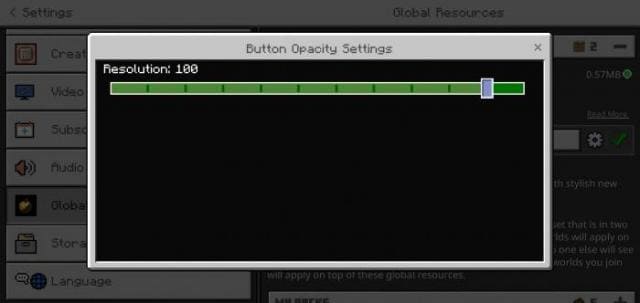
Для смены прозрачности нужно пройти в настройки дополнение и поменять ползунок процента прозрачности.
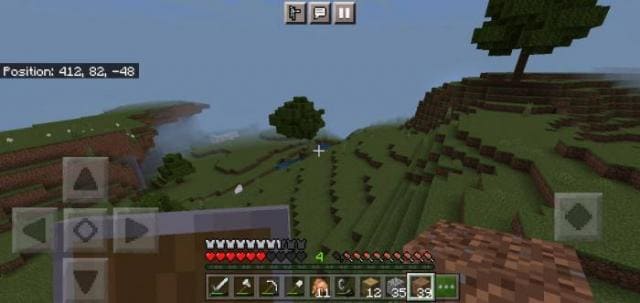
Обычная прозрачность кнопок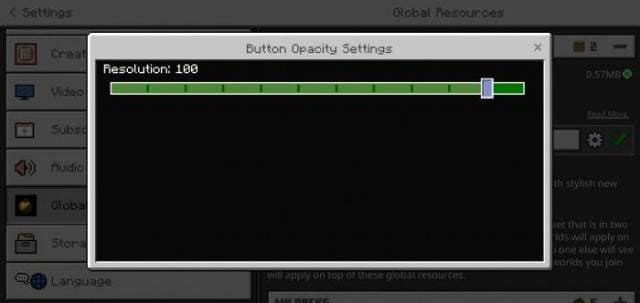
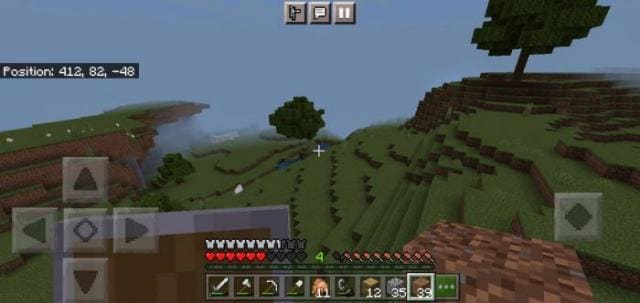 Высокая прозрачность кнопок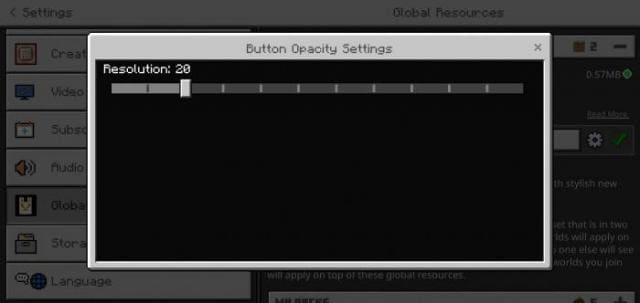
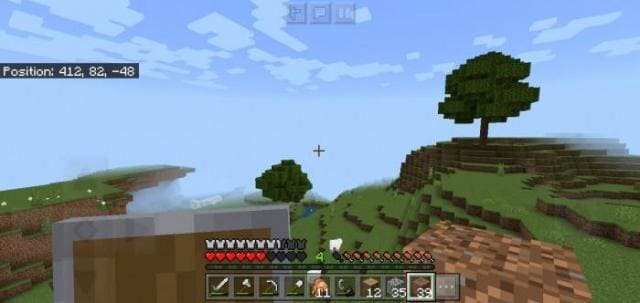
Для смены прозрачности нужно пройти в настройки дополнение и поменять ползунок процента прозрачности.
Обычная прозрачность кнопок
Quick facts
- Edition: Minecraft Bedrock
- File type: .mcpack
- Minecraft versions listed: 1.19, 1.18.30, 1.18.20
- How to install: Download the .mcpack. → Open it — Minecraft imports it under Resource Packs. → Activate it in Global Resources, or for one world under Resource Packs → Available.
- Where to get it: In MCModsHub, or directly above on this page.
Install steps are the general flow for this file type — How to install Minecraft Bedrock texture packs walks through it step by step.
File checked by MCModsHub
- Pack type: .mcpack — a single pack
- Manifest requires Minecraft 1.17.0 or newer
- Complete pack — everything it depends on is inside the file
- Download size: 642 KB
- Download link checked 6 Jul 2026 — working
- Mirrored on our own servers — the download does not depend on the original host
These come from our own check of the pack file, not from the source page.