Texture packsBedrock
Saturn Client Textures
Bedrock texture pack listed for Minecraft 1.17–1.19. File opened and checked on 22 Sep 2026; installs from the MC Bedrock Mods app on Android.
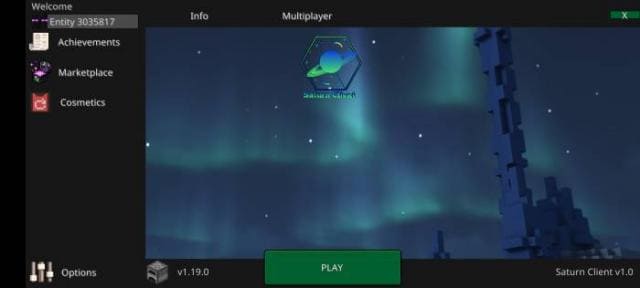
Futuristic Minecraft design is offered by Saturn Client textures. With this addition, you can completely update the appearance of the game, from the start…
⬇ Download
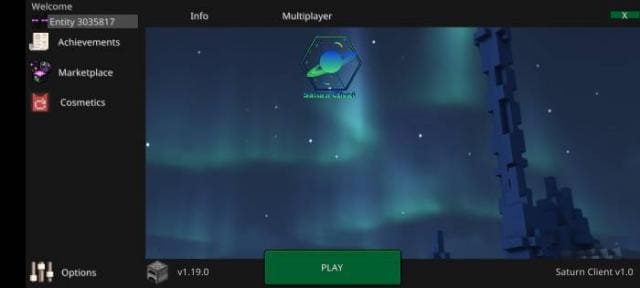
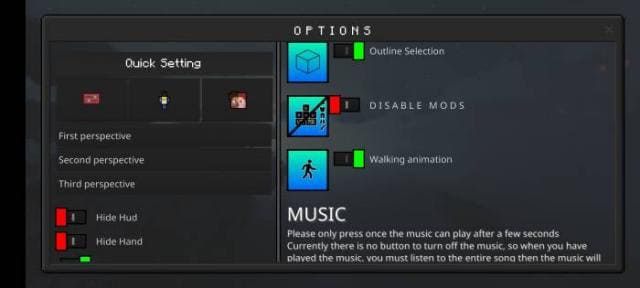
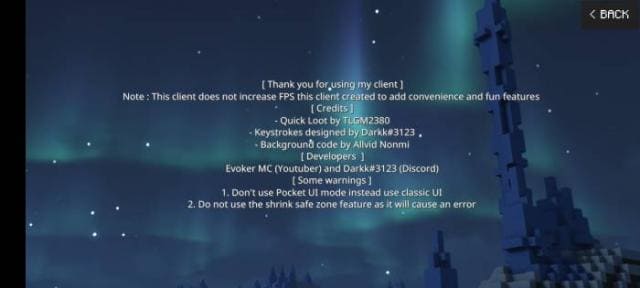
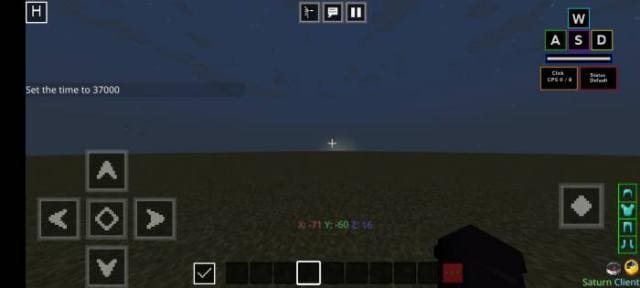
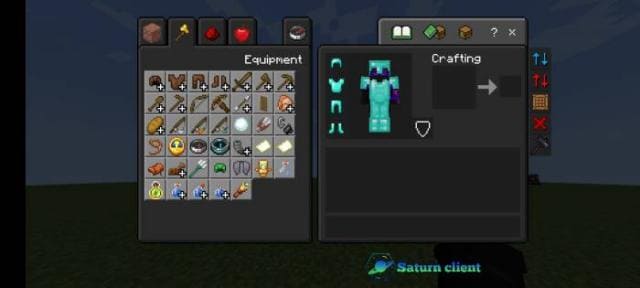
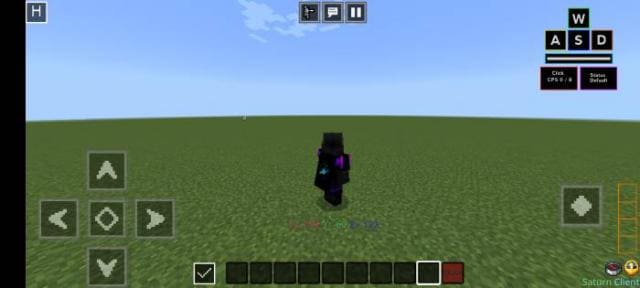
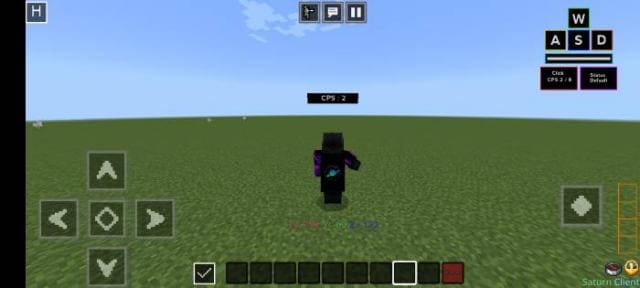
Футуристический дизайн Майнкрафт предлагают текстуры Saturn Client. При помощи этого дополнения можно полностью обновить внешний вид игры, начиная с начального экрана и заканчивая меню паузы. Обновленный дизайн соответствует современному стилю и сделает все элементы меню необычными.
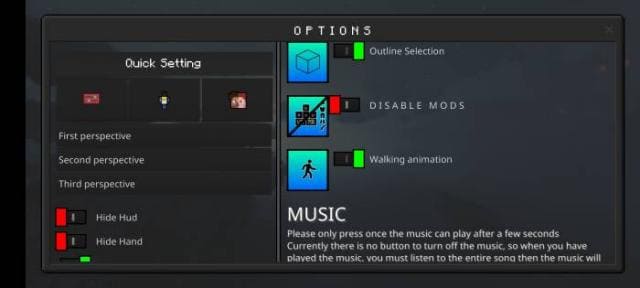
Стартовый экран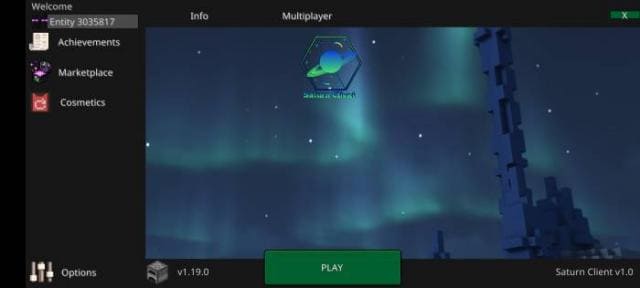 Меню настроек
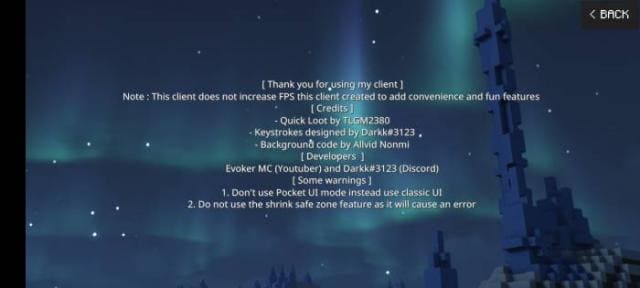
 Информация
 Основной игровой экран
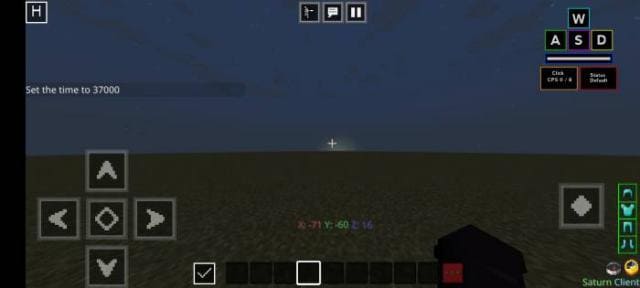 Инвентарь пользователя
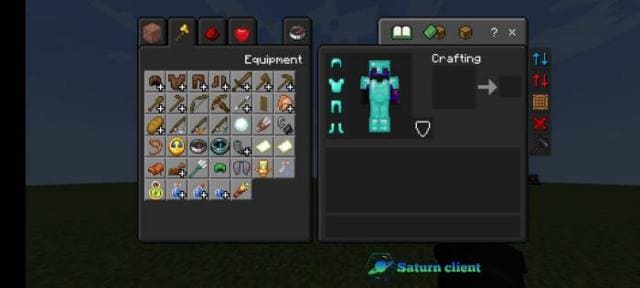 Плащ
Плащ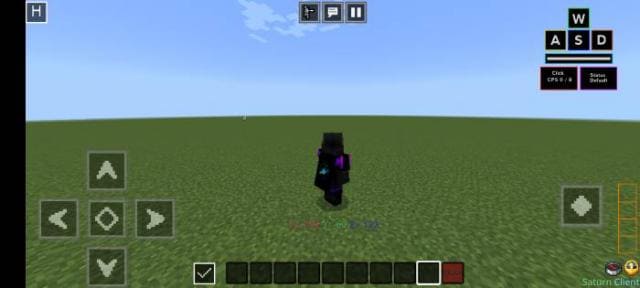 Тэги
Тэги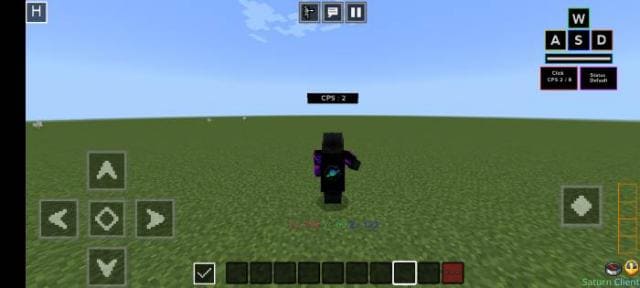 Меню паузы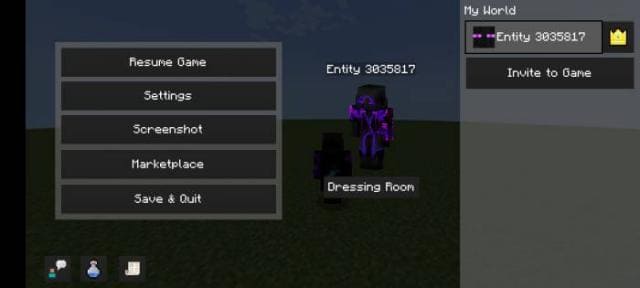
Стартовый экран
Quick facts
- Edition: Minecraft Bedrock
- File type: .mcpack
- Minecraft versions listed: 1.19, 1.18.30, 1.18.20
- How to install: Download the .mcpack. → Open it — Minecraft imports it under Resource Packs. → Activate it in Global Resources, or for one world under Resource Packs → Available.
- Where to get it: In MCModsHub, or directly above on this page.
Install steps are the general flow for this file type — How to install Minecraft Bedrock texture packs walks through it step by step.
File checked by MCModsHub
- Save it as 186763.mcaddon before opening — it downloads as .mcpack, but it is a .mcaddon pack
- Complete pack — everything it depends on is inside the file
- Download size: 9.6 MB
- Download link checked 6 Jul 2026 — working
- Mirrored on our own servers — the download does not depend on the original host
These come from our own check of the pack file, not from the source page.