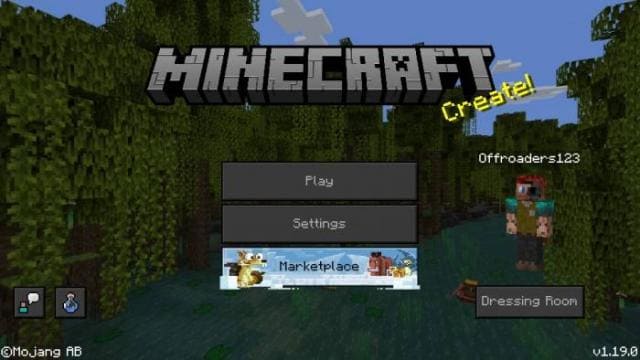
Texture packsBedrock
Dark Mode Resource Pack Textures
Bedrock texture pack listed for Minecraft 1.13–1.21. File opened and checked on 18 Sep 2026; installs from the MC Bedrock Mods app on Android.
Change your screen to a darker view by downloading and installing Dark Mode Resource Pack textures for Minecraft Pocket Edition. The advantage of these…
⬇ Download
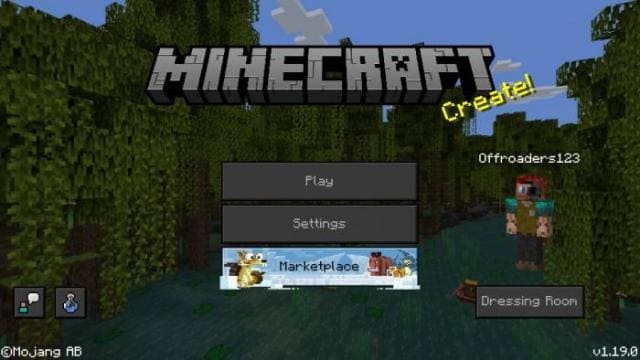
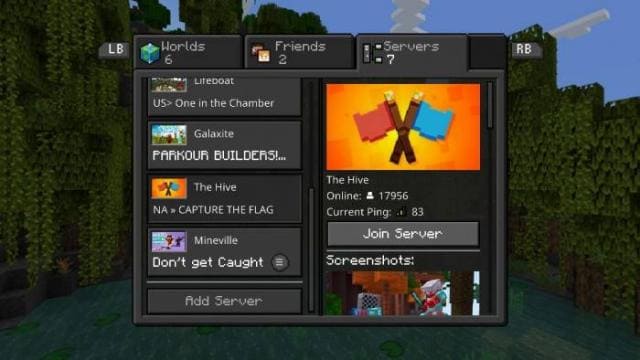
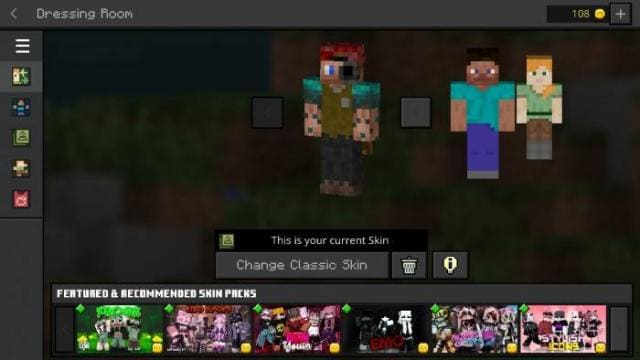
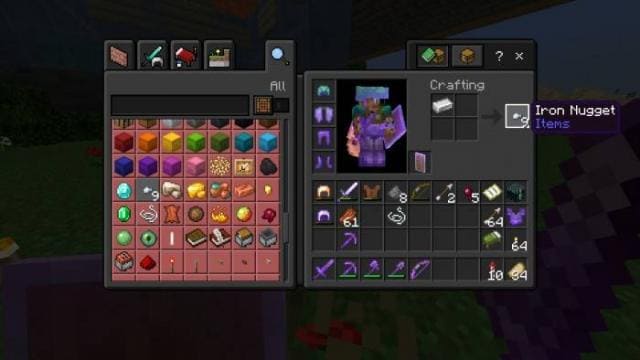
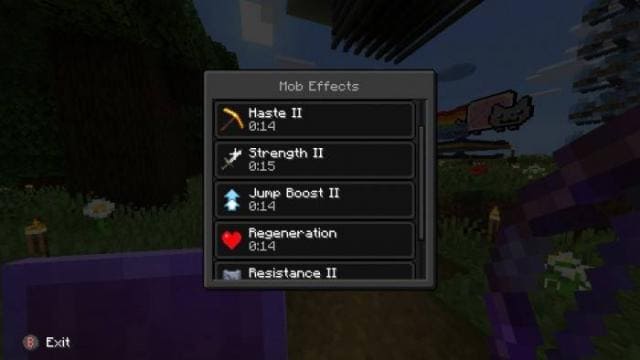
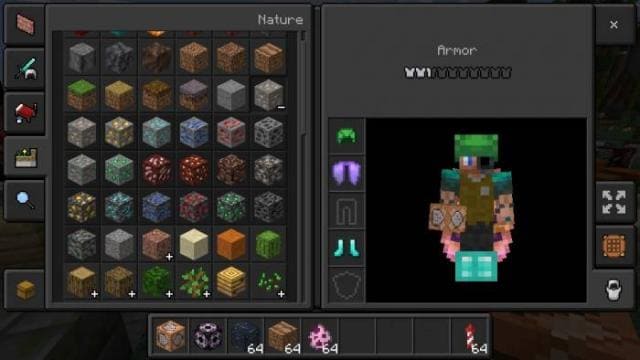

Смени вид своего экрана на более темный, скачав и установив текстуры Dark Mode Resource Pack для Майнкрафт Покет Эдишн. Преимуществом данных текстур для Minecraft Bedrock является то, что их интенсивность для просмотра меньше обычного. Кроме этого, данный пакет был создан еще и для работы с Faithful 32x.
Изменения в новой версии
Изменения в новой версии
- Добавили все изменения новых версий игры
- Добавили фон меню
- Множество изменений
- Исправили ошибки
Quick facts
- Edition: Minecraft Bedrock
- File type: .mcpack
- Minecraft versions listed: 1.18, 1.17, 1.16
- How to install: Download the .mcpack. → Open it — Minecraft imports it under Resource Packs. → Activate it in Global Resources, or for one world under Resource Packs → Available.
- Where to get it: In MCModsHub, or directly above on this page.
Install steps are the general flow for this file type — How to install Minecraft Bedrock texture packs walks through it step by step.
File checked by MCModsHub
- Pack type: .mcpack — a single pack
- Manifest requires Minecraft 1.13.0 or newer
- Complete pack — everything it depends on is inside the file
- Download size: 4.6 MB
- Download link checked 6 Jul 2026 — working
- Mirrored on our own servers — the download does not depend on the original host
These come from our own check of the pack file, not from the source page.