Texture packsBedrock
Medieval UI Textures
Bedrock texture pack listed for Minecraft 1.18. File opened and checked on 30 Sep 2026; installs from the MC Bedrock Mods app on Android.
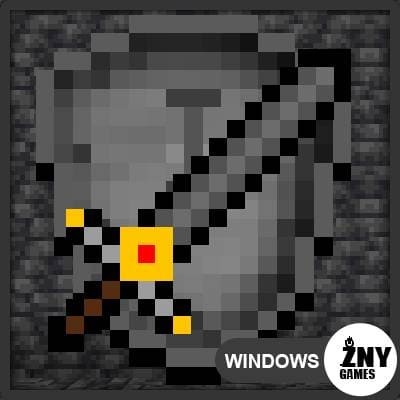
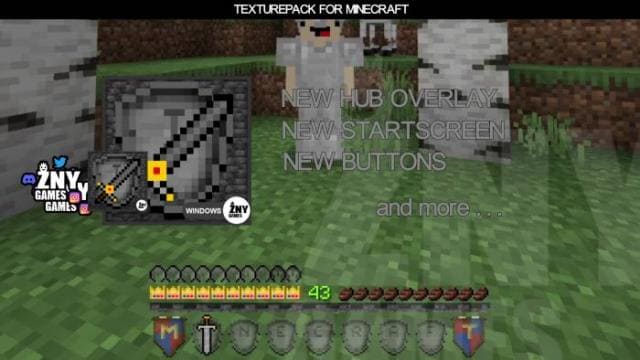
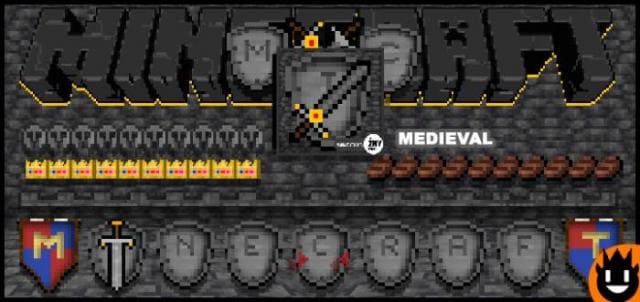
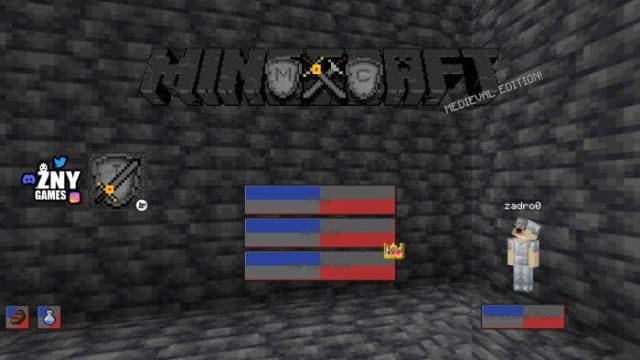
Minecraft should look medieval from the menu to the gameplay, since modern things are not used in the game. Therefore, Medieval UI textures will give you…
⬇ Download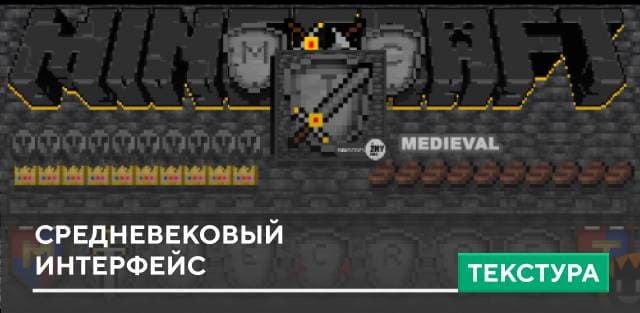
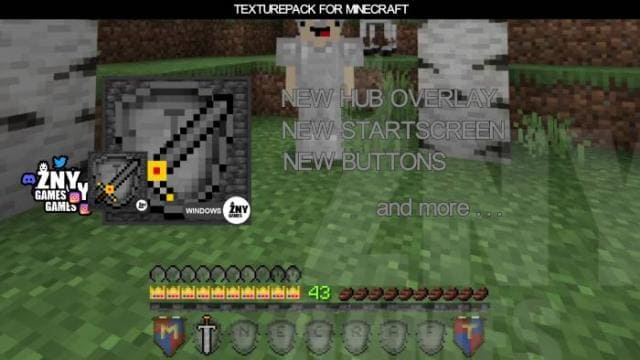
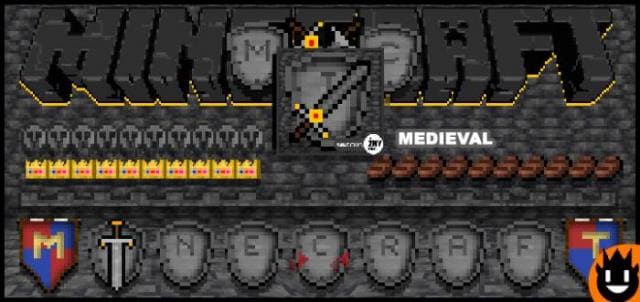
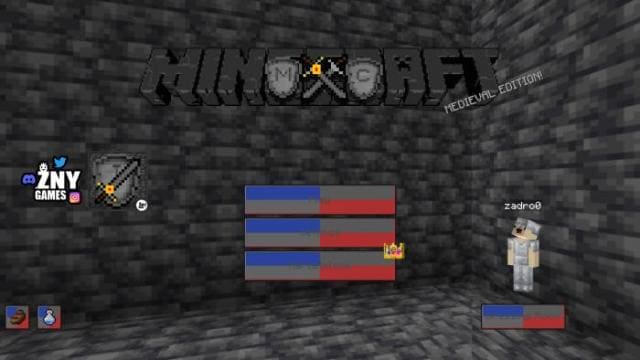
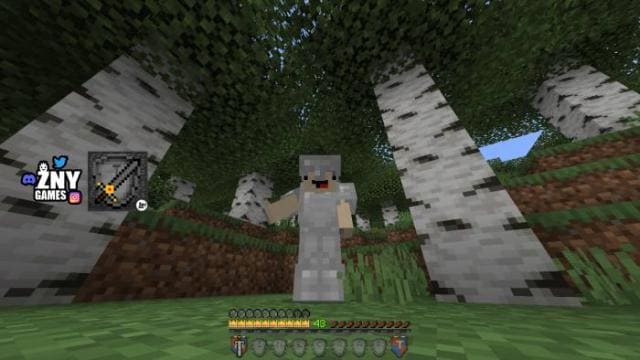

Майнкрафт должен выглядеть средневековым, начиная с меню и заканчивая игровым процессом, поскольку в игре не применяются современные вещи. Поэтому текстуры Medieval UI предоставят тебе возможность изменить дизайн игры. Меню и прочий интерфейс получат средневековый дизайн: изменения затронут инвентарь быстрого доступа и главное меню.
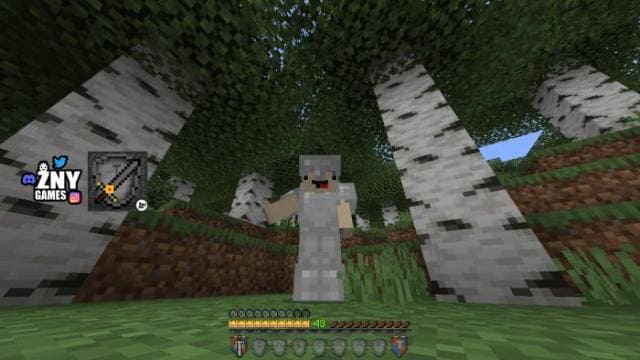
ПревьюНиже представлено то, как будет выглядеть игра после установки дополнения.
ПревьюНиже представлено то, как будет выглядеть игра после установки дополнения.
Quick facts
- Edition: Minecraft Bedrock
- File type: .mcpack
- Minecraft versions listed: 1.18.30, 1.18.20, 1.18.10
- How to install: Download the .mcpack. → Open it — Minecraft imports it under Resource Packs. → Activate it in Global Resources, or for one world under Resource Packs → Available.
- Where to get it: In MCModsHub, or directly above on this page.
Install steps are the general flow for this file type — How to install Minecraft Bedrock texture packs walks through it step by step.
File checked by MCModsHub
- Pack type: .mcpack — a single pack
- Manifest requires Minecraft 1.18.0 or newer
- Complete pack — everything it depends on is inside the file
- Download size: 256 KB
- Download link checked 6 Jul 2026 — working
- Mirrored on our own servers — the download does not depend on the original host
These come from our own check of the pack file, not from the source page.