Texture packsBedrock
Status Effects Display
Bedrock texture pack listed for Minecraft 1.16–1.18. File opened and checked on 25 Sep 2026; installs from the MC Bedrock Mods app on Android.
Many players don't even know what a particular icon on the screen means. You have to open the menu and see which effects are active on your character in…
⬇ Download
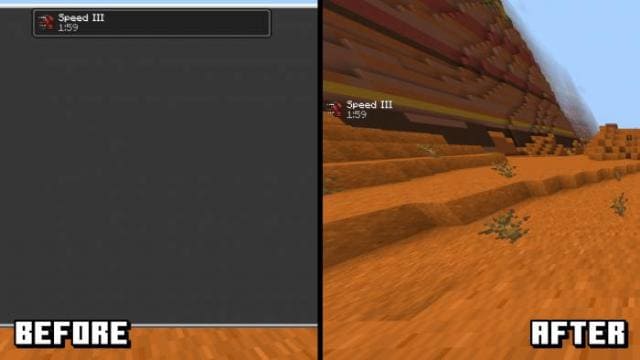
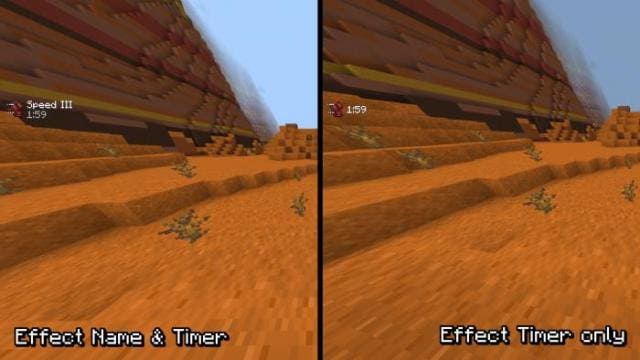
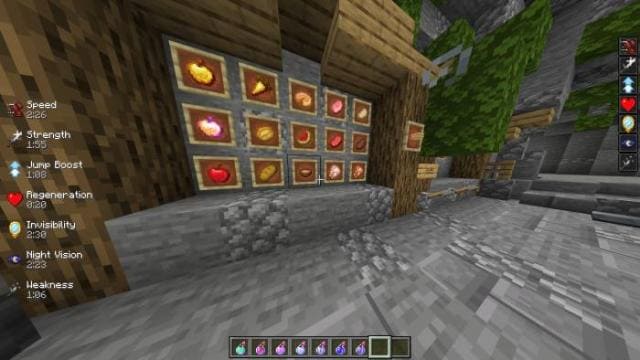
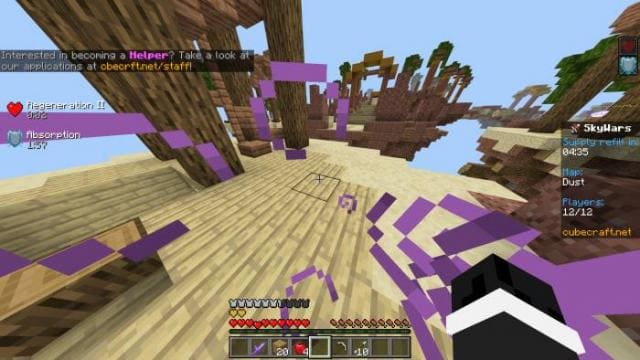
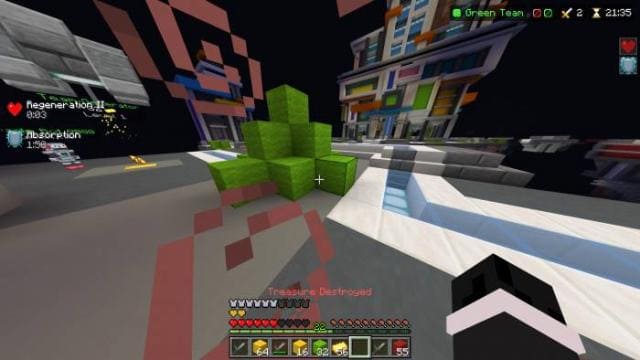
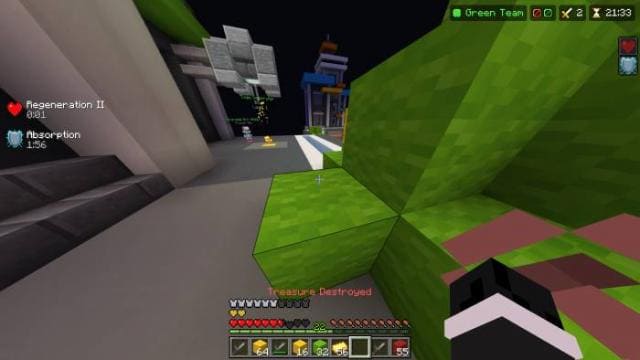
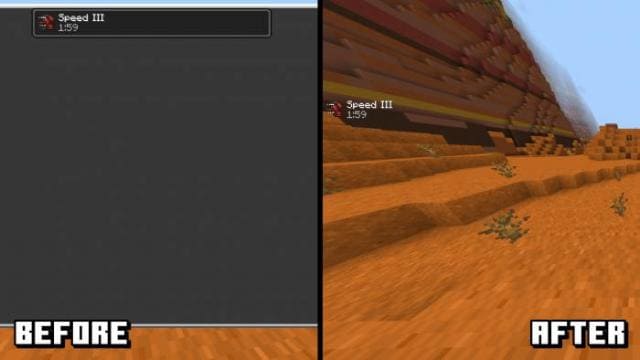
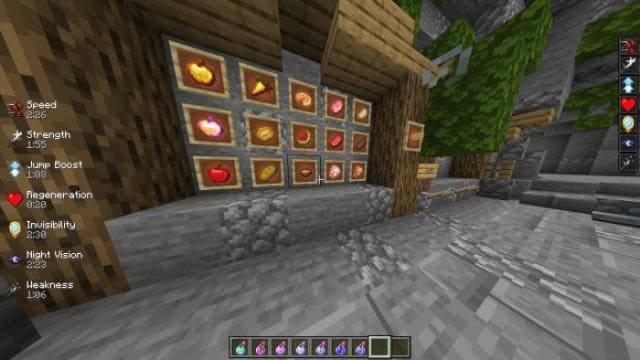
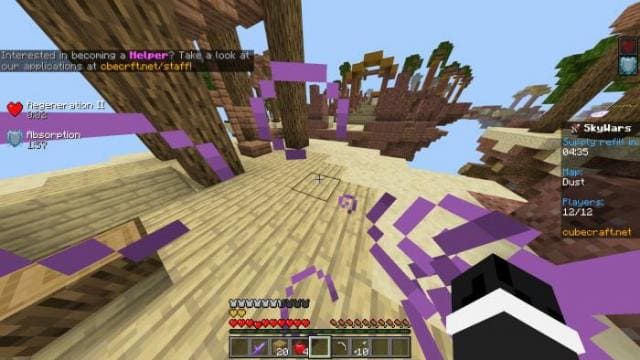
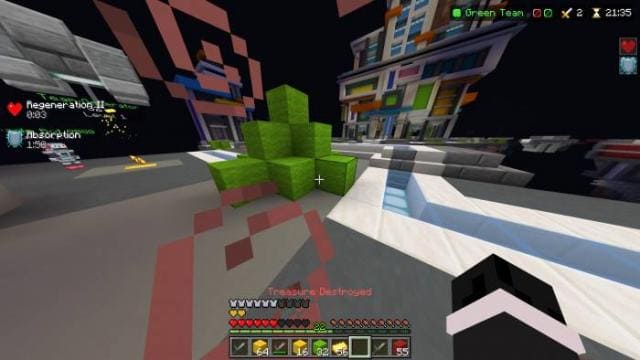
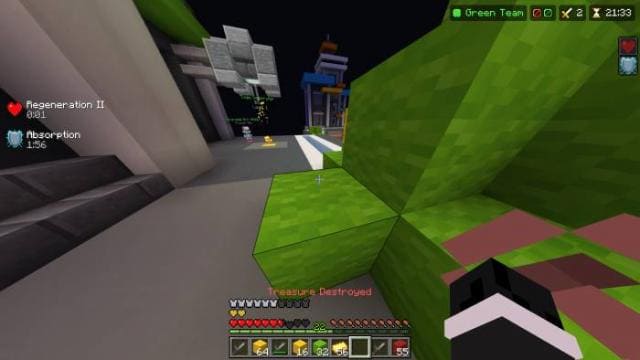
Многие игроки даже не знают, что обозначает та или иная иконка на экране пользователя. Приходится открывать меню и смотреть, какие эффекты работают на персонажа в MCPE. Чтобы исправить эту проблему, можно применять текстуры Status Effects Display. После этого на левой стороне экрана всегда будут отображаться эффекты, которые работают на игрока.
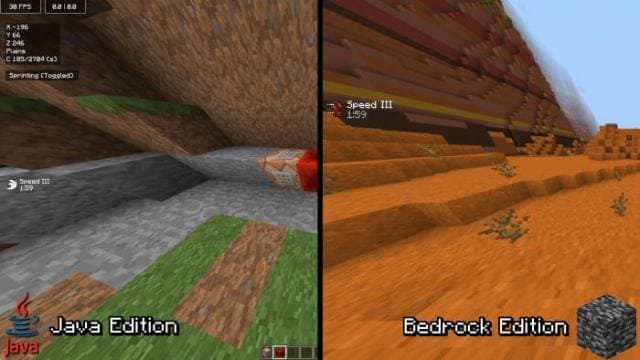
Удобная функция, особенно для тех, кто плохо разбирается в разных эффектах от зелий.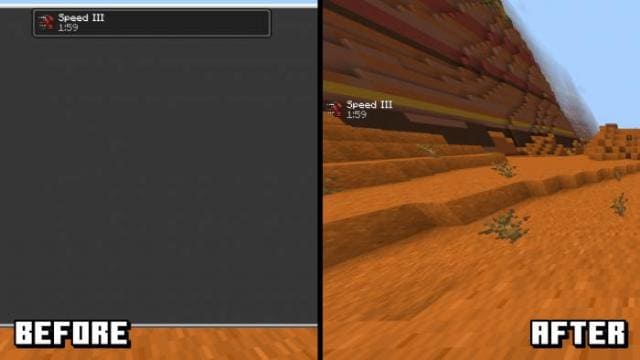 Сравнение отображения на Java и Bedrock.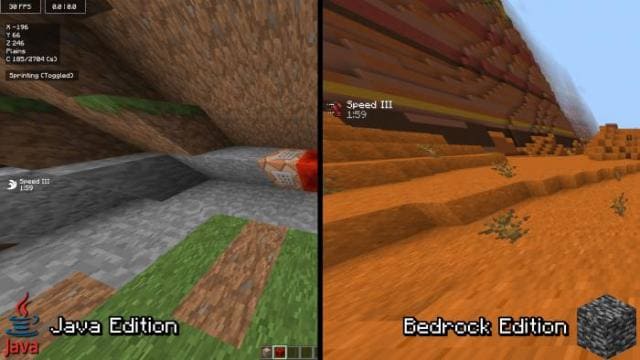
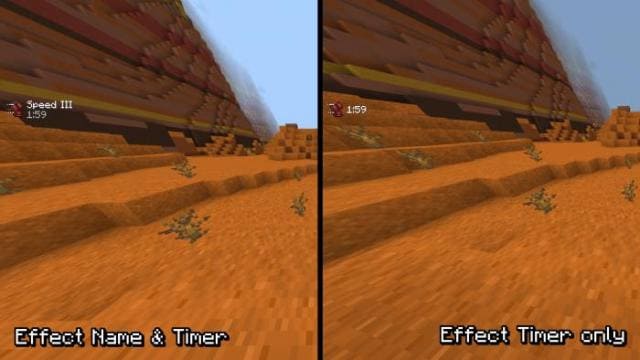 Скриншоты
Удобная функция, особенно для тех, кто плохо разбирается в разных эффектах от зелий.
Quick facts
- Edition: Minecraft Bedrock
- File type: .mcpack
- Minecraft versions listed: 1.18.30, 1.18.20, 1.18.10
- How to install: Download the .mcpack. → Open it — Minecraft imports it under Resource Packs. → Activate it in Global Resources, or for one world under Resource Packs → Available.
- Where to get it: In MCModsHub, or directly above on this page.
Install steps are the general flow for this file type — How to install Minecraft Bedrock texture packs walks through it step by step.
File checked by MCModsHub
- Pack type: .mcpack — a single pack
- Manifest requires Minecraft 1.16.0 or newer
- Complete pack — everything it depends on is inside the file
- Download size: 9 KB
- Download link checked 6 Jul 2026 — working
- Mirrored on our own servers — the download does not depend on the original host
These come from our own check of the pack file, not from the source page.