Texture packsBedrock
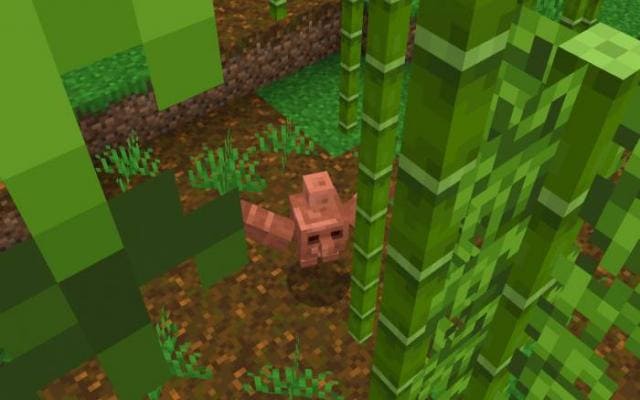
Simple Copper Golem
Bedrock texture pack listed for Minecraft 1.16–1.18. File opened and checked on 2 Oct 2026; installs from the MC Bedrock Mods app on Android.
Many players were disappointed that Allay or Sniffer won the mob voting. 49% of votes (according to the author) were for the Copper Golem, but…
⬇ Download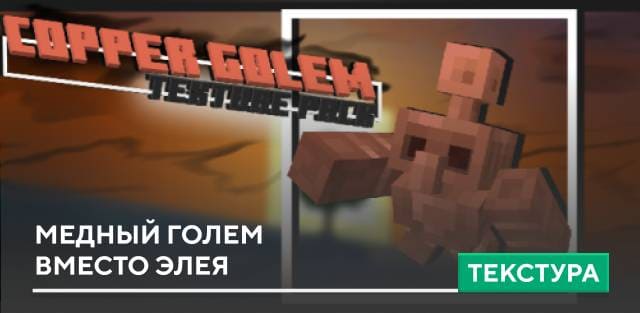
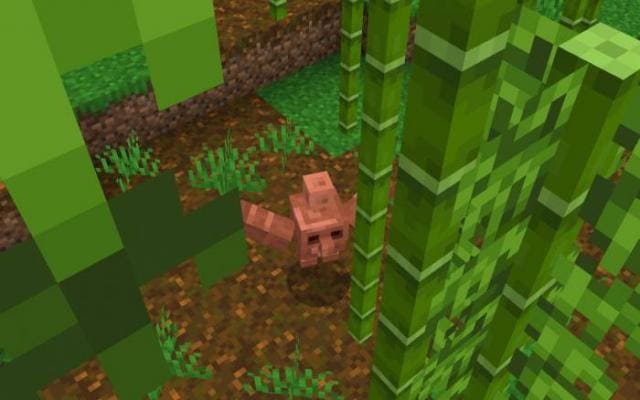

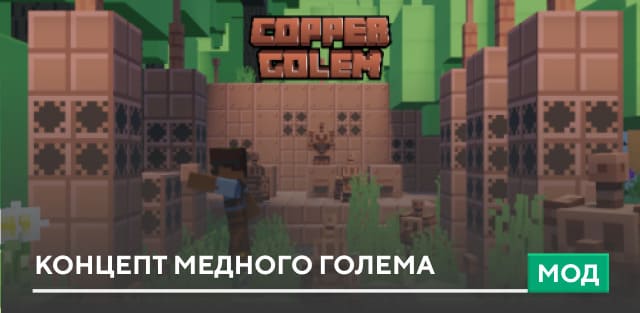
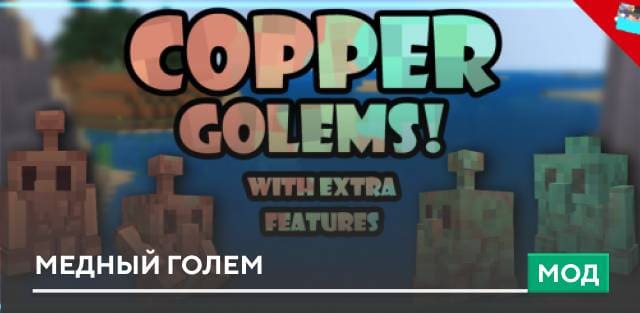
Многие игроки остались недовольными, что Элей или Спешик победил в голосовании за мобов. 49% голосов (как заверяет автор) было за медного голема, но к сожалению, Элэй набрал 51%. Пользователям очень понравился Медный голем. К счастью, доступно множество концептов для введения моба в Майнкрафт Бедрок. Также ты можешь убрать Спешика и заменить его Медным големом с текстурами Simple Copper Golem.
Соответственно, моб будет делать то же самое, что и Спешик, но при этом будет выглядеть как Медный голем.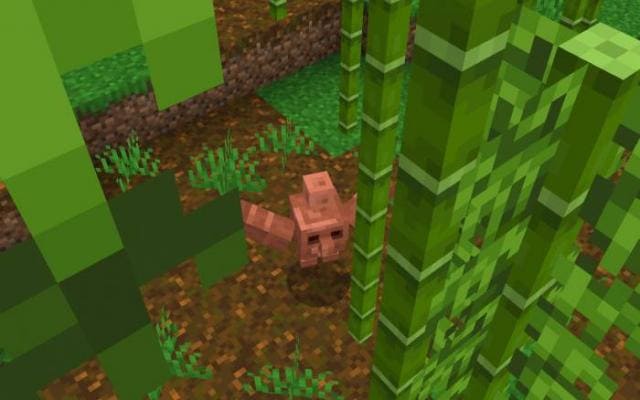
Соответственно, моб будет делать то же самое, что и Спешик, но при этом будет выглядеть как Медный голем.
Quick facts
- Edition: Minecraft Bedrock
- File type: .mcpack
- Minecraft version listed: 1.18.30
- How to install: Download the .mcpack. → Open it — Minecraft imports it under Resource Packs. → Activate it in Global Resources, or for one world under Resource Packs → Available.
- Where to get it: In MCModsHub, or directly above on this page.
Install steps are the general flow for this file type — How to install Minecraft Bedrock texture packs walks through it step by step.
File checked by MCModsHub
- Save it as 186786.mcaddon before opening — it downloads as .mcpack, but it is a .mcaddon pack
- Manifest requires Minecraft 1.16.0 or newer
- Complete pack — everything it depends on is inside the file
- Download size: 40 KB
- Download link checked 6 Jul 2026 — working
- Mirrored on our own servers — the download does not depend on the original host
These come from our own check of the pack file, not from the source page.