Texture packsBedrock
Rewanston Graphics: Color Enhancer Textures
Bedrock texture pack listed for Minecraft 1.13–1.18. File opened and checked on 4 Oct 2026; installs from the MC Bedrock Mods app on Android.
Would you like to change the colors in Minecraft so the blocky world becomes even brighter and more beautiful? Then it's recommended to use Rewanston…
⬇ Download
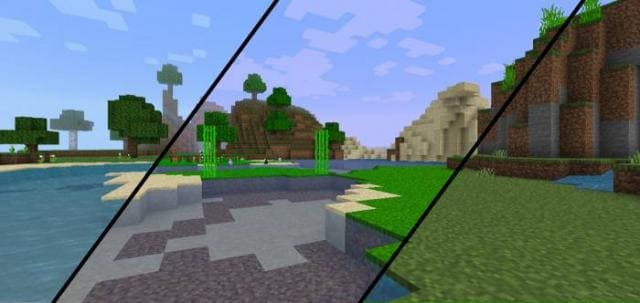
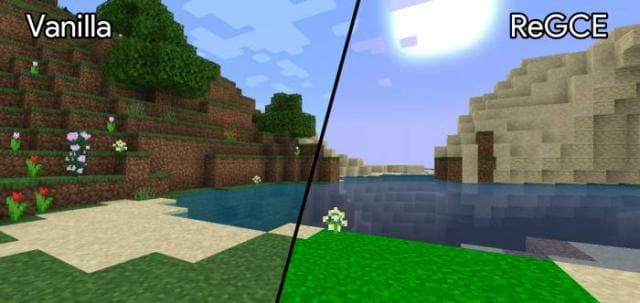
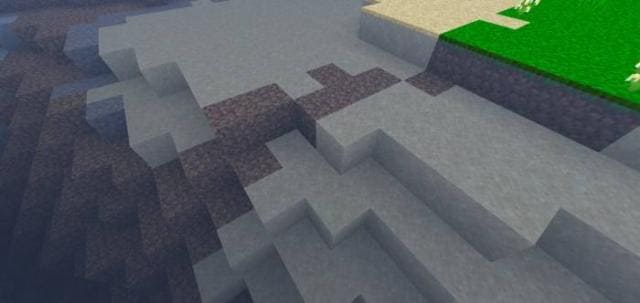
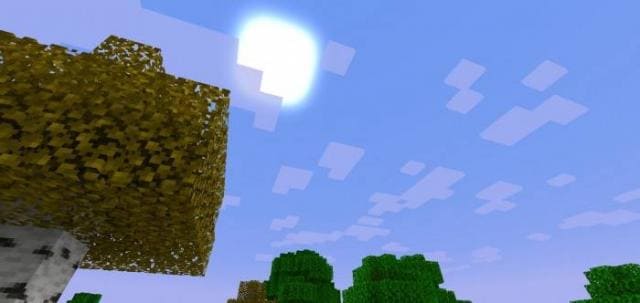
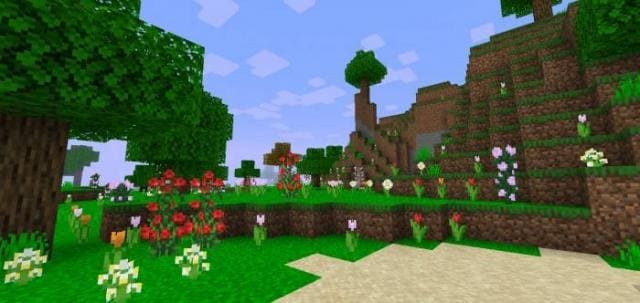
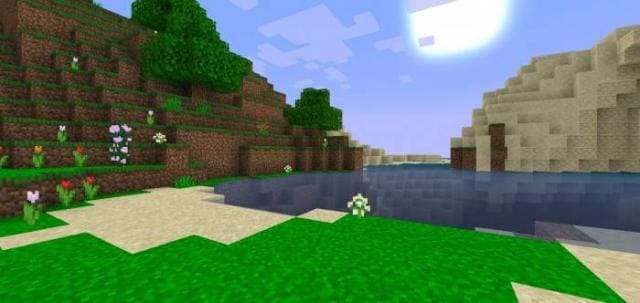
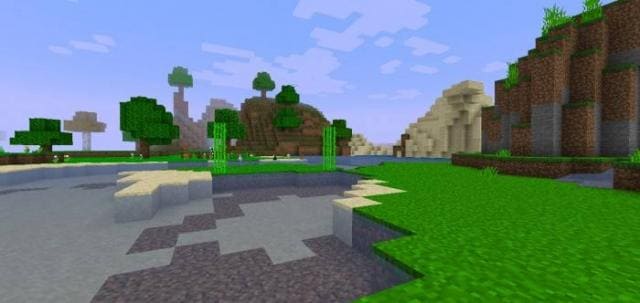
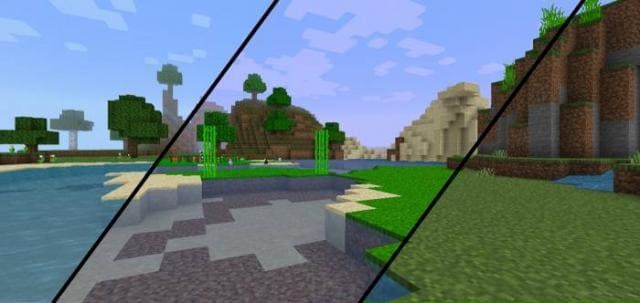
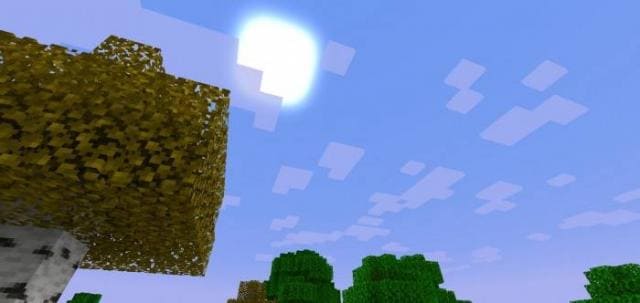
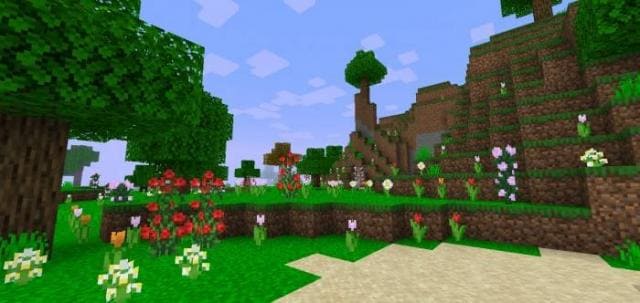
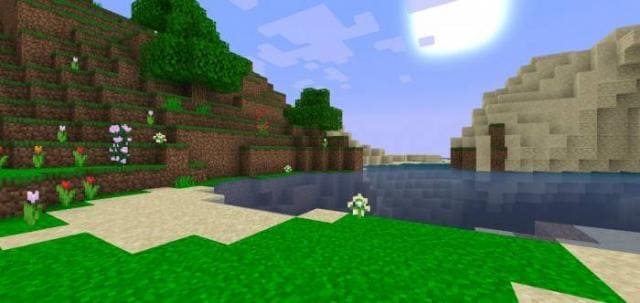
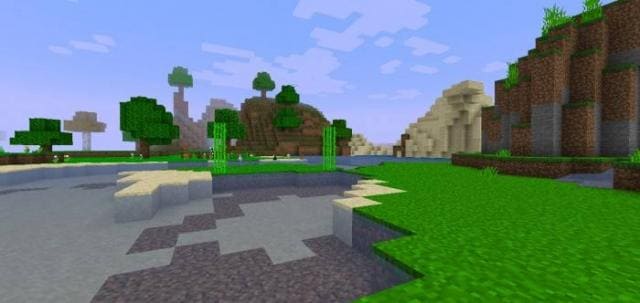
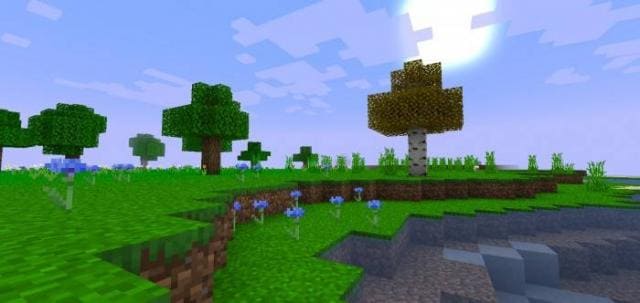
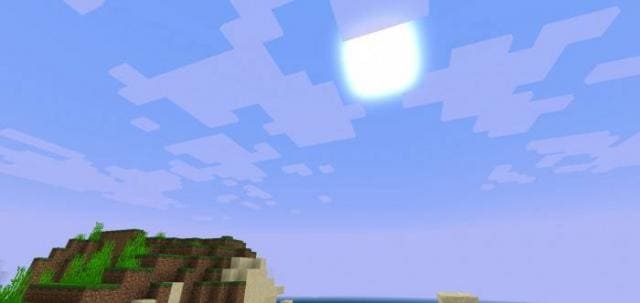
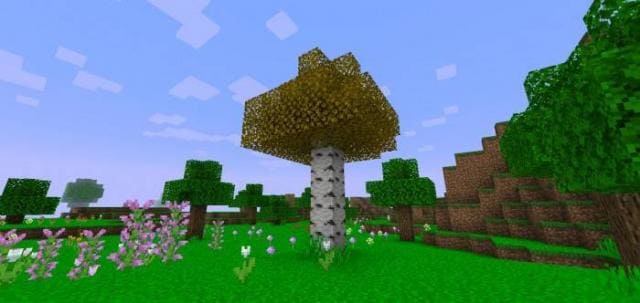
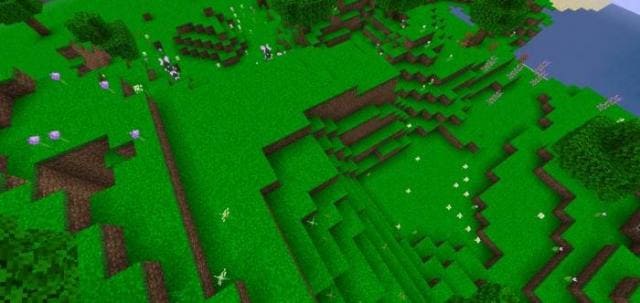
Ты бы хотел изменить цвета в Майнкрафт, чтобы блочный мир стал еще ярче и красивее? Тогда рекомендуется воспользоваться текстурами Rewanston Graphics: Color Enhancer. Дополнение улучшит палитру оттенков в мире. При этом не будут использоваться шейдеры и прочие вещи, нагружающие смартфон. Производительность практически не изменится, а выживание будет лучше.
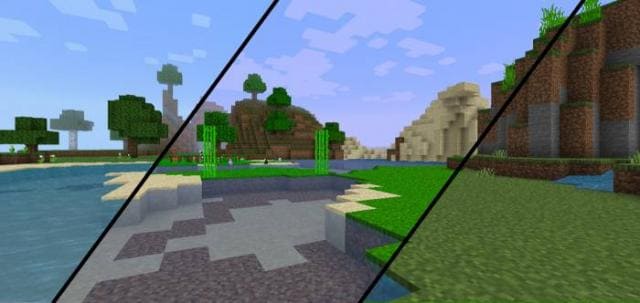
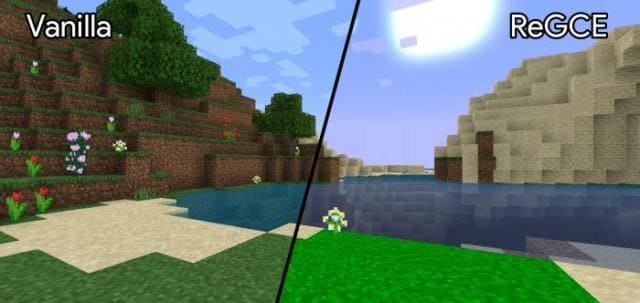
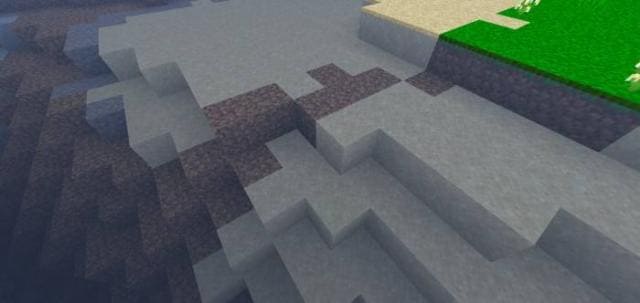
Ниже представили сравнение мира с использованием дополнения и без.
Ниже представили сравнение мира с использованием дополнения и без.
Quick facts
- Edition: Minecraft Bedrock
- File type: .mcpack
- Minecraft versions listed: 1.18.30, 1.18.20, 1.18.10
- How to install: Download the .mcpack. → Open it — Minecraft imports it under Resource Packs. → Activate it in Global Resources, or for one world under Resource Packs → Available.
- Where to get it: In MCModsHub, or directly above on this page.
Install steps are the general flow for this file type — How to install Minecraft Bedrock texture packs walks through it step by step.
File checked by MCModsHub
- Pack type: .mcpack — a single pack
- Manifest requires Minecraft 1.13.0 or newer
- Complete pack — everything it depends on is inside the file
- Download size: 256 KB
- Download link checked 10 Jul 2026 — working
- Mirrored on our own servers — the download does not depend on the original host
These come from our own check of the pack file, not from the source page.