Texture packsBedrock
Builder's Belief Textures
Bedrock texture pack listed for Minecraft 1.18. File opened and checked on 3 Oct 2026; installs from the MC Bedrock Mods app on Android.
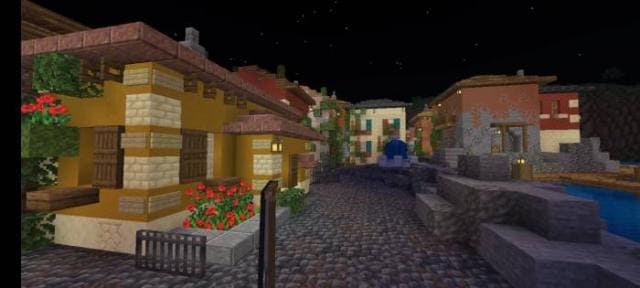
How do you keep the familiar Minecraft style while adding a medieval atmosphere? The answer can be found with Builder's Belief textures. If you're…
⬇ Download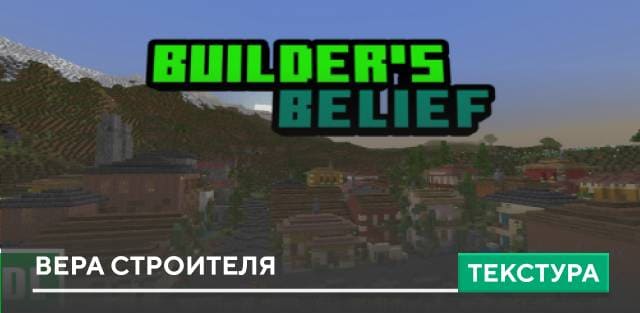
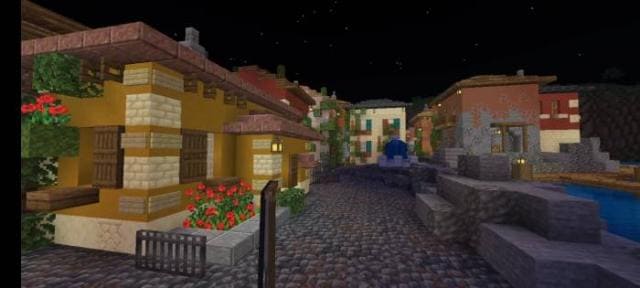
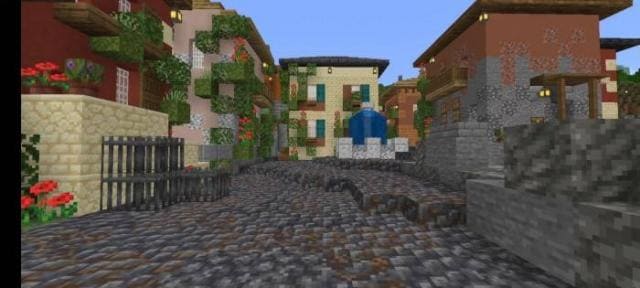
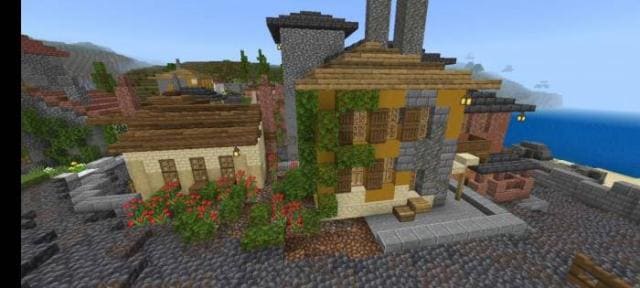
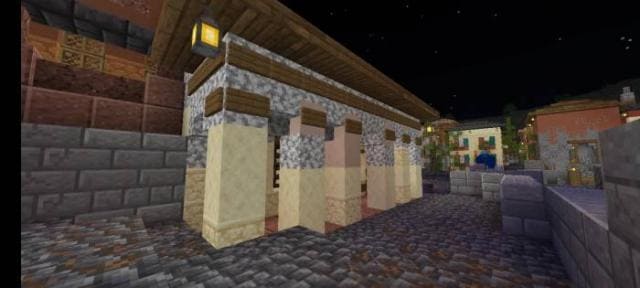

Как оставить привычный стиль Minecraft, но при этом придать средневековую атмосферу? Ответ можно найти с текстурами Builder's Belief. Если ты строишь средневековые здания в особенном стиле, то используй дополнение, чтобы улучшить собственные творения. Сборка увеличивает возможности постройки крутых зданий и сооружения.
Посмотри на скриншоты и превью, чтобы лучше понять изменения, которые привнесет дополнение в твой блочный мир.
Превью
Посмотри на скриншоты и превью, чтобы лучше понять изменения, которые привнесет дополнение в твой блочный мир.
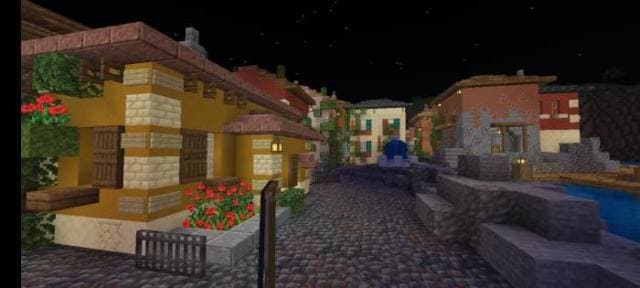
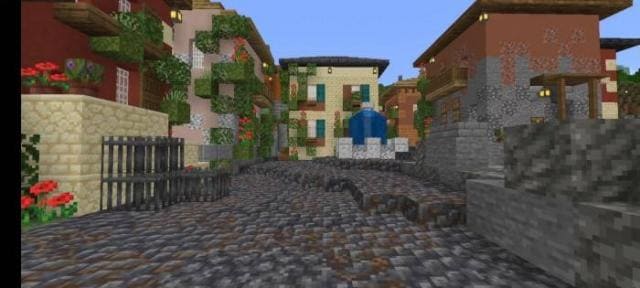
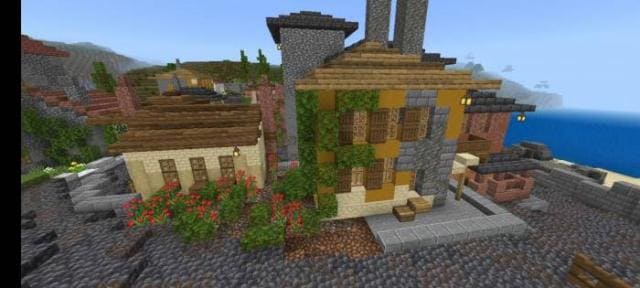
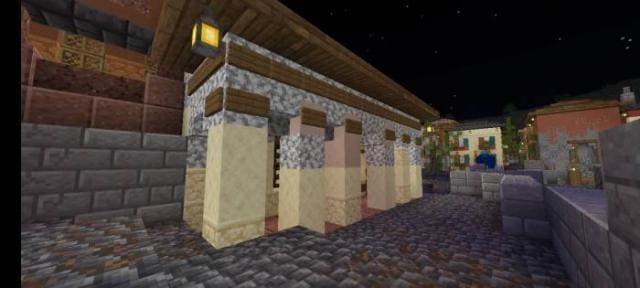
Превью
Quick facts
- Edition: Minecraft Bedrock
- File type: .mcpack
- Minecraft version listed: 1.18.10
- How to install: Download the .mcpack. → Open it — Minecraft imports it under Resource Packs. → Activate it in Global Resources, or for one world under Resource Packs → Available.
- Where to get it: In MCModsHub, or directly above on this page.
Install steps are the general flow for this file type — How to install Minecraft Bedrock texture packs walks through it step by step.
File checked by MCModsHub
- Pack type: .mcpack — a single pack
- Manifest requires Minecraft 1.18.0 or newer
- Complete pack — everything it depends on is inside the file
- Download size: 202 KB
- Download link checked 6 Jul 2026 — working
- Mirrored on our own servers — the download does not depend on the original host
These come from our own check of the pack file, not from the source page.