Texture packsBedrock
PerFormance+ Textures
Bedrock texture pack listed for Minecraft 1.16–1.19. File opened and checked on 5 Oct 2026; installs from the MC Bedrock Mods app on Android.
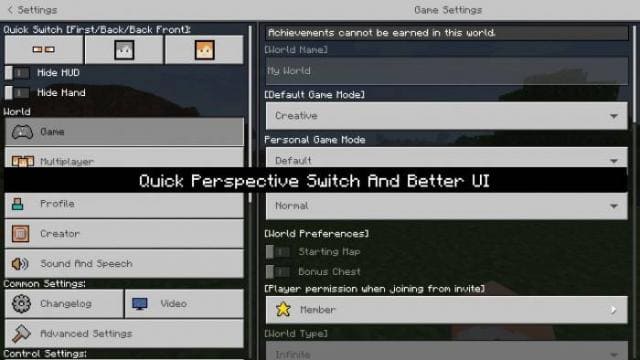
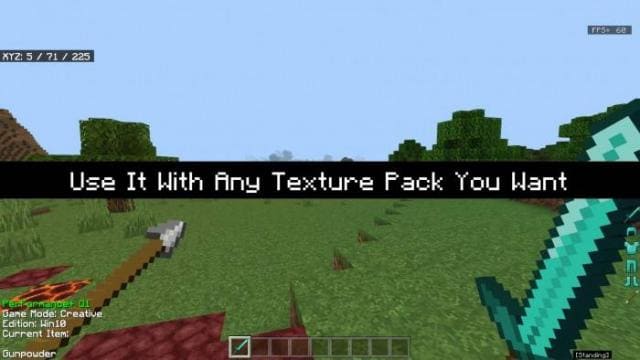
PerFormance+ textures improve the design for a more pleasant and comfortable gaming experience in Minecraft. The classic menu style is preserved, but with…
⬇ Download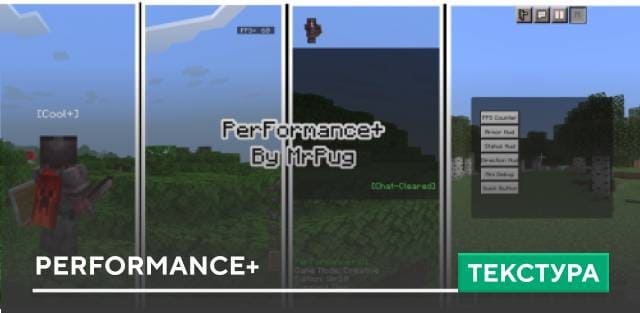
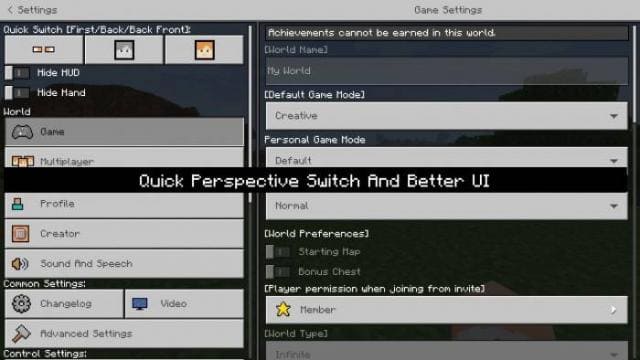
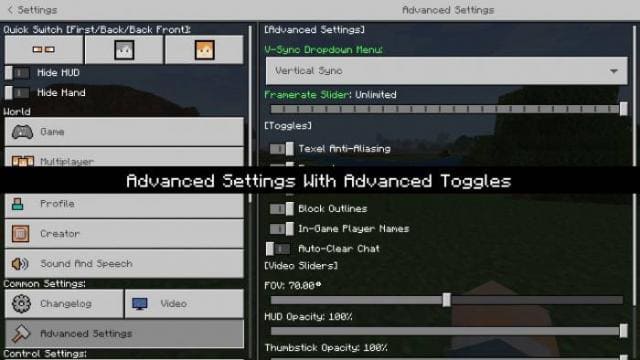
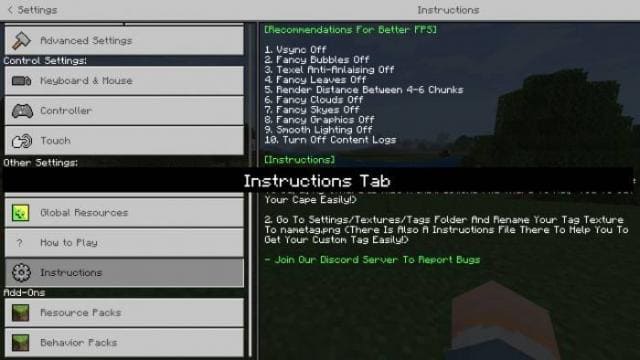
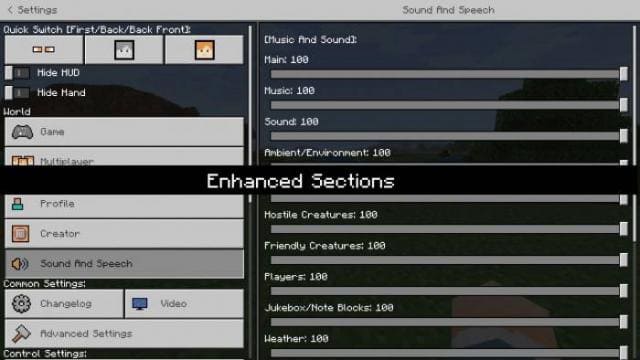
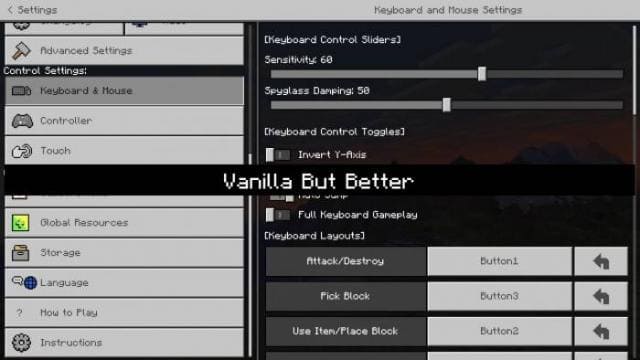
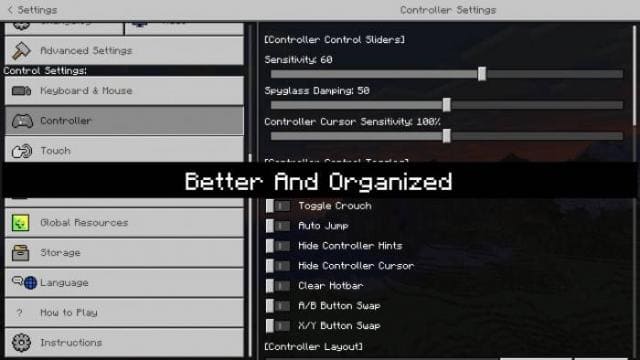
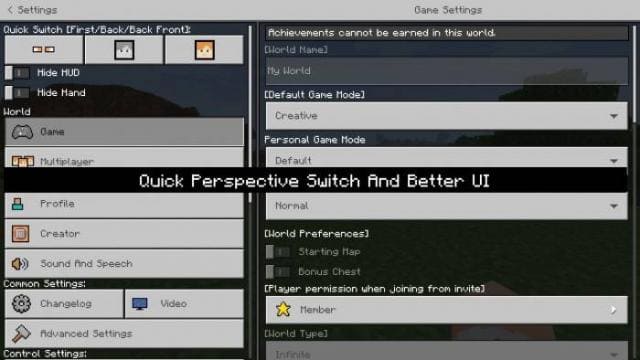
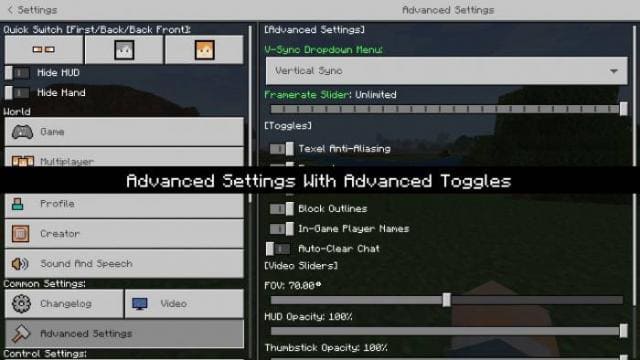
Текстуры PerFormance+ улучшают дизайн для более приятного и комфортного игрового процесса в Майнкрафт. Классический стиль меню сохранится, но при этом будут улучшения. Изменения затронут основной экран миров, все виды настроек и игровой экран. На экране можно будет выставлять броню, кнопки и даже надеть плащ на игрока.
Скриншоты
Изменения в новой версии
Скриншоты
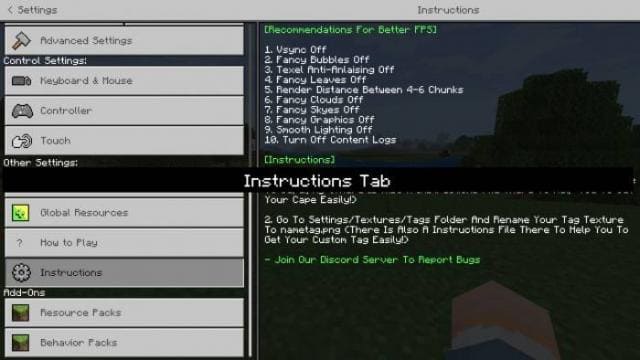
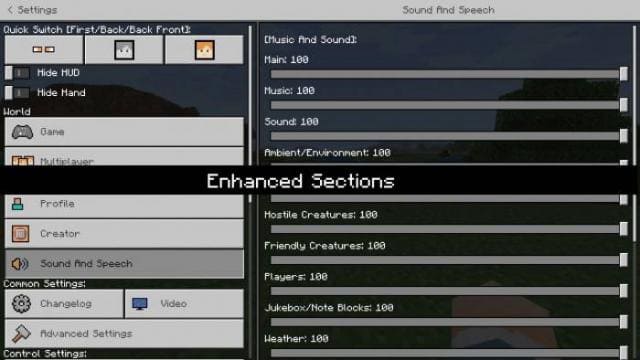
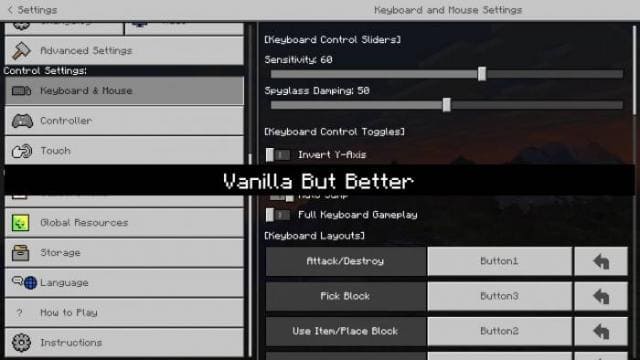
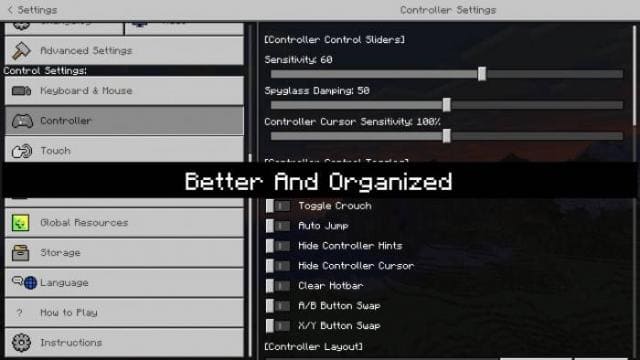
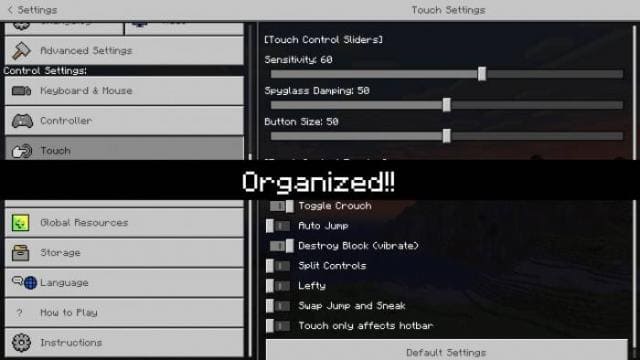
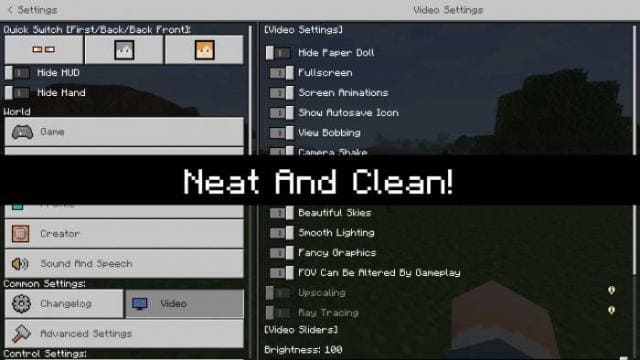
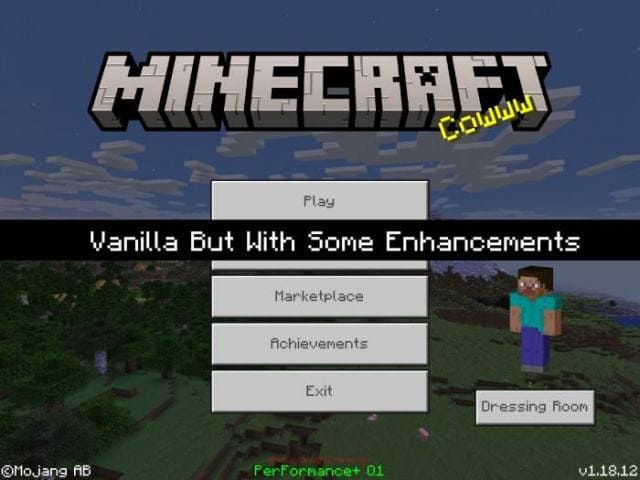
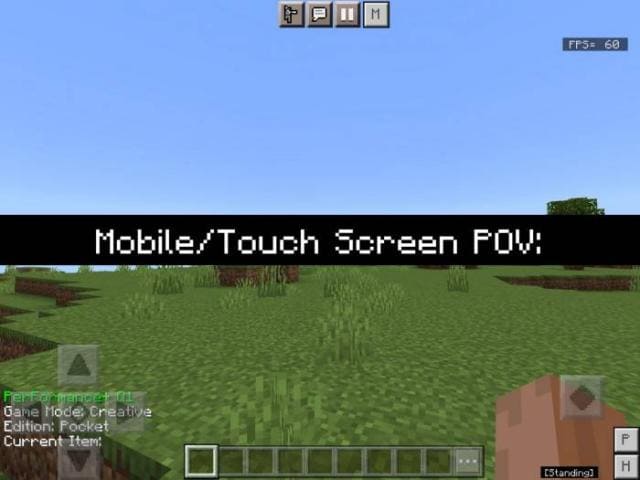
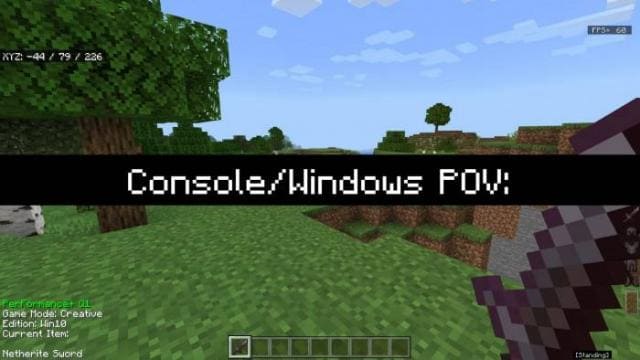
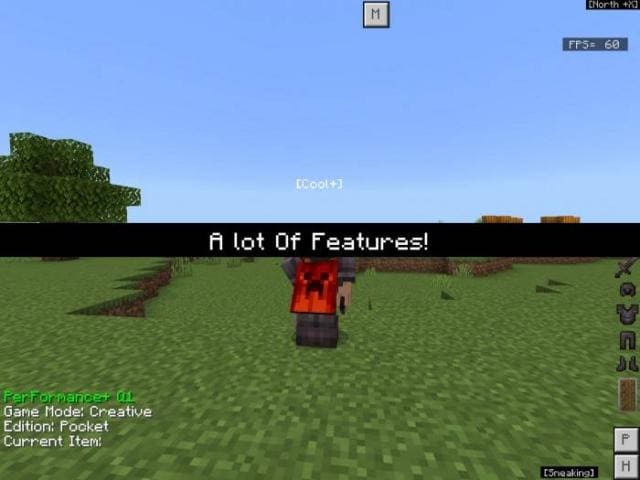
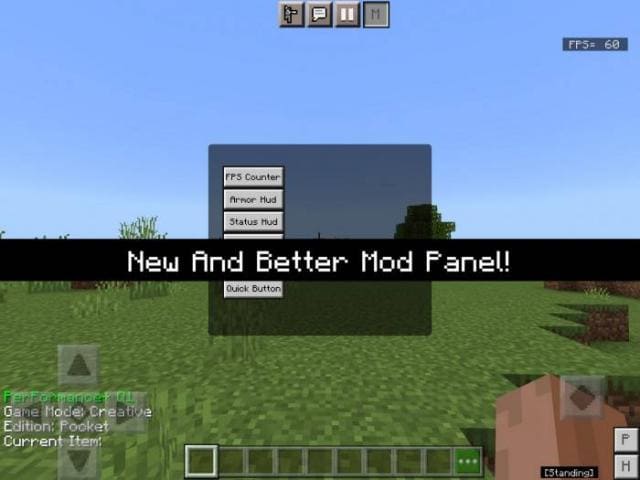
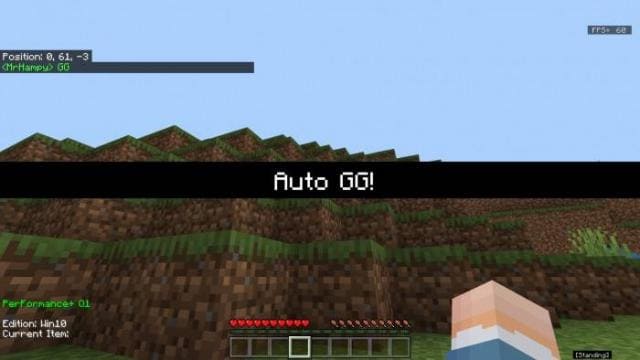
Изменения в новой версии
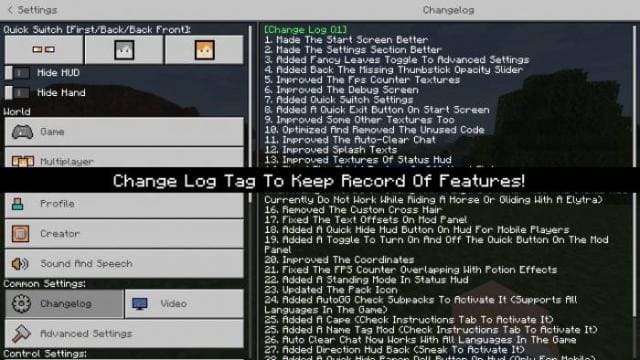
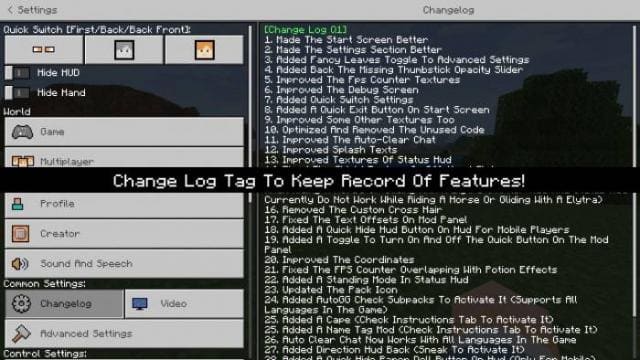
- Очищенный экран быстрого доступа
- Добавили новые элементы
- Улучшили настройки
- Исправили ошибки
- Оптимизировали коды
Quick facts
- Edition: Minecraft Bedrock
- File type: .mcpack
- Minecraft versions listed: 1.18, 1.17, 1.16
- How to install: Download the .mcpack. → Open it — Minecraft imports it under Resource Packs. → Activate it in Global Resources, or for one world under Resource Packs → Available.
- Where to get it: In MCModsHub, or directly above on this page.
Install steps are the general flow for this file type — How to install Minecraft Bedrock texture packs walks through it step by step.
File checked by MCModsHub
- Save it as 186809.mcaddon before opening — it downloads as .mcpack, but it is a .mcaddon pack
- Manifest requires Minecraft 1.16.0 or newer
- Complete pack — everything it depends on is inside the file
- Download size: 333 KB
- Download link checked 6 Jul 2026 — working
- Mirrored on our own servers — the download does not depend on the original host
These come from our own check of the pack file, not from the source page.