Texture packsBedrock
No-Grid Textures
Bedrock texture pack listed for Minecraft 1.18. File opened and checked on 11 Sep 2026; installs from the MC Bedrock Mods app on Android.
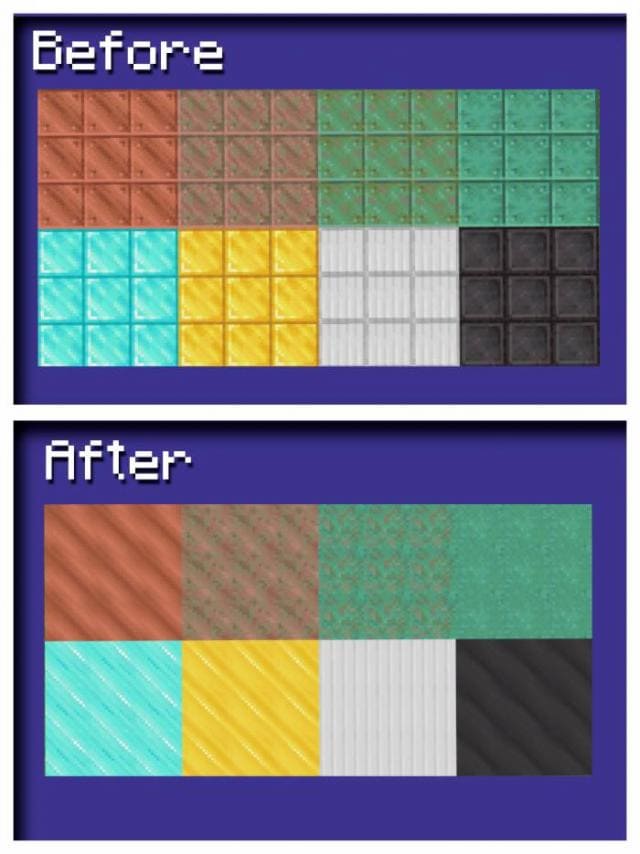
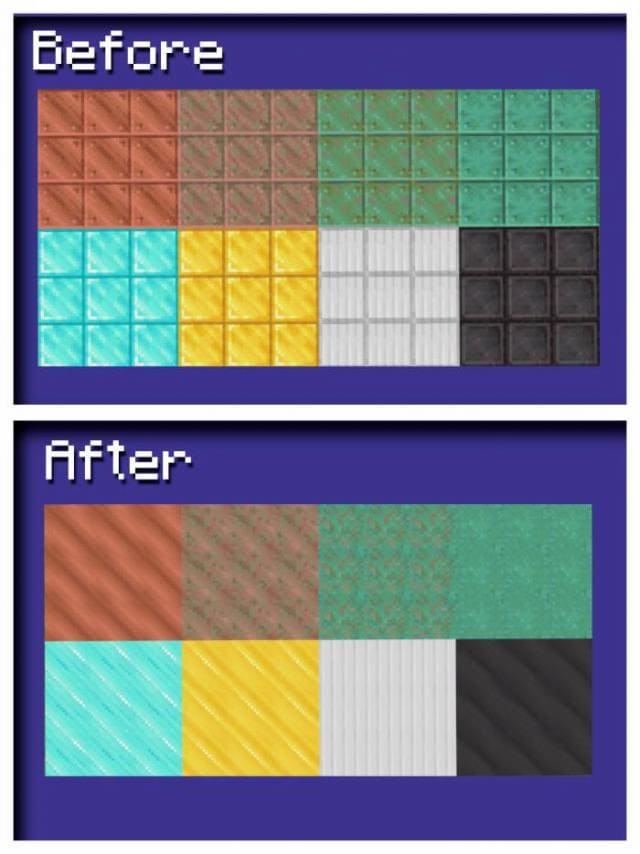
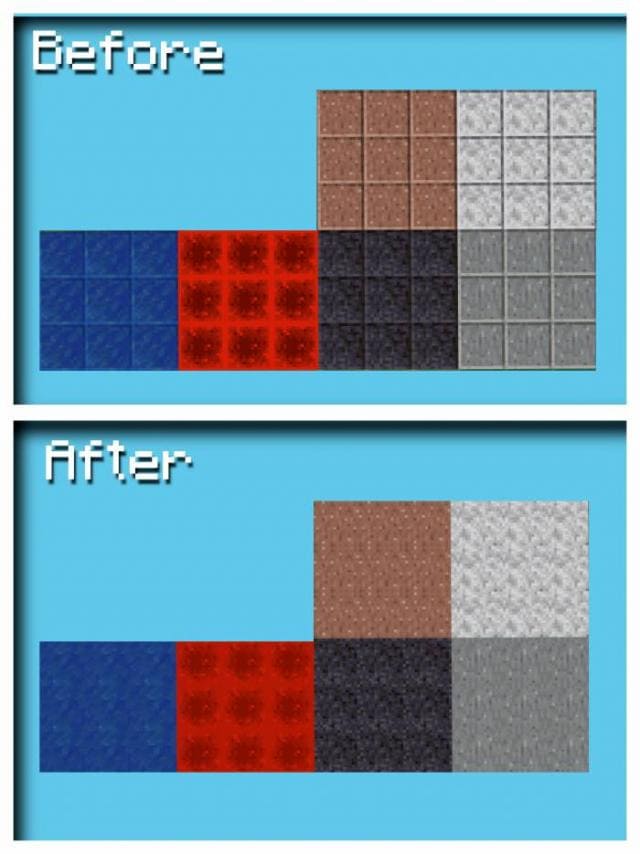
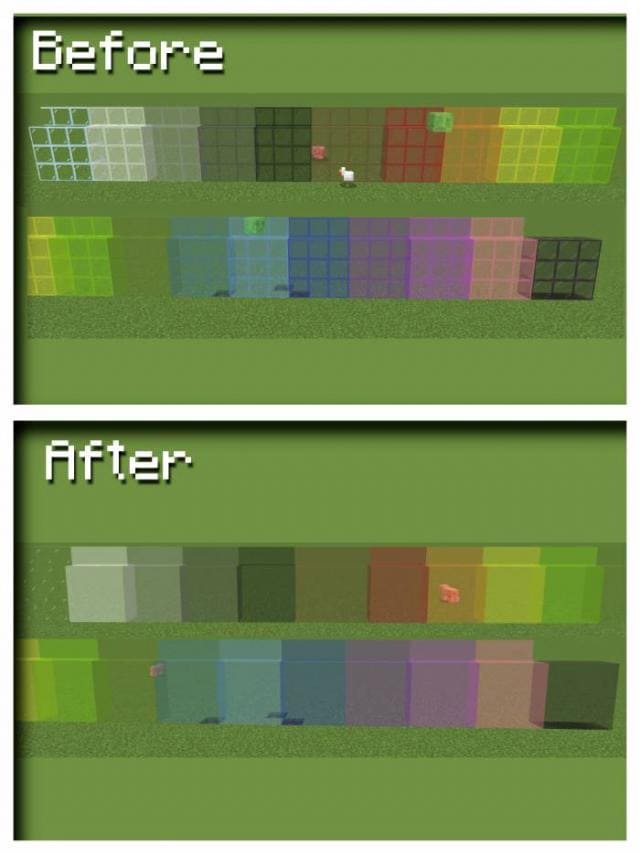
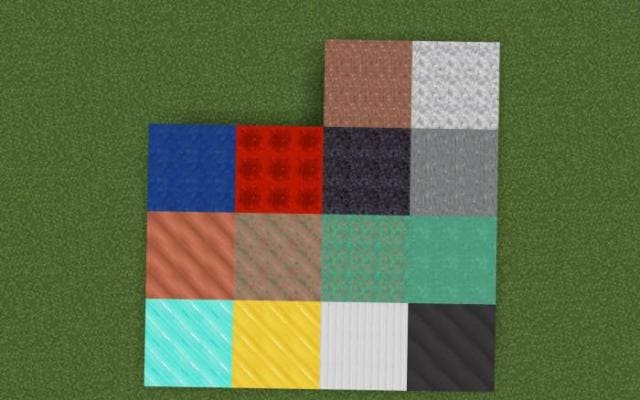
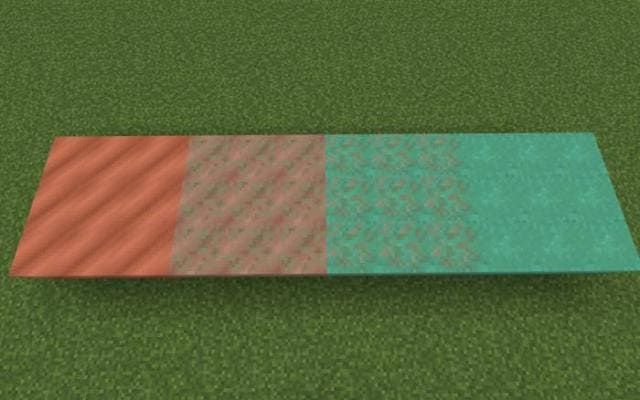
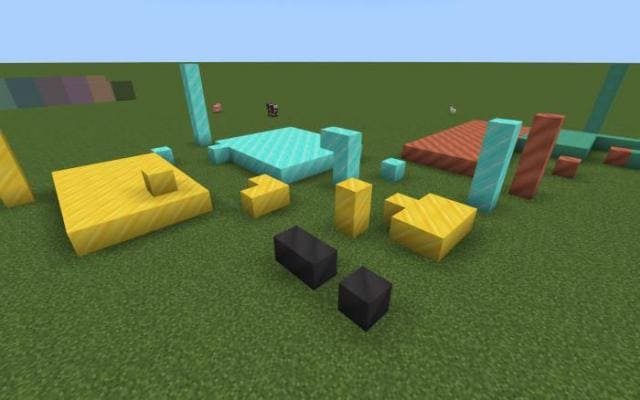
No-Grid textures remove block outlines in Minecraft. This feature allows you to create beautiful walls from blocks that will be uniform. It's quite…
⬇ Download
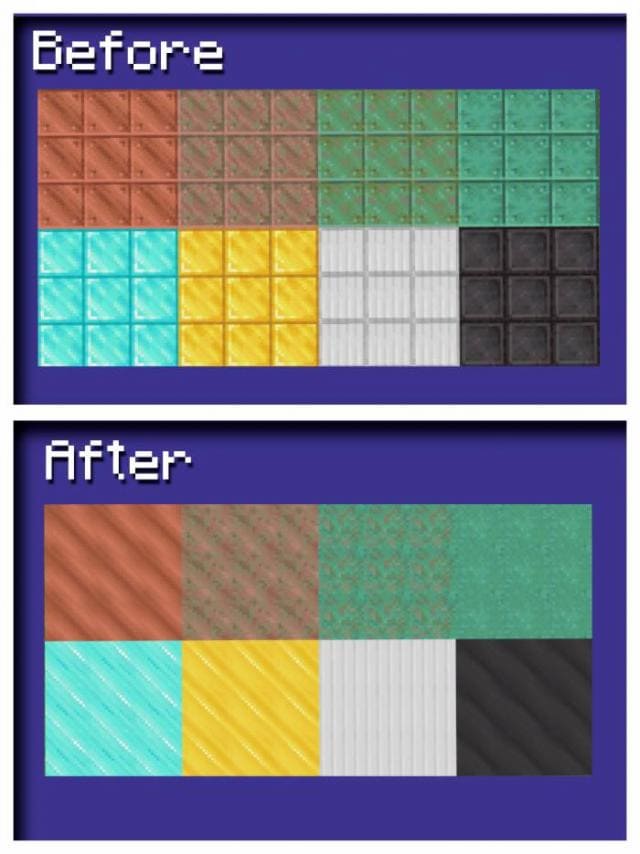
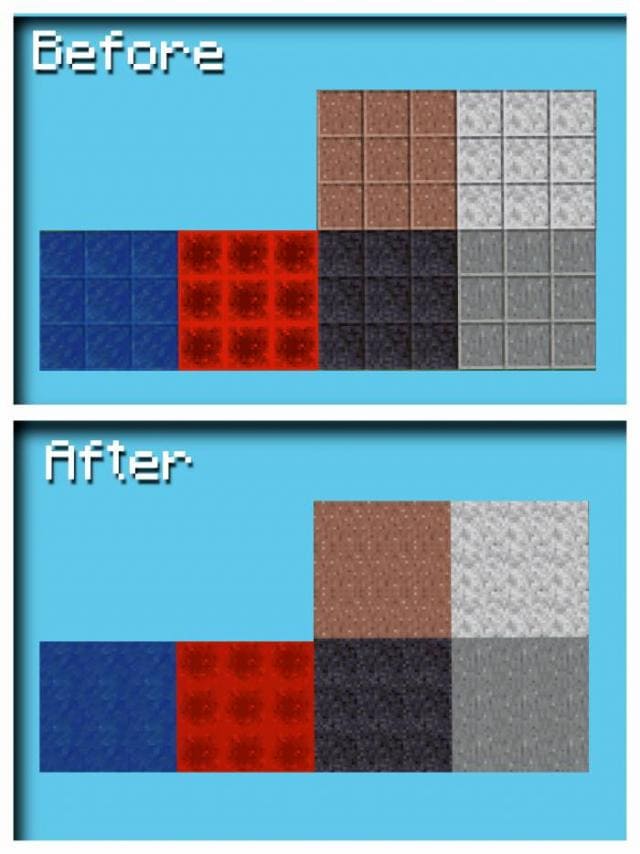
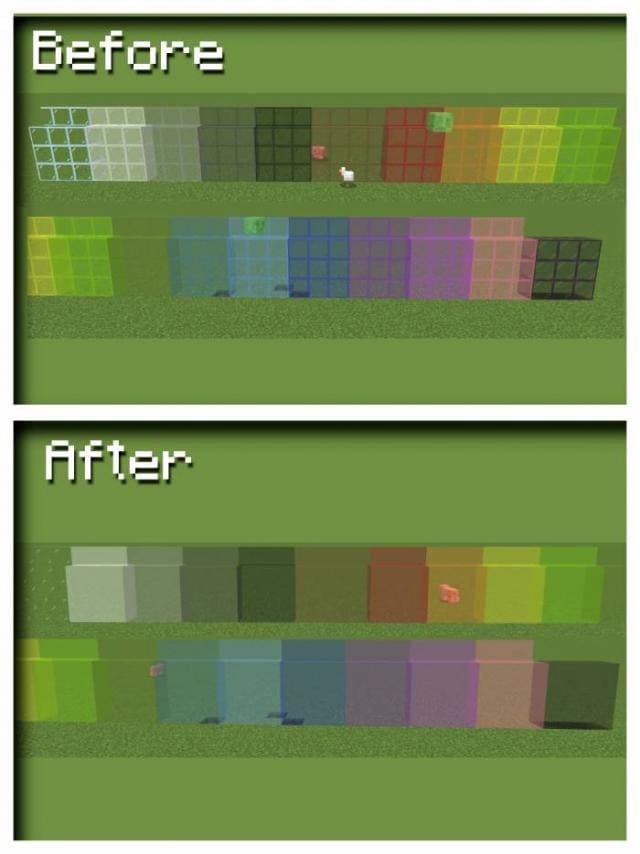
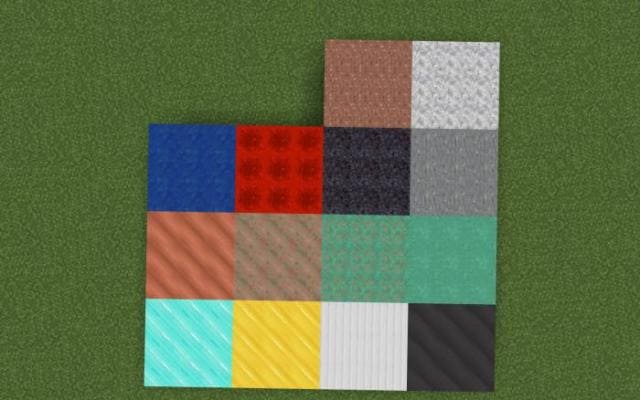
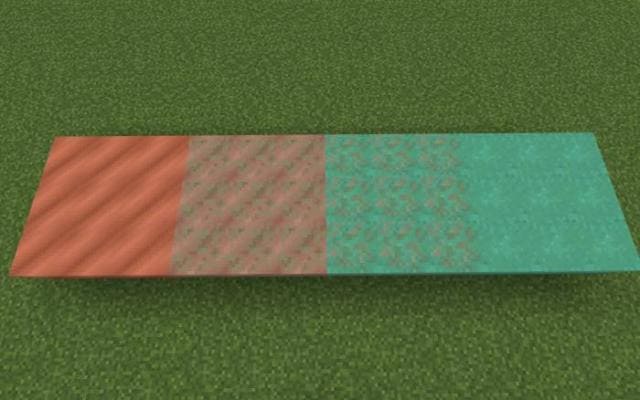
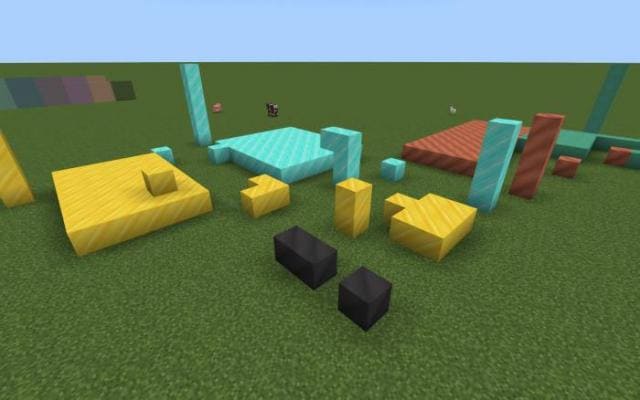

Текстуры No-Grid удаляют рамки блоков в Майнкрафт. Такая функция позволяет создавать красивые стены из блоков, в которых все будет однородным. Описывать такое изменение довольно непросто: поэтому посмотри на скриншоты и увидишь обновление. Если тебе нравятся такие нововведения, то смело используй дополнение в своих целях.
Изменяемые блоки
Изменяемые блоки
- Алмаз
- Золото
- Железо
- Лазурит
- Незерит
- Полированный гранит
- Полированный диорит
- Полированный андезит
- Полированный чернокамень
- Редстоун
- Медь (все виды)
- Стекло (все виды)
Quick facts
- Edition: Minecraft Bedrock
- File type: .mcpack
- Minecraft version listed: 1.18
- How to install: Download the .mcpack. → Open it — Minecraft imports it under Resource Packs. → Activate it in Global Resources, or for one world under Resource Packs → Available.
- Where to get it: In MCModsHub, or directly above on this page.
Install steps are the general flow for this file type — How to install Minecraft Bedrock texture packs walks through it step by step.
File checked by MCModsHub
- Save it as 186819.mcaddon before opening — it downloads as .mcpack, but it is a .mcaddon pack
- Complete pack — everything it depends on is inside the file
- Download size: 182 KB
- Download link checked 6 Jul 2026 — working
- Mirrored on our own servers — the download does not depend on the original host
These come from our own check of the pack file, not from the source page.