Texture packsBedrock
Optimize Minecraft Bedrock Fog Remover Textures
Bedrock texture pack listed for Minecraft 1.16–1.18. File opened and checked on 3 Oct 2026; installs from the MC Bedrock Mods app on Android.
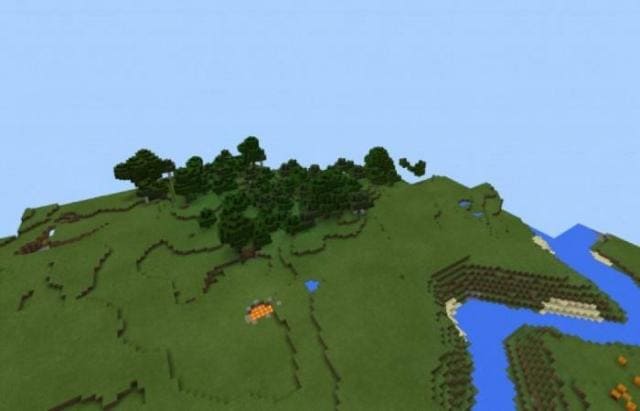
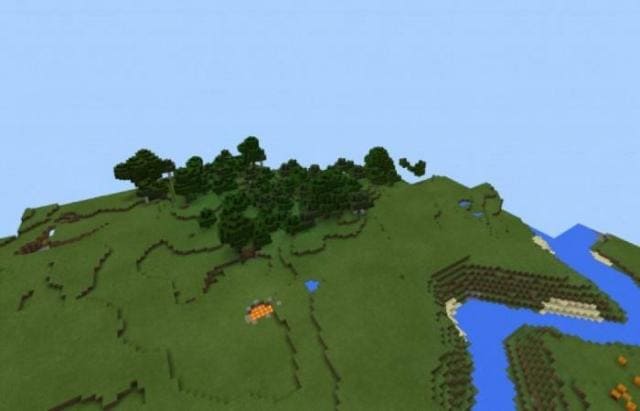
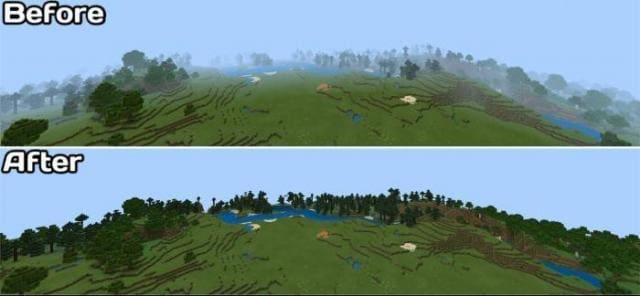
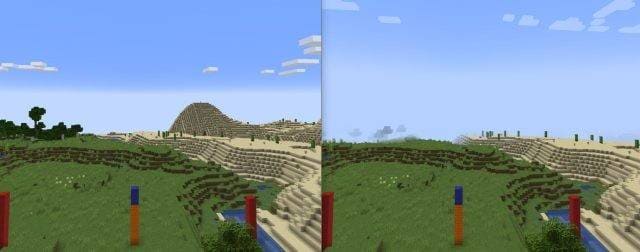
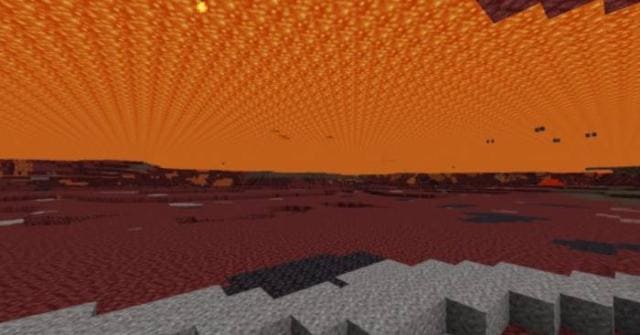
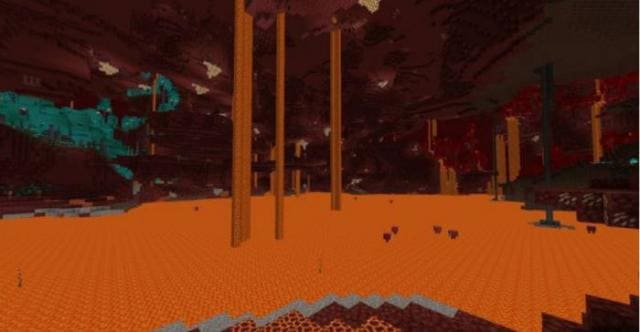
As you know, fog appears where the render distance limit is in Minecraft. Unfortunately, this doesn't always help increase FPS and optimize graphics…
⬇ Download
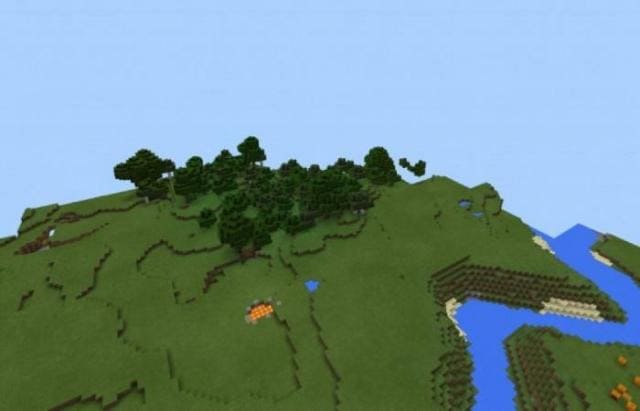
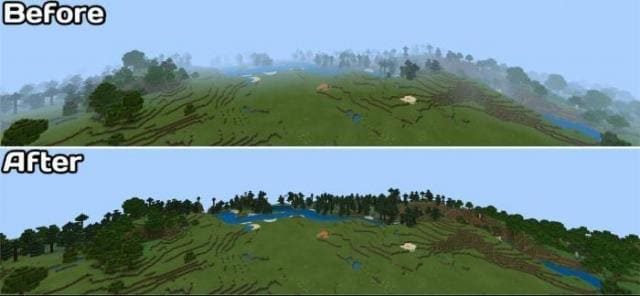
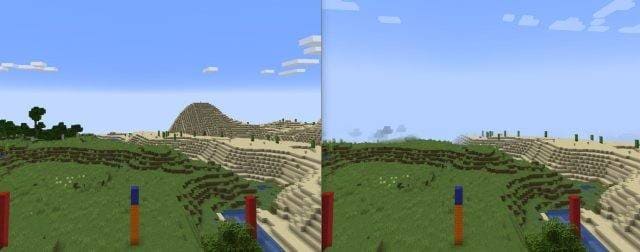
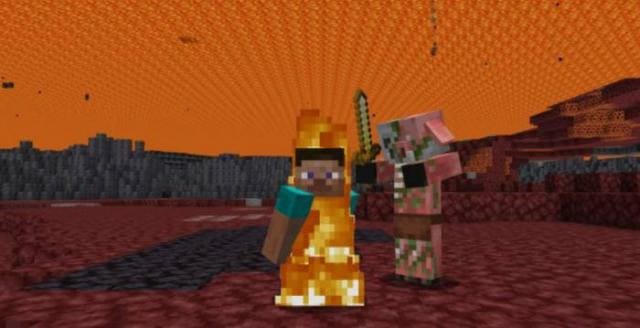
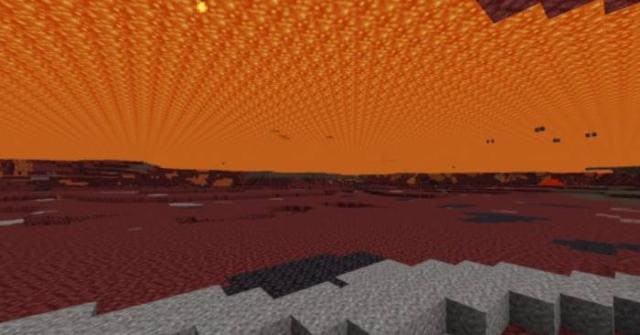
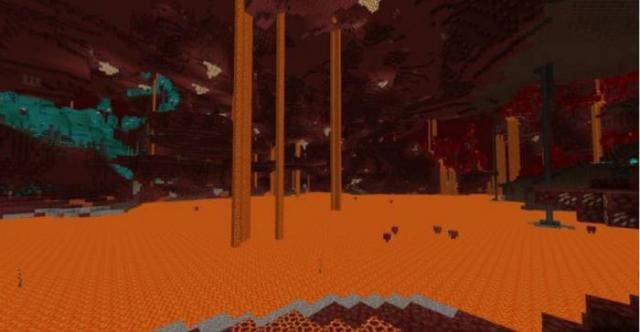

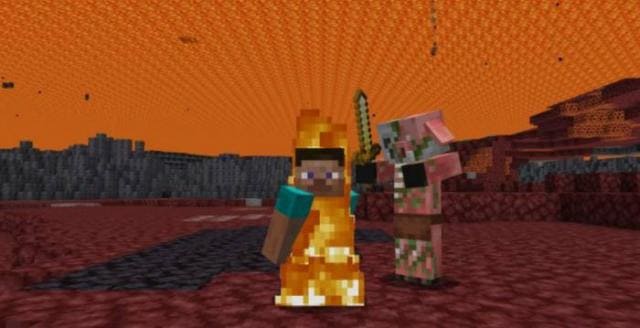
Как известно, туман появляется именно там, где находится предел дальности прорисовки в Майнкрафт. К сожалению, это не всегда помогает повысить FPS и оптимизировать графику в игре. Именно для таких случаев разработаны текстуры Optimize Minecraft Bedrock [Fog Remover]. Дополнение помогает увеличить количество кадров в секунду и упростить игру на слабых устройствах. Теперь торможений и прочих проблем будет существенно меньше. Для этого сборка убирает туман.
Quick facts
- Edition: Minecraft Bedrock
- File type: .mcpack
- Minecraft versions listed: 1.18.10, 1.18, 1.17.30
- How to install: Download the .mcpack. → Open it — Minecraft imports it under Resource Packs. → Activate it in Global Resources, or for one world under Resource Packs → Available.
- Where to get it: In MCModsHub, or directly above on this page.
Install steps are the general flow for this file type — How to install Minecraft Bedrock texture packs walks through it step by step.
File checked by MCModsHub
- Save it as 186832.mcaddon before opening — it downloads as .mcpack, but it is a .mcaddon pack
- Manifest requires Minecraft 1.18.0 or newer
- Complete pack — everything it depends on is inside the file
- Download size: 53 KB
- Download link checked 6 Jul 2026 — working
- Mirrored on our own servers — the download does not depend on the original host
These come from our own check of the pack file, not from the source page.