Texture packsBedrock
Dragon Textures
Bedrock texture pack listed for Minecraft 1.16–1.18. File opened and checked on 28 Sep 2026; installs from the MC Bedrock Mods app on Android.
The Dragon textures author loves to surprise us with interesting solutions. Most of them concern the sky and clouds. The developer loves to replace them…
⬇ Download
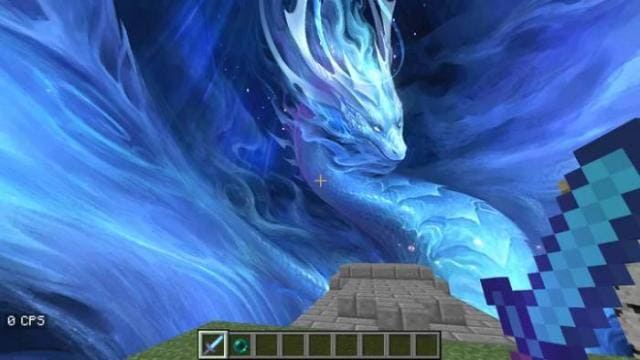
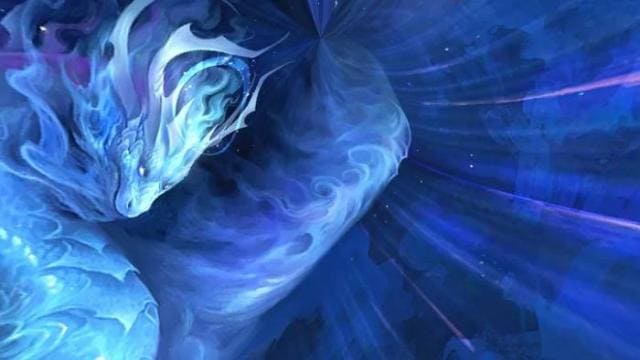
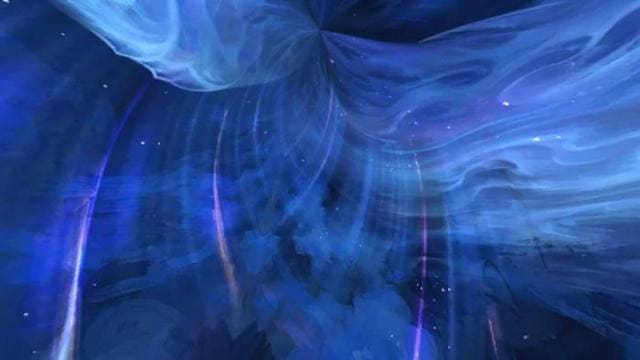
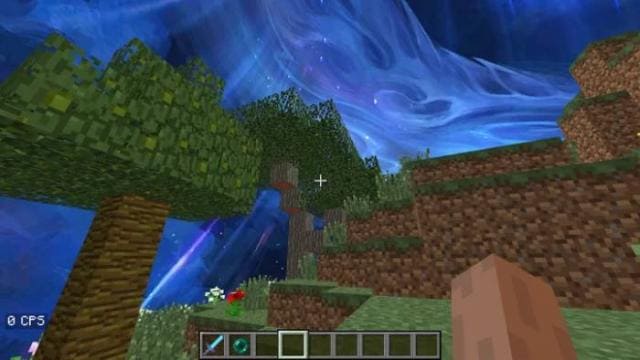

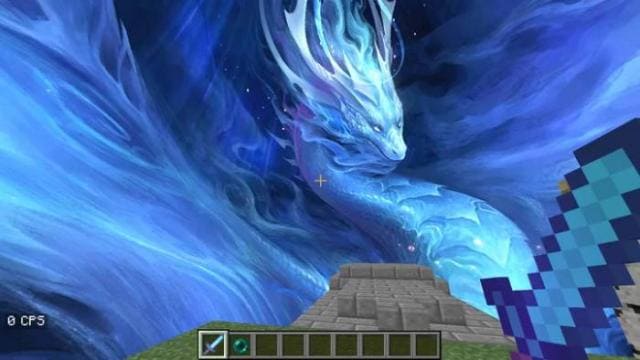
Автор текстур Dragon любит нас удивлять своими интересными решениями. В основном, они касаются неба и облаков. Разработчик любит их заменять яркими и насыщенными элементами. Например, ярко-красным огнем или синим драконом, как этом случае. Небо перекрасится в ярко-синий цвет и будет необычайно красивым. На тебя всегда будет сверху смотреть красивый дракон.
Это выглядит очень круто и сказочно, поэтому посмотри на скриншоты ниже и установи сборку к себе в игру.
Превью
Это выглядит очень круто и сказочно, поэтому посмотри на скриншоты ниже и установи сборку к себе в игру.
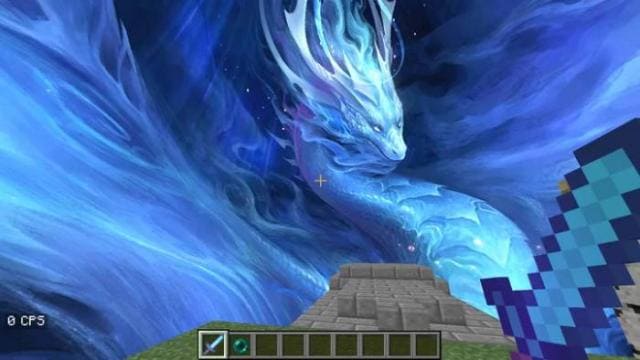
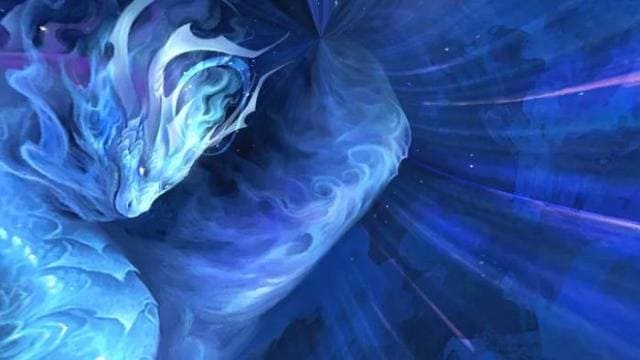
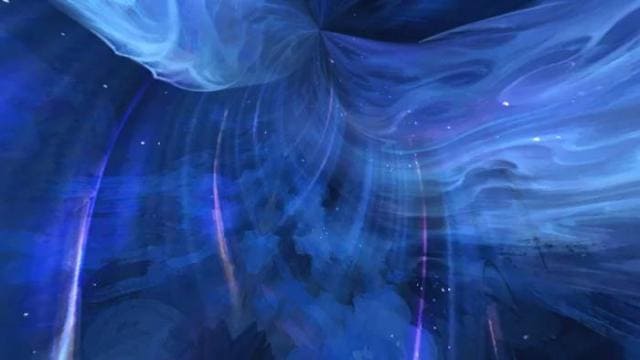
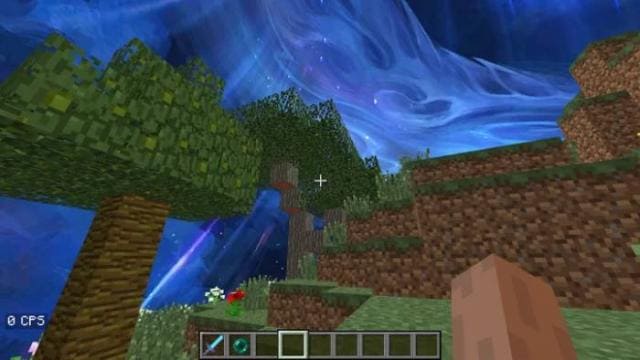
Превью
Quick facts
- Edition: Minecraft Bedrock
- File type: .mcpack
- Minecraft versions listed: 1.18, 1.17, 1.16
- How to install: Download the .mcpack. → Open it — Minecraft imports it under Resource Packs. → Activate it in Global Resources, or for one world under Resource Packs → Available.
- Where to get it: In MCModsHub, or directly above on this page.
Install steps are the general flow for this file type — How to install Minecraft Bedrock texture packs walks through it step by step.
File checked by MCModsHub
- Save it as 186834.mcaddon before opening — it downloads as .mcpack, but it is a .mcaddon pack
- Manifest requires Minecraft 1.16.0 or newer
- Complete pack — everything it depends on is inside the file
- Download size: 7.5 MB
- Download link checked 6 Jul 2026 — working
- Mirrored on our own servers — the download does not depend on the original host
These come from our own check of the pack file, not from the source page.