Texture packsBedrock
Better Shadow Textures
Bedrock texture pack listed for Minecraft 1.13–1.18. File opened and checked on 20 Sep 2026; installs from the MC Bedrock Mods app on Android.
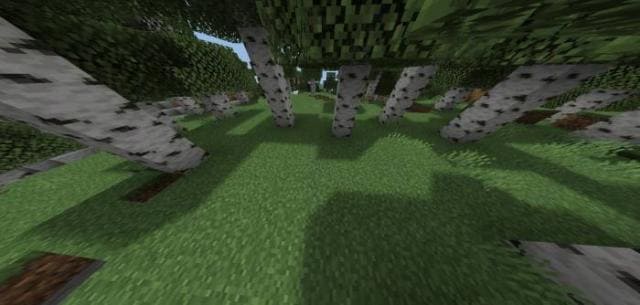
Would you like every block in Minecraft to have a shadow beneath it? This will look very realistic and cool, so we suggest Better Shadow textures. They…
⬇ Download
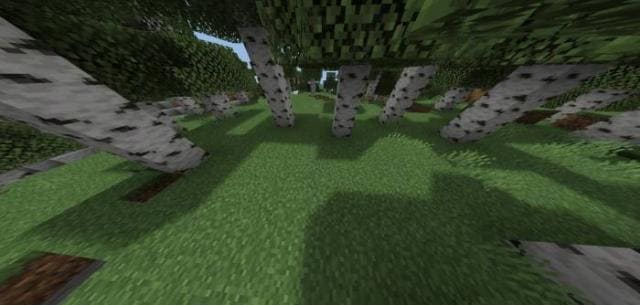
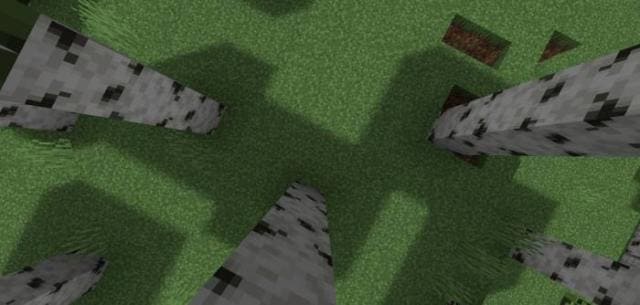
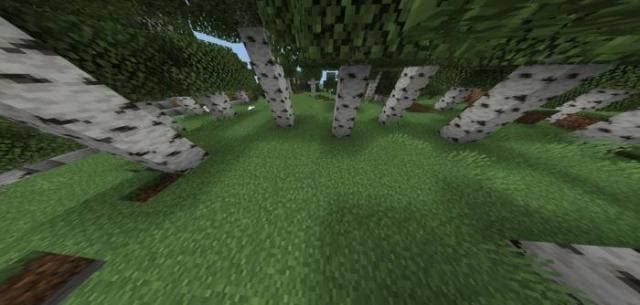
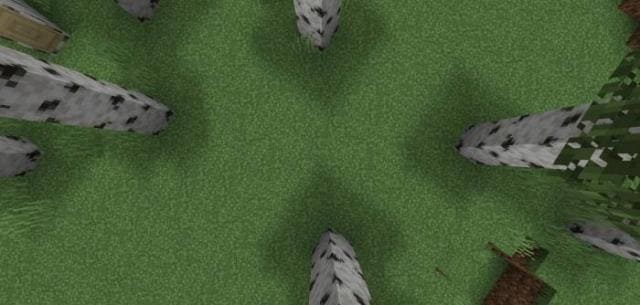
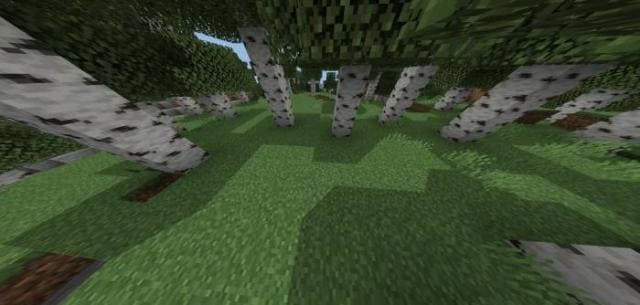
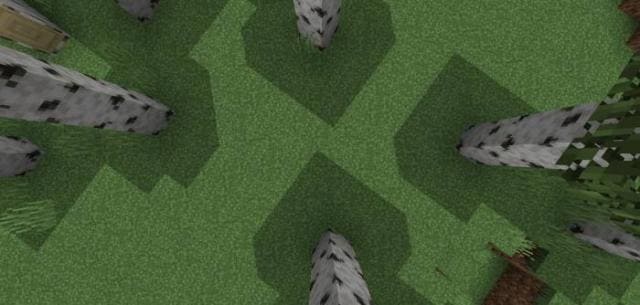

Ты бы хотел, чтобы каждый блок в Майнкрафт имел под собой тень? Это будет выглядеть очень реалистично и круто, поэтому предлагаем текстуры Better Shadow. Они улучшат тени и добавят их под всеми блоками в кубической вселенной. Природа и окружающий мир станут еще более реалистичными. При этом вовсе не нужно использовать функции трассировки лучей или что-нибудь другое. Достаточно установить данное дополнение.
Первый тип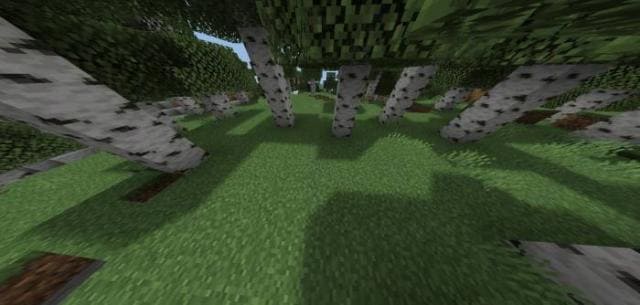
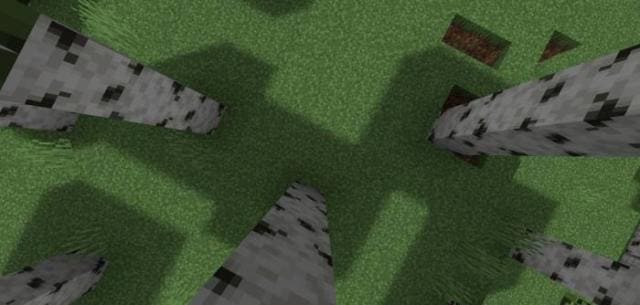 Второй тип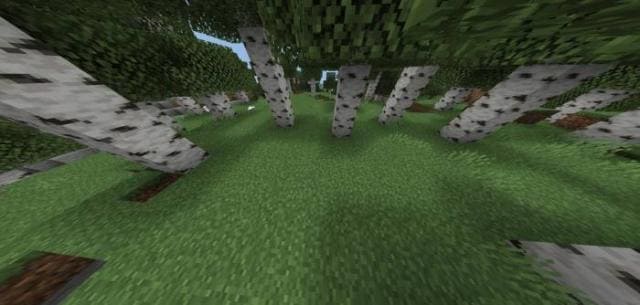
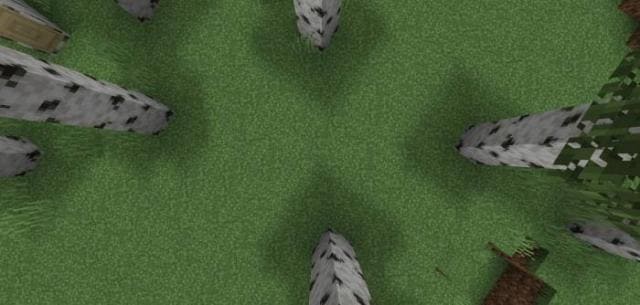 Третий тип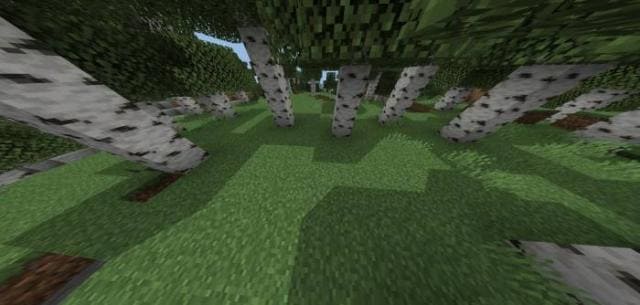
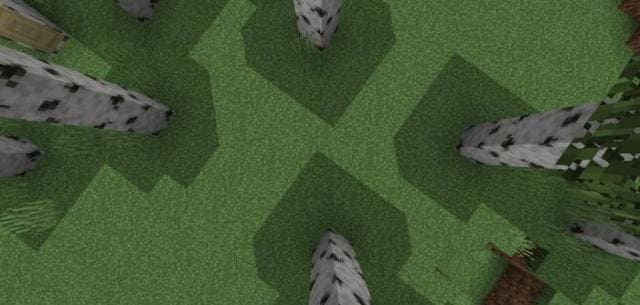
Первый тип
Quick facts
- Edition: Minecraft Bedrock
- File type: .mcpack
- Minecraft versions listed: 1.18.10, 1.18, 1.17.30
- How to install: Download the .mcpack. → Open it — Minecraft imports it under Resource Packs. → Activate it in Global Resources, or for one world under Resource Packs → Available.
- Where to get it: In MCModsHub, or directly above on this page.
Install steps are the general flow for this file type — How to install Minecraft Bedrock texture packs walks through it step by step.
File checked by MCModsHub
- Pack type: .mcpack — a single pack
- Manifest requires Minecraft 1.13.0 or newer
- Complete pack — everything it depends on is inside the file
- Download size: 5 KB
- Download link checked 6 Jul 2026 — working
- Mirrored on our own servers — the download does not depend on the original host
These come from our own check of the pack file, not from the source page.