Texture packsBedrock
Better No Button Textures
Bedrock texture pack listed for Minecraft 1.14–1.21. File opened and checked on 30 Sep 2026; installs from the MC Bedrock Mods app on Android.
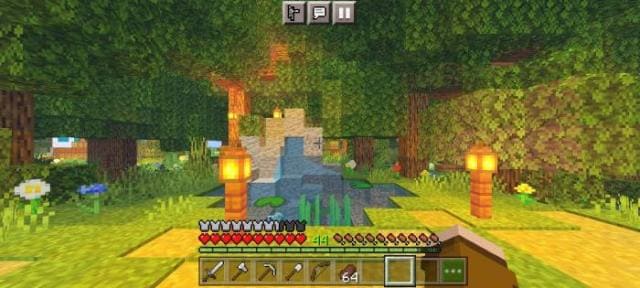
In Minecraft, players often complain about one problem: movement buttons and other elements heavily clutter the screen. Because of this, sometimes you can…
⬇ Download
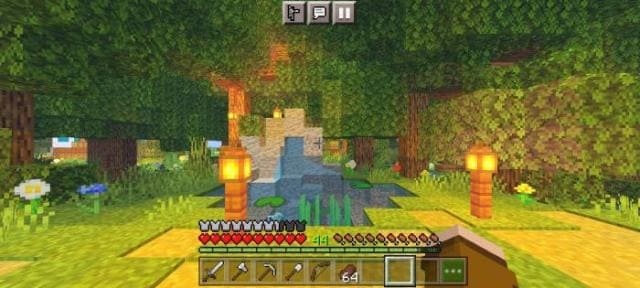
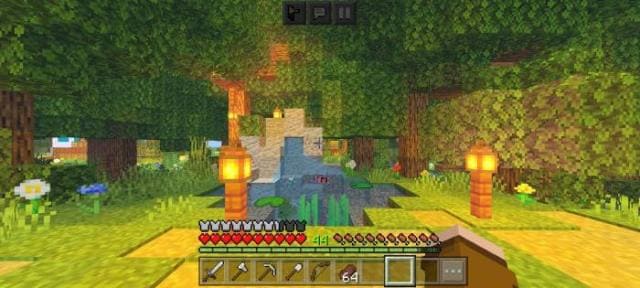
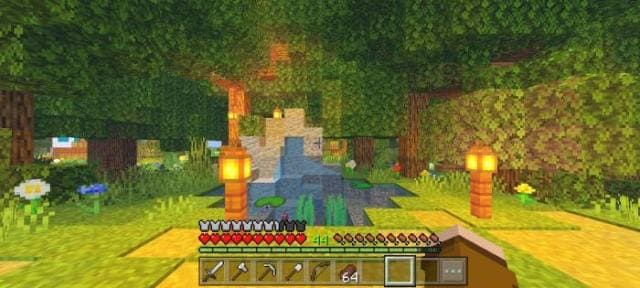

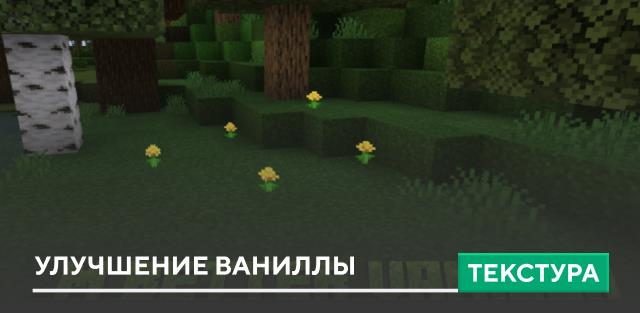
В Майнкрафт игроки часто жалуются на одну проблему: кнопки движения и прочие элементы сильно загромождают экран. Из-за этого, порой, можно не заметить блок руды или приближающегося врага. Если тебе надоело это терпеть, то воспользуйся текстурами Better No Button для удаления лишних кнопок. Экран игрового процесса будет очищен от ненужных элементов.
Скрытые кнопки движенияСкрытые кнопки движения (темный режим)Полностью скрытые кнопки
Скрытые кнопки движения
Quick facts
- Edition: Minecraft Bedrock
- File type: .mcpack
- Minecraft versions listed: 1.18, 1.17, 1.16
- How to install: Download the .mcpack. → Open it — Minecraft imports it under Resource Packs. → Activate it in Global Resources, or for one world under Resource Packs → Available.
- Where to get it: In MCModsHub, or directly above on this page.
Install steps are the general flow for this file type — How to install Minecraft Bedrock texture packs walks through it step by step.
File checked by MCModsHub
- Pack type: .mcpack — a single pack
- Manifest requires Minecraft 1.14.0 or newer
- Complete pack — everything it depends on is inside the file
- Download size: 140 KB
- Download link checked 10 Jul 2026 — working
- Mirrored on our own servers — the download does not depend on the original host
These come from our own check of the pack file, not from the source page.