Texture packsBedrock
New Buttons
Bedrock texture pack listed for Minecraft 1.2. File opened and checked on 1 Oct 2026; installs from the MC Bedrock Mods app on Android.
New Buttons textures allow you to change the color of buttons in the Minecraft menu. A small but significant change that will be very noticeable in-game…
⬇ Download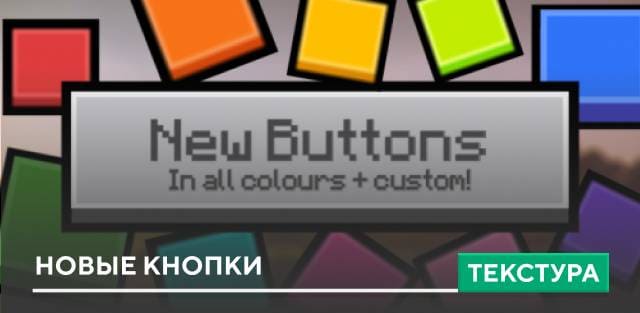
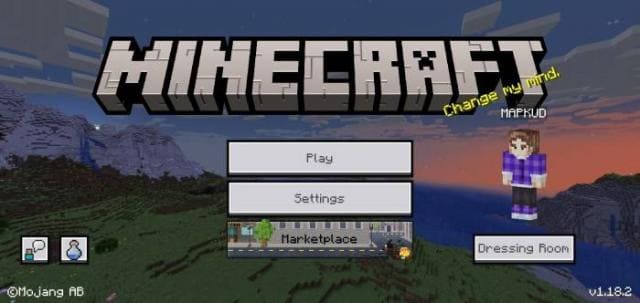
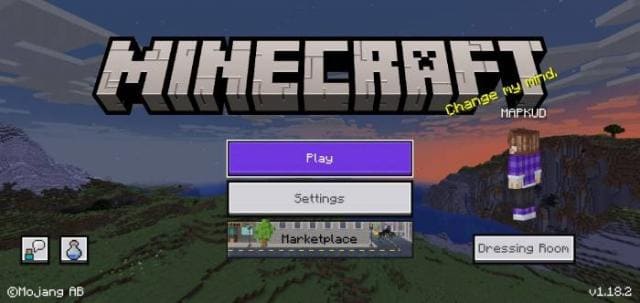
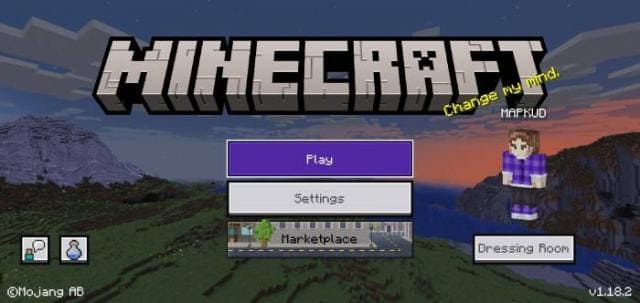

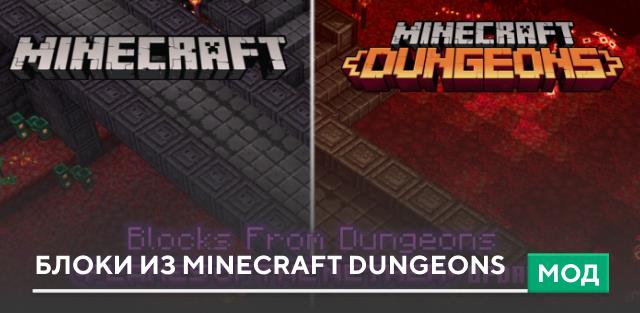
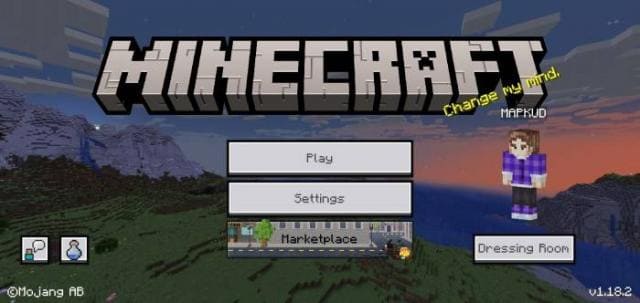
Текстуры New Buttons добавляют возможность изменить цвет кнопок в меню Minecraft. Небольшое, но существенное изменение, которое будет сильно заметно в игре. Ты сможешь установить любой из 17 предложенных оттенков. При этом доступны и пользовательские варианты с различными цветами.
Идея пришла из интерфейса Minecraft Dungeons, где также применяются цветные кнопки. Ниже можно посмотреть новый вид кнопок после установки дополнения.
Без дополнения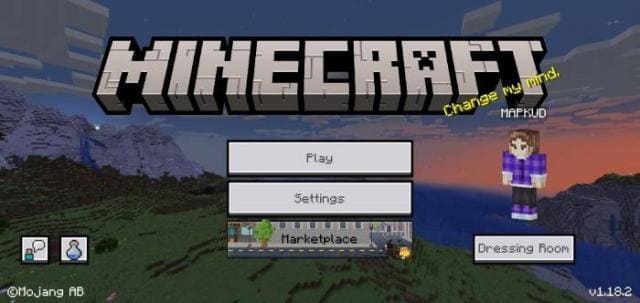 После включения дополнения
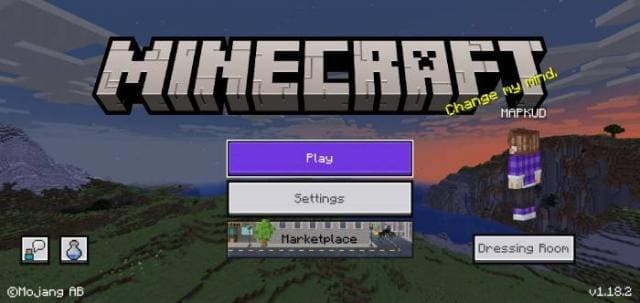 При нажатой кнопке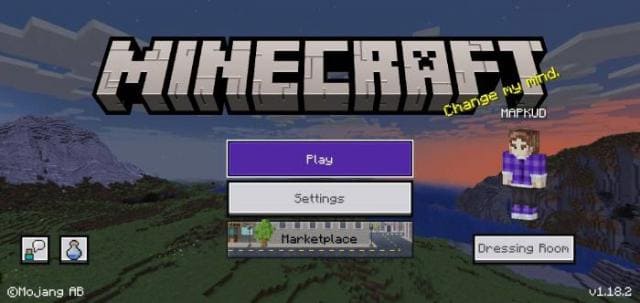
Идея пришла из интерфейса Minecraft Dungeons, где также применяются цветные кнопки. Ниже можно посмотреть новый вид кнопок после установки дополнения.
Без дополнения
Quick facts
- Edition: Minecraft Bedrock
- File type: .mcpack
- How to install: Download the .mcpack. → Open it — Minecraft imports it under Resource Packs. → Activate it in Global Resources, or for one world under Resource Packs → Available.
- Where to get it: In MCModsHub, or directly above on this page.
Install steps are the general flow for this file type — How to install Minecraft Bedrock texture packs walks through it step by step.
File checked by MCModsHub
- Pack type: .mcpack — a single pack
- Manifest requires Minecraft 1.2.6 or newer
- Complete pack — everything it depends on is inside the file
- Download size: 84 KB
- Download link checked 6 Jul 2026 — working
- Mirrored on our own servers — the download does not depend on the original host
These come from our own check of the pack file, not from the source page.