Texture packsBedrock
Dungeons Tools
Bedrock texture pack listed for Minecraft 1.16–1.18. File opened and checked on 27 Sep 2026; installs from the MC Bedrock Mods app on Android.
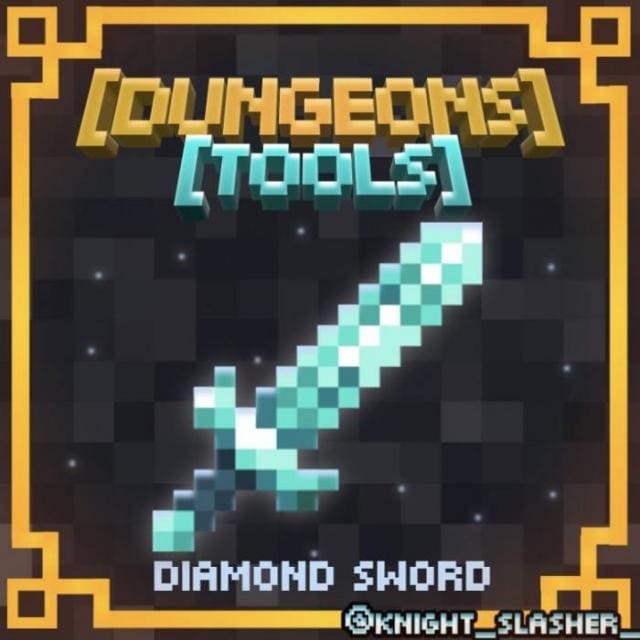
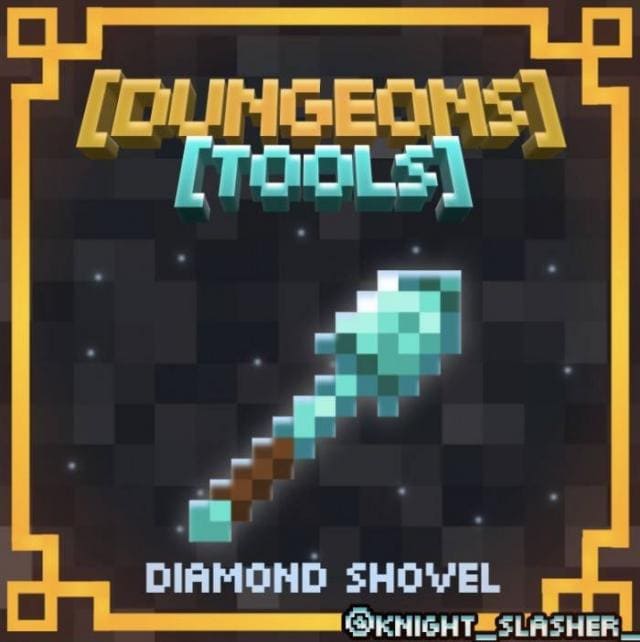
Dungeons Tools textures change the appearance of diamond tools in Minecraft to match how they look in Minecraft Dungeons. The new design features a bright…
⬇ Download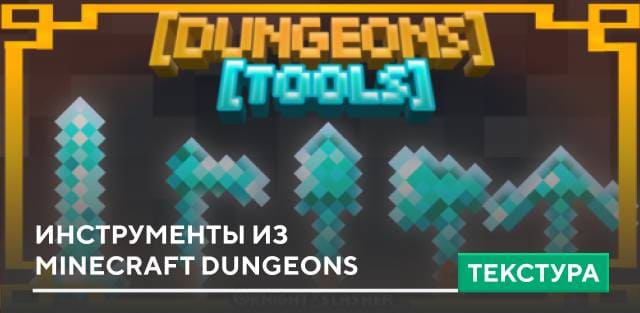
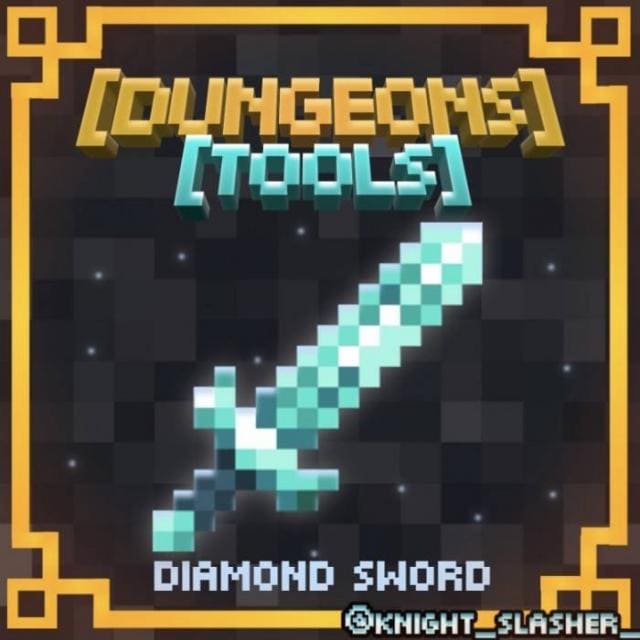
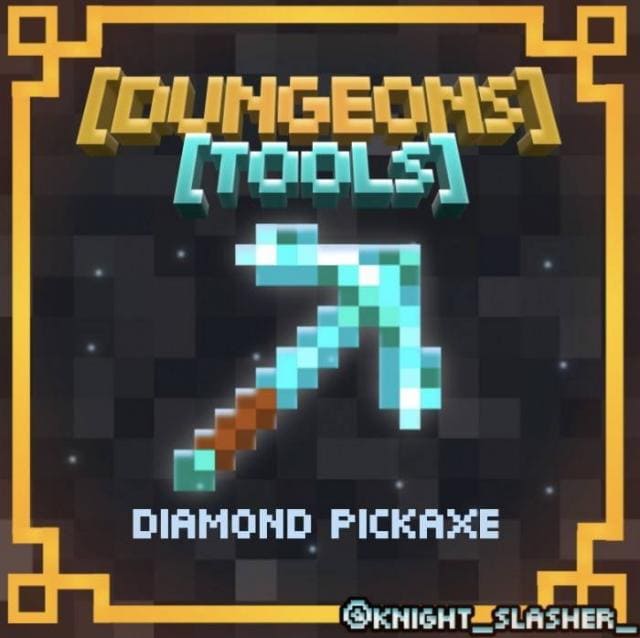
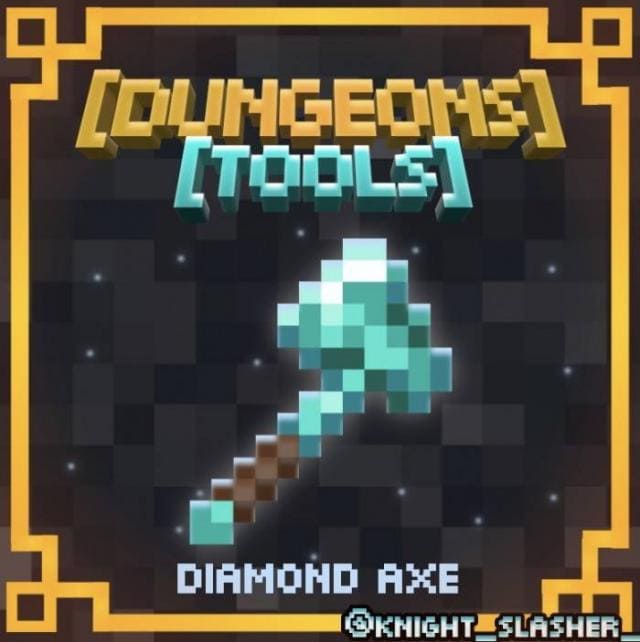
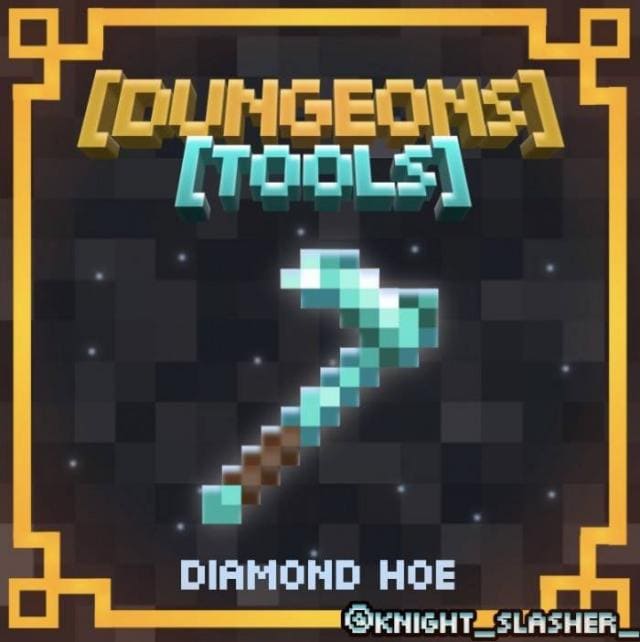
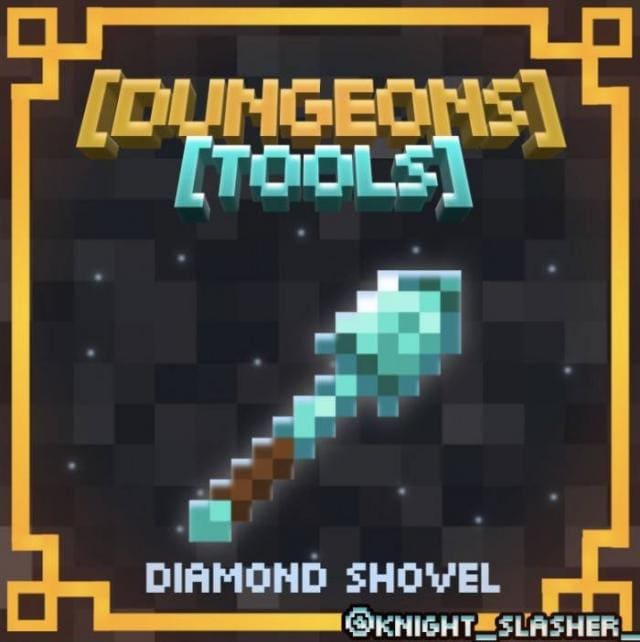
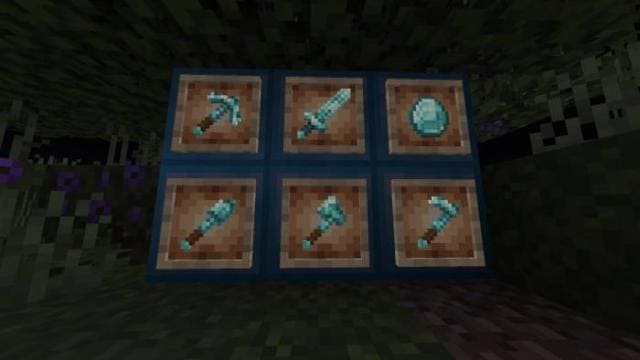

Текстуры Dungeons Tools изменяют внешний вид алмазных инструментов в мире Майнкрафт. Теперь они будут выглядеть также, как и в Minecraft Dungeons. Новый дизайн отличается ярким синим оттенком и светящимся эффектом. Это сделает инструменты гораздо более привлекательными и крутыми. Если ты посмотришь на скриншоты нового внешнего вида инструментов, то не сможешь от них отказаться.
Алмазный меч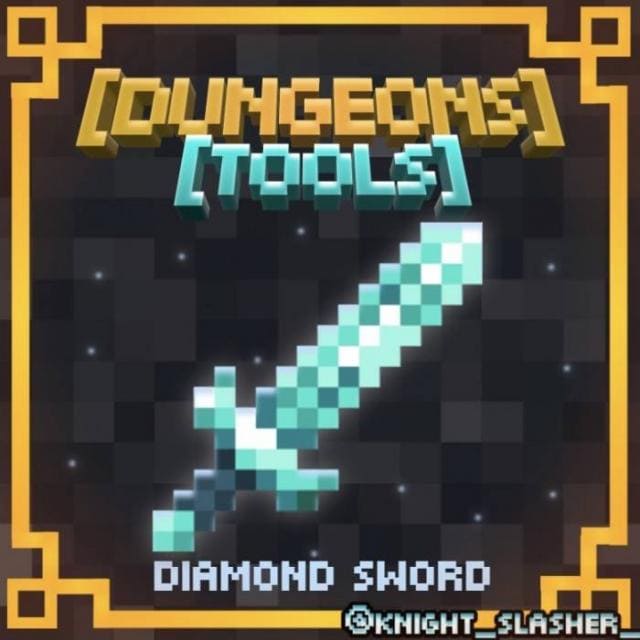 Алмазная кирка
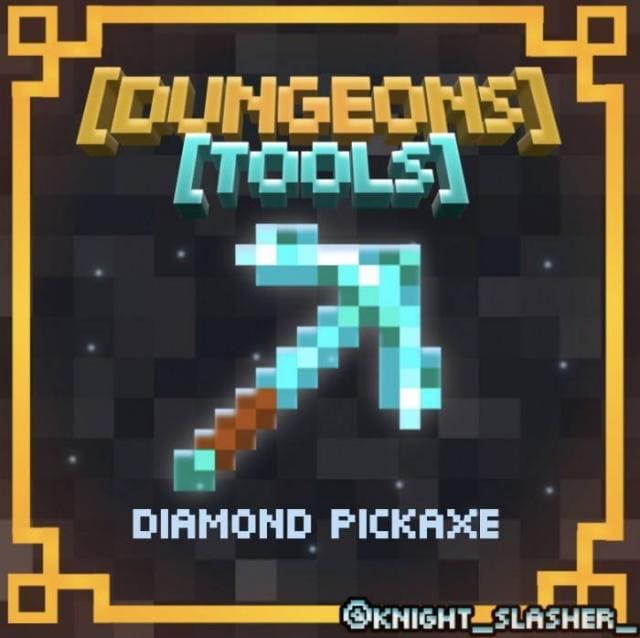 Алмазный топор
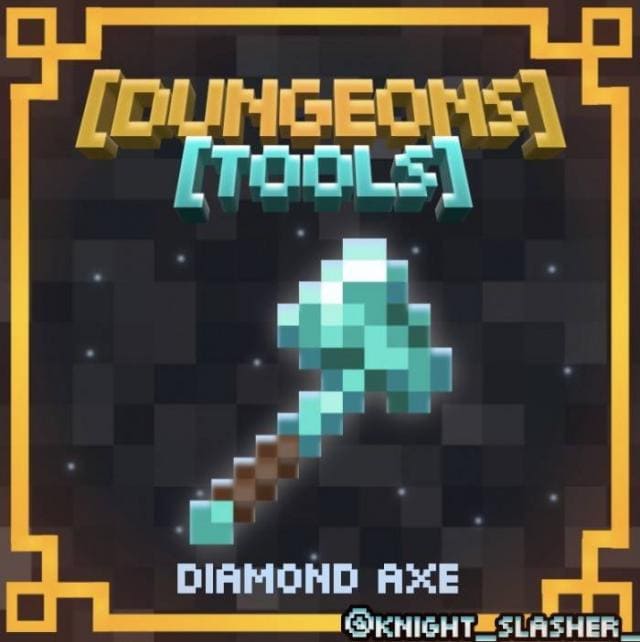 Алмазная мотыга
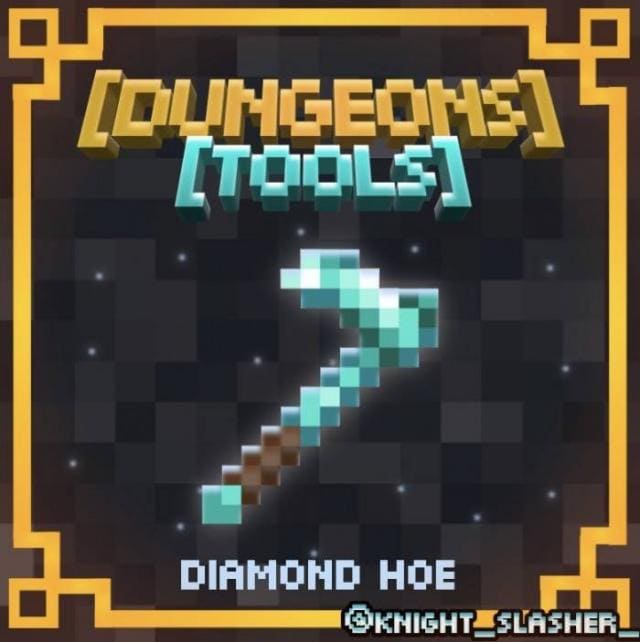 Алмазная лопата
 Все инструменты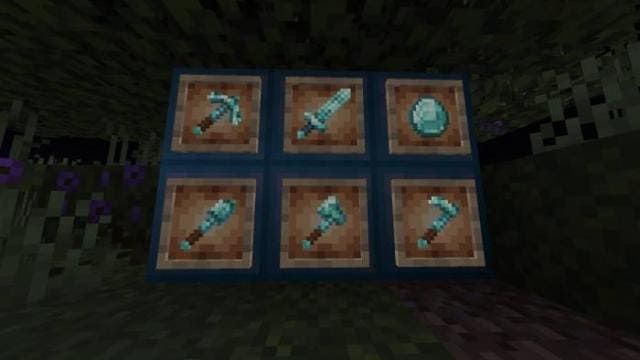
Алмазный меч
Quick facts
- Edition: Minecraft Bedrock
- File type: .mcpack
- Minecraft version listed: 1.18
- How to install: Download the .mcpack. → Open it — Minecraft imports it under Resource Packs. → Activate it in Global Resources, or for one world under Resource Packs → Available.
- Where to get it: In MCModsHub, or directly above on this page.
Install steps are the general flow for this file type — How to install Minecraft Bedrock texture packs walks through it step by step.
File checked by MCModsHub
- Save it as 186856.mcaddon before opening — it downloads as .mcpack, but it is a .mcaddon pack
- Manifest requires Minecraft 1.16.0 or newer
- Complete pack — everything it depends on is inside the file
- Download size: 828 KB
- Download link checked 6 Jul 2026 — working
- Mirrored on our own servers — the download does not depend on the original host
These come from our own check of the pack file, not from the source page.