Texture packsBedrock
NAB
Bedrock texture pack listed for Minecraft 1.18. File opened and checked on 11 Oct 2026; installs from the MC Bedrock Mods app on Android.
NAB textures offer the developer's vision of how Minecraft design elements should look. The creators spent considerable time deciding on the appearance…
⬇ Download
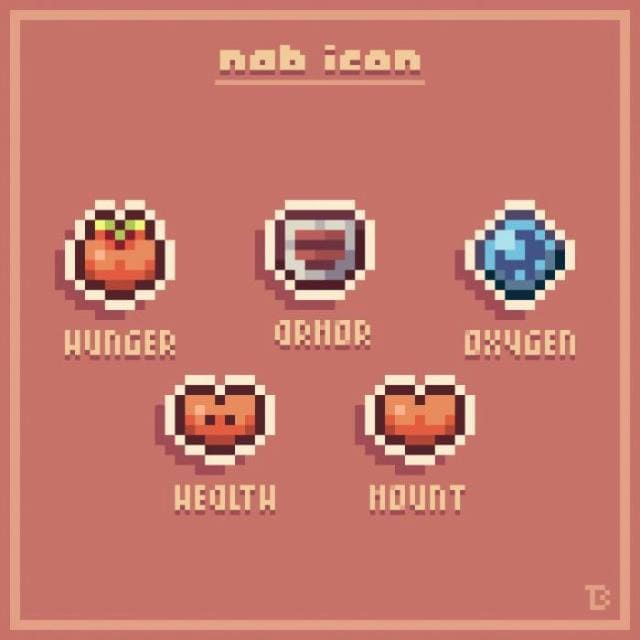
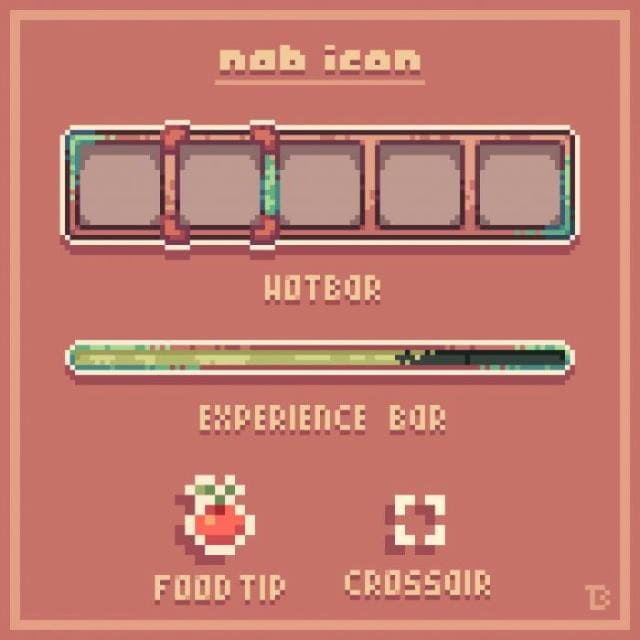
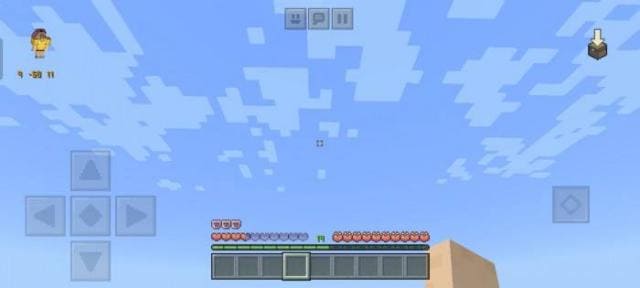
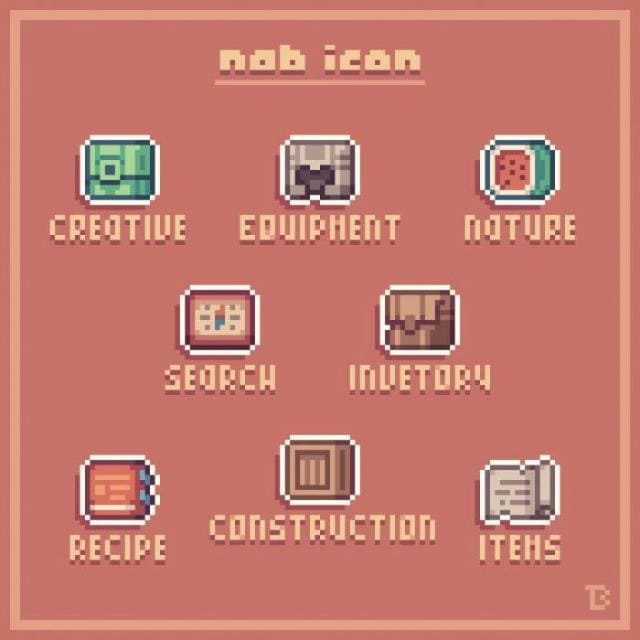
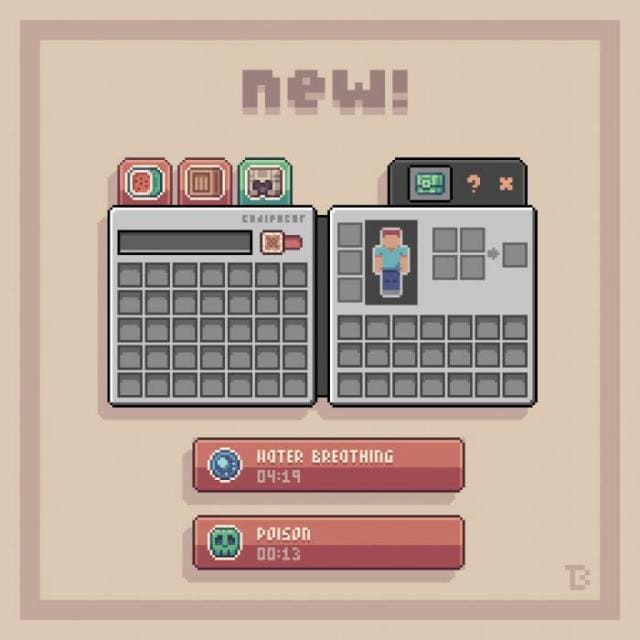
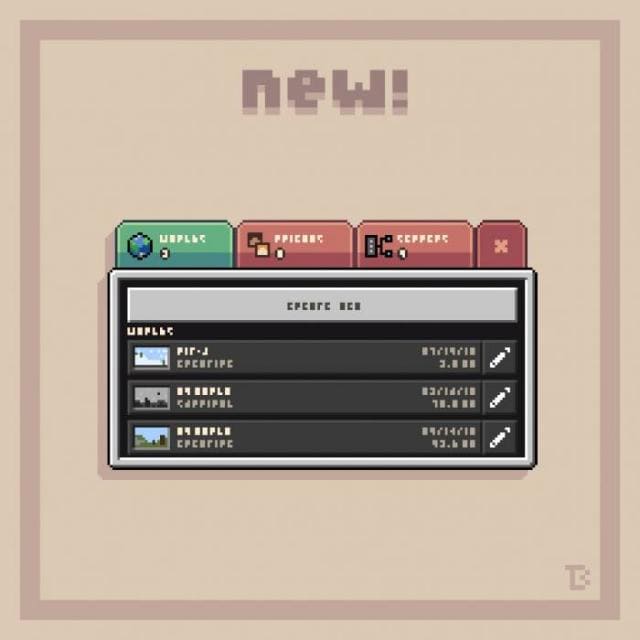
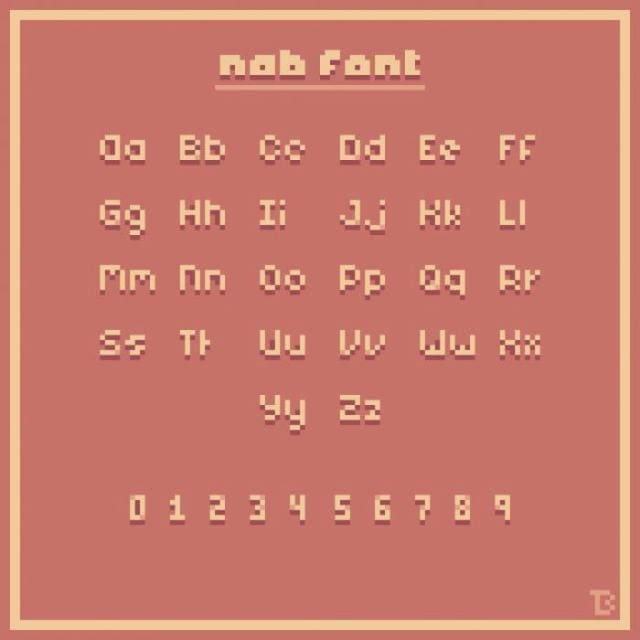
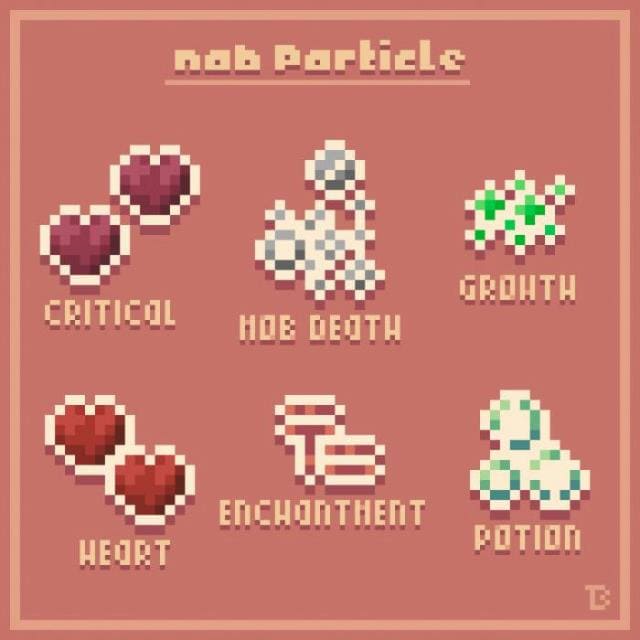
Текстуры NAB содержат свой взгляд на то, каким должны быть элементы дизайна Minecraft. Разработчики долго думали над тем, какой же вид им хочется придать блочному миру, пока не создали собственное дополнение. Оно удовлетворяло всем требованиям авторов, поэтому они решили поделиться им со всем сообществом. Основным обновлениям подвергнутся меню быстрого доступа, частицы, шрифты и многое другое.
Виды иконок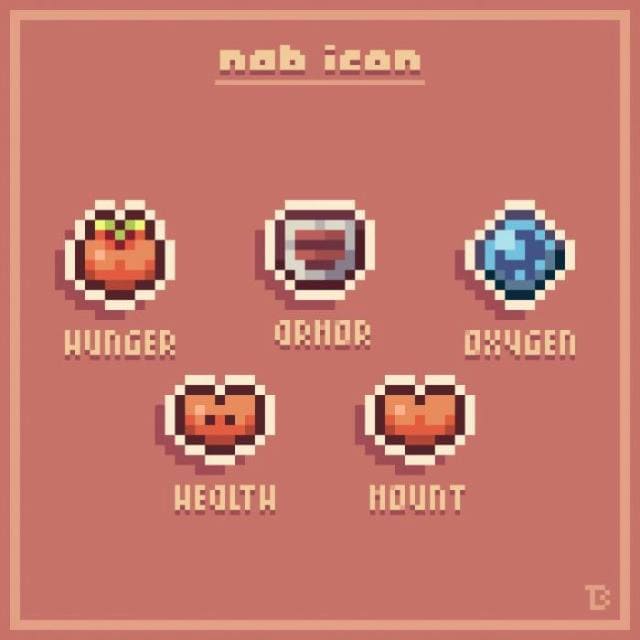 Меню быстрого доступа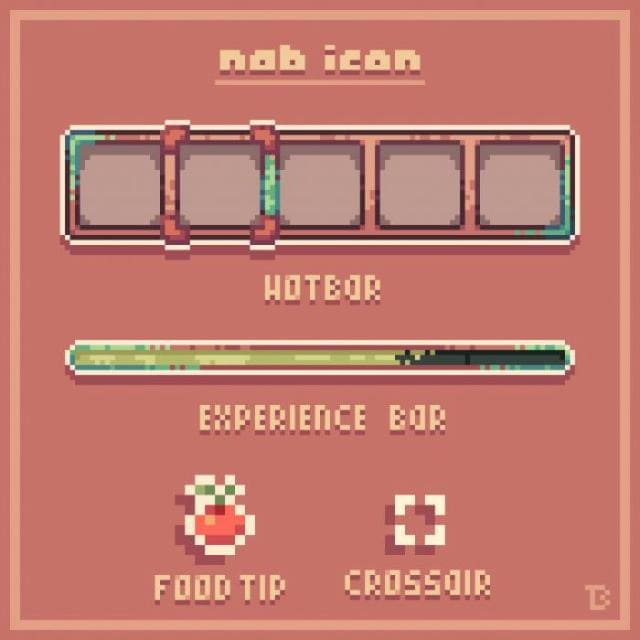
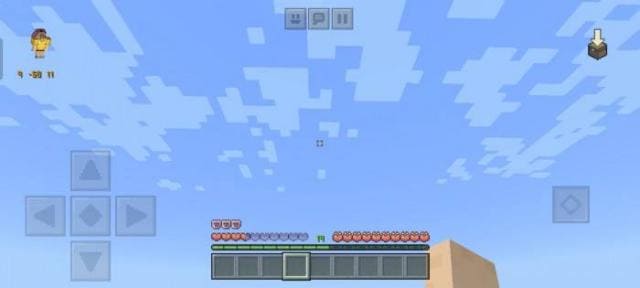 Иконки меню
Шрифт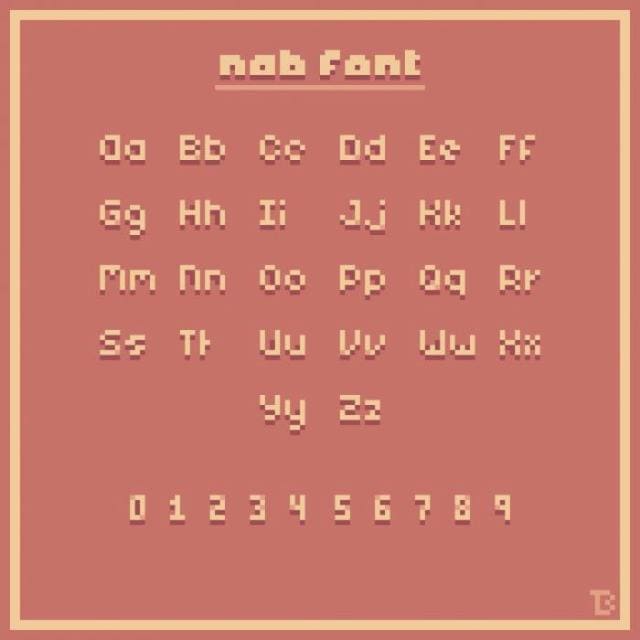
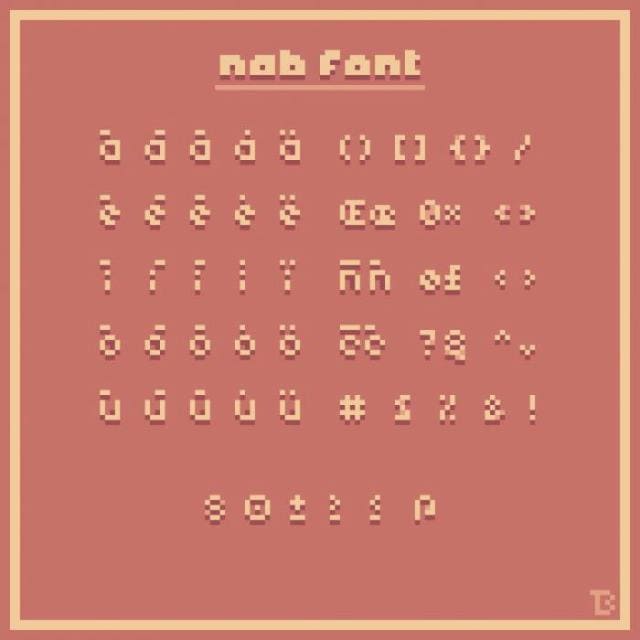
Частицы
Изменения в новой версии
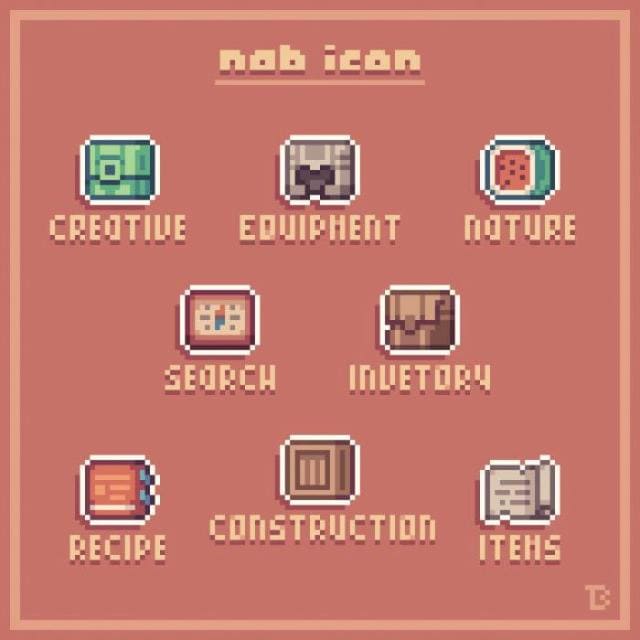
Виды иконок
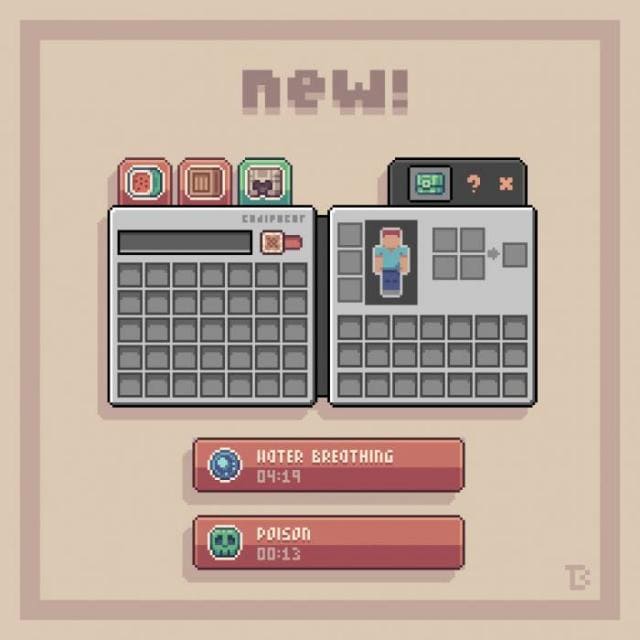
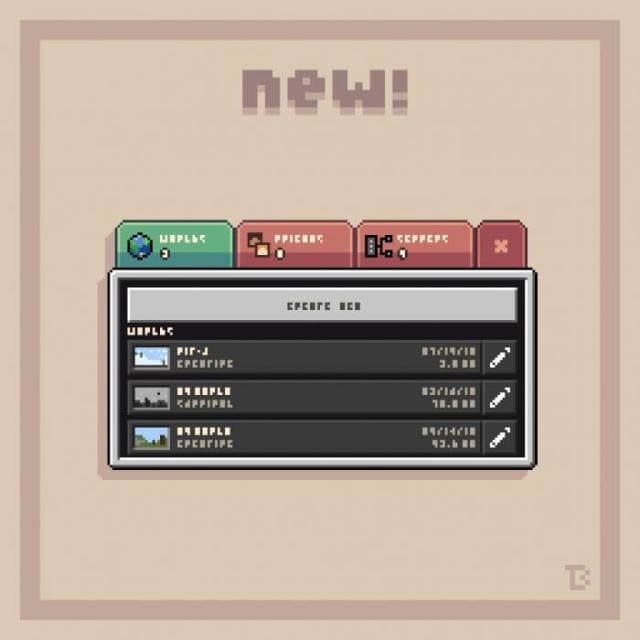
Шрифт
Частицы
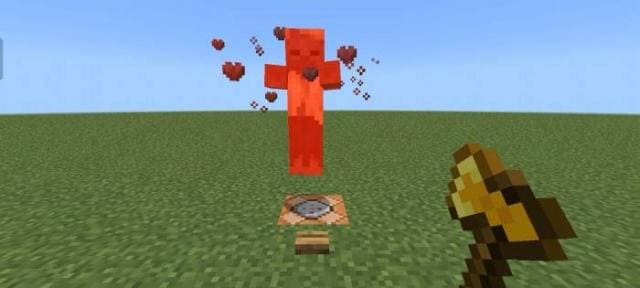
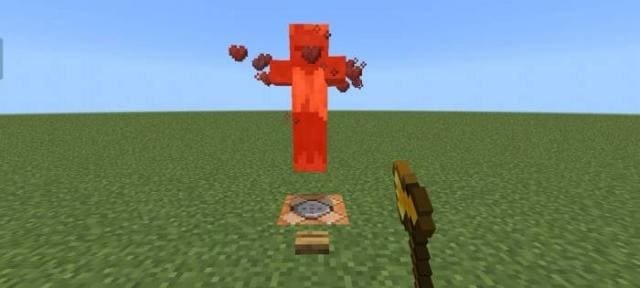
Изменения в новой версии
- Новый дизайн для всех изменяемых элементов
- Исправили ошибки
- Изменили иконки
- Изменили цвета
Quick facts
- Edition: Minecraft Bedrock
- File type: .mcpack
- Minecraft version listed: 1.18
- How to install: Download the .mcpack. → Open it — Minecraft imports it under Resource Packs. → Activate it in Global Resources, or for one world under Resource Packs → Available.
- Where to get it: In MCModsHub, or directly above on this page.
Install steps are the general flow for this file type — How to install Minecraft Bedrock texture packs walks through it step by step.
File checked by MCModsHub
- Save it as 186859.mcaddon before opening — it downloads as .mcpack, but it is a .mcaddon pack
- Manifest requires Minecraft 1.18.0 or newer
- Complete pack — everything it depends on is inside the file
- Download size: 387 KB
- Download link checked 6 Jul 2026 — working
- Mirrored on our own servers — the download does not depend on the original host
These come from our own check of the pack file, not from the source page.