Texture packsBedrock
Ultra Realistic With Connected Textures
Bedrock texture pack listed for Minecraft 1.14–1.18. File opened and checked on 20 Sep 2026; installs from the MC Bedrock Mods app on Android.
Achieving absolute realism in Minecraft is difficult for several reasons, one being textures. In the real world, it's hard to imagine walls, floors, and…
⬇ Download
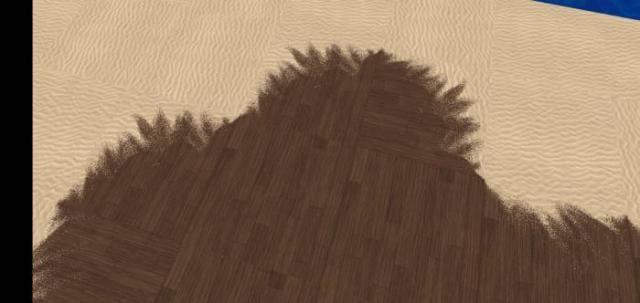
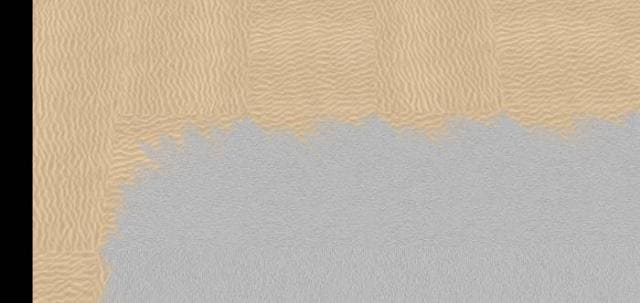
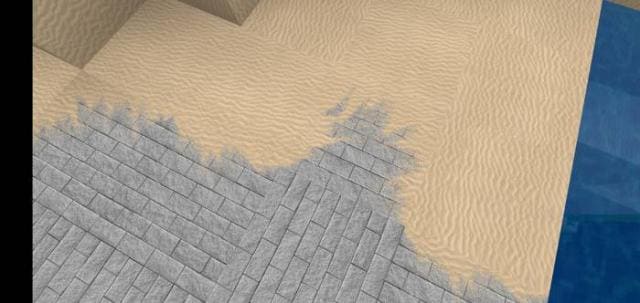
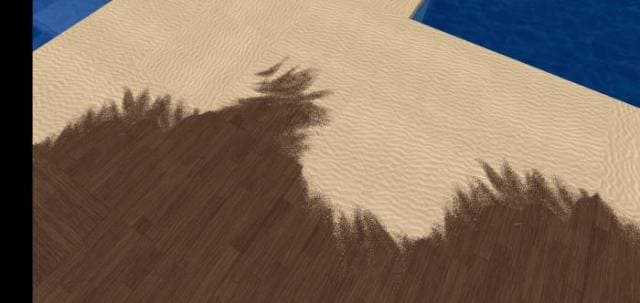
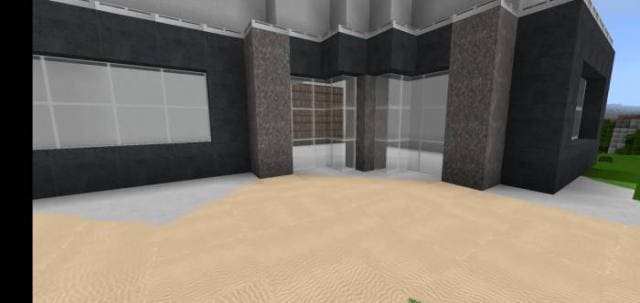
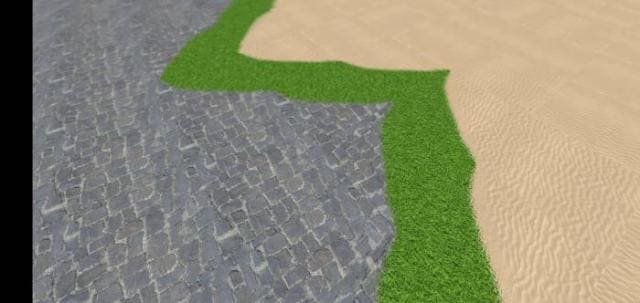
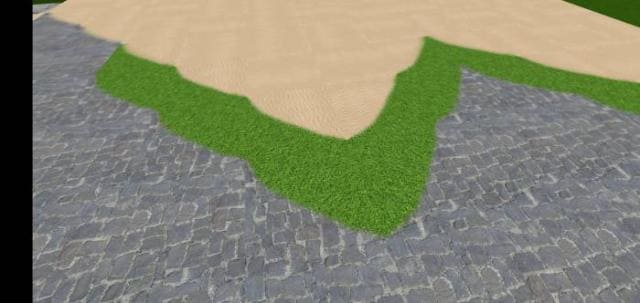
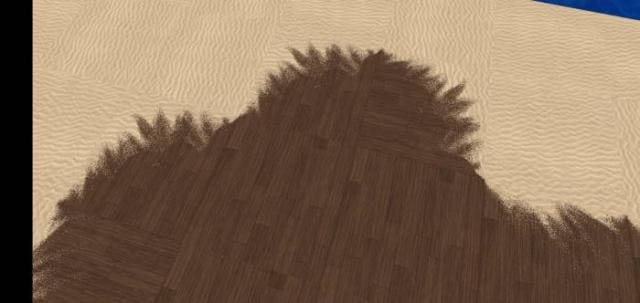
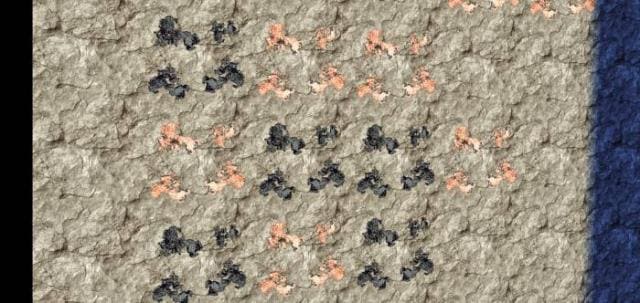
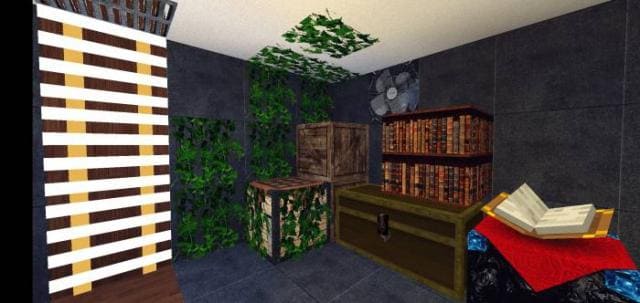
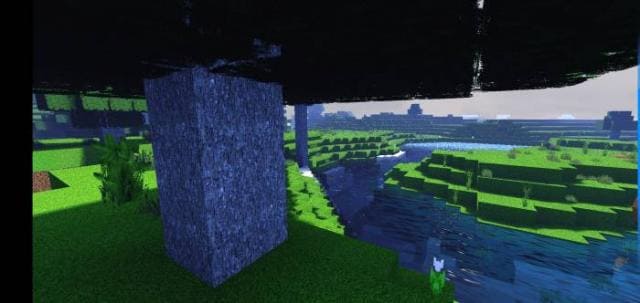
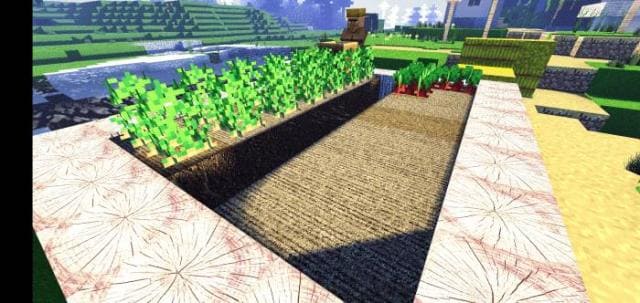
В Майнкрафт существует ряд причин, по которым сложно добиться абсолютной реалистичности геймплея. Одной из них, естественно, являются текстуры. В реальном мире тяжело представить, что все стены, полы и прочие элементы конструкций будут состоять из блоков и четких контуров. Автор текстур Ultra Realistic With Connected Textures задумался об этом и решил изменить точки соединения блоков: теперь они будут соединены без четких границ, чтобы выглядеть максимально реалистично. Ниже представлены скриншоты нового дизайна.
Изменения в новой версии
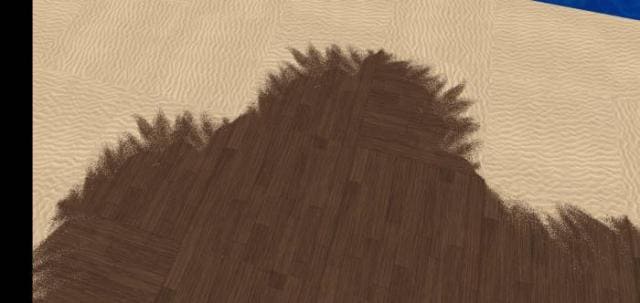
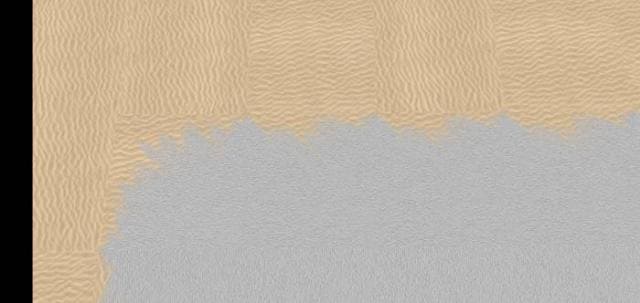
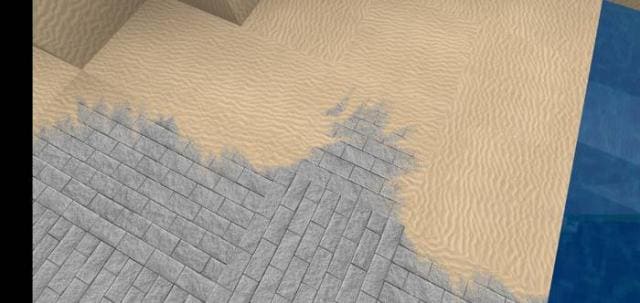
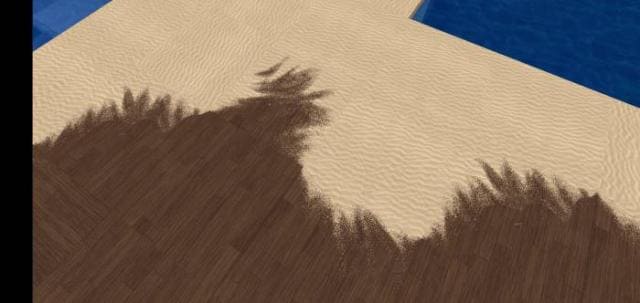
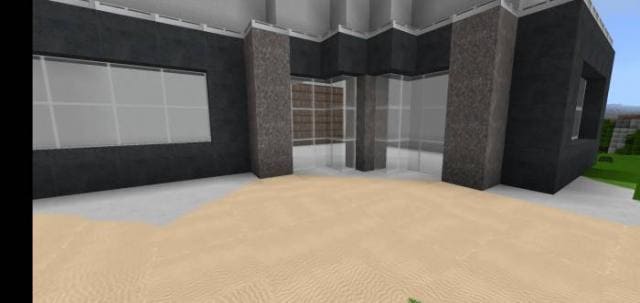
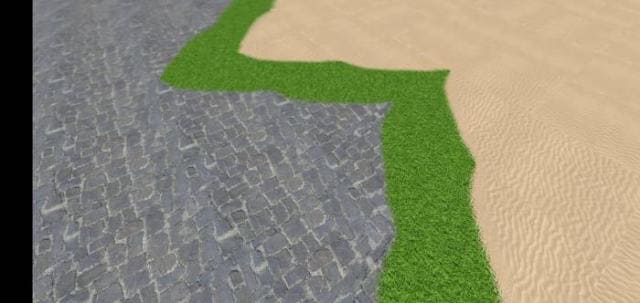
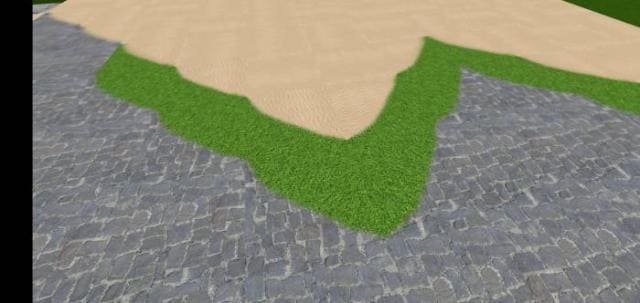
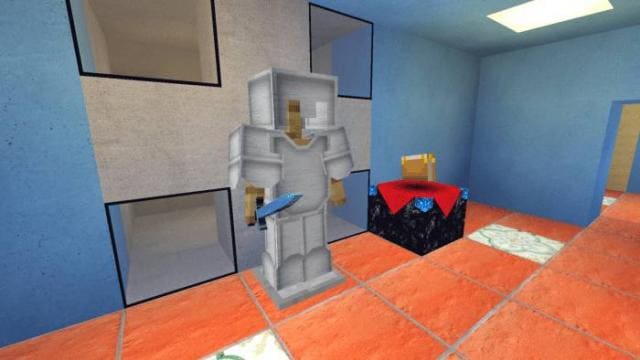
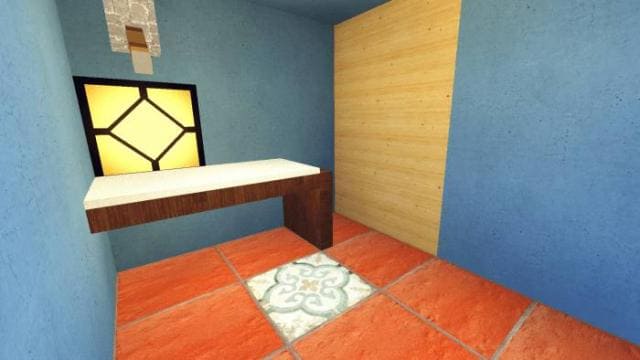

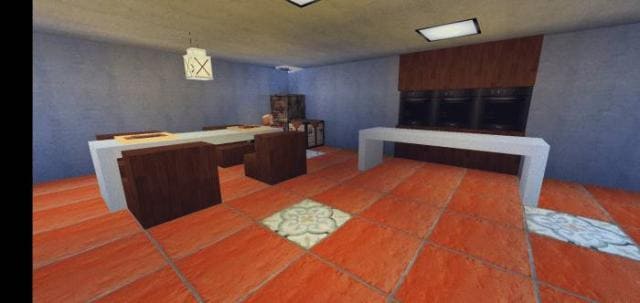
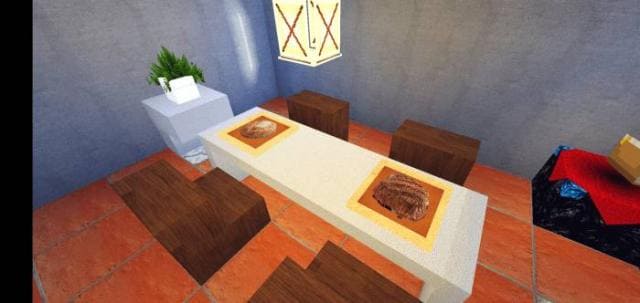
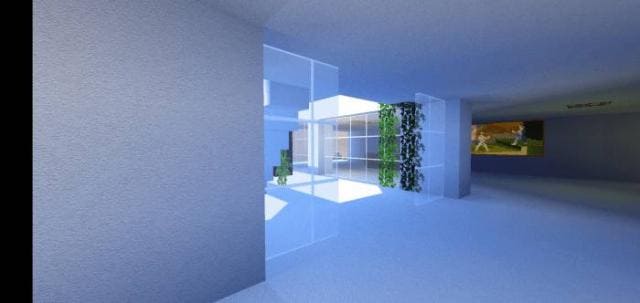
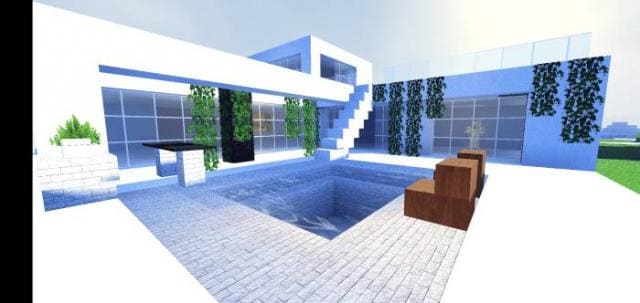
Изменения в новой версии
- Добавили новые блоки
- Изменили руду и прочие текстуры
- Изменили рамки
- Изменили блоки
Quick facts
- Edition: Minecraft Bedrock
- File type: .mcpack
- Minecraft versions listed: 1.18, 1.17.30, 1.17.11
- How to install: Download the .mcpack. → Open it — Minecraft imports it under Resource Packs. → Activate it in Global Resources, or for one world under Resource Packs → Available.
- Where to get it: In MCModsHub, or directly above on this page.
Install steps are the general flow for this file type — How to install Minecraft Bedrock texture packs walks through it step by step.
File checked by MCModsHub
- Pack type: .mcpack — a single pack
- Manifest requires Minecraft 1.14.0 or newer
- Complete pack — everything it depends on is inside the file
- Download size: 92.2 MB
- Download link checked 6 Jul 2026 — working
- Mirrored on our own servers — the download does not depend on the original host
These come from our own check of the pack file, not from the source page.