Texture packsBedrock
Super Dim UI Textures
Bedrock texture pack listed for Minecraft 1.16–1.17. File opened and checked on 27 Sep 2026; installs from the MC Bedrock Mods app on Android.
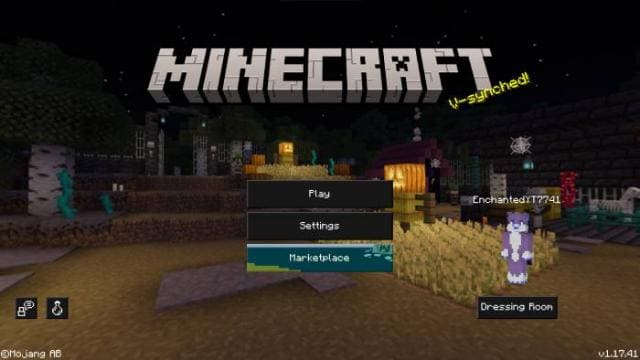
Super Dim UI textures are designed for those who love dark design in Minecraft. The pack changes all menus, screens, and inventories by adding black…
⬇ Download
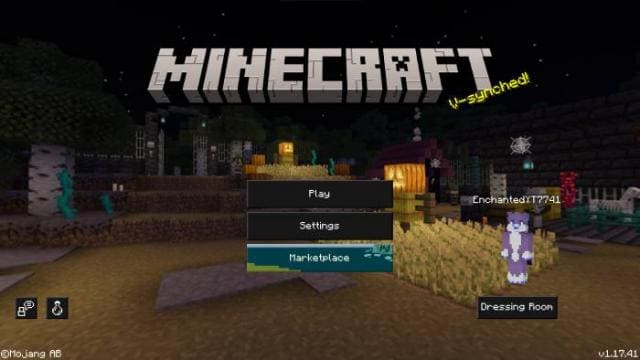
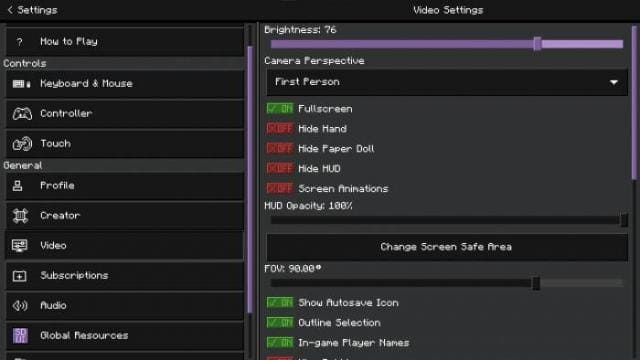
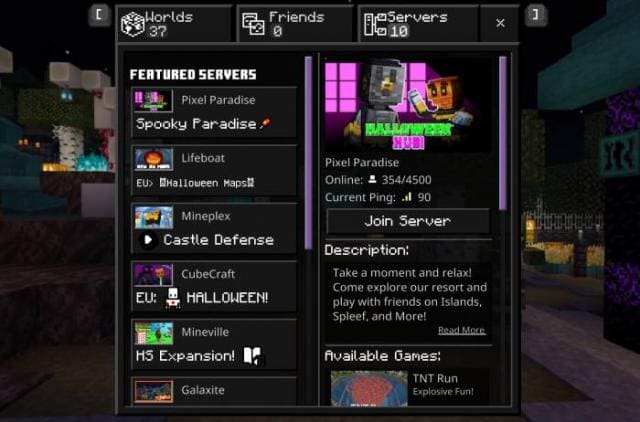
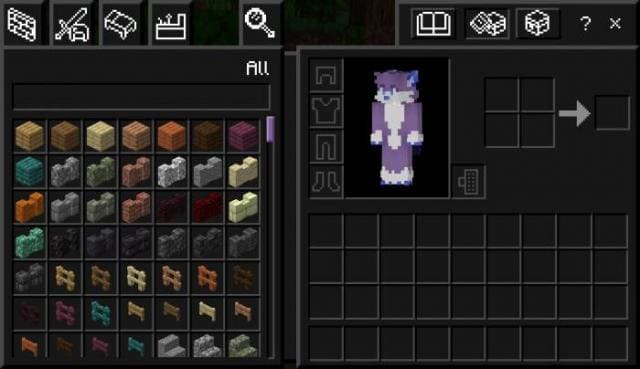


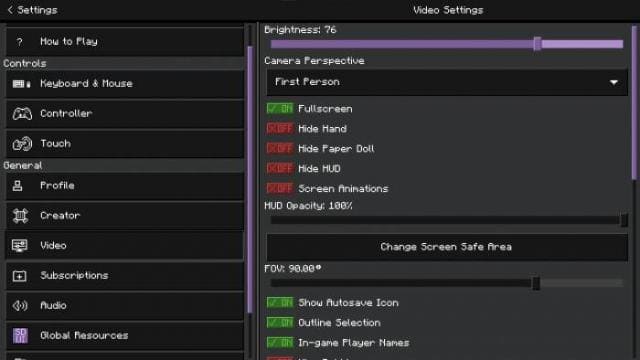
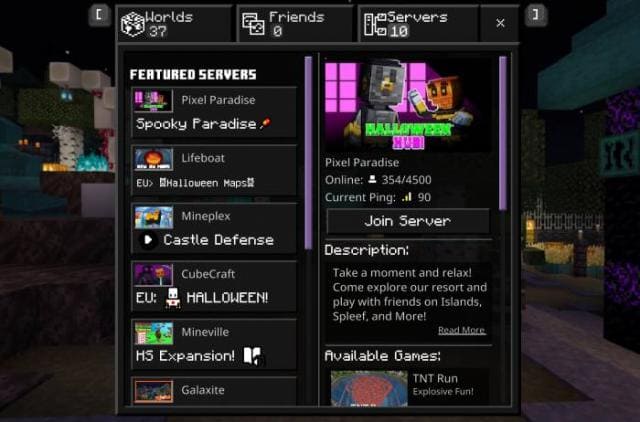
Текстуры Super Dim UI рассчитаны на тех, кто любит темный стиль дизайна для Minecraft. Сборка изменяет все меню, экраны и инвентари, добавляя черный дизайн. Большинство ползунков, переключателей и кнопок станут пурпурными вместо зеленого. Дополнение будет работать в большинстве версий, и даже самых новых.
Изначально аддон разрабатывался для Java, а затем был перенесен в карманную.
Главное меню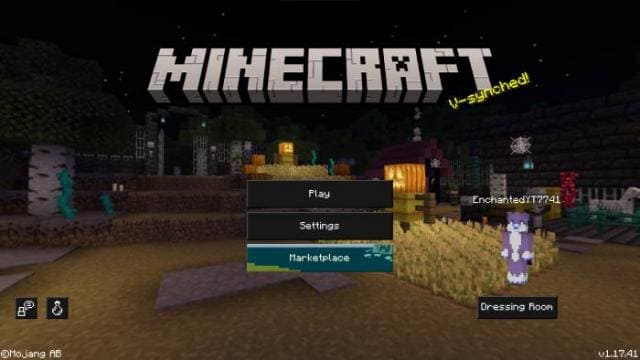 Настройки
 Меню серверов
 Инвентарь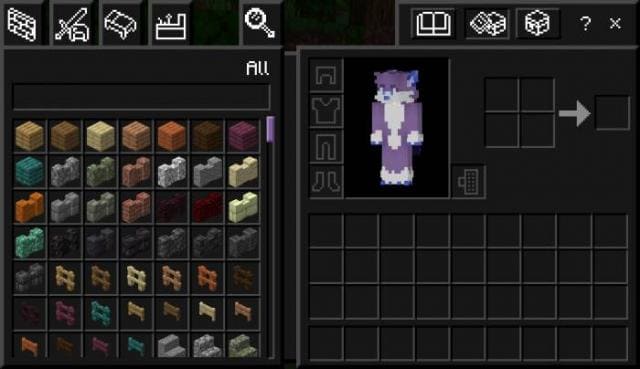
Изначально аддон разрабатывался для Java, а затем был перенесен в карманную.
Главное меню
Quick facts
- Edition: Minecraft Bedrock
- File type: .mcpack
- Minecraft versions listed: 1.17.11, 1.17, 1.16.221
- How to install: Download the .mcpack. → Open it — Minecraft imports it under Resource Packs. → Activate it in Global Resources, or for one world under Resource Packs → Available.
- Where to get it: In MCModsHub, or directly above on this page.
Install steps are the general flow for this file type — How to install Minecraft Bedrock texture packs walks through it step by step.
File checked by MCModsHub
- Pack type: .mcpack — a single pack
- Manifest requires Minecraft 1.16.0 or newer
- Complete pack — everything it depends on is inside the file
- Download size: 562 KB
- Download link checked 6 Jul 2026 — working
- Mirrored on our own servers — the download does not depend on the original host
These come from our own check of the pack file, not from the source page.