Texture packsBedrock
Gecko's Divine Tooltips Textures
Bedrock texture pack listed for Minecraft 1.16–1.17. File opened and checked on 1 Oct 2026; installs from the MC Bedrock Mods app on Android.
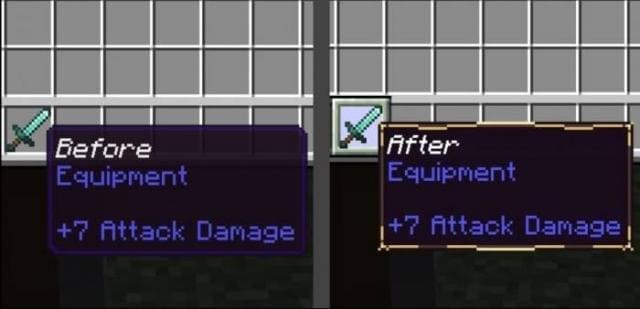
Gecko's Divine Tooltips changes the item frame in Minecraft Bedrock. Instead of dark blue highlighting, items get a golden frame. It looks solid and very…
⬇ Download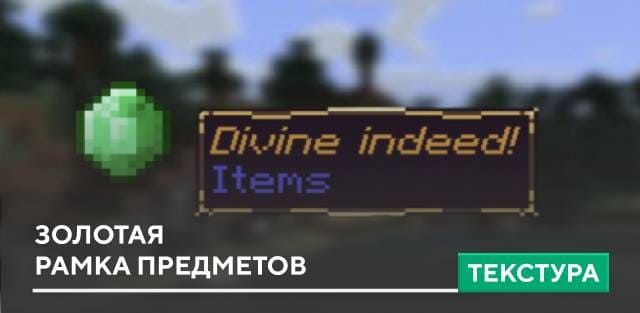
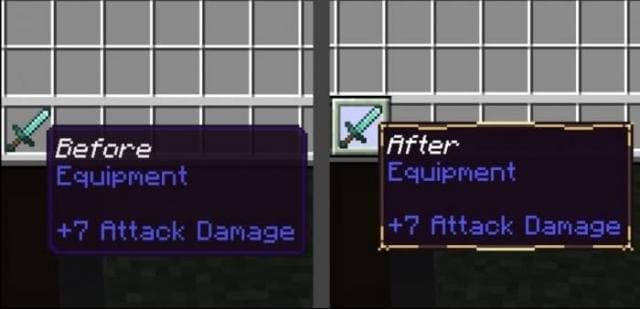
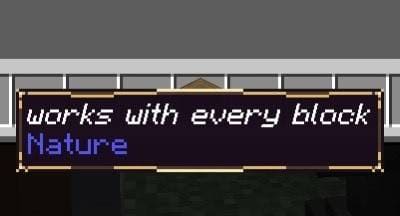
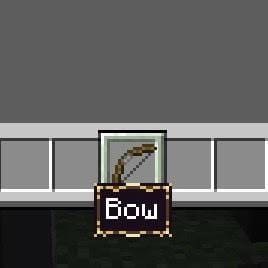

Текстуры Gecko's Divine Tooltips изменяют рамку предметов в Майнкрафт Бедрок. Вместо темно-синего выделения будет золотая рамка. Выглядит солидно и очень богато. Используй это в своих мирах с ролевым режимом или средневековых сборках. Дополнение работает на всех блоки и предметы блочной вселенной. Посмотри на скриншоты ниже, чтобы лучше понять, в чем же состоят изменения.
Рамка без текстур и с текстурами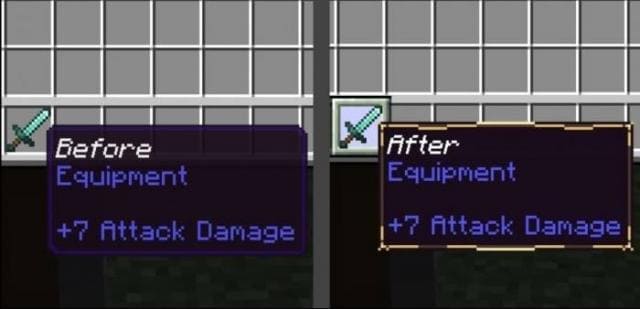 Названия предметов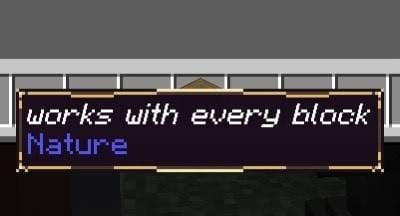
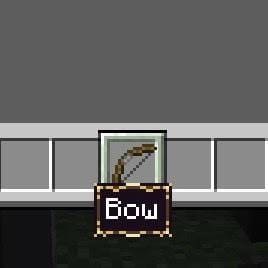
Рамка без текстур и с текстурами
Quick facts
- Edition: Minecraft Bedrock
- File type: .mcpack
- Minecraft versions listed: 1.17, 1.16.221
- How to install: Download the .mcpack. → Open it — Minecraft imports it under Resource Packs. → Activate it in Global Resources, or for one world under Resource Packs → Available.
- Where to get it: In MCModsHub, or directly above on this page.
Install steps are the general flow for this file type — How to install Minecraft Bedrock texture packs walks through it step by step.
File checked by MCModsHub
- Save it as 186892.mcaddon before opening — it downloads as .mcpack, but it is a .mcaddon pack
- Manifest requires Minecraft 1.16.0 or newer
- Complete pack — everything it depends on is inside the file
- Download size: 45 KB
- Download link checked 6 Jul 2026 — working
- Mirrored on our own servers — the download does not depend on the original host
These come from our own check of the pack file, not from the source page.