Texture packsBedrock
Pixel UI Textures
Bedrock texture pack listed for Minecraft 1.13–1.17. File opened and checked on 1 Oct 2026; installs from the MC Bedrock Mods app on Android.
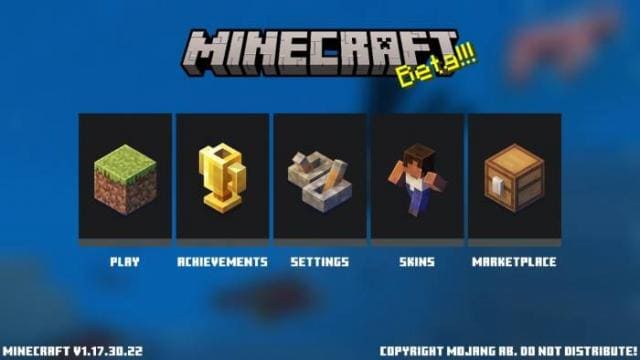
Tired of the familiar Minecraft design? Then you should pay attention to Pixel UI textures. They present a new perspective on how the game menu should…
⬇ Download
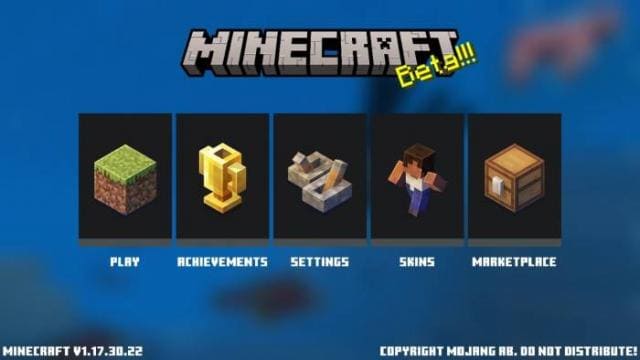
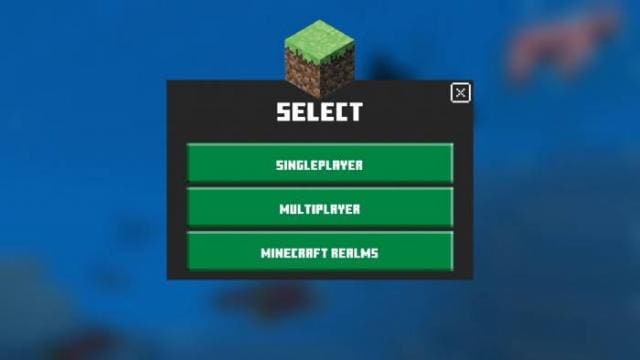

Надоел привычный дизайн Minecraft? Тогда стоит обратить внимание на текстуры Pixel UI. Они представляют новый взгляд на то, как должно выглядеть меню в игре. Правда, они сильно напоминают еще одну сборку (ссылка). Выбери то, что тебе понравится из этих двух дополнений и установи. Каждый из них сделает геймплей лучше только за счет эстетичного вида меню.
Главное меню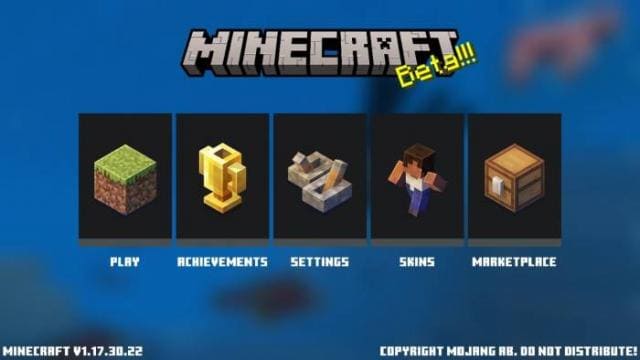 Игровое меню
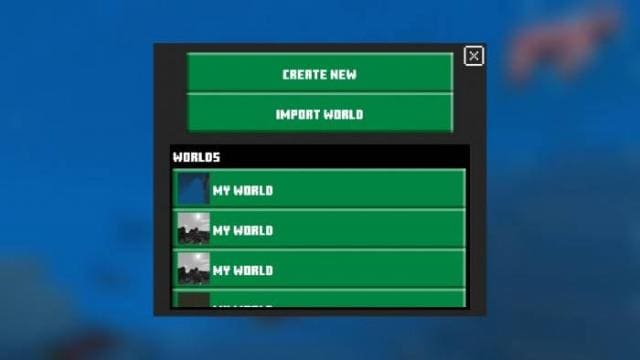
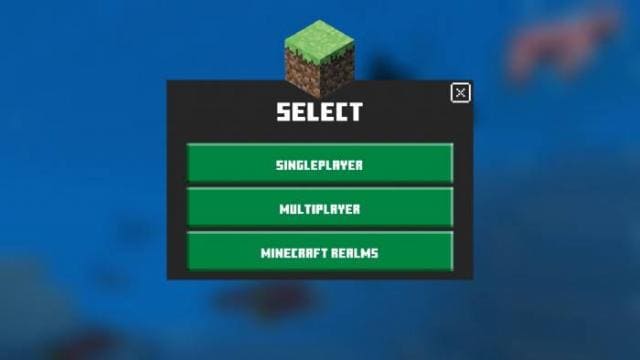 Меню создания миров
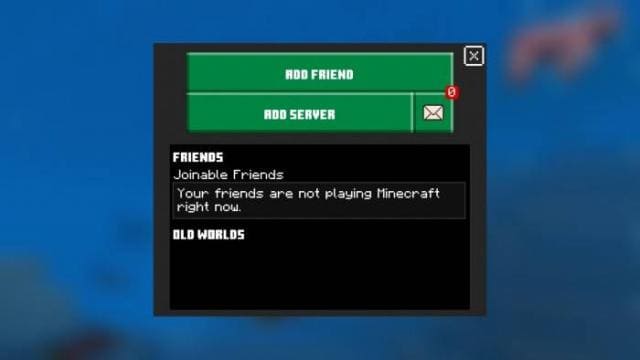
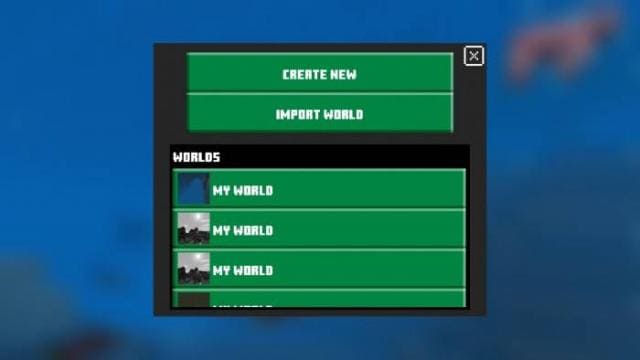 Меню мультиплеера
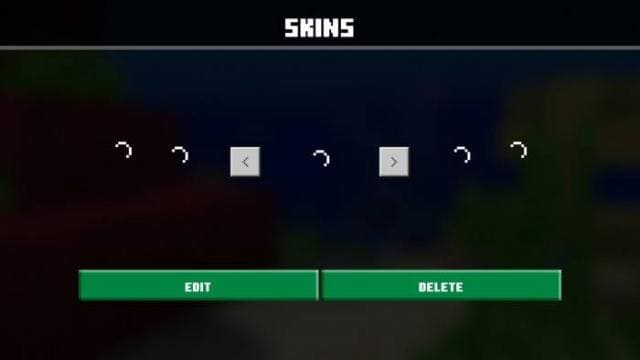
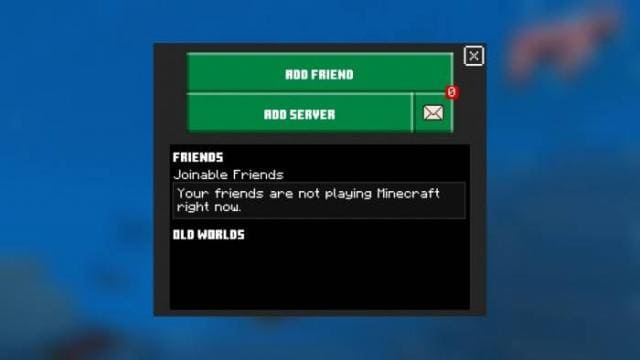 Меню скинов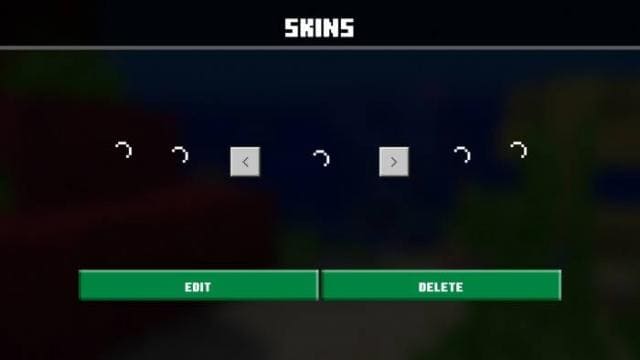
Главное меню
Quick facts
- Edition: Minecraft Bedrock
- File type: .mcpack
- Minecraft version listed: 1.17.30
- How to install: Download the .mcpack. → Open it — Minecraft imports it under Resource Packs. → Activate it in Global Resources, or for one world under Resource Packs → Available.
- Where to get it: In MCModsHub, or directly above on this page.
Install steps are the general flow for this file type — How to install Minecraft Bedrock texture packs walks through it step by step.
File checked by MCModsHub
- Save it as 186908.mcaddon before opening — it downloads as .mcpack, but it is a .mcaddon pack
- Manifest requires Minecraft 1.13.0 or newer
- Complete pack — everything it depends on is inside the file
- Download size: 11.5 MB
- Download link checked 6 Jul 2026 — working
- Mirrored on our own servers — the download does not depend on the original host
These come from our own check of the pack file, not from the source page.