Texture packsBedrock
Minecraft Jukebox Textures
Bedrock texture pack listed for Minecraft 1.16–1.17. File opened and checked on 26 Sep 2026; installs from the MC Bedrock Mods app on Android.
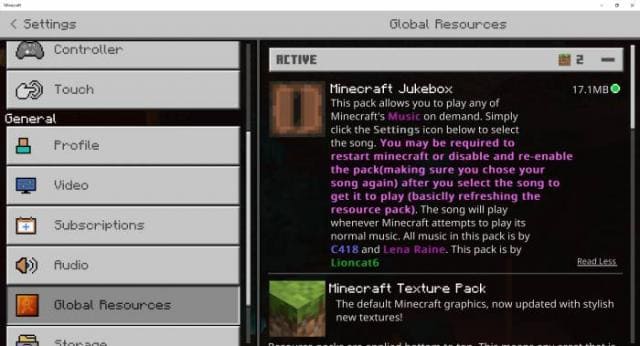
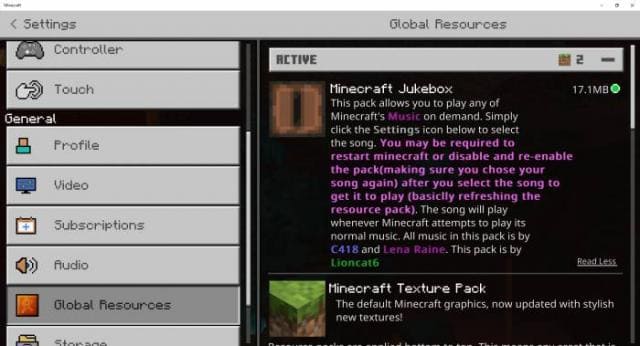
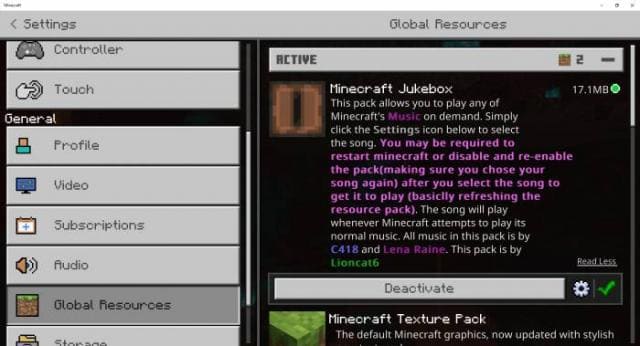
Even the biggest Minecraft Bedrock fans sometimes get tired of the music in the game. Often you want to change it and put new songs to make the survival…
⬇ Download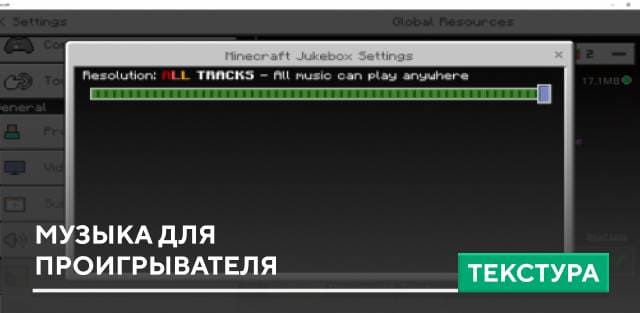
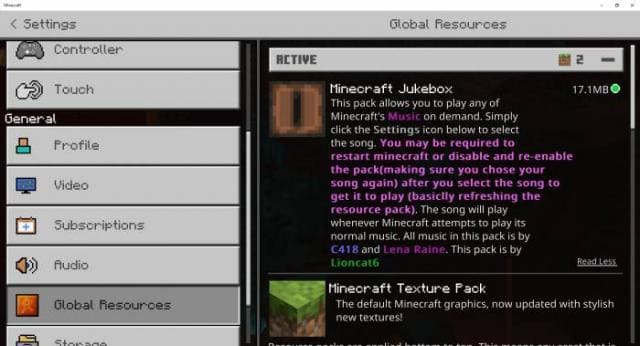
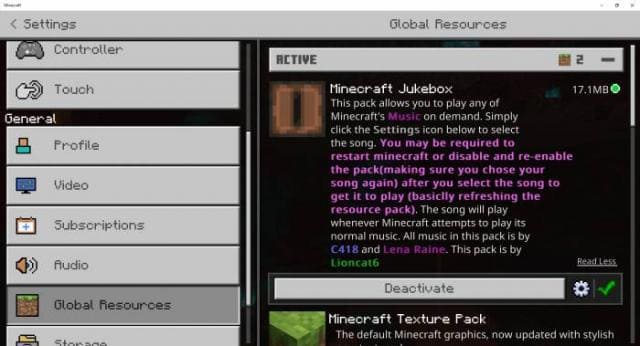
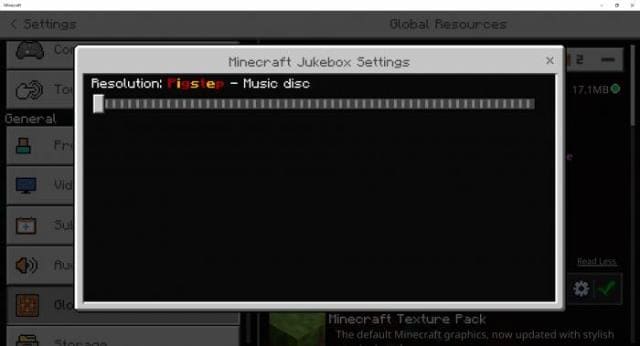
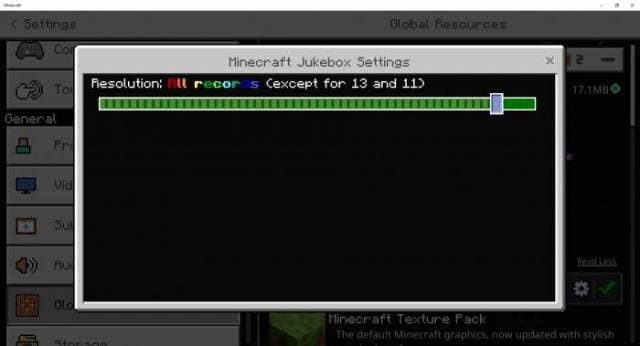
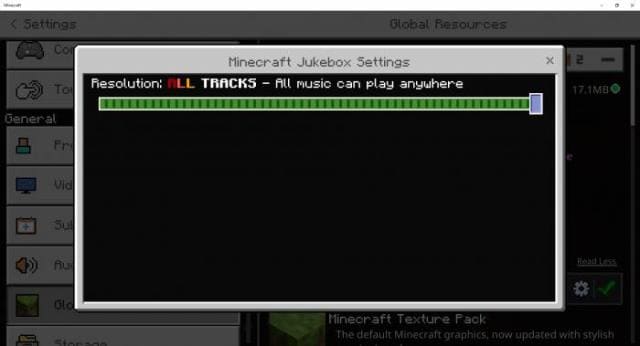
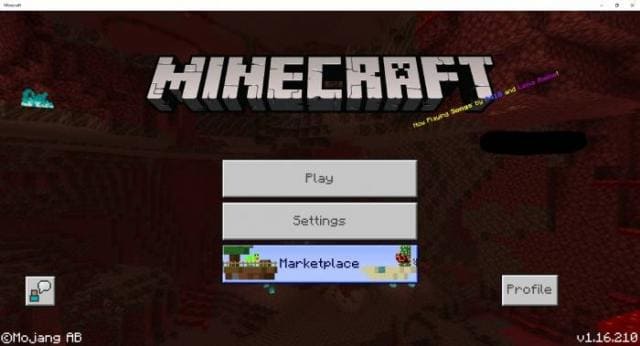

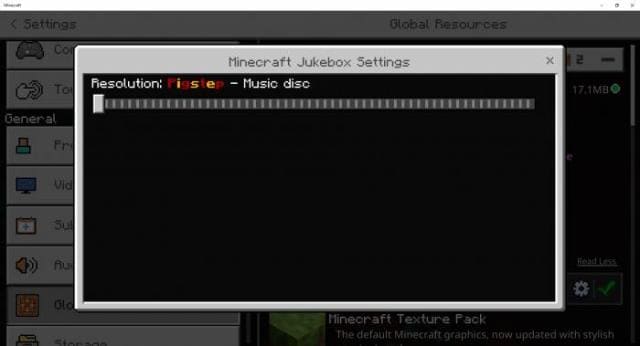
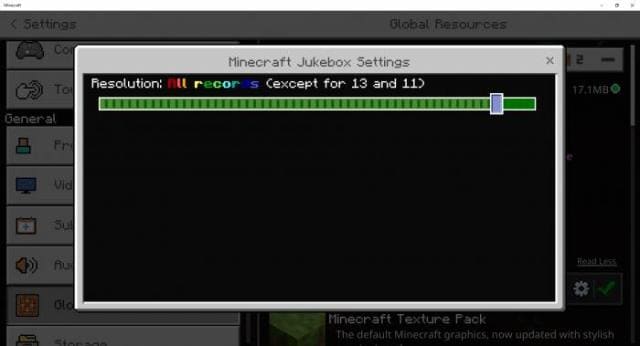
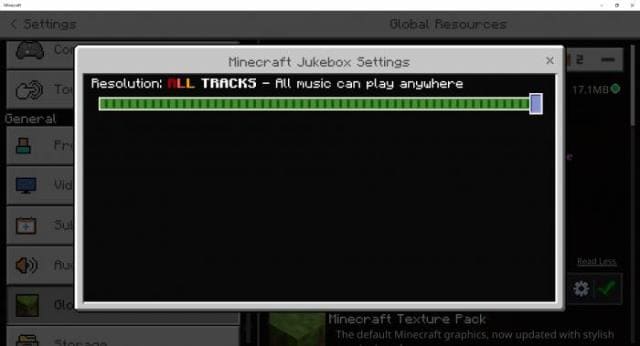
Даже самым большим любителям Minecraft Bedrock порой надоедала музыка в игре. Нередко хочется ее сменить и поставить новые песенки, чтобы процесс выживания стал чуточку лучше. Именно для таких целей придуманы текстуры Minecraft Jukebox. В настройках ты сможешь выбрать любую желаемую песню и послушать ее во время игры.
Если ты разберешься в файлах дополнения, то сможешь устанавливать собственные треки. Доступно больше 45 вариантов музыки.
Если ты разберешься в файлах дополнения, то сможешь устанавливать собственные треки. Доступно больше 45 вариантов музыки.
Quick facts
- Edition: Minecraft Bedrock
- File type: .mcpack
- Minecraft versions listed: 1.17, 1.17.30, 1.17.11
- How to install: Download the .mcpack. → Open it — Minecraft imports it under Resource Packs. → Activate it in Global Resources, or for one world under Resource Packs → Available.
- Where to get it: In MCModsHub, or directly above on this page.
Install steps are the general flow for this file type — How to install Minecraft Bedrock texture packs walks through it step by step.
File checked by MCModsHub
- Pack type: .mcpack — a single pack
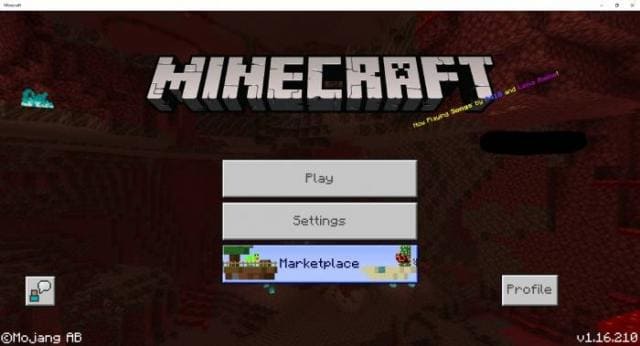
- Manifest requires Minecraft 1.16.210 or newer
- Complete pack — everything it depends on is inside the file
- Download size: 1.2 MB
- Download link checked 6 Jul 2026 — working
- Mirrored on our own servers — the download does not depend on the original host
These come from our own check of the pack file, not from the source page.