Texture packsBedrock
Chrome Universe Textures
Bedrock texture pack listed for Minecraft 1.16–1.17. File opened and checked on 30 Sep 2026; installs from the MC Bedrock Mods app on Android.
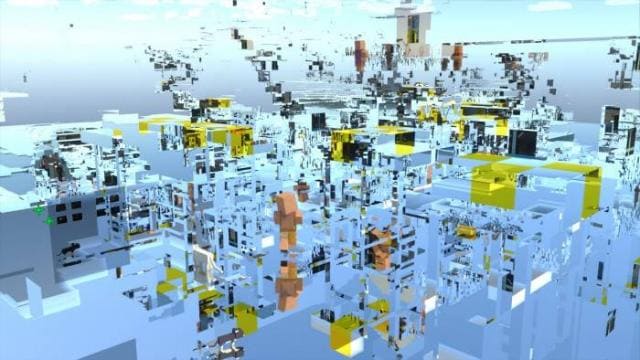
Imagine a completely mirrored world, but not like in a mirror realm: every block will turn into a perfect mirror. This is only possible with Chrome…
⬇ Download
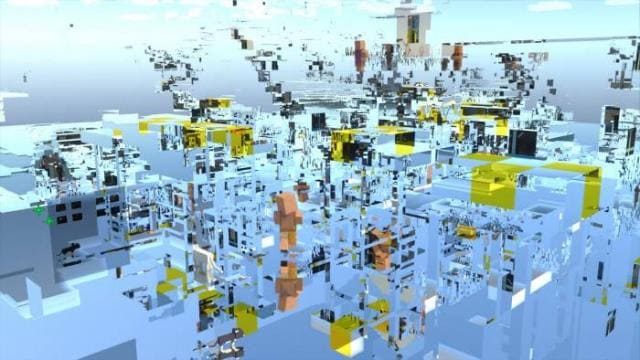
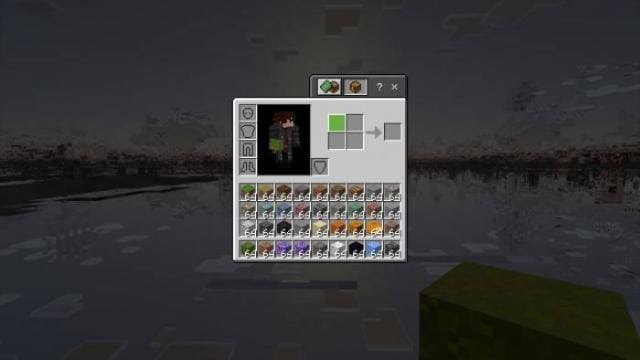
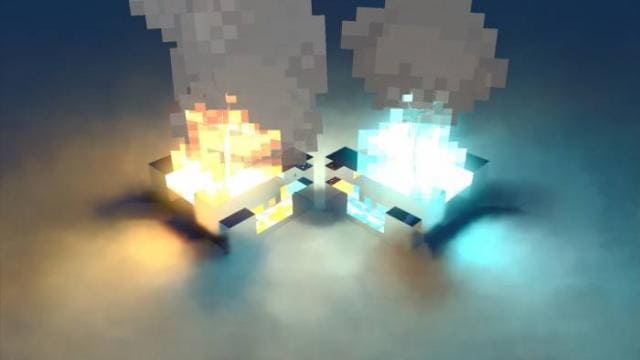
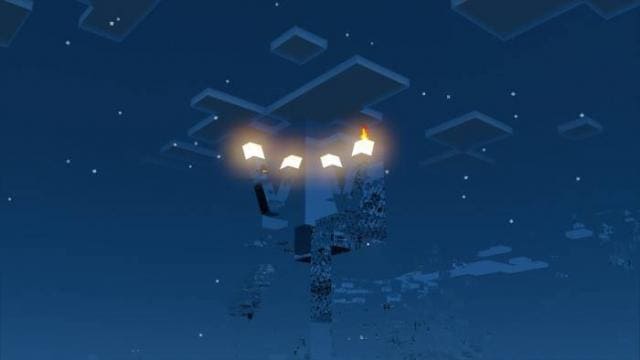
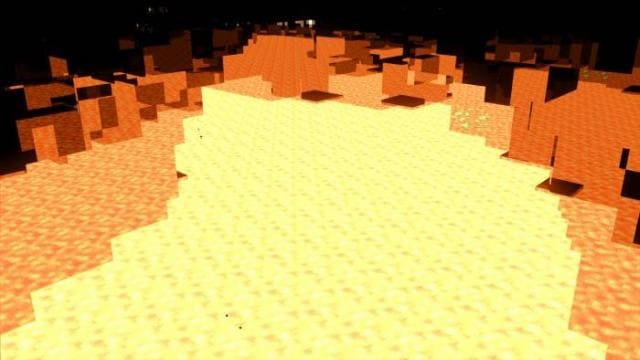
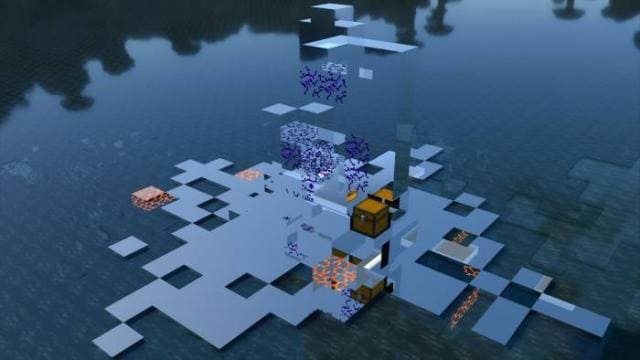
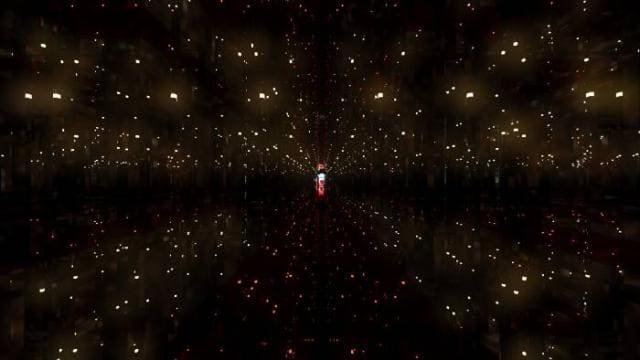
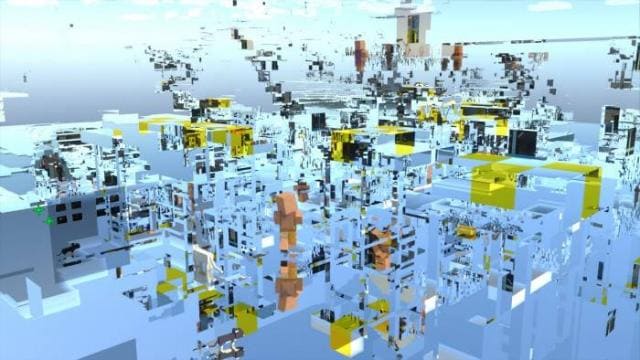
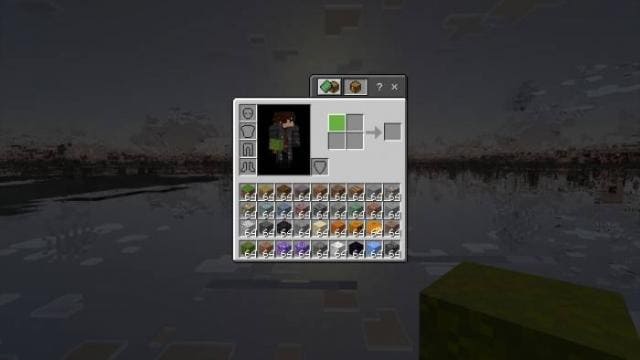
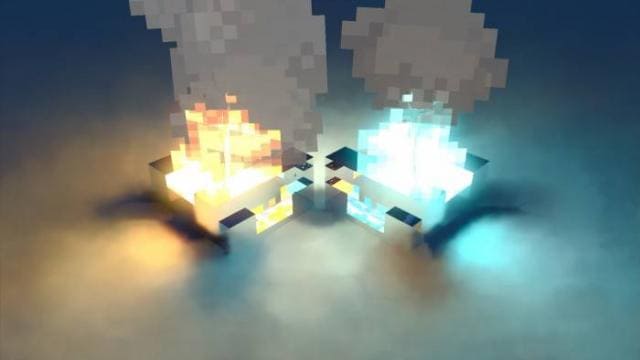
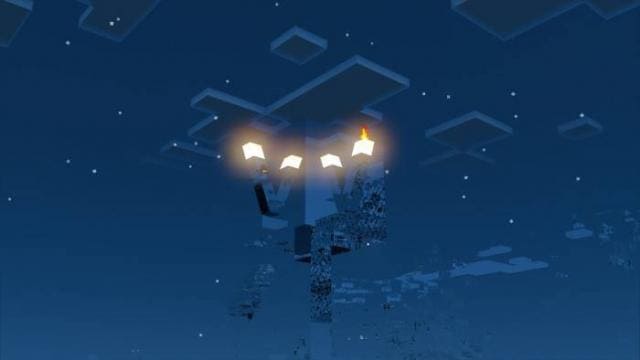
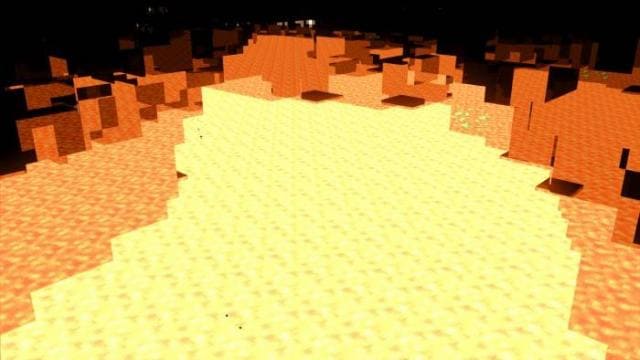
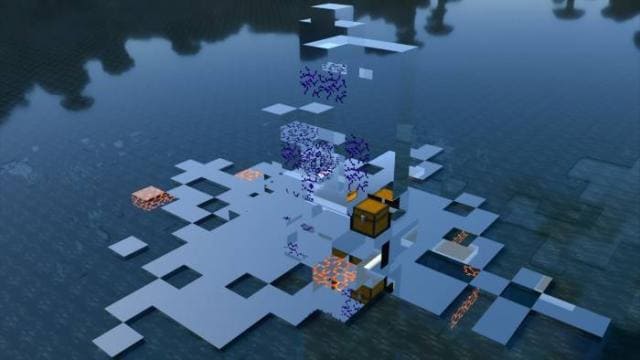
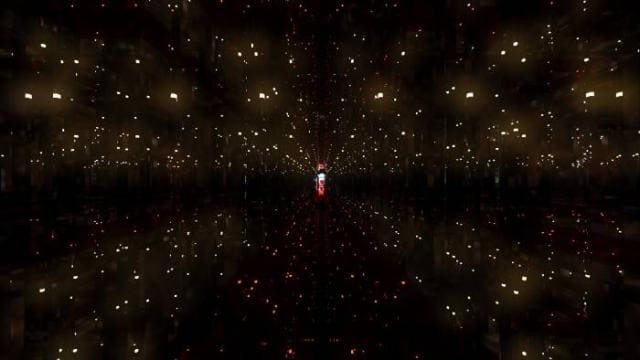
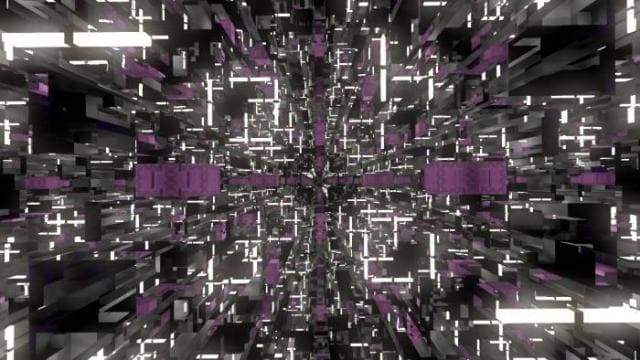
Представь полностью зеркальный мир, но не как в зазеркалье: каждый блок превратится в идеальное зеркало. Такое возможно только с текстурами Chrome Universe, которые изменяют весь мир Майнкрафт Покет Эдишн. Блоки в инвентаре выглядят как и обычно, но после установки становятся хромированными.
Просто посмотри на скриншоты ниже и оцени, во что превратится мир.
Просто посмотри на скриншоты ниже и оцени, во что превратится мир.
Quick facts
- Edition: Minecraft Bedrock
- File type: .mcpack
- Minecraft versions listed: 1.17.11, 1.17, 1.17.0
- How to install: Download the .mcpack. → Open it — Minecraft imports it under Resource Packs. → Activate it in Global Resources, or for one world under Resource Packs → Available.
- Where to get it: In MCModsHub, or directly above on this page.
Install steps are the general flow for this file type — How to install Minecraft Bedrock texture packs walks through it step by step.
File checked by MCModsHub
- Save it as 186922.mcaddon before opening — it downloads as .mcpack, but it is a .mcaddon pack
- Manifest requires Minecraft 1.16.200 or newer
- Complete pack — everything it depends on is inside the file
- Download size: 4.7 MB
- Download link checked 6 Jul 2026 — working
- Mirrored on our own servers — the download does not depend on the original host
These come from our own check of the pack file, not from the source page.