Texture packsBedrock
NewUI Textures
Bedrock texture pack listed for Minecraft 1.13–1.17. File opened and checked on 8 Oct 2026; installs from the MC Bedrock Mods app on Android.
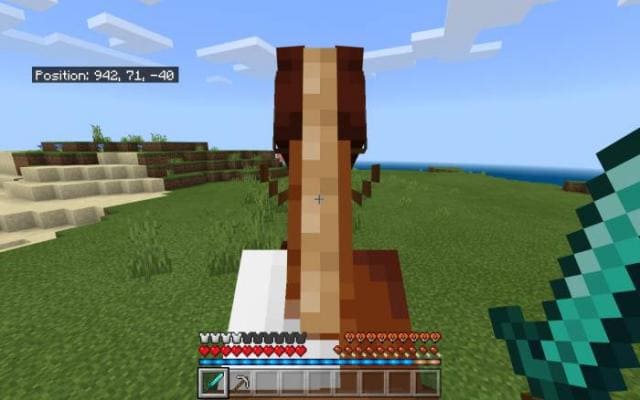
NewUI textures will affect only the main interface of Minecraft. Changes will be made to the quick access menu, experience bars, hunger, health, and armor…
⬇ Download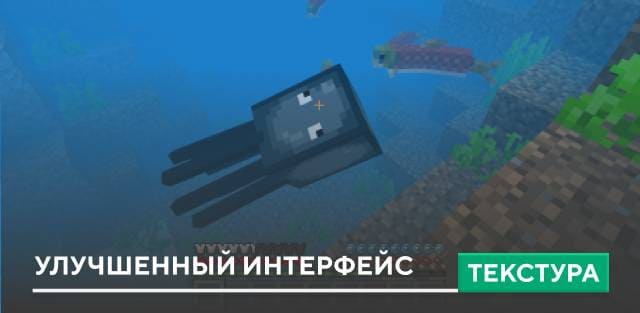
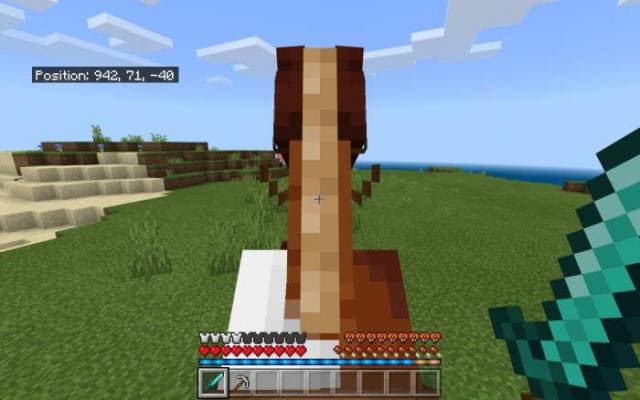

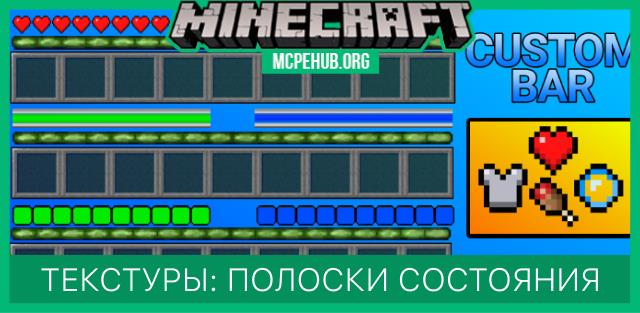
Текстуры NewUI затронут исключительно основной интерфейс Minecraft. Изменениям подвергнутся меню быстрого доступа, полоски опыта, голода, здоровья и брони. Кроме этого, появятся и дополнительные функции, которые облегчат выживание на просторах блочной вселенной.
Изменения
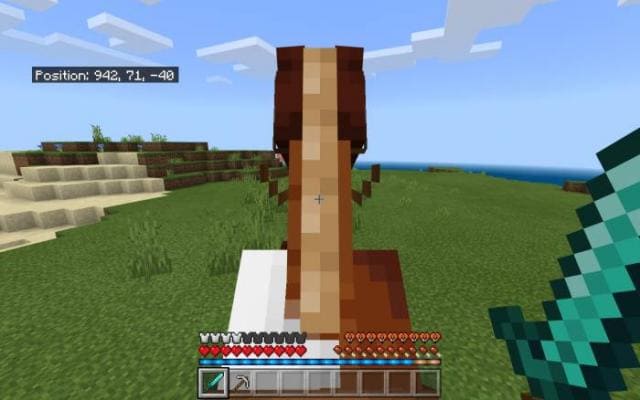
Изменения
- Панель здоровья
- Полоска голода
- Пузырьки воздуха
- Очки брони
- Полоса опыта
- Полоса силы прыжка лошади
- Слоты быстрого доступа
- Выбранный слот панели быстрого доступа
- Название (обновлено, чтобы соответствовать названию в бета-версиях)
- Экраны загрузки портала
Quick facts
- Edition: Minecraft Bedrock
- File type: .mcpack
- Minecraft versions listed: 1.17, 1.17.0, 1.16.221
- How to install: Download the .mcpack. → Open it — Minecraft imports it under Resource Packs. → Activate it in Global Resources, or for one world under Resource Packs → Available.
- Where to get it: In MCModsHub, or directly above on this page.
Install steps are the general flow for this file type — How to install Minecraft Bedrock texture packs walks through it step by step.
File checked by MCModsHub
- Pack type: .mcpack — a single pack
- Manifest requires Minecraft 1.13.0 or newer
- Complete pack — everything it depends on is inside the file
- Download size: 349 KB
- Download link checked 6 Jul 2026 — working
- Mirrored on our own servers — the download does not depend on the original host
These come from our own check of the pack file, not from the source page.