Texture packsBedrock
Java Enchantment Glint
Bedrock texture pack listed for Minecraft 1.16. File opened and checked on 20 Sep 2026; installs from the MC Bedrock Mods app on Android.
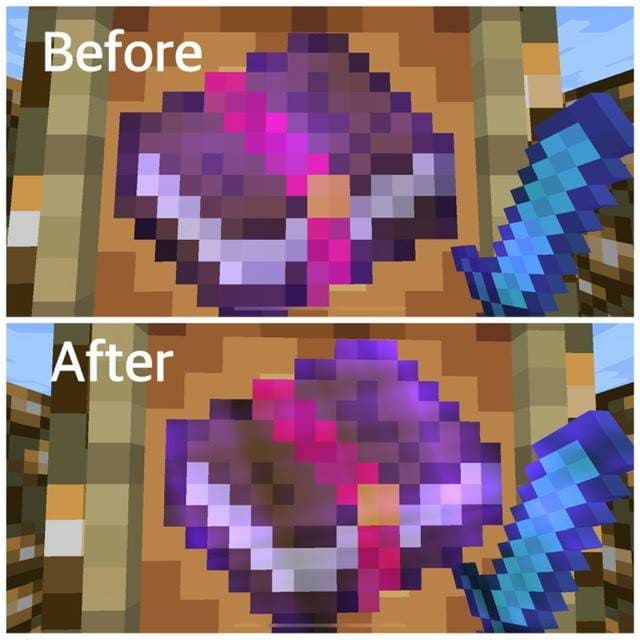
Java Enchantment Glint textures don't do anything particularly special: they only change the appearance of enchanted items. As you know, every magical…
⬇ Download
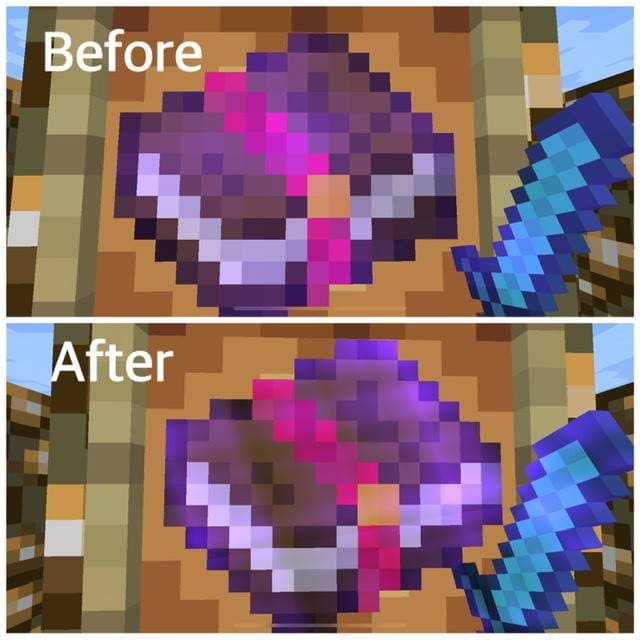
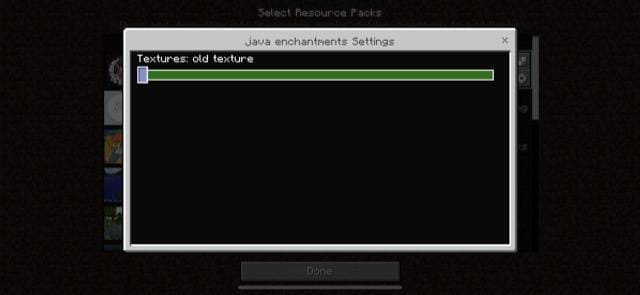
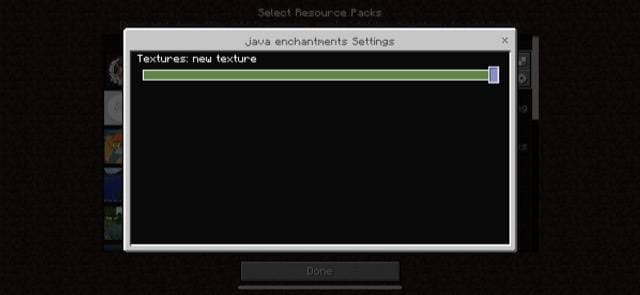

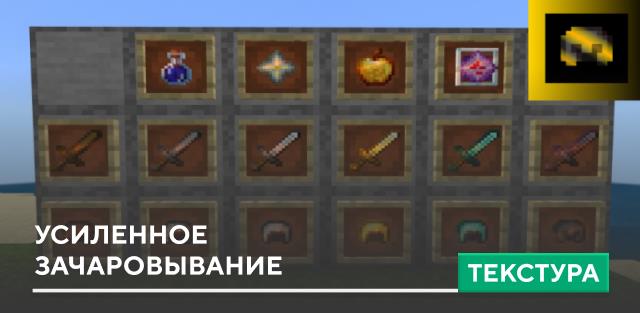
Текстуры Java Enchantment Glint не делают абсолютно ничего особенного: только изменяют внешний вид зачарованных предметов. Как известно, каждый магический предмет обладает слабеньким голубым свечением. Теперь эта анимация будет изменена и станет существенно лучше. Аналогичная анимация работает и в Java версии Minecraft. Посмотри на скриншоты и превью, чтобы убедиться в качестве дополнения.
Превью
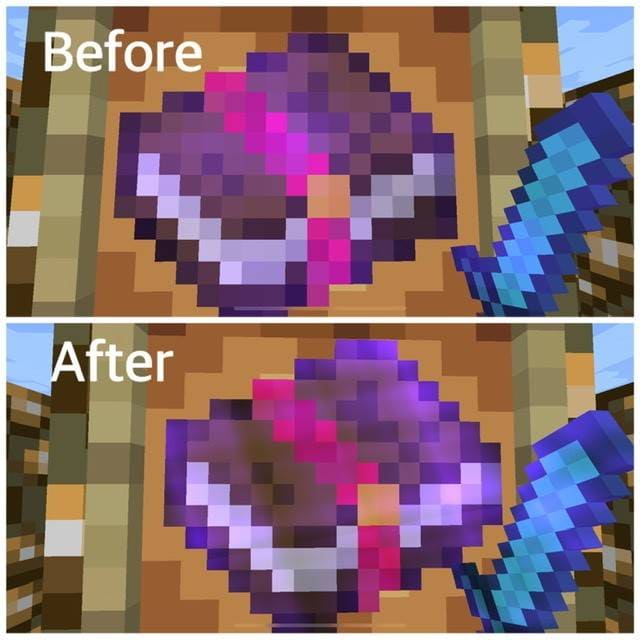
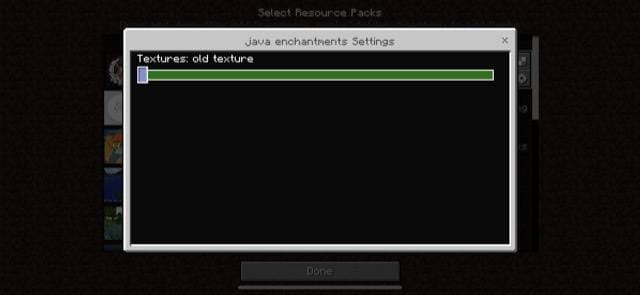
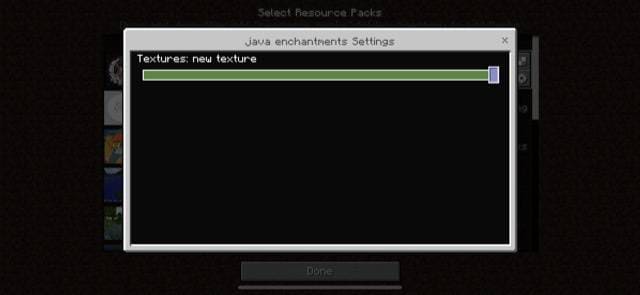
Превью
Quick facts
- Edition: Minecraft Bedrock
- File type: .mcpack
- How to install: Download the .mcpack. → Open it — Minecraft imports it under Resource Packs. → Activate it in Global Resources, or for one world under Resource Packs → Available.
- Where to get it: In MCModsHub, or directly above on this page.
Install steps are the general flow for this file type — How to install Minecraft Bedrock texture packs walks through it step by step.
File checked by MCModsHub
- Save it as 186958.mcaddon before opening — it downloads as .mcpack, but it is a .mcaddon pack
- Manifest requires Minecraft 1.16.20 or newer
- Complete pack — everything it depends on is inside the file
- Download size: 4.6 MB
- Download link checked 6 Jul 2026 — working
- Mirrored on our own servers — the download does not depend on the original host
These come from our own check of the pack file, not from the source page.