Texture packsBedrock
ModMixer
Bedrock texture pack listed for Minecraft 1.17. File opened and checked on 10 Oct 2026; installs from the MC Bedrock Mods app on Android.
Often some add-ons cannot be combined with each other in Minecraft Pocket Edition. They won't interact with each other, and players will have to choose…
⬇ Download
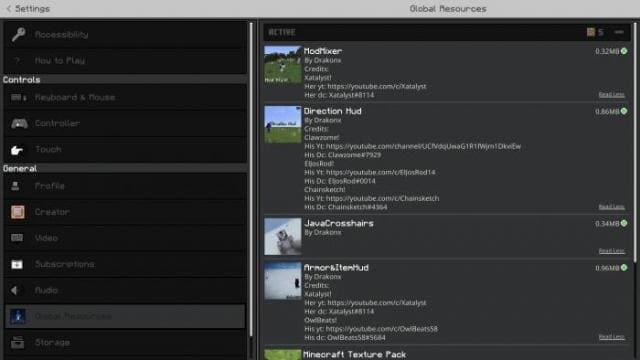

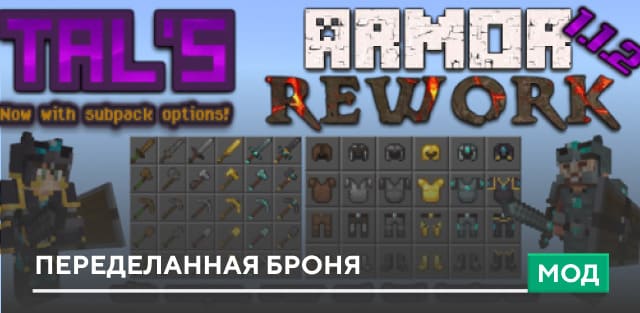
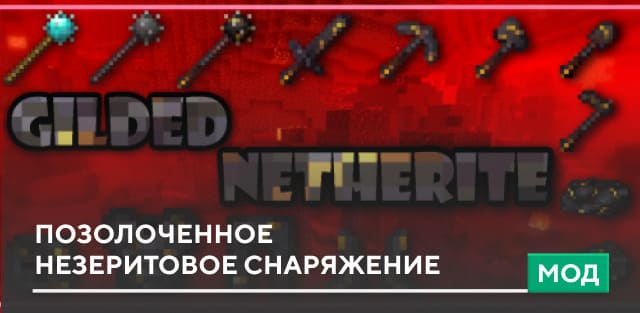
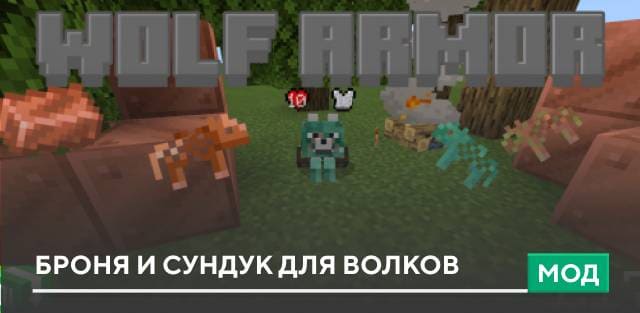
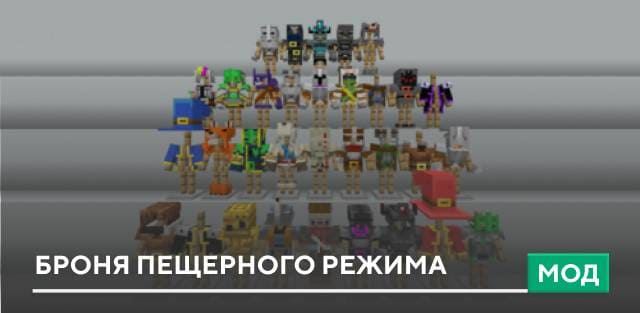
Нередко некоторые дополнения нельзя совмещать друг с другом Майнкрафт Покет Эдишн. Они не будет взаимодействовать друг с другом, а игрокам придется выбирать что-то одно. Чтобы избежать этой проблемы можно использовать текстуры ModMixer. Если переставить эту сборку в верхнюю часть в меню дополнений, то различные аддоны будут работать друг с другом.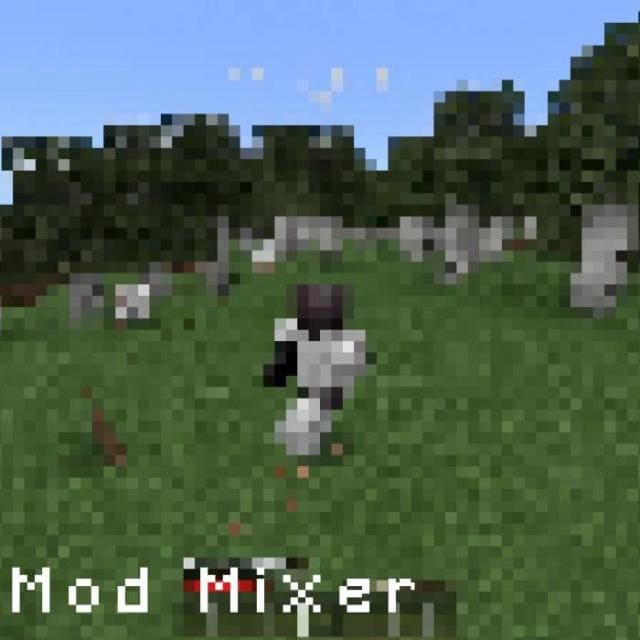
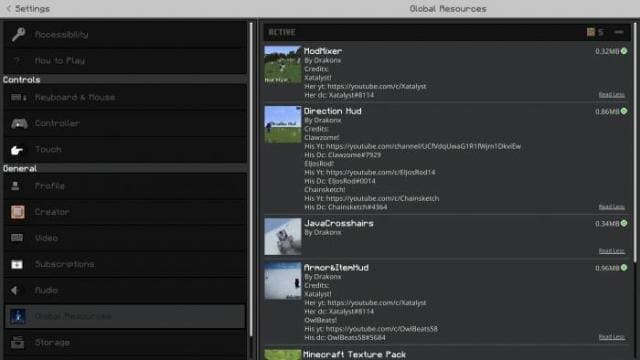 Примеры поддерживаемых сборок
Пока поддерживаются только сборки автора дополнения.
Пока поддерживаются только сборки автора дополнения.
- Direction Hud
- Armor Hud (ссылка)
- JavaCrosshairs
Quick facts
- Edition: Minecraft Bedrock
- File type: .mcpack
- Minecraft version listed: 1.17.0
- How to install: Download the .mcpack. → Open it — Minecraft imports it under Resource Packs. → Activate it in Global Resources, or for one world under Resource Packs → Available.
- Where to get it: In MCModsHub, or directly above on this page.
Install steps are the general flow for this file type — How to install Minecraft Bedrock texture packs walks through it step by step.
File checked by MCModsHub
- Save it as 186960.mcaddon before opening — it downloads as .mcpack, but it is a .mcaddon pack
- Manifest requires Minecraft 1.17.0 or newer
- Complete pack — everything it depends on is inside the file
- Download size: 326 KB
- Download link checked 6 Jul 2026 — working
- Mirrored on our own servers — the download does not depend on the original host
These come from our own check of the pack file, not from the source page.