Texture packsBedrock
Elegant Light And Glass
Bedrock texture pack listed for Minecraft 1.8–1.17. File opened and checked on 7 Oct 2026; installs from the MC Bedrock Mods app on Android.
To add touches of elegance and beauty, you don't need to install full shaders in Minecraft. It's enough to apply small add-ons and improve individual…
⬇ Download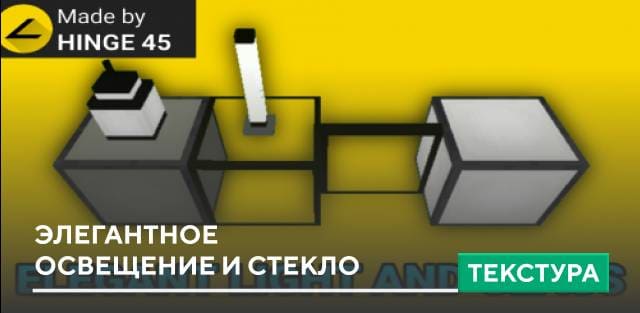
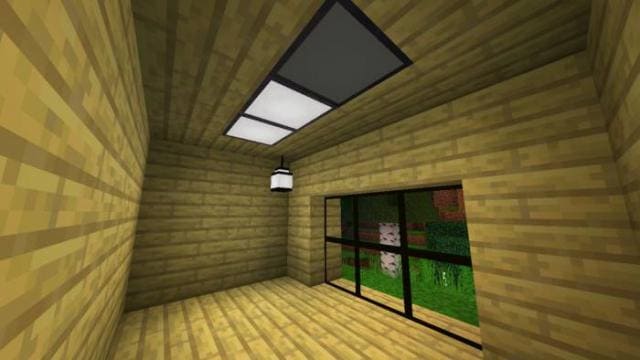

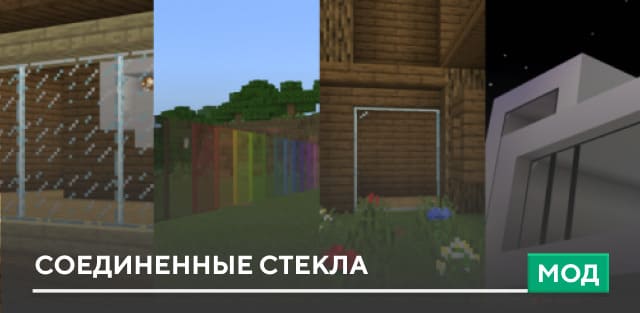
Чтобы внести нотки элегантности и красоты, не обязательно устанавливать полноценные шейдеры в Minecraft. Достаточно применить небольшие дополнения и улучшать отдельные элементы. Например, текстуры Elegant Light And Glass добавляют черную раму для стекла, а так же изменяют множество элементов освещения.
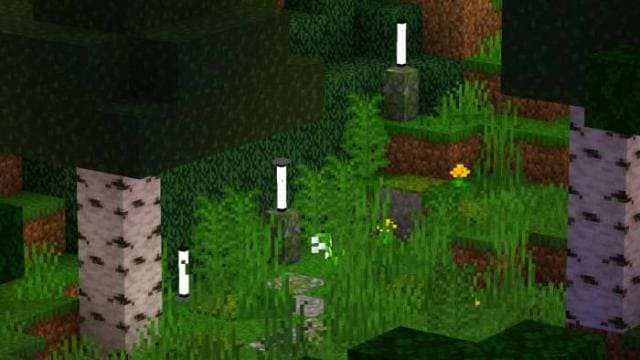
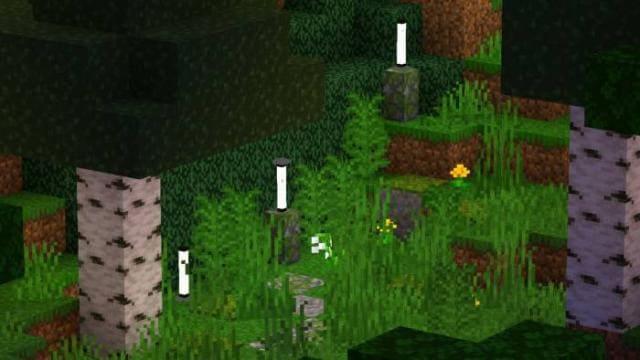
Стержни Края теперь будут выглядеть как дорожное освещение.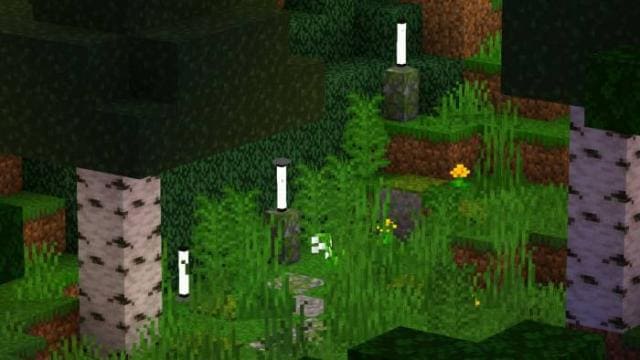 Стекло и панельное стекло получит черные рамки.
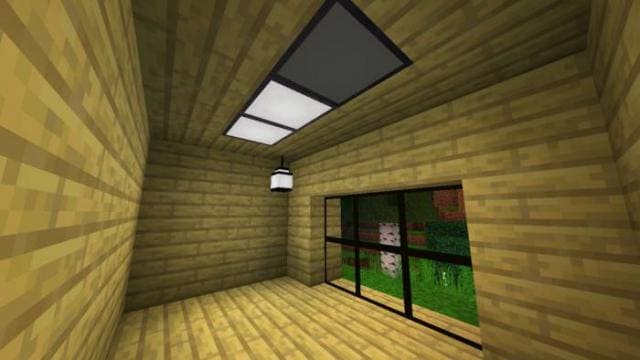 Также изменится светящийся камень, редстоун лампа и обычная лампа.
Превью
Стержни Края теперь будут выглядеть как дорожное освещение.
Превью
Quick facts
- Edition: Minecraft Bedrock
- File type: .mcpack
- Minecraft versions listed: 1.17, 1.16.221
- How to install: Download the .mcpack. → Open it — Minecraft imports it under Resource Packs. → Activate it in Global Resources, or for one world under Resource Packs → Available.
- Where to get it: In MCModsHub, or directly above on this page.
Install steps are the general flow for this file type — How to install Minecraft Bedrock texture packs walks through it step by step.
File checked by MCModsHub
- Save it as 186967.mcaddon before opening — it downloads as .mcpack, but it is a .mcaddon pack
- Manifest requires Minecraft 1.8.0 or newer
- Complete pack — everything it depends on is inside the file
- Download size: 28 KB
- Download link checked 6 Jul 2026 — working
- Mirrored on our own servers — the download does not depend on the original host
These come from our own check of the pack file, not from the source page.