Texture packsBedrock
Custom Amethyst Colors Textures
Bedrock texture pack listed for Minecraft 1.2–1.17. File opened and checked on 10 Oct 2026; installs from the MC Bedrock Mods app on Android.
Amethyst is a brand new material that not everyone has tried yet. Now it's available in Minecraft, which means add-on developers will actively improve it…
⬇ Download
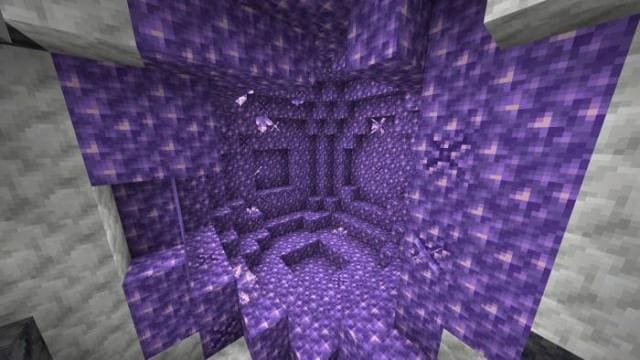
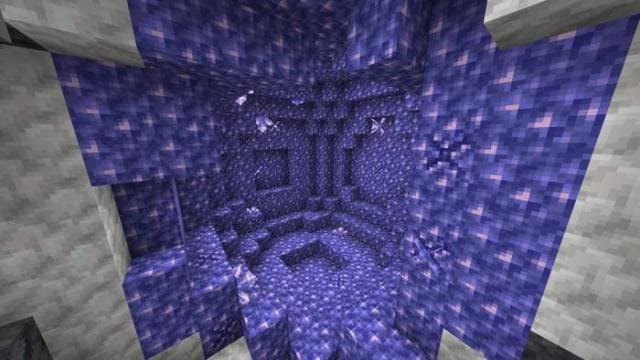
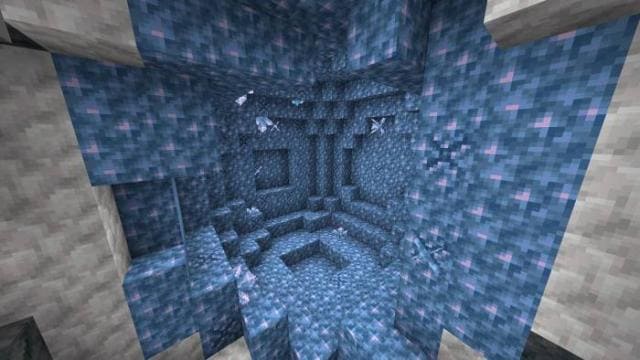
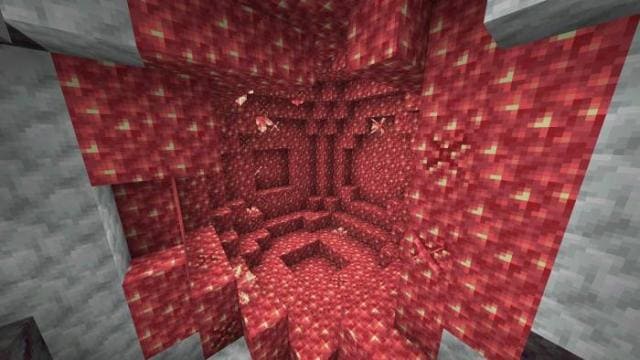
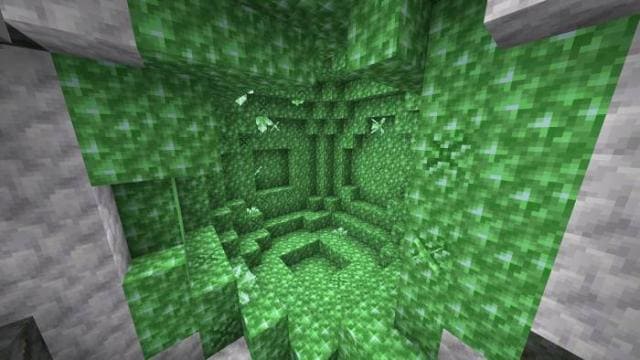
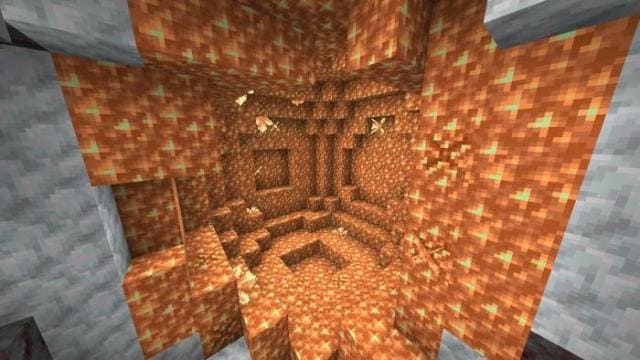
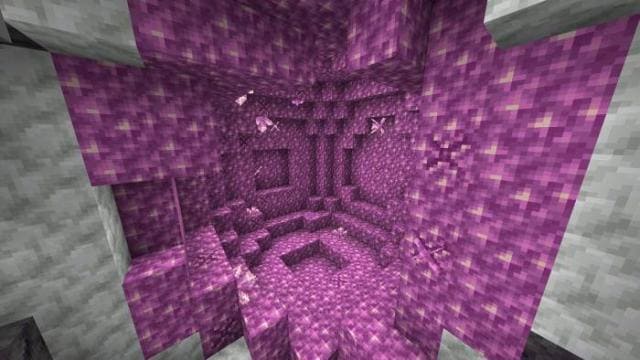
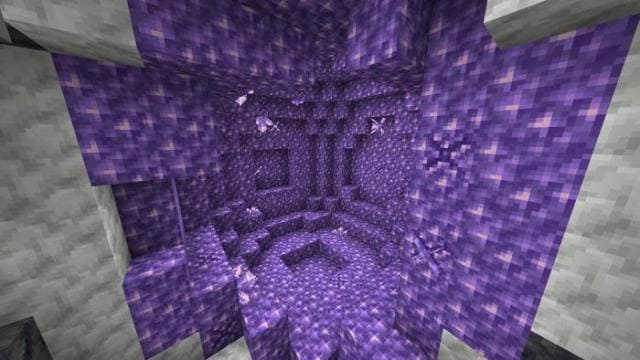
Аметист - совсем новенький материал, который еще не все успели опробовать. Теперь он доступен в Майнкрафт, а значит разработчики дополнений возьмутся активно его улучшать. Например, текстуры Custom Amethyst Colors позволят тебе выбрать цвет этого блока. Блок сам по себе обладает необычным внешним видом, поэтому различные оттенки придадут большую красоту. Используй блок для проработки дизайна своих сооружений.
Пурпурный аметист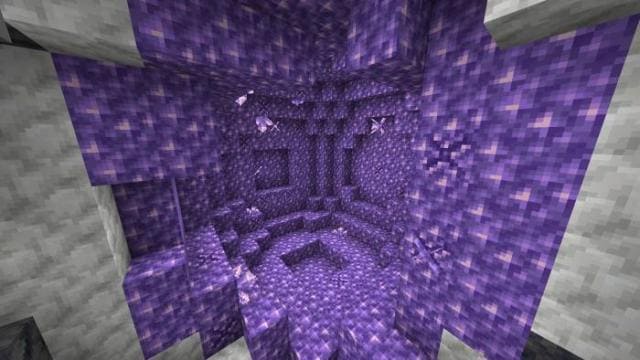 Синий аметист
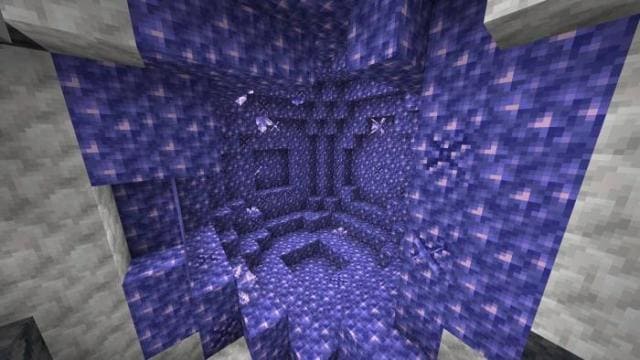 Сине-зеленый аметист
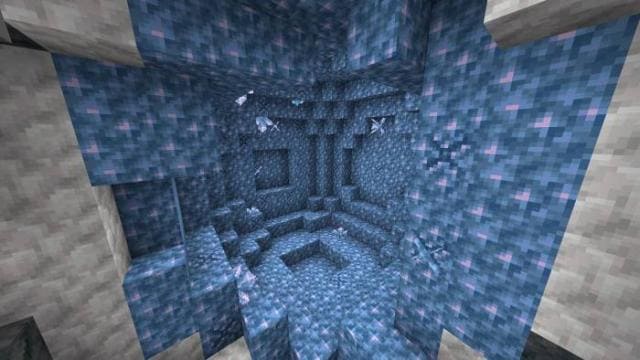 Красный аметист
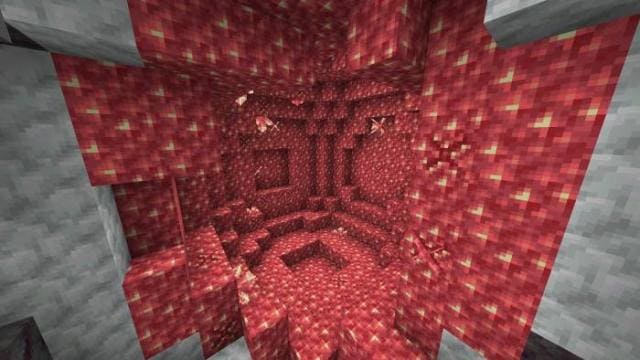 Зеленый аметист
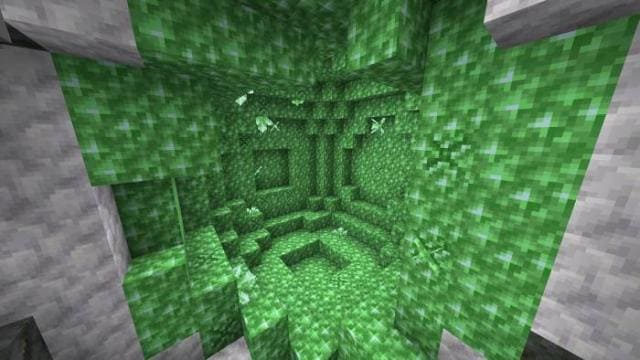 Оранжевый аметист
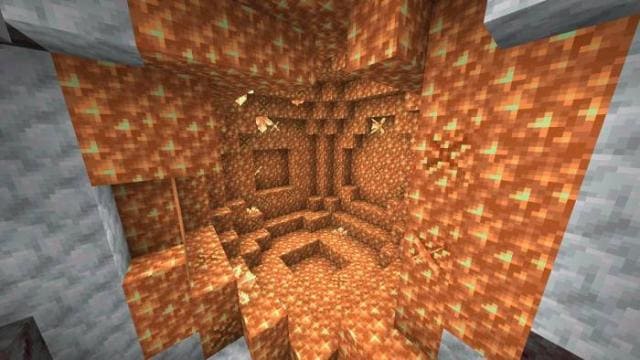 Розовый аметист
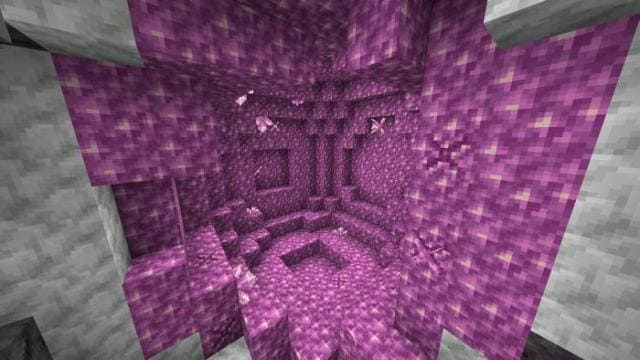 Серый аметист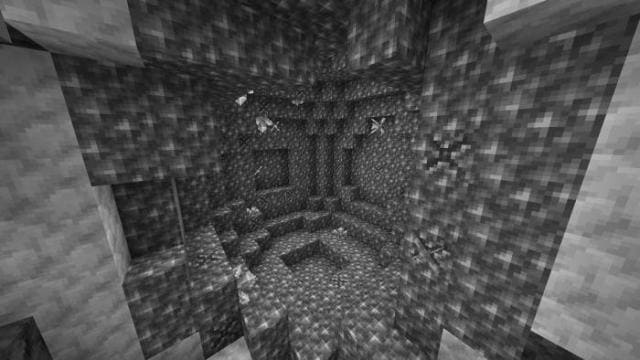
Пурпурный аметист
Quick facts
- Edition: Minecraft Bedrock
- File type: .mcpack
- Minecraft versions listed: 1.17, 1.17.0
- How to install: Download the .mcpack. → Open it — Minecraft imports it under Resource Packs. → Activate it in Global Resources, or for one world under Resource Packs → Available.
- Where to get it: In MCModsHub, or directly above on this page.
Install steps are the general flow for this file type — How to install Minecraft Bedrock texture packs walks through it step by step.
File checked by MCModsHub
- Pack type: .mcpack — a single pack
- Manifest requires Minecraft 1.2.6 or newer
- Complete pack — everything it depends on is inside the file
- Download size: 27 KB
- Download link checked 6 Jul 2026 — working
- Mirrored on our own servers — the download does not depend on the original host
These come from our own check of the pack file, not from the source page.