Texture packsBedrock
AS2PM: Armor Stand to Player Model
Bedrock texture pack listed for Minecraft 1.14–1.16. File opened and checked on 24 Sep 2026; installs from the MC Bedrock Mods app on Android.
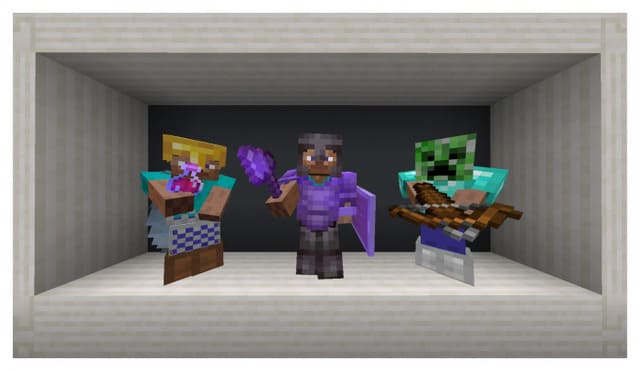
Transforms armor stands into player models, allowing you to preview armor more easily. Know exactly how armor looks on Steve before equipping it.
⬇ Download
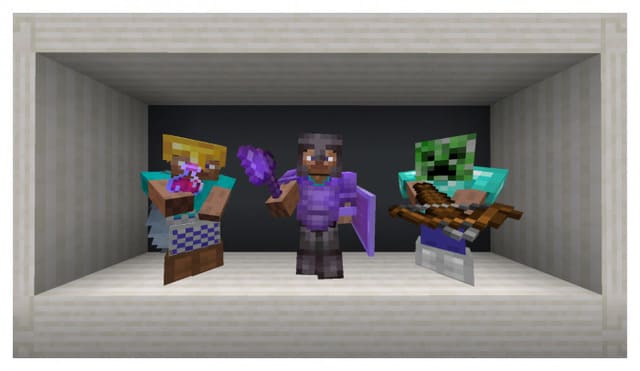
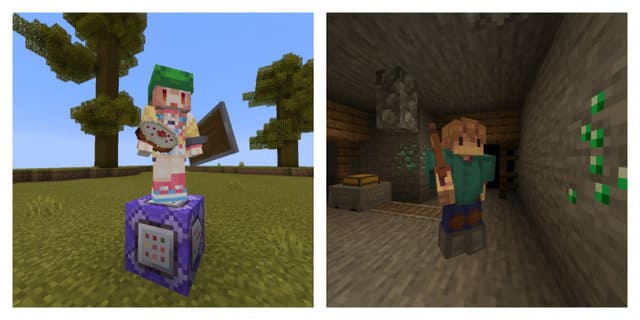
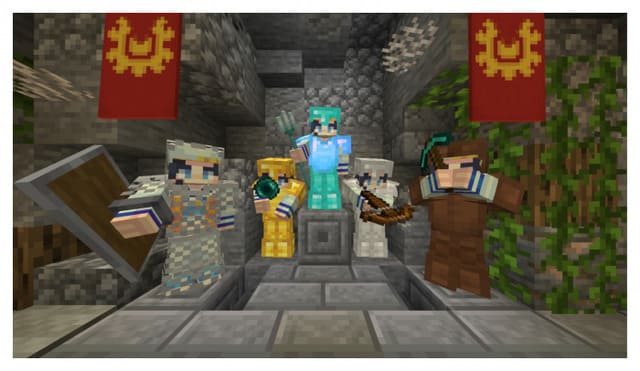

Если тебе никогда не нравился вид стойки для брони и ты всегда хотел его превратить в модельку Стива, то с текстурами AS2PM: Armor Stand to Player Model это можно легко осуществить. Теперь примерять любой вид брони в Майнкрафт на стойку для доспехов будет гораздо проще - ты точно будешь знать, как будет выглядеть игрок с тем или иным снаряжением.
Автор постарался с точностью передать модели Стива или Алекса, проработав все элементы геометрии.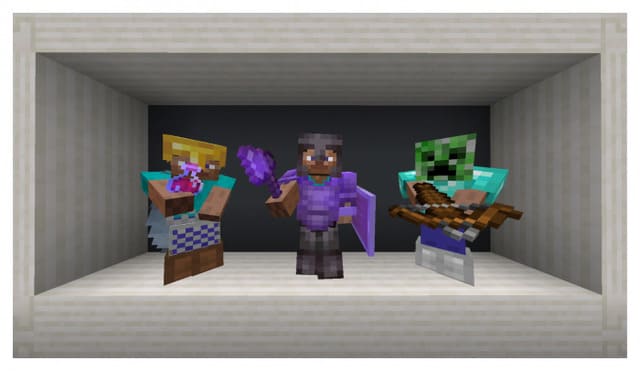
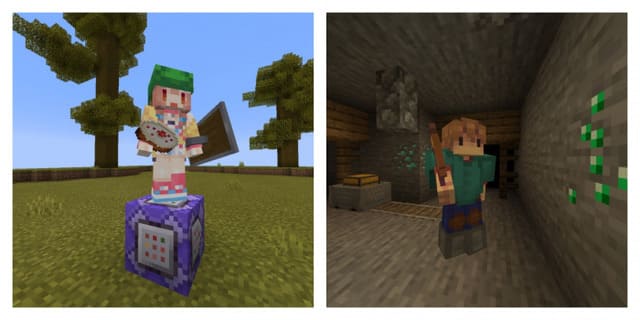
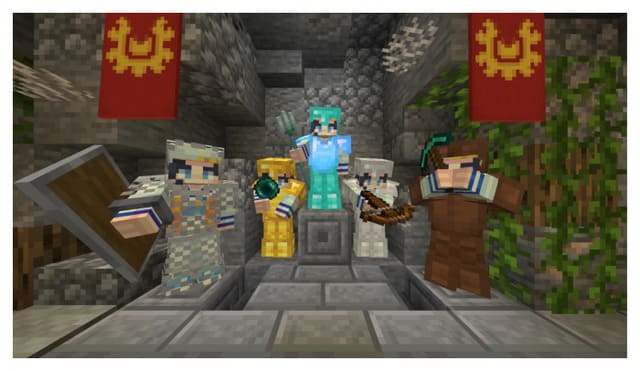 Также есть возможность сделать свой скин стойки для брони. Для этого нужно переименовать свой скин как «armor_stand.png». После этого нужно переместить файл в две папки:
Автор постарался с точностью передать модели Стива или Алекса, проработав все элементы геометрии.
- subpacks/custom/textures/entity
- subpacks/customSlim/textures/entity
Quick facts
- Edition: Minecraft Bedrock
- File type: .mcpack
- Minecraft version listed: 1.16.100
- How to install: Download the .mcpack. → Open it — Minecraft imports it under Resource Packs. → Activate it in Global Resources, or for one world under Resource Packs → Available.
- Where to get it: In MCModsHub, or directly above on this page.
Install steps are the general flow for this file type — How to install Minecraft Bedrock texture packs walks through it step by step.
File checked by MCModsHub
- Pack type: .mcpack — a single pack
- Manifest requires Minecraft 1.14.0 or newer
- Complete pack — everything it depends on is inside the file
- Download size: 17 KB
- Download link checked 10 Jul 2026 — working
- Mirrored on our own servers — the download does not depend on the original host
These come from our own check of the pack file, not from the source page.