Texture packsBedrock
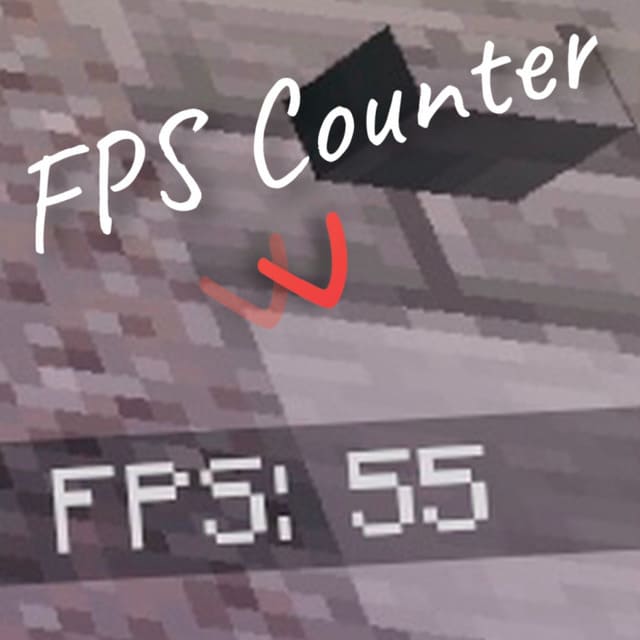
FPS Counter Textures
Bedrock texture pack listed for Minecraft 1.16. File opened and checked on 22 Sep 2026; installs from the MC Bedrock Mods app on Android.
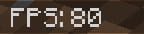
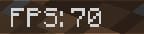
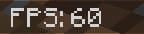
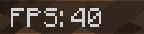
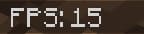
Many players want to always see the frames per second counter during Minecraft PE gameplay. Simply install the FPS Counter textures and avoid using…
⬇ Download
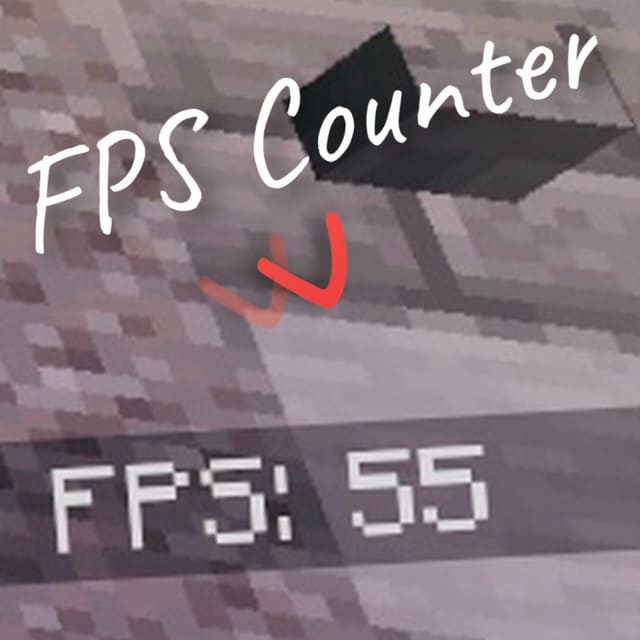

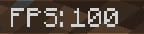
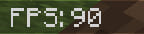
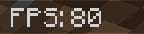
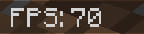
Многие игроки задумываются о том, чтобы всегда видеть количество кадров в секунду в процессе геймплея в Майнкрафт ПЕ. Для этого достаточно установить текстуры FPS Counter и не прибегать к использованию сторонних программ или функций.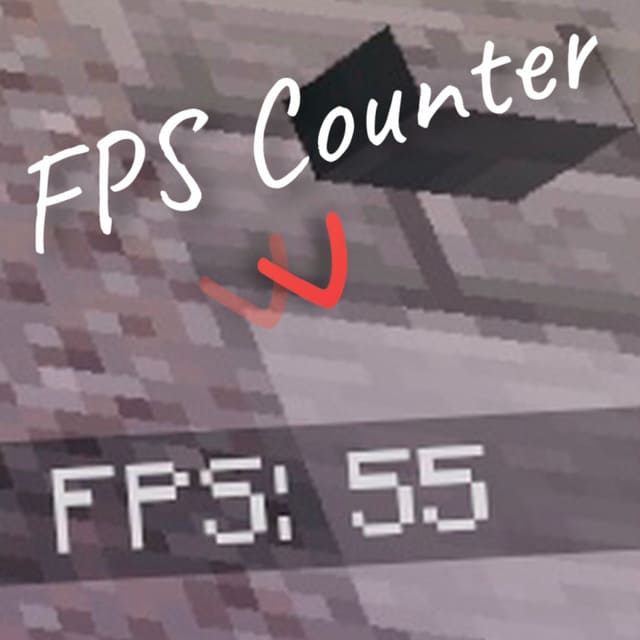 Обрати внимание, что счетчик работает неправильно, если количество кадров в секунду слишком мало.
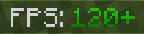
ПревьюЕсли счетчик выше 120 единиц, то полоска будет зеленой, а количество перестанет расти.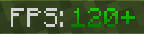 А если ниже 10, то красный. Ниже счетчик не опускается.
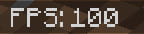
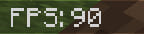
 Во всех остальных случаях цвет будет белым.
ПревьюЕсли счетчик выше 120 единиц, то полоска будет зеленой, а количество перестанет расти.
Quick facts
- Edition: Minecraft Bedrock
- File type: .mcpack
- Minecraft versions listed: 1.16.220, 1.16.210, 1.16.201
- How to install: Download the .mcpack. → Open it — Minecraft imports it under Resource Packs. → Activate it in Global Resources, or for one world under Resource Packs → Available.
- Where to get it: In MCModsHub, or directly above on this page.
Install steps are the general flow for this file type — How to install Minecraft Bedrock texture packs walks through it step by step.
File checked by MCModsHub
- Save it as 187015.mcaddon before opening — it downloads as .mcpack, but it is a .mcaddon pack
- Complete pack — everything it depends on is inside the file
- Download size: 969 KB
- Download link checked 6 Jul 2026 — working
- Mirrored on our own servers — the download does not depend on the original host
These come from our own check of the pack file, not from the source page.