Texture packsBedrock
Windows UI Textures
Bedrock texture pack listed for Minecraft 1.16. File opened and checked on 7 Oct 2026; installs from the MC Bedrock Mods app on Android.
If you like the interface in Minecraft for Windows, why not use it in the pocket edition? For example, with Windows UI textures. This pack changes the…
⬇ Download
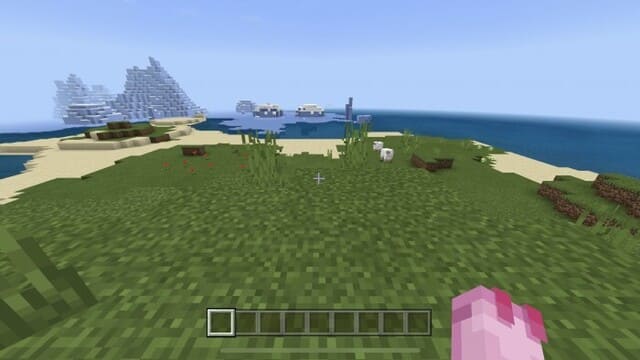
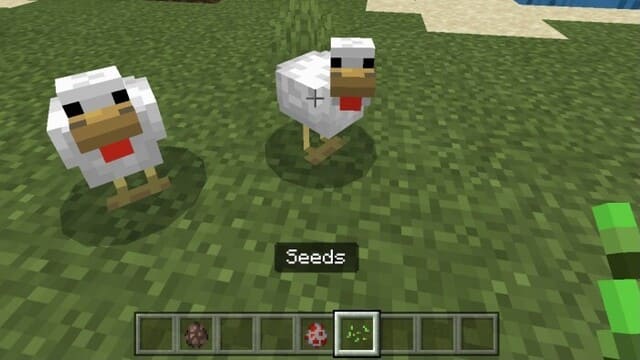
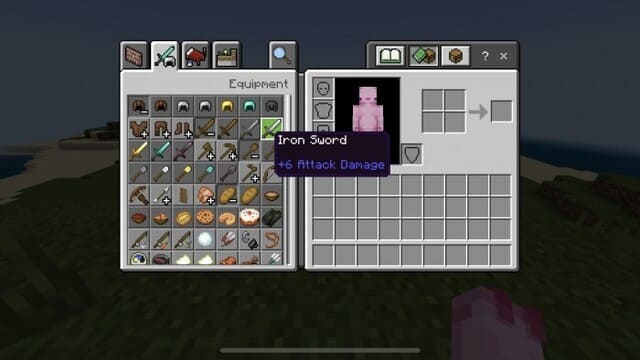
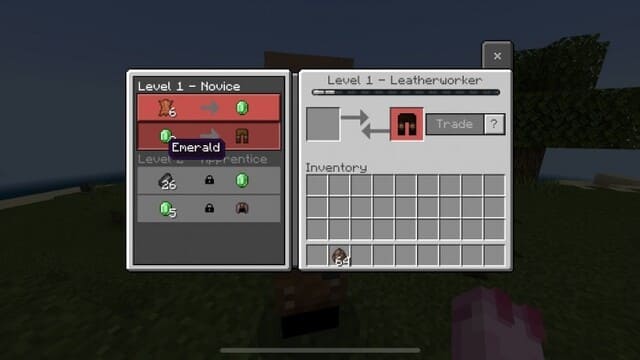

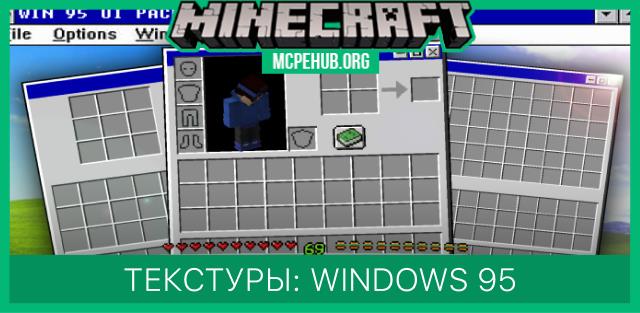
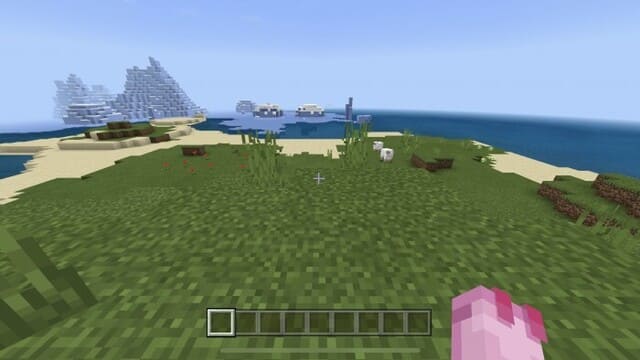
Если тебе нравится интерфейс в версии Майнкрафт для Windows, то почему бы не использовать его и в карманной версии? Например, с текстурами Windows UI. Сборка меняет привычный экран пользователя, убирая ненужные элементы: кнопки, полосы прокрутки и прочие загромождающие экран вещи. Игрок будет ощущать, будто играет на компьютере.
Ниже представлены скриншоты экрана с использованием дополнения.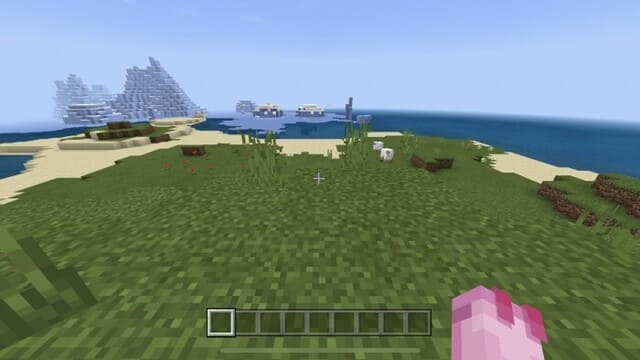
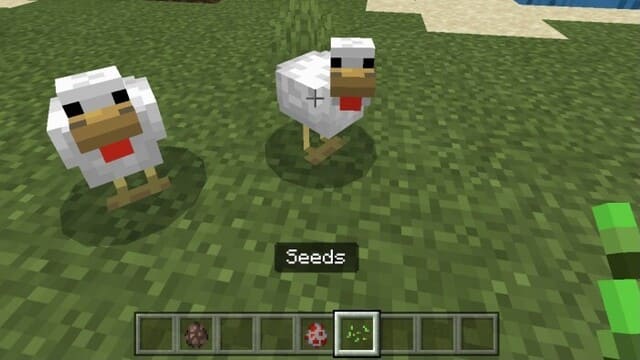 Убрана даже зеленая рамка выделения предметов.
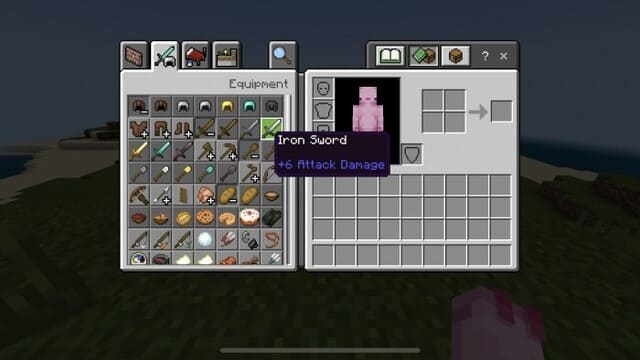 Можно увидеть все товары деревенского жителя.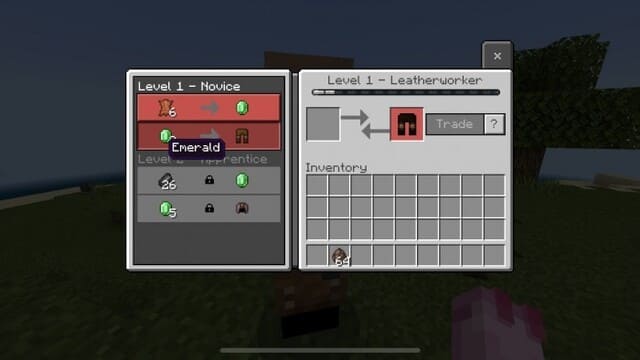
Ниже представлены скриншоты экрана с использованием дополнения.
Quick facts
- Edition: Minecraft Bedrock
- File type: .mcpack
- Minecraft version listed: 1.16
- How to install: Download the .mcpack. → Open it — Minecraft imports it under Resource Packs. → Activate it in Global Resources, or for one world under Resource Packs → Available.
- Where to get it: In MCModsHub, or directly above on this page.
Install steps are the general flow for this file type — How to install Minecraft Bedrock texture packs walks through it step by step.
File checked by MCModsHub
- Save it as 187017.mcaddon before opening — it downloads as .mcpack, but it is a .mcaddon pack
- Manifest requires Minecraft 1.16.220 or newer
- Complete pack — everything it depends on is inside the file
- Download size: 38 KB
- Download link checked 6 Jul 2026 — working
- Mirrored on our own servers — the download does not depend on the original host
These come from our own check of the pack file, not from the source page.